How I Spot Business Trends with Exploding Topics
By the time a trend hits every feed, the easy part is over. I use Exploding Topics to spot business trends while they still look small, uneven, and easy to miss. That matters more in 2026, because AI, ecommerce, and software categories move...


By the time a trend hits every feed, the easy part is over. I use Exploding Topics to spot business trends while they still look small, uneven, and easy to miss.
That matters more in 2026, because AI, ecommerce, and software categories move fast. As of April 2026, even a topic like bed-in-a-box can sit near the top of the business list before most people notice. I do not chase every spike. I look for the pattern behind it.
I start with the trend view, not the headline
When I open Exploding Topics, I skip the urge to scan everything. Instead, I focus on the categories that match my goals, like business, ecommerce, AI, or software.
That first pass saves time. It also keeps me from mistaking a loud moment for a real market shift. Exploding Topics is useful because it shows movement before it becomes common knowledge, which lines up with the method in How to Spot Trends Before They Happen.


I also keep a separate watchlist in my own notes. That way, I can compare what Exploding Topics shows with what I already suspect. If a theme appears in both places, I pay closer attention. If it only appears once, I slow down.
For broader context, I like to compare what I see with future tech trends 2026. That helps me separate passing buzz from trends that keep building across months.
I read the signals behind the spike
A sharp rise can trick me. A steady climb usually tells a better story.
A single spike can fool me. A cluster of related signals rarely does.
When I want to judge a trend, I look for more than search growth. I want signs that people are moving from curiosity to intent. Exploding Topics gives me the first clue, then I check whether the topic keeps showing up in related searches, products, and buyer language. The process matches the logic in How to Find Trending Topics.
This is the simple filter I use:
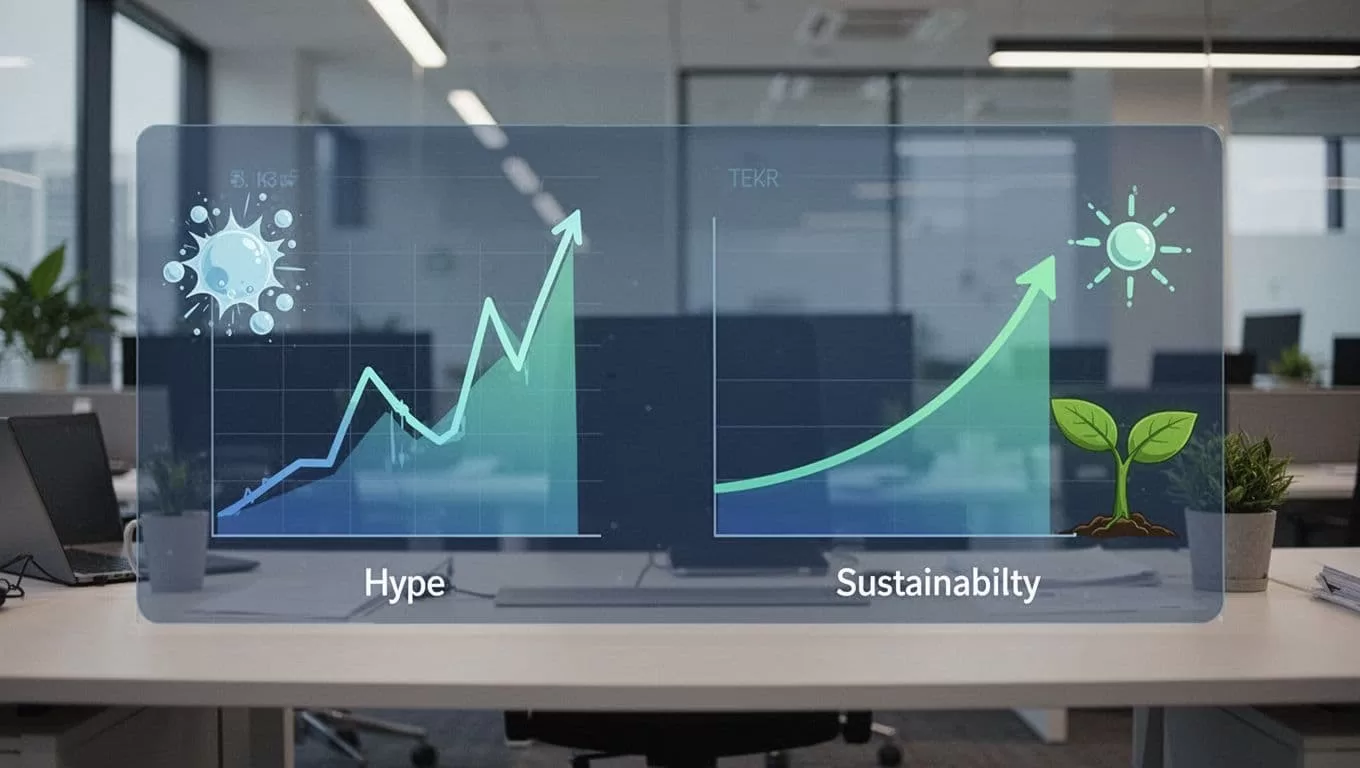
| Signal | Hype looks like | Real trend looks like |
|---|---|---|
| Search pattern | One sharp spike | Growth that holds for months |
| Related topics | Little or no overlap | A cluster of connected terms |
| Buyer language | Curious browsing | Pricing, demo, reviews, integration |
| Market activity | No follow-on movement | New products, jobs, and content |
The table keeps me honest. A trend is stronger when it attracts follow-on behavior, not just clicks. For example, if people search a new software term, then start comparing vendors and asking about integrations, I know the market may be forming.
I also watch for proof outside the tool. If I see job posts, landing pages, and startup launches around the same term, I take the trend more seriously. If I only see social chatter, I treat it as noise until I see more.
I turn trend data into decisions, not just notes
Trend spotting only matters when it changes what I do next. I use the signal in four ways.
- Product work starts with a small test, like a landing page or feature idea.
- Content work starts with the exact words people are searching for.
- Marketing work starts with buyer pain, then I build the message around that pain.
- Investment research starts with repeated signals, then I look for companies already serving the space.
When I write content, I do not chase the biggest keyword on the page. I look for adjacent topics that connect to the main trend. That gives me a better angle and a better chance to help readers. It also helps me build a content map instead of one-off posts.
When I think about marketing, I want proof that the trend has a buying path. That means I look for pricing pages, comparison posts, and product demos. If those show up, the topic is moving beyond curiosity. If you want a practical example of how trend data can shape outreach, my guide to social selling automation shows how a signal can turn into a sales workflow.
For SaaS and subscription tools, I also connect trend spotting with revenue health. A hot topic means little if users do not stay. That’s why I check protecting MRR with metrics when a trend looks promising. Interest is useful, but retention pays the bills.
I check whether the trend can survive real market pressure
This is where I stop myself from falling in love with a chart. A trend may look strong and still fail the real-world test.
I ask a few direct questions. Does the topic solve a real pain? Do buyers spend money here? Do related tools and services keep appearing? Can I see signs that the market is mature enough for a product, not just a blog post?
That’s where Exploding Topics works best for me. It gives me direction, but it doesn’t make the final call. I still compare the signal with customer pain, competitor moves, and how fast the category grows after the first burst of attention. If the topic keeps showing up for weeks or months, I know I’m looking at something worth using.
For teams that want a more hands-on monitor, the Exploding Topics API can help feed trend data into a larger workflow. That matters when I want trend spotting to happen as part of a regular process, not a one-time search.
I use trend spotting to move earlier than everyone else
The real value of Exploding Topics is timing. It helps me see where attention is forming before the crowd arrives.
That gives me room to test product ideas, shape content, adjust marketing, or study a category before it gets crowded. The key is simple, I do not trust the loudest trend. I trust the one with steady growth, buyer intent, and real market activity behind it.
That is how I keep a small signal from turning into a missed opportunity.

