How to Build a Stock Market Scraper Using Twin.so
Tracking real-time financial data often feels like a full-time job. Between monitoring ticker symbols and logging price changes, manual entry is prone to human error and burns hours of your week. By using an automated stock market scraper,...

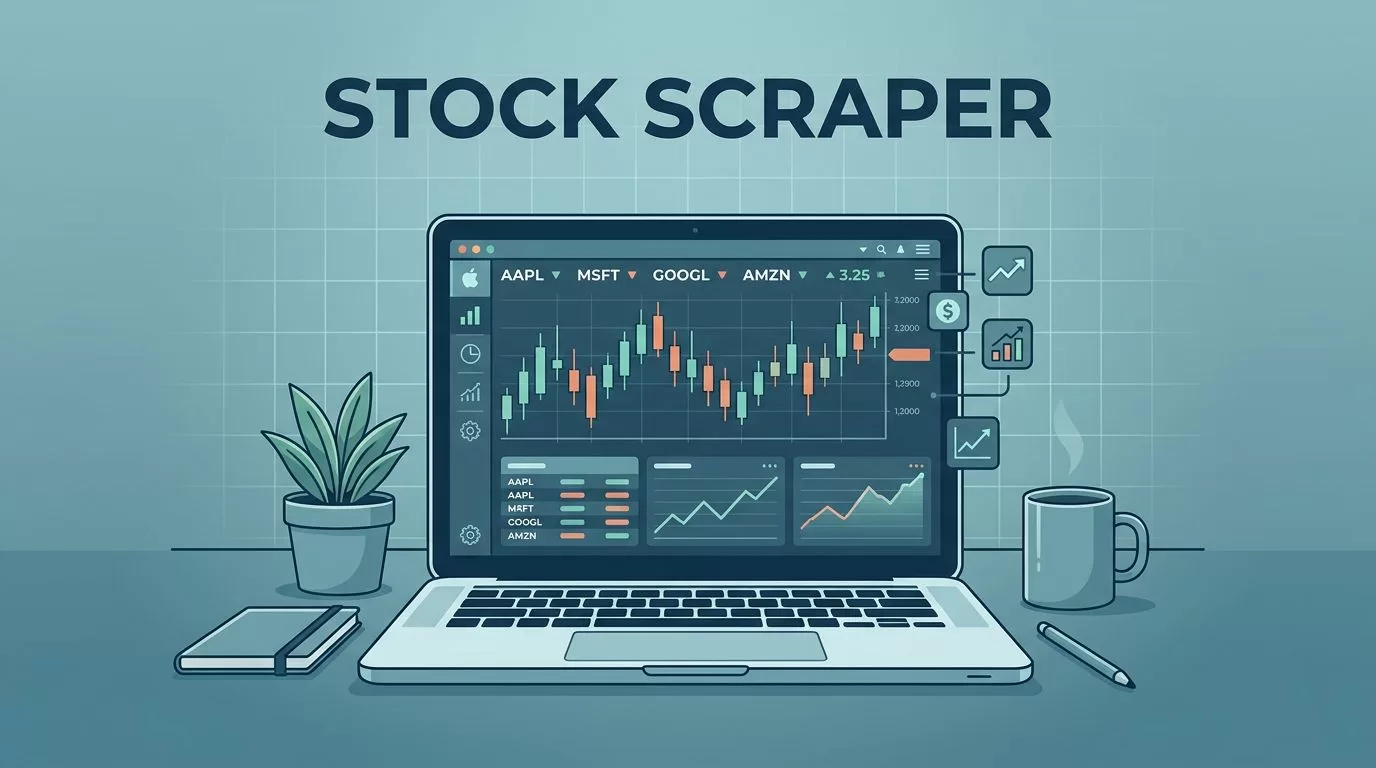
Tracking real-time financial data often feels like a full-time job. Between monitoring ticker symbols and logging price changes, manual entry is prone to human error and burns hours of your week. By using an automated stock market scraper, you convert these repetitive tasks into a background process that delivers clean data directly to your dashboard or spreadsheet.
Twin.so functions as a browser agent that interprets your instructions in plain English, allowing it to navigate complex web structures and extract specific data points without you writing code. Whether you need to monitor market cap, daily volume, or specific price fluctuations, this tool handles the interaction layer for you.
Setting Up Your Stock Market Scraper in Twin.so
To begin, you need to define exactly what you want the agent to target. Think about the structure of the financial site you intend to scrape. Most stock platforms display information in tables or modular cards. You must identify the common data points first, such as the company name, ticker symbol, current price, and percentage change.


When you configure Twin.so, provide a clear prompt like “Extract the ticker, current price, and volume from the table on this page.” The agent scans the DOM, maps these elements to your requested categories, and standardizes the output. If you are tracking multiple stocks, ensure your prompt includes instructions to iterate through the list rather than grabbing only the first visible row.
Handling Dynamic Pages and Pagination
Modern finance websites rely heavily on JavaScript to load data. Elements might not exist until the page has finished rendering, or tables might use infinite scrolling to save bandwidth. Twin.so manages this by simulating a real browser environment. It waits for the page to render fully before it attempts to pull the data.
Pagination adds another layer of complexity. If your target list spans multiple pages, configure your agent to look for the “Next” button or numerical page links. By providing a clear instruction like “Cycle through each page and collect data until no more pages remain,” you allow the agent to traverse the entire set of records. Always perform a test run on a small subset to ensure the agent understands where the content ends.
Managing Anti-Bot Measures and Compliance
Before you scale your scraping operations, you must respect the digital architecture of the sites you visit. Most platforms utilize anti-bot measures to prevent server strain or unauthorized data harvesting. Always review the rules and boundaries for ethical web scraping before you start.
Check the robots.txt file of the target domain to see which paths are explicitly off-limits. If the site operators prohibit automated access, seek an alternative source. Additionally, use reasonable request intervals. Hammering a server with thousands of requests per second puts you at risk of being blocked or permanently blacklisted.
Ensuring Data Integrity and Validation
Raw data from the web is rarely clean. You might encounter null values, inconsistent date formats, or currency symbols that confuse your spreadsheet software. Use the built-in validation features in Twin.so to standardize your output.
Instruct the agent to normalize formats, such as converting “1.2B” into a numeric 1,200,000,000 or ensuring all dates follow an ISO format. For instance, if you are automating your hiring process in other sectors, you likely use similar validation rules to keep records organized. You can apply the same logic to financial data. Regular checks ensure that your database remains accurate and actionable over time.
Navigating Legal and Ethical Constraints
Scraping data is generally legal when you access publicly available information, but you must remain mindful of the laws and ethics of web scraping to avoid complications. Never attempt to bypass authentication walls or scrape private user profiles. Doing so risks violating terms of service and can lead to legal pushback.
Data privacy regulations like GDPR apply even to public data if you collect and process personal information alongside stock figures. Always minimize the data you collect to exactly what you need for your analysis. Periodically review your scraping practices to ensure they align with the current principles of ethical data collection. If you find your needs changing, adjust your automation settings to stay compliant.
Automating Your Workflow for Efficiency
Once you have a stable scraping process, you can move away from manual triggering. Use the scheduling features in Twin.so to run your extraction daily or hourly, depending on your reporting needs. This setup allows you to focus on analyzing the data rather than collecting it.
If you are a technical operator looking to improve your broader tool stack, you might want to compare CRO software solutions or find ways to perform A/B testing without code while your market scraper runs in the background. Automating these disparate parts of your business reduces the administrative burden significantly. When the data is already waiting in your spreadsheet each morning, you can dedicate your energy to strategic decisions instead of data janitorial work.
Final Thoughts
Building a stock market scraper with Twin.so centers on clear instructions and consistent data validation. By automating the extraction process, you eliminate the tedium of manual updates and ensure your information remains current. Respect the sites you target by keeping your request frequency reasonable and adhering to their terms of service.
Start by defining your target data points and validating your results before scaling to larger datasets. As you refine your approach, you will build a robust system that supports your financial insights without constant manual intervention. Take the time to audit your automations regularly to keep them aligned with site updates and your own changing requirements.

