How I Set Up Stripe Payments in Skool Fast in 2026
You’ve built a thriving Skool community. Members engage daily. Now they want paid courses or premium tiers. You need Stripe payments in Skool without weeks of hassle. I run multiple Skool groups for creators and coaches. Payments must...
You’ve built a thriving Skool community. Members engage daily. Now they want paid courses or premium tiers. You need Stripe payments in Skool without weeks of hassle.
I run multiple Skool groups for creators and coaches. Payments must work smoothly, or members churn fast. Skool handles subscriptions via Stripe Express. For custom sales, I layer in checkout links or Zapier. This setup takes under an hour.
Let’s walk through my exact process. You pick the method that fits your sales flow.
Skool’s Built-In Payments with Stripe Express
Skool processes subscriptions and one-time fees through Stripe Express. It’s not your full Stripe dashboard. Think of it as Skool’s secure bridge to your bank.
I start here for monthly memberships. No extra apps needed. Members see a clean join button. They pay, gain access, done.
First, log into your Skool admin. Go to the Pricing tab. Click “Add Price.” Choose monthly, annual, or lifetime. Enter the amount in your currency.
Skool prompts the Stripe Express connection. It creates a dedicated account. Link your bank. Verify identity with ID upload. Payouts hit weekly on Wednesdays.
Here’s my quick checklist:
- Confirm your Skool role allows billing changes.
- Test with a $1 plan before launch.
- Set access rules: full group or specific modules.
For details on Skool’s subscription setup, check their help center. I follow it every time.
This method shines for recurring revenue. Coaches use it for group access. Course sellers bundle it with replays.

When Stripe Checkout Links Fit Best
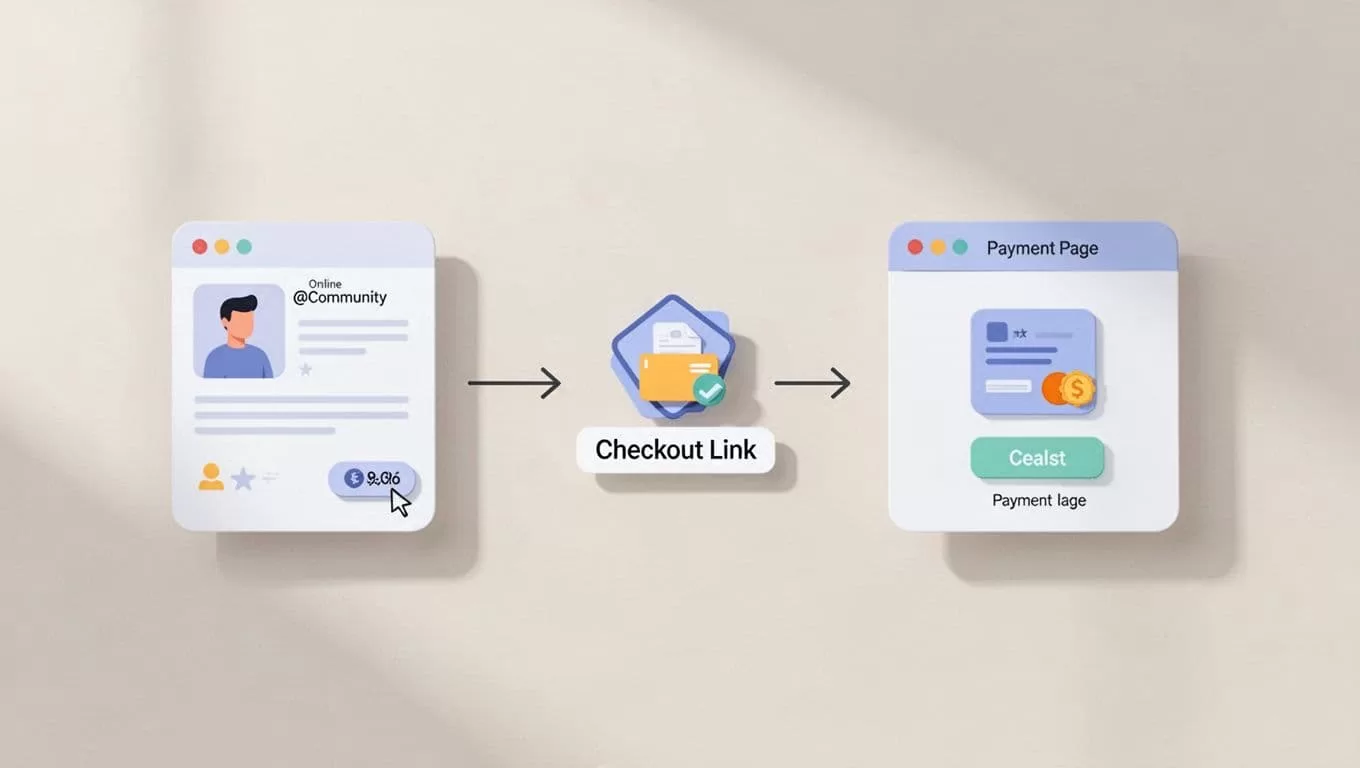
Not every sale repeats monthly. You sell a $97 course once. Or a workshop replay. Stripe checkout links handle this without Zapier.
I create the link in my Stripe dashboard. Log in. Go to Payments > Payment Links. Pick product or custom amount. Add description like “Skool Course Access.” Generate the URL.
Paste it into a Skool post. Pin it to your welcome thread. Members click, pay on Stripe’s hosted page, return with success.
Manual step: Grant access post-purchase. Copy their email. Add to Skool as paid member or unlock module.
Pros for quick wins:
- Zero setup fees.
- Custom pricing per post.
- Tracks in Stripe reports.
Use this for low-volume sales. A course seller posts weekly offers. Community owners link upsells in comments.
Troubleshoot declines: Stripe emails buyers. Retry after 3 days. I notify via Skool DM.
For more on Skool payments FAQs, their docs clarify fees. Skool undercuts direct Stripe by skipping extras.
Automating Everything with Zapier
Manual access grinds you down at scale. Zapier bridges Stripe payments to Skool actions. One payment triggers member add.
I set it up in 10 minutes. Sign into Zapier. New Zap. Trigger: Stripe “New Payment.” Connect your Stripe account.
Action: Skool “Add Member to Group” or “Unlock Course.” Map email from Stripe to Skool. Test with a $1 charge.
My flow looks like this:
- Buyer pays via checkout link.
- Zapier catches it.
- Adds to paid tier instantly.
Costs 0.5-2 cents per zap. Free tier handles 100 tasks monthly.
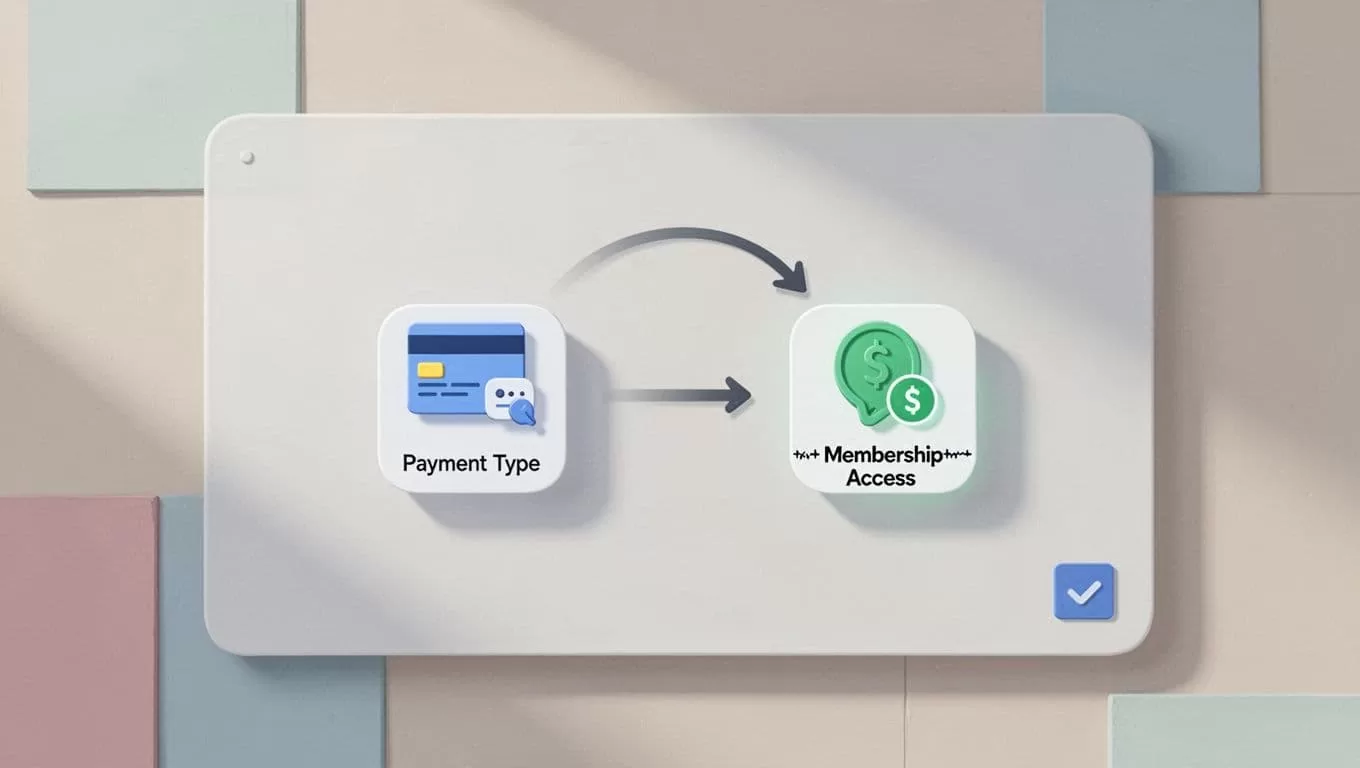
This scales courses. I automate 80% of my sales. Pair with managing Skool student subscriptions for audits.
Step-by-Step: Full Custom Stripe Flow
Combine methods for power. I sell tiers outside Skool subscriptions.
- Build Stripe products: Dashboard > Products. Name course. Set price.
- Create checkout session API if advanced. Or stick to links.
- Embed in Skool: Post with button. Use HTML for styled link.
- Zapier automates: Payment > email tag > Skool access.
- Track: Stripe dashboard shows revenue. Skool logs members.
Test end-to-end. Buy yourself. Fix glitches.
For payouts, Skool’s Stripe Express sends to bank. Tax forms come from Stripe, not Skool. See Skool tax document guide.
I check auto-charging members in Skool for renewals.
Troubleshooting Payments in Skool
Cards decline. Members complain. I fix fast.
Common issues:
- Stripe Express mismatch: Use Skool’s flow only. No personal Stripe.
- Access delays: Zapier lags? Check logs. Retry zap.
- International fees: Skool adds less than direct Stripe. Confirm in FAQs.
- Canceled subs: Audit in Skool billing. Reactivate manually.
Quick fixes table:
| Issue | Check First | Fix |
|---|---|---|
| No payout | Bank linked? | Reconnect Stripe Express |
| Member locked out | Payment status | Manual unlock or zap test |
| High fees | Card country | Switch to Skool native |
| Zap fails | Permissions | Reauth accounts |
Run weekly audits. Filter active vs. canceled. Matches plans to access.
If stuck, test small. One member, one payment.
Picking the Right Stripe Method for Your Skool
Subscriptions? Stripe Express native. Fastest revenue.
One-offs? Checkout links. No monthly overhead.
Scale? Zapier automates.
I mix them. Native for core membership. Links for courses. See my Skool community growth strategies for monetization.
Costs stay low. Skool takes 2.9% + 30 cents. Stripe Express matches.
Conclusion
Stripe payments in Skool boost your creator business without tech headaches. Native Express handles subs. Links cover quick sales. Zapier scales it all.
I cut setup to 30 minutes. Revenue flows steady. Your community grows.
Pick one method today. Test live. Watch members convert.
