Deploy A Student Notification System On Twin.so
Deploying a reliable student notification system inside your school network eliminates communication silos between educators and learners. When administrative announcements stall out in unread email threads, daily campus operations grind to...
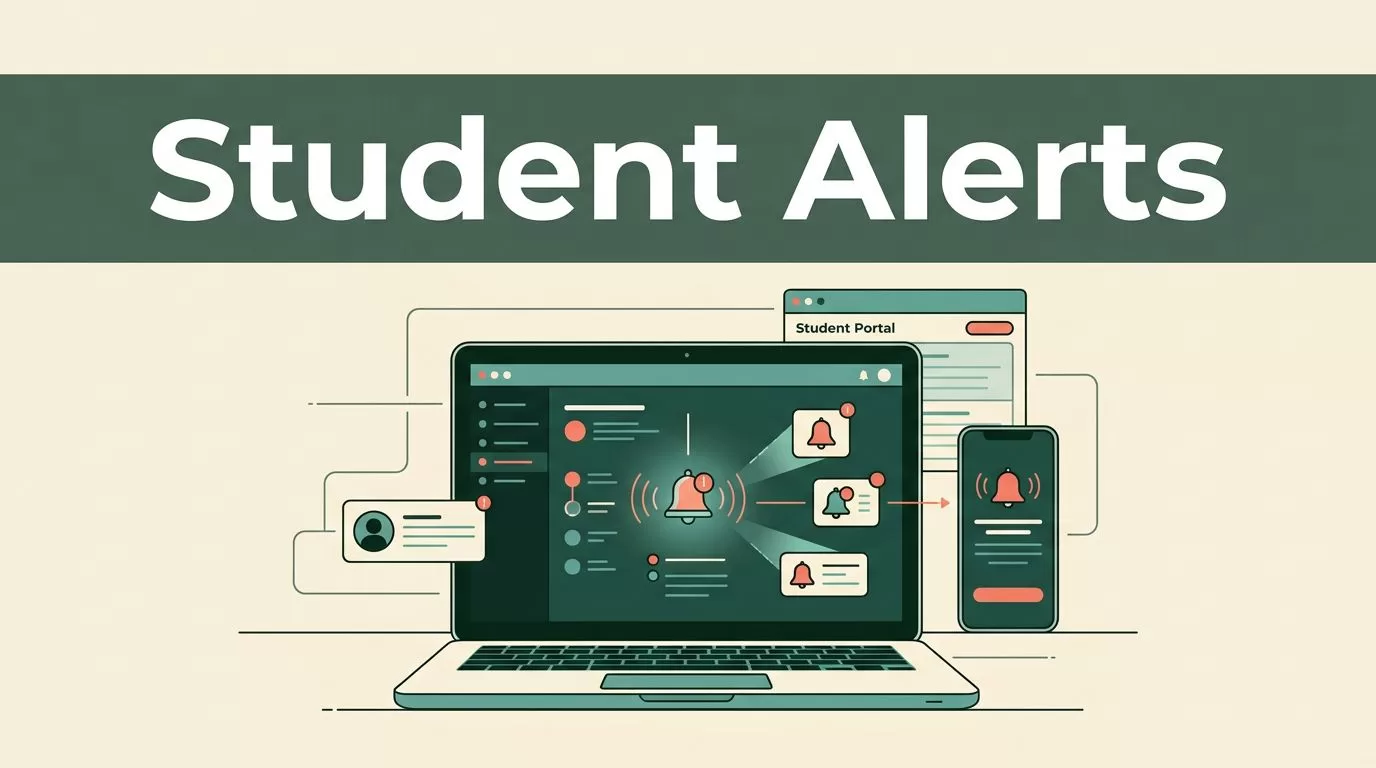
Deploying a reliable student notification system inside your school network eliminates communication silos between educators and learners. When administrative announcements stall out in unread email threads, daily campus operations grind to a halt.
You need a direct pipeline that pushes urgent alerts, assignment reminders, and schedule changes instantly. Setting up this framework on Twin gives your operations team centralized control without requiring complex custom coding.
Understanding Twin Portal Architecture
Twin structures its platform around two primary user environments. You manage administrative publishing through the educator dashboard, while learners receive updates inside their student portal. Understanding this division helps you map out where alerts originate and how they display on the user end. The educator interface handles content assignments, schedule modifications, and broadcast notices.
Your team logs into the management portal using verified institutional credentials. From there, you access the core update feeds that push announcements straight to connected user accounts. You configure role-based permissions to ensure teachers only broadcast messages to their assigned classes. Restricting administrative rights prevents accidental school-wide broadcasts and protects user data integrity across every department.
Configuring Your Student Notification System Channels
Getting your messaging channels active requires connecting user accounts to specific notification feeds. You start by verifying active student rosters within your administrative database. Import your student lists into the platform using structured CSV files or direct cloud directory synchronization. Clean data preparation prevents delivery failures and ensures every alert reaches the correct recipient group without manual intervention.
Map each student account to their respective classroom group or grade level. This segmentation lets you target messages precisely rather than broadcasting every update to the entire student body. Configure your alert display preferences within the platform settings menu. You enable pop-up banners for urgent notices and feed updates for routine homework reminders.
Establish clear naming conventions for your broadcast categories so staff members select the correct tag every time. Standardizing your message tags improves message clarity and reduces confusion during fast-moving operational events. When teachers select the right category, students immediately recognize the priority level of the incoming dispatch.
Designing Practical Alert Workflows
A functional communication framework relies on repeatable message templates for common school scenarios. You build specific workflows for absence notifications, upcoming deadline reminders, and emergency broadcast announcements. Each template reduces response time when unexpected events disrupt regular class schedules.
Absence alerts require automated triggers that flag unexcused attendance entries. When a teacher marks a student absent in the morning register, the system generates an immediate notification to designated staff or guardians. This rapid turnaround prevents truancy issues from lingering undetected for days.
Deadline reminders keep learners on track by pushing automated pings twenty-four hours before an assignment submission window closes. You configure these reminders inside the educator portal by attaching timed triggers to specific curriculum modules. Students receive clear prompts on their dashboard, reducing late submissions and extension requests.
Emergency announcements demand top priority clearance. You create a dedicated emergency template that bypasses normal queue delays and pushes an unmistakable banner alert to every active user session on the platform. Clear evacuation instructions or weather closures reach every connected device instantly.
Test your templates with a small pilot group before rolling them out across the entire school. Running dry runs catches formatting errors and verifies that delivery triggers fire correctly under real-world conditions.
Ensuring FERPA Compliance and Data Security
Handling student records requires strict adherence to privacy regulations and secure data handling practices. You must protect educational records from unauthorized access while maintaining functional communication channels. Compliance failures carry heavy administrative penalties and erode institutional trust.
Review federal standards on student privacy before populating your database with personal identifiers. For detailed legal obligations, consult the Department of Education FERPA guidance to ensure your internal data storage meets required federal thresholds. Data minimization principles dictate that you only store contact details essential for message delivery.
Enforce strict password policies and multi-factor authentication for every staff account with administrative publishing rights. Unauthorized access to a broadcast channel creates severe operational and legal vulnerabilities. Logging administrative actions gives you a clear audit trail if permission discrepancies arise.
Limit data retention windows within your notification logs to minimize exposure risks. Purge outdated broadcast histories and student contact logs according to your district retention schedule. Audit your user permissions quarterly to remove departing staff and graduated students from active distribution lists. Regular audits prevent stale credentials from lingering in your system architecture.
Testing and Executing Your Deployment Plan
Moving your communication framework from a staging environment to live production requires careful validation. You verify each message trigger by sending test notifications to a dedicated sandbox user group. Testing prevents embarrassing broadcast errors that confuse students and disrupt classes.
Check that your absence alerts populate correctly when attendance statuses change in the registry. Confirm that deadline reminders arrive at the exact timestamp specified in your task scheduler. Monitor system performance during peak operational hours to ensure server response times remain stable. If message queues back up during morning check-in periods, adjust your server resource allocations or stagger broadcast schedules.
Train your teaching staff on proper message composition and template selection before giving them publishing access. Clear internal documentation prevents accidental dispatch errors and maintains professional communication standards across all grade levels.
Establish a dedicated support ticket queue for students or teachers who experience notification delivery failures. Quick troubleshooting keeps user trust high and prevents communication gaps during critical school weeks. When issues occur, your IT team must diagnose delivery logs to identify whether the bottleneck stems from network latency or account configuration errors.
Final Operational Thoughts
Deploying an automated student notification system transforms how educational institutions manage day-to-day communications. By structuring user directories, configuring role-based permissions, and establishing rigorous testing protocols, you build a reliable communication pipeline that scales with your institution.
Audit your current administrative setup today, import your verified rosters, and launch your first targeted announcement batch with confidence.
