Connect TikTok Marketing Tools to Transistor.fm with Opus
A TikTok Transistor.fm integration does not have to be native. Here, Opus means OpusClip from Opus.pro. It can sit between your long-form episodes and your TikTok workflow, so you stop copying the same details by hand. That matters when epi...


A TikTok Transistor.fm integration does not have to be native. Here, Opus means OpusClip from Opus.pro. It can sit between your long-form episodes and your TikTok workflow, so you stop copying the same details by hand.
That matters when episode names, guest info, clip hooks, captions, and publish status all need to move together. It also matters when your team wants fewer broken links and less cleanup. Here is the setup that keeps the workflow tight.
Key Takeaways
- OpusClip is the clip engine. Transistor.fm stays your podcast source of truth.
- Keep one episode ID across every tool. It prevents broken tracking.
- Map only the fields you use, title, guest, transcript, clip URL, caption, status.
- Test one episode first, then scale the same pattern.
- Check permissions early. Most failures are access problems, not product problems.
What You Need Before You Start
Need active accounts in Transistor.fm, OpusClip, and whatever TikTok marketing tools you already use. If your stack includes a scheduler or automation layer, connect that too. Zapier or Make can move data when there is no native bridge.
For files, use a shared store such as Dropbox or Google Drive for the final audio or video. That gives Opus a clean source to read from, and it gives your team one place to find the raw asset again.
Separate roles matter. Transistor owns the episode record. Opus owns clip extraction. TikTok owns distribution. Your automation layer carries the data between them. That split keeps the workflow readable when a post fails.
You also need the right permissions. TikTok publishing tools need access to the correct business or creator account. Transistor.fm access should be limited to the people who handle episode publishing and show notes.
If you cannot name the source of truth for each field, the workflow will drift. Fix that before you connect anything.
A TikTok Transistor.fm integration works best when each system has one job. The fewer places you edit the same detail, the fewer mistakes you ship.
How the Opus Workflow Fits Transistor.fm
Transistor.fm holds the episode record. OpusClip handles the conversion from long-form content into short-form clips. TikTok tools handle distribution, scheduling, and performance review.
In practice, the handoff is simple. You place the episode audio or video in shared storage, OpusClip scans it, finds the strongest moments, and returns short vertical clips. It often surfaces segments in the 5 to 60 second range, which is the kind of length short-form teams can use without a second pass.
That is where the cleanest TikTok Transistor.fm integration starts. Transistor keeps the show data. Opus keeps the clip work. Your TikTok tool then publishes the result or queues it for review.
Use the episode file or transcript from your shared drive. OpusClip scans for speaker shifts, topic turns, and stronger moments. It then reframes the source for vertical playback and adds captions. You review the hook, the caption, and the final posting note.
If TikTok comments, lead forms, or content notes are part of the stack, send those inputs back into the episode planning sheet or show record. That keeps your next recording tied to real audience signals instead of guesswork.

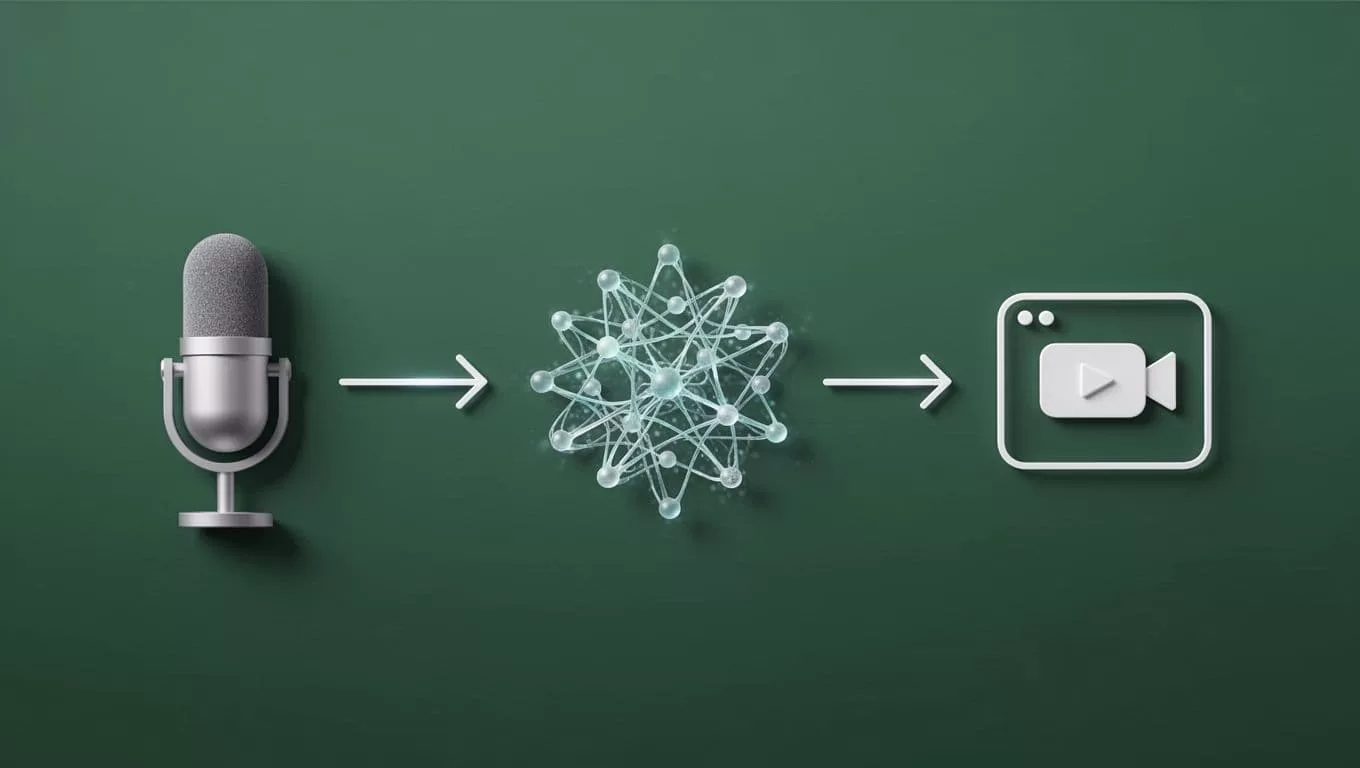
You can see public examples of this style of workflow in a TikTok demo and an Instagram reel.
Map the Right Fields
A compact field map keeps the workflow stable. Use the same values everywhere, and only pass the data that matters.
| Field | Best source | Where it should land |
|---|---|---|
| Episode ID | Transistor.fm | Opus job name, file names, status sheet |
| Episode title | Transistor.fm | TikTok caption draft and scheduler |
| Guest name | Transistor.fm or planning sheet | Clip title and notes |
| Transcript URL | Shared storage or transcript tool | Opus input |
| Hook or clip angle | Opus review | Caption and post text |
| Publish status | Automation sheet | Team tracking |
Episode title keeps reporting sane. Guest name helps you name clips and route approvals. Transcript URL gives you a traceable source. Hook or clip angle is what your TikTok tool needs to publish. Publish status is what stops duplicates.
Keep the list short. If a field does not help you clip, publish, or audit, skip it. The goal is not more data. The goal is one clean record that can move through the stack without manual repair.
Set Up the Automation in Opus
Build the chain in the same order every time. Source first, clip second, publish third, status last. If you reverse that order, you will spend time chasing missing context.
- Store the source episode in one place.
Use the final audio, video, or transcript file. Do not scatter inputs across three folders. - Create the OpusClip job from that source.
Point Opus at the file or URL, then let it scan the episode for strong moments. - Set the output rules.
Ask for vertical framing, captions, and a clip length that fits short-form use. OpusClip often returns segments in the 5 to 60 second range, which gives you usable options fast. - Pass the result to your TikTok tool.
Send the clip, caption draft, and clip title into your scheduler, review board, or posting tool. If you use Zapier or Make, this is the step where the transfer happens. - Write status back to the record.
Mark the clip as drafted, approved, scheduled, or published in the same place you track the episode. That avoids duplicate posting and double work.
Do not send raw exports straight to the post step if you still need review. Keep a human approval point when the clip is customer-facing. One quick check is cheaper than fixing a public mistake.
If your team uses a naming rule, apply it here. A simple pattern like show-episode-clip-01 keeps files easy to search. It also makes bulk cleanup much easier when a campaign needs audit work later.
Test One Episode Before You Scale
The first test should be boring. One episode, one clip job, one caption, one status update. That is enough to show whether your mapping works.
Use an episode with clean dialogue, not the weakest recording in the archive. If the source is messy, you will not know whether the failure came from the content or the connection.
Check these items in order:
- The source file opens cleanly.
- Opus returns the right clip segments.
- Captions match the spoken words.
- The TikTok caption pulls the right hook.
- The publish status updates in your tracking sheet or episode record.
If one field fails, fix the mapping before you add volume. A broken first test gets worse at ten episodes. A clean first test gives you a repeatable template.
Common Errors That Break the Flow
Permissions are the most common failure. Re-auth the accounts, then check that the TikTok tool has access to the correct business or creator profile. If the wrong user owns the connection, the post step will fail later.
Bad file naming creates a second problem. Use one naming pattern for exports and transcripts. If the clip job cannot tell which file belongs to which episode, your team will waste time matching them by hand.
Another issue is a missing episode ID. Without one stable ID, the same clip can appear in two records, or one record can point to the wrong file. That is how teams lose track of what was actually published.
Watch for timestamp mismatch too. If the transcript and video do not line up, the wrong section gets clipped. Re-export the source file, then run the job again.
Finally, watch for no-native-connector issues in Make or similar tools. If there is no direct app action, use the platform’s HTTP or API module, or switch the transfer step to a supported connector. The tool is not the problem. The missing bridge is.
Optimization Tips for Better Clips
Start with the hook. The first line matters more than the rest of the caption. If the opening is flat, the clip will feel flat too.
Keep one angle per clip. A short-form post works better when it makes one point and stops. Long recaps look busy and underperform because the viewer has to do the sorting.
Label clips by theme. Then, after a month, you can see which episode topics produce the best TikTok output. That is a better input than gut feel.
Store the outcome back in Transistor.fm or your planning sheet. Note which guests gave you the strongest quotes, which hooks earned the best response, and which topics deserve a follow-up episode. That gives the next recording a cleaner starting point.
Use the editing signals that short-form platforms reward. Clean captions, vertical framing, and a tight first few seconds do more work than a long description. If you need a public reference, see John Tagudin’s TikTok demo and this Instagram reel on Opus workflows.
Conclusion
The point is simple. Transistor.fm holds the episode. Opus turns it into short-form clips. Your TikTok tools handle publishing and feedback.
Once those roles are clear, the workflow stops feeling like a stack of separate apps. It starts acting like one system, with one record, one set of fields, and far less manual cleanup. Start with one episode, lock the mapping, then repeat the same pattern every time.

