How I Add Multiple Admin Users to Transistor.fm Podcasts
You run a podcast with a team. Episodes need quick edits. Stats require fresh eyes. But solo access slows everything down. I faced that snag until I added Transistor admin users to my shows. Transistor.fm makes this simple. You invite unlim...

You run a podcast with a team. Episodes need quick edits. Stats require fresh eyes. But solo access slows everything down. I faced that snag until I added Transistor admin users to my shows.
Transistor.fm makes this simple. You invite unlimited admins per podcast. They handle settings, episodes, and analytics just like you. No account limits hold you back.
I’ll walk you through my exact process. These steps come from hands-on use in April 2026.
Check Prerequisites First
Start with a paid Transistor.fm account. Free plans limit team invites. I upgraded early because teams demand full access.
Log in as the account owner or an existing admin. Owners manage billing and podcasts. Admins control one show at a time. For details on roles, see Transistor’s team member features page.
Know your podcast’s needs. Admins edit everything: settings, episodes, stats, even campaigns. Members add episodes but skip deletes or team changes. Analytics users view data only.
Verify email addresses. Invites go there first. New users create passwords on signup.
I always list names and roles in a note app before inviting. This avoids confusion later.
Transistor interfaces shift sometimes. Check your dashboard menus if labels differ. Official help confirms basics stay steady.
Inviting Multiple Admin Users Step by Step
Head to your Transistor.fm dashboard. Pick the podcast. Click the “Team” tab. It sits near “Episodes” and “Analytics.”
A dropdown shows roles: Admin, Member, Analytics. Select Admin for full control.
Enter one email per invite. Hit “Invite.” Repeat for each person. No bulk upload exists yet, but five invites take under a minute.


I added three admins last week. One handles uploads. Another checks stats. The third tweaks promo campaigns.
Transistor sends emails instantly. Admins gain access after accepting. They see only your podcast, not others.
For exact steps, Transistor’s support article on inviting users matches my flow.
Test with one invite first. Confirm it works before scaling.
What Happens After the Invite Goes Out
Recipients get an email link. It prompts login or password setup. They join your podcast’s team list right away.
Active admins appear in the Team tab. Inactive ones show pending status.
They access episodes, analytics, and settings. No owner powers, though. Billing stays with you.
I notify my team via Slack after invites. This speeds onboarding.
Permissions apply per podcast. Add the same person as admin to multiple shows if needed.
Watch for auto-emails. Transistor confirms each acceptance.
Managing and Revoking Admin Access
Return to the Team tab anytime. View all Transistor admin users: names, roles, last login.
Click edit next to a name. Change role to Member or remove access. Revokes happen instantly.
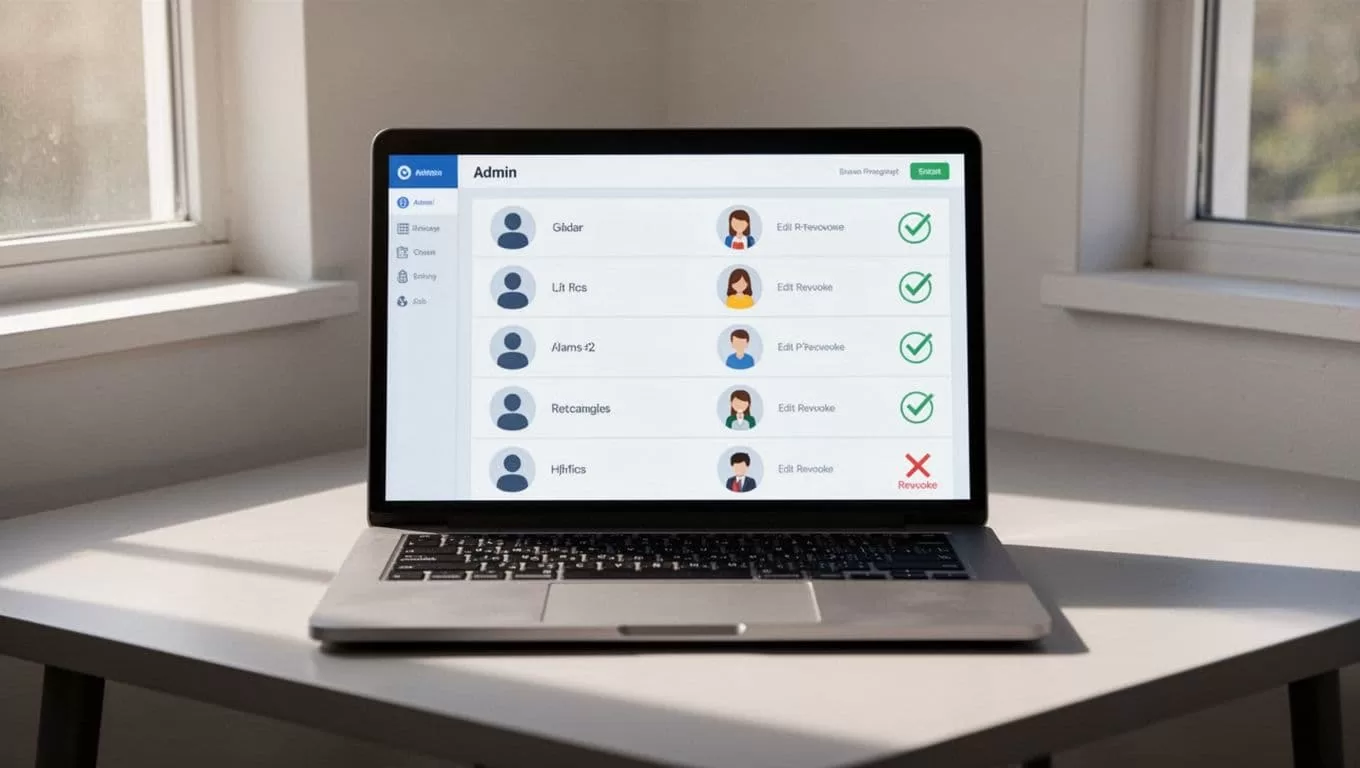
I revoke access when team members leave. Select “Remove” and confirm. They lose all entry.
Admins invite others too. Control spreads, so monitor the list weekly.
Export team data if audits call for it. Analytics roles help here without full power.
Fix Common Problems with Admin Users
Invites vanish? Check spam folders. Emails come from no-reply@transistor.fm.
Permissions confuse? Admins can’t touch billing. Remind them of role limits.
Login fails for new users? They set passwords via the invite link. Resend if lost.
Interface changed? Menus move rarely, but search “Team” in help. Transistor changelogs note updates.
One admin overlaps my Transistor.fm video editor workflow for viral clips. They now handle exports too.
Stuck invites pile up? Delete and resend. Pending users don’t count against limits.
Conclusion
Adding multiple admin users transformed my podcasts. Teams upload faster. Stats improve with more input. Revokes keep control tight.
Follow these steps, and your dashboard shares the load. Check Transistor’s docs for tweaks. Your shows gain momentum now.
Podcasting thrives on collaboration. Start inviting today.

