How I Set Up Automated Podcast Distribution on Transistor.fm
I remember the hassle of manually uploading episodes to every platform. One podcast episode meant logins to Apple Podcasts, Spotify, YouTube, and more. It ate hours each week. Transistor.fm changed that for me. I now publish once, and Trans...

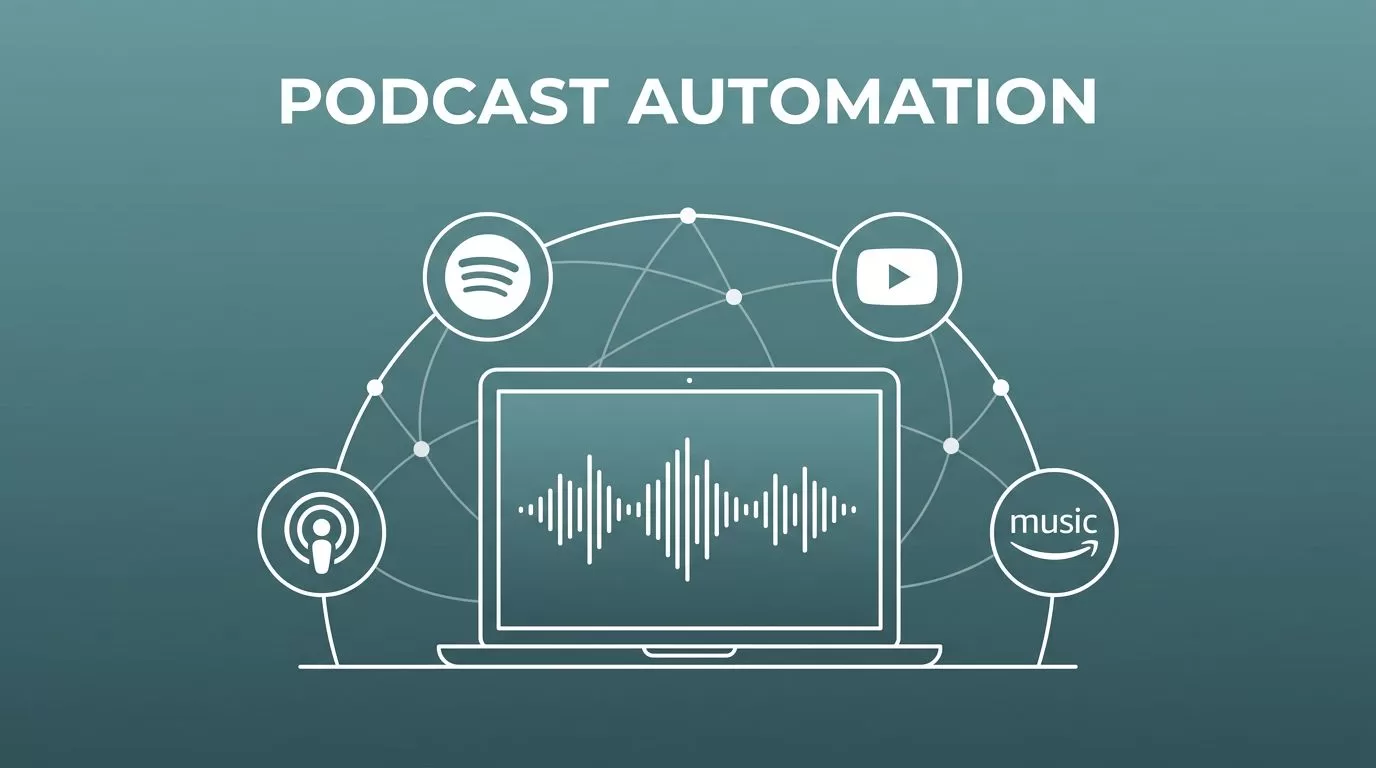
I remember the hassle of manually uploading episodes to every platform. One podcast episode meant logins to Apple Podcasts, Spotify, YouTube, and more. It ate hours each week.
Transistor.fm changed that for me. I now publish once, and Transistor podcast distribution handles the rest. New episodes push out automatically to dozens of directories.
You get reliable automation without constant checks. Let’s walk through my exact setup.
Why Transistor Excels at Podcast Distribution
Transistor hosts unlimited shows with unlimited team access. I started with their Starter plan at $19 a month. It covers 20,000 downloads, which fits small teams fine.
Distribution stands out. They submit your RSS feed to over 20 directories like Apple Podcasts, Spotify, Amazon Music, and Pocket Casts. Once approved, episodes appear everywhere without extra work. Check their distribution features page for the full list.
In April 2026, video podcast beta rolled out for Professional plans. I upload one video file. Transistor extracts audio for audio apps and streams video to YouTube or Apple. No separate files needed.
Automation saves time. I connect my show to YouTube for auto-video conversion. Pick a background image, and it posts to a playlist. Email integrations with ConvertKit pull subscribers from my podcast site.
For small teams, analytics track downloads per platform. I spot which directories drive listeners. Bluesky auto-posting keeps social buzz alive too.
Preparing Your Podcast for Distribution
First, create a show in Transistor. Log in, click “New Podcast.” Add artwork at 3000×3000 pixels under 512KB. Pick categories like Business or Technology.
Upload a trailer episode. Platforms require it for approval. I keep mine under five minutes with a clear hook.
Generate your RSS feed. Transistor builds it automatically. Copy the URL from the show’s settings. That’s your key to everywhere.
Before submitting, verify details. Title, description, and explicit tags must match your brand. I edit show notes with timestamps for better search.
Test playback. Use the built-in player on your Transistor site. Fix any audio glitches now.
Private podcasts work here too. Set subscriber limits at 500 on Starter. Listeners get unique feeds. Spotify supports private access since January 2026.
Configuring Automated Distribution
Head to your show’s Distribution page. Transistor lists top directories with one-click buttons.
Start with Apple Podcasts. Click submit. It handles the form. Approval takes days to weeks. Once in, apps like Overcast and Castro pull from Apple’s directory. See their one-click Apple submission guide.
Next, Spotify. Connect your account. Transistor submits and fetches analytics daily. No manual RSS paste needed.
For YouTube, enable auto-publish. Choose a static image or episode artwork. Videos generate on publish.

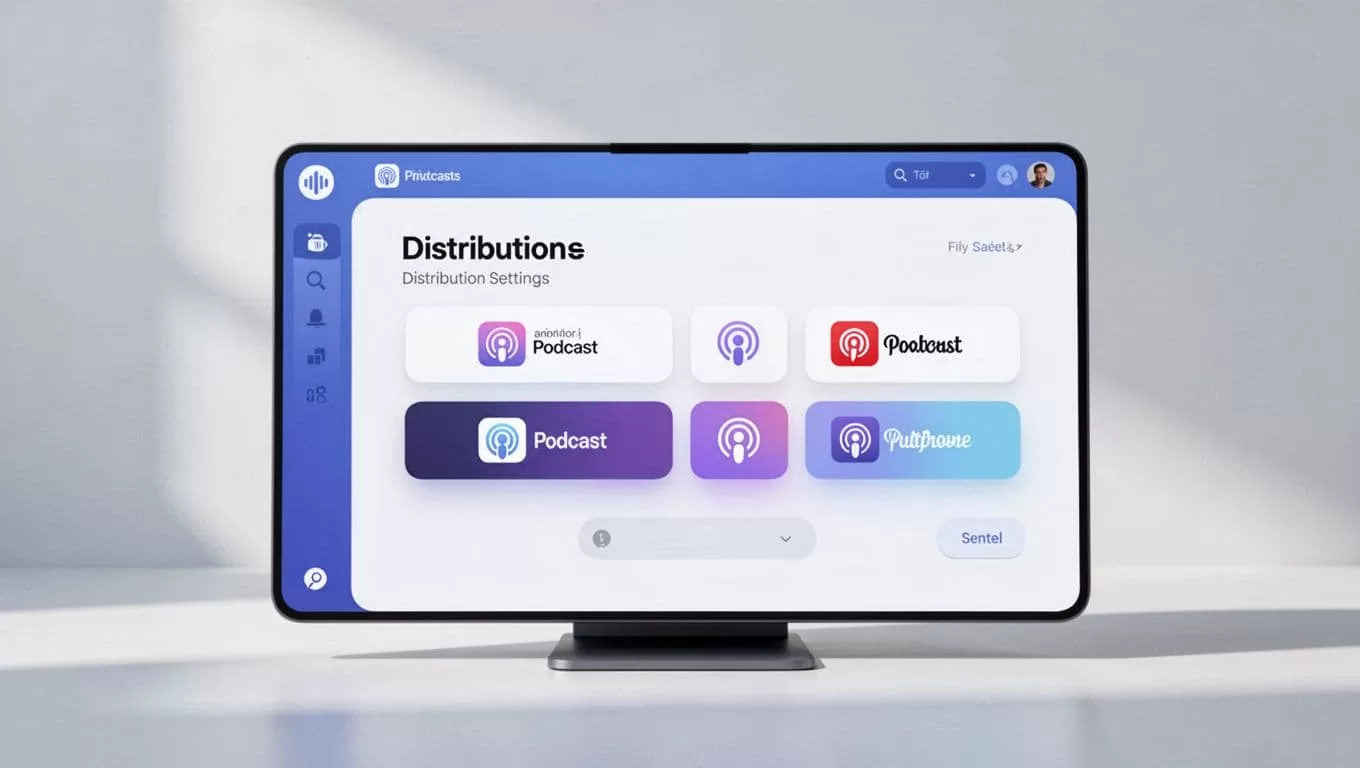
Submit to others like iHeartRadio or Deezer via the page. Each needs your RSS once. Platforms review manually, so expect 1-7 days.
Manual steps persist for some. Goodpods or TuneIn might ask category tweaks. Transistor pre-fills most fields.
I link to Transistor’s hosting recommendations for unlimited shows. It matches my needs perfectly.
How Automated Distribution Works
Publish an episode in Transistor. The RSS feed updates instantly with MP3 links, titles, and chapters.
Directories poll feeds hourly or daily. Apple grabs yours within minutes often. Spotify pulls via their connection.
Here’s the flow I follow:
- Upload audio or video.
- Add description and notes.
- Hit publish.
Transistor pings YouTube and emails lists right away. For video beta, HLS streams to Fountain or Pocket Casts.

Delays happen. Platforms cache episodes. Listeners see them in apps after 24 hours max. Check Transistor’s support on auto-pushing.
Common Mistakes I Learned to Avoid
Skip the trailer, and rejections pile up. Always publish one first.
Wrong artwork size blocks Apple. Stick to specs.
Don’t change RSS mid-distribution. It confuses platforms. Use redirects if switching hosts.
I once forgot explicit tags. Family-friendly shows got wrong placements. Double-check.
Overlook categories. Pick two max that fit. Broad ones bury you in search.
Rush submissions. Wait for one approval before others. Apple unlocks many automatically.
For private feeds, test subscriber links. They expire if over limits.
Troubleshooting Feed Issues and More
Feeds won’t validate? Regenerate in Transistor settings. Clear caches on directories.
Private podcasts: Subscribers access via email links. Spotify needs separate setup. Revoke access in show dashboard.
Episode delays: Platforms take up to 48 hours. Force refresh in apps. Ping Transistor support if over.
Changing hosts: Set 301 redirects on old RSS. Transistor helps migrate. Update directories manually.
Video podcast glitches: Beta limits to Professional plans. Ensure one file upload, not separate audio/video.
What if YouTube skips? Check playlist permissions. Reconnect account.
For my Transistor Opus integration, I automate clips post-distribution. Pairs well here.
Key Takeaways for Your Setup
Automated distribution on Transistor freed my week. One publish reaches Apple, Spotify, YouTube, and beyond.
Focus on content. Let the platform handle pushes and analytics.
Start small. Submit to top three first. Expand as approvals come.
Your listeners find you easier now. Downloads climb without extra effort.

