How I Launched Visual A/B Testing on Mida.so
I remember staring at my site’s conversion rate, stuck at 2.5% for months. Visitors bounced, carts abandoned. Then I tried visual A/B testing on Mida.so. In under an hour, I built my first test. Results jumped 18% on headlines alone....
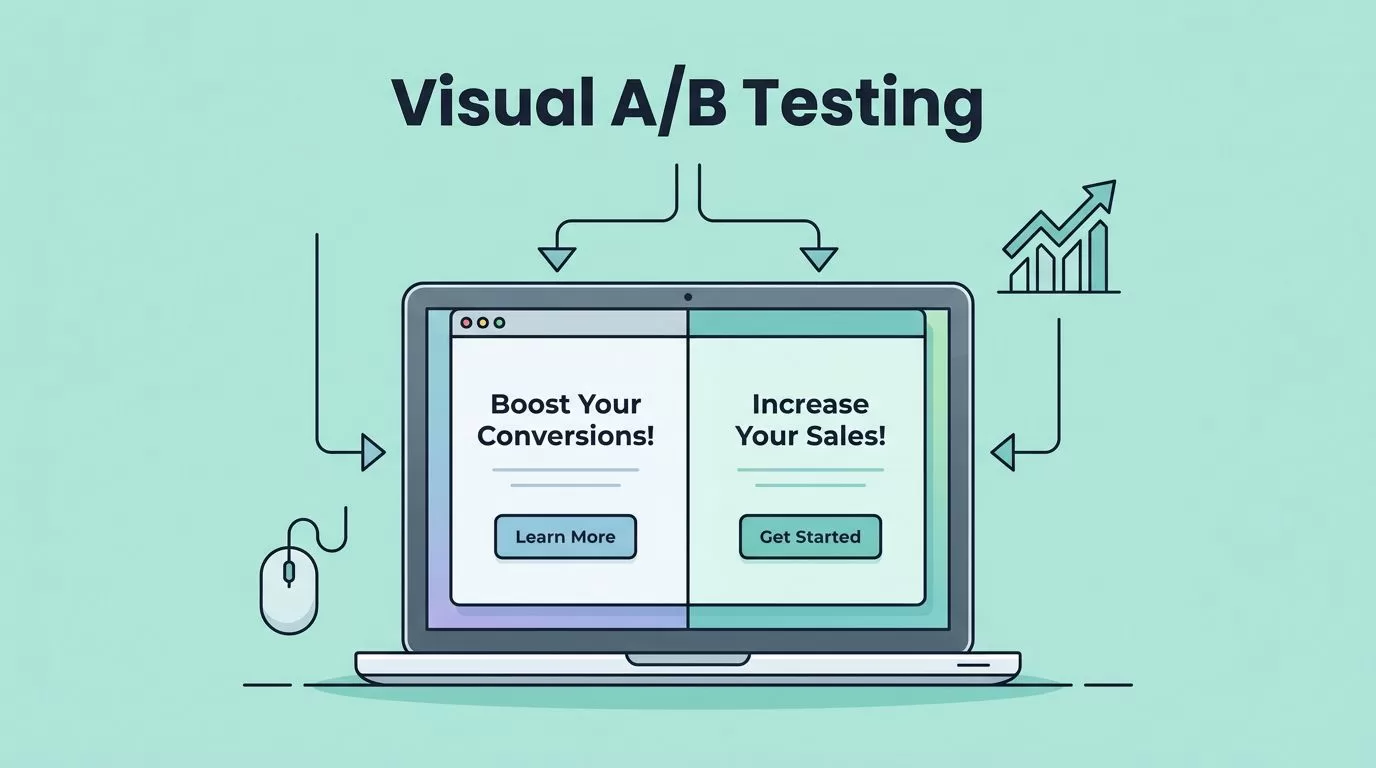
I remember staring at my site’s conversion rate, stuck at 2.5% for months. Visitors bounced, carts abandoned. Then I tried visual A/B testing on Mida.so. In under an hour, I built my first test. Results jumped 18% on headlines alone.
Mida.so changed everything because it skips code. You drag, drop, and test live pages. No devs needed. As a growth marketer, I love how it fits no-code workflows. Ready to see my exact steps?
Why Visual A/B Testing Boosts Your Conversions
Visual A/B testing lets you tweak pages right in the browser. Change a button color, swap layouts, watch sales climb. I started because traditional tests felt slow. Mida.so fixes that with a lightweight script. Sites stay fast, under 100ms load.
This matters for CRO specialists. One bad headline kills trust. A weak CTA hides your offer. Testing fixes both. Plus, AI suggests variants. You describe changes; it builds them. Free up to 25,000 visitors monthly suits small teams.
Growth teams win big here. Target audiences by device or country. Shopify or WordPress users integrate easy. I saw revenue lift after testing pricing sections. No guesswork, just data.
My Quick Setup Process on Mida.so
Sign up first. Head to Mida.so, grab the free plan. It takes seconds. Connect Google Analytics 4 next. Paste one script tag on your site.
Then pick a page. Product pages work best for starters. Open the visual editor. It loads your live site. Click any element. Drag to move, edit text, swap images.
Publish runs the test. Traffic splits 50/50. Mida tracks clicks, adds to cart, buys. I set mine live during peak hours. Watch real users react.
For dynamic sites, check Mida’s step-by-step tutorial for dynamic URL tests. It matches what I did for e-commerce filters.
Building Your Visual A/B Testing Editor
I built my editor by selecting the checkout page. Original had a plain “Buy Now” button. Variant got red, bigger text: “Grab Yours Today.”
Drag headlines up top. Test forms by adding fields or shortening them. Layout shifts matter too. Move pricing beside images, not buried.

AI speeds this. Tell it “make CTA urgent.” It generates options. I tested three variants fast. No code blocks your team.
Single-page apps? Mida handles SPA triggers by URL or DOM changes. See their SPA A/B testing features. Perfect for modern sites.
Key No-Code Features I Rely On
Mida’s drag-and-drop shines. Hold a tablet, tweak forms live. Resize inputs, change labels. Layouts flip with pulls.
Audience splits add power. Show variants to mobiles only. Or US traffic versus others. I segment by return visitors too.
Integrations pull data seamless. WooCommerce tracks revenue direct. Track AOV, cart adds. Free plan covers most tests.

For collection pages, follow Mida’s redesign split test guide. I used it for product grids. Sales rose 12%.
Top Elements I Test for Quick Wins
Headlines first. “Buy Now” versus “Limited Stock.” Conversions doubled.
CTA buttons next. Colors pop on mobiles. Test shapes, positions. Forms shorten best. Drop “company” field, watch signups grow.
Pricing sections shift layouts. Stack tiers vertical, highlight best. Product pages test images, bullets. Swap hero shots, track scrolls.
I link these to broader CRO, like tracking trial conversion rates. Tests feed bigger metrics.
Run short tests, 7-14 days. Enough data without fatigue.
Analyzing Results to Scale Success
Results dashboard shows winners clear. Conversion uplift graphs glow green. I review weekly.
Look at confidence levels. 95% means trust it. Check secondary metrics too. Bounce rates, time on page.

Mida’s result analysis video tutorial breaks it down. I follow their pitfalls list. Avoid small samples.
Winning variant? Roll it out permanent. Losers teach too. Weak forms meant trust issues.
E-Commerce Stores Thrive with These Tests
E-commerce pages demand visuals. Test themes, offers fast. Mida’s 5-minute store setup got me going.
Revenue tracks direct. One pricing test lifted AOV 15%. No-code means marketers own it.
Scale to multi-page. Hero banners, footers. Always test one change.
Visual A/B testing on Mida.so turned my flat rates around. Start small, one page. Watch data guide you.
Sign up today. Build your first test. Share results in comments. What element will you tweak first?
