How to Test and Verify Webinar Registration Tracking Inside Mida.so
Growth marketers and conversion teams often launch signup experiments without verifying whether event payloads actually reach their analytics backend. If your signup forms fail to fire correctly, your conversion data becomes useless. Mida.s...
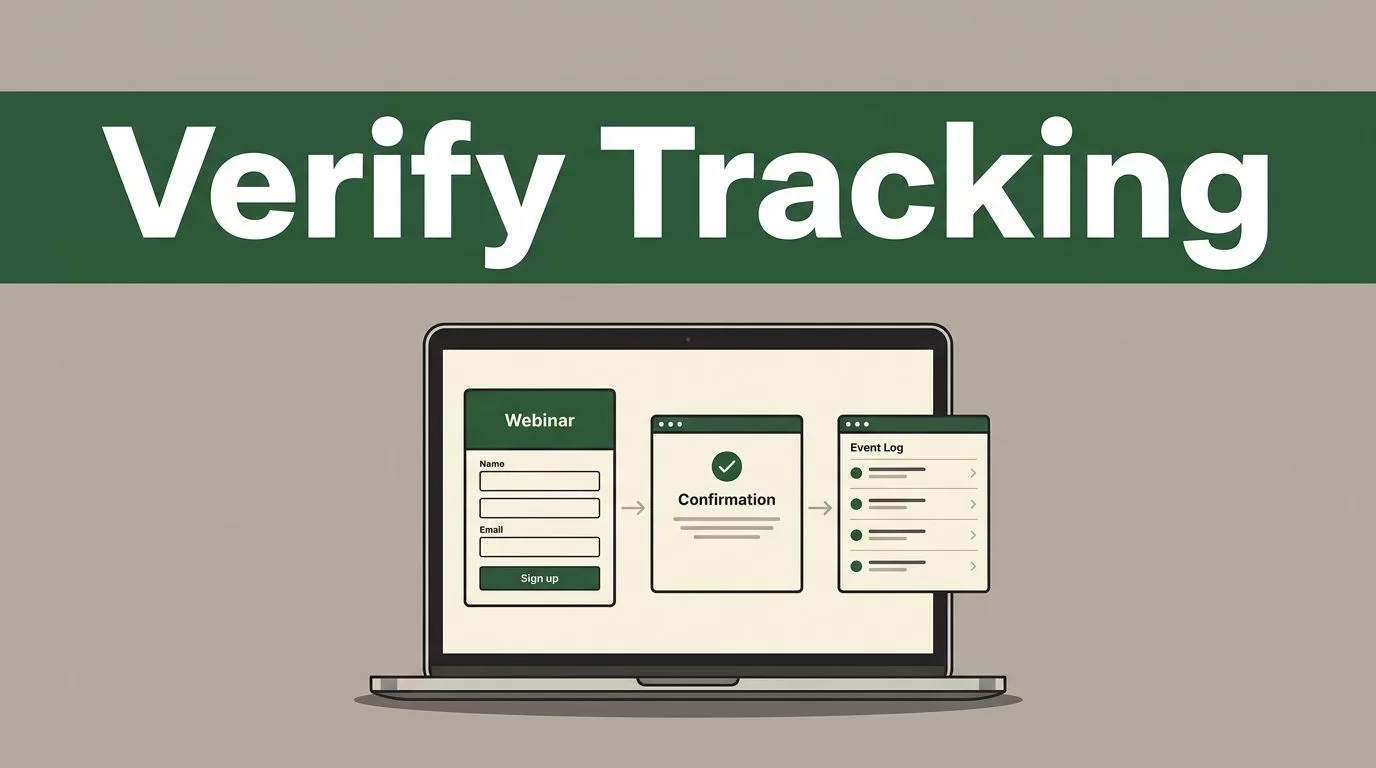
Growth marketers and conversion teams often launch signup experiments without verifying whether event payloads actually reach their analytics backend. If your signup forms fail to fire correctly, your conversion data becomes useless. Mida.so offers lightweight experimentation features, but verifying your goal setup requires a systematic check across the form input, the redirect transition, and the event log. You need an operational playbook that removes guesswork before you send paid traffic to a live registration page.
Key Takeaways
- Use a distinct test email and verify that form submissions fire the correct tracking payload before relying on your experiment data.
- Separate your test into three distinct checkpoints: form submission, thank-you page redirection, and event log confirmation inside your Mida dashboard.
- Inspect absolute conversion counts alongside percentage lifts to avoid making campaign decisions based on noisy sample sizes.
- Exclude internal team traffic and bots from your test environment to keep your baseline clean and reliable.
Setting Up Your Test Parameters
Before you submit a test lead, inspect your Mida project script installation. The tracking script must load cleanly in the header section without interference from aggressive caching plugins or script minifiers. If you use a WordPress deployment, make sure the CDN asset is excluded from optimization layers that delay script execution. Open your Mida workspace and navigate to your active experiment settings. Confirm that you have defined a specific conversion goal for your signup action rather than relying on generic page views.
When you configure your goal, assign a clear name to the conversion event. Standard form submissions require an event listener or a direct API push. For standard HTML forms, verify that your implementation uses the correct JavaScript push queue so the platform captures the submit action. If you use external form frameworks like HubSpot, confirm that both your native form scripts and your Mida integration scripts load together on the target URL. Without both scripts active, your form events will drop silently.
Verifying the Registration Form and Submission
Begin your live audit by opening an incognito browser window to clear existing cookies and session data. Navigate to your landing page and locate the webinar registration form. Fill in the required fields using a recognizable test email address so you can trace the record easily in your backend databases. Avoid using your everyday corporate inbox if your marketing automation platform triggers automated welcome sequences that might clutter your logs.
Submit the form and watch your browser inspection tools simultaneously. Open the network tab in your developer console and filter requests by your tracking domain. Confirm that a valid event payload fires once and only once upon submission. If you see multiple rapid requests or missing parameters, check your form event listeners for duplicate bindings. A form that triggers two conversion events per single click will artificially inflate your conversion rate and skew your test results.
Checking Redirects and Thank-You Pages
Most webinar funnels push users to a dedicated confirmation page or trigger an inline success message after a successful signup. If your funnel uses a distinct URL for the confirmation step, verify that the browser redirects correctly without dropping session parameters. Mida tracks user sessions based on active variation assignments, so losing the session state during a redirect will break attribution.
Inspect the confirmation page to ensure the testing script remains active on the destination URL. If your thank-you page lives on a separate subdomain or an external event hosting platform, make sure the global tracking script is installed there as well. When users land on the confirmation state, check your browser console for any JavaScript errors that might interrupt execution. A broken script on the confirmation page often prevents downstream conversion attribution even when the initial form submit succeeds.
Confirming Events in the Mida Dashboard
After completing your live test submission, log into your Mida.so dashboard to verify that the system recorded the event. Navigate to the events or reporting tab and check the real-time activity stream. Depending on your configuration, conversion data may take a few moments to populate in aggregate views. Look for your specific test email or check the raw conversion count for your active variation.
Compare your recorded test event against the baseline metrics you pulled before launch. If your test submission does not appear in the log, check for common roadblocks such as ad blockers, strict browser tracking protections, or unverified script paths. For a deeper technical overview of how testing platforms connect event streams, review this guide on Mida integrations. Running these manual checks before scaling traffic protects your marketing budget from untracked friction.
Conclusion
Validating your tracking setup takes only a few minutes, but it prevents costly reporting errors later. Test your registration forms manually, check your browser network logs for clean payloads, and verify that the event registers inside your dashboard. Establish a strict pre-launch audit routine for every new experiment you deploy. Take time this week to run a controlled test submission on your primary webinar funnel.
