How I Track Website Changes Instantly with Twin.so
You know that sinking feeling when a competitor drops prices overnight, and you miss it? Or a job posting vanishes before you apply? I used to refresh pages endlessly, wasting hours. Website change monitoring tools changed that for me. Twin...
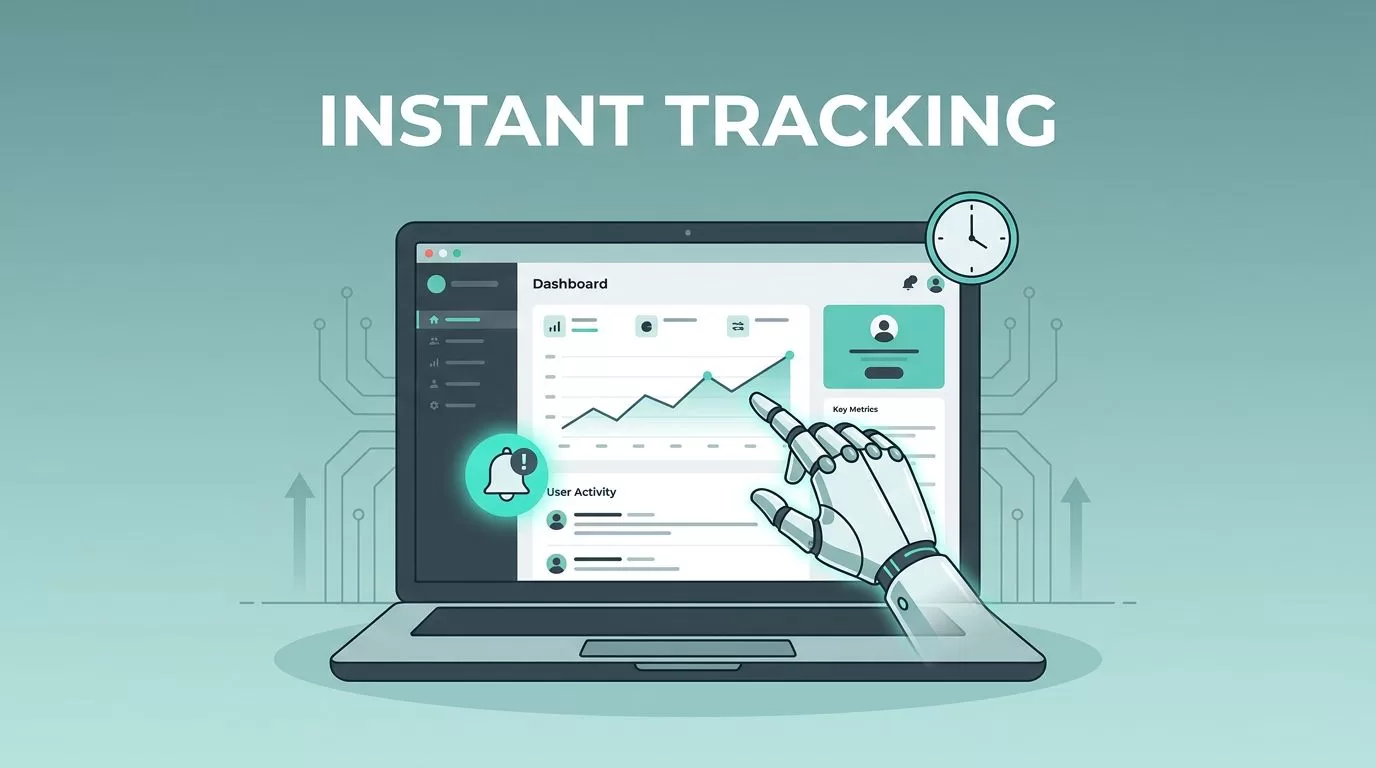
You know that sinking feeling when a competitor drops prices overnight, and you miss it? Or a job posting vanishes before you apply? I used to refresh pages endlessly, wasting hours. Website change monitoring tools changed that for me.
Twin.so stands out because its AI agents act like real people browsing sites. They spot updates fast and alert me right away. No more manual checks. Let me show you how I set it up and why it beats old methods.
Why Manual Monitoring Falls Short
I once bookmarked rival sites and checked them daily. That worked for a bit. But pages load slow sometimes. JavaScript hides changes. Logins block scrapers.
Take price tracking. A product page shifts layout weekly. Manual visits miss subtle drops. I refresh ten sites; two hours gone. Competitors move faster.
Job boards? Postings fill quick. Content sites tweak articles quietly. Compliance pages bury policy shifts. Leads slip from forms that update.
Generic tools like email reminders help little. They nag without context. Browser extensions break on updates. I needed something smarter.
How Twin.so Handles Website Changes
Twin.so runs AI agents in browsers. These agents open pages, log in, click links, and grab data. No APIs required. They adapt to site tweaks automatically.
I tell an agent in plain words: “Watch this competitor’s pricing page for drops over 10%.” It schedules checks, even offline. Results hit my email or Slack.

The process flows simple. Agent loads the site. Scans for shifts. Compares snapshots. Flags differences. For details, check the Twin.so Web Agent docs.
Accuracy hits 98.7% on structured data. It covers 96% of pages. Unlike rigid scripts, AI handles pop-ups or redesigns. I run it on e-commerce portals now.
Tracking Competitor Changes in Real Time
Competitors hide strategies well. Prices dip. Inventory spikes. I set Twin.so agents on their sites. One watches a DEX crypto page. It caught a $12M funding mention last month.
Alerts come instant. No digging required. I get digests with before-and-after views.

For broader intel, pair it with traffic tools like Similarweb’s free plan checks. Twin.so focuses on content shifts. I track product pages daily. When stock returns, I reorder fast.
This beats manual scans. No more guessing trends from stale visits.
Setting Up Alerts for Key Use Cases
Setup takes minutes. I start at Twin.so’s quickstart guide. Pick a site. Describe the watch: “Alert on new job posts or price cuts.”
Agents schedule runs. Email arrives with highlights.

Job boards first. I monitor listings. New roles ping me. Content sites? Editors slip updates. Twin.so flags them.
Compliance checks run weekly on policy pages. Lead gen watches forms for fresh contacts. E-commerce tracks suppliers. All automate.
For similar no-code options, I tried Browse AI for site monitoring. Twin.so edges out with browser logins.
Real-World Wins Over Alternatives
Manual methods cost time. Free scrapers break often. Paid RPA tools need code tweaks.
Twin.so skips that. Agents use OpenAI tech for browsers. Integrates with Slack, Salesforce. Free trial tests it risk-free.
I cut monitoring from hours to zero effort. Weekly digests summarize trends. Costs scale with use; enterprise handles thousands.
One catch: Browser mode uses more credits than APIs. Stick to essentials.
Conclusion
Twin.so transformed my website change monitoring. Agents catch shifts I miss, from prices to jobs. Alerts arrive fast, workflows automate.
Setup proves simple. Use cases multiply: competitors, compliance, leads. It outpaces manuals and brittle tools.
Try the free trial. Watch one site today. You’ll wonder how you waited.
