Deploy Recruit CRM: My Cloud Setup for Smarter Hiring
Hiring feels chaotic when spreadsheets overflow and emails bury leads. I remember sifting through hundreds of resumes by hand, missing top candidates because nothing connected. Recruit CRM fixed that for me. This cloud-based tool combines a...
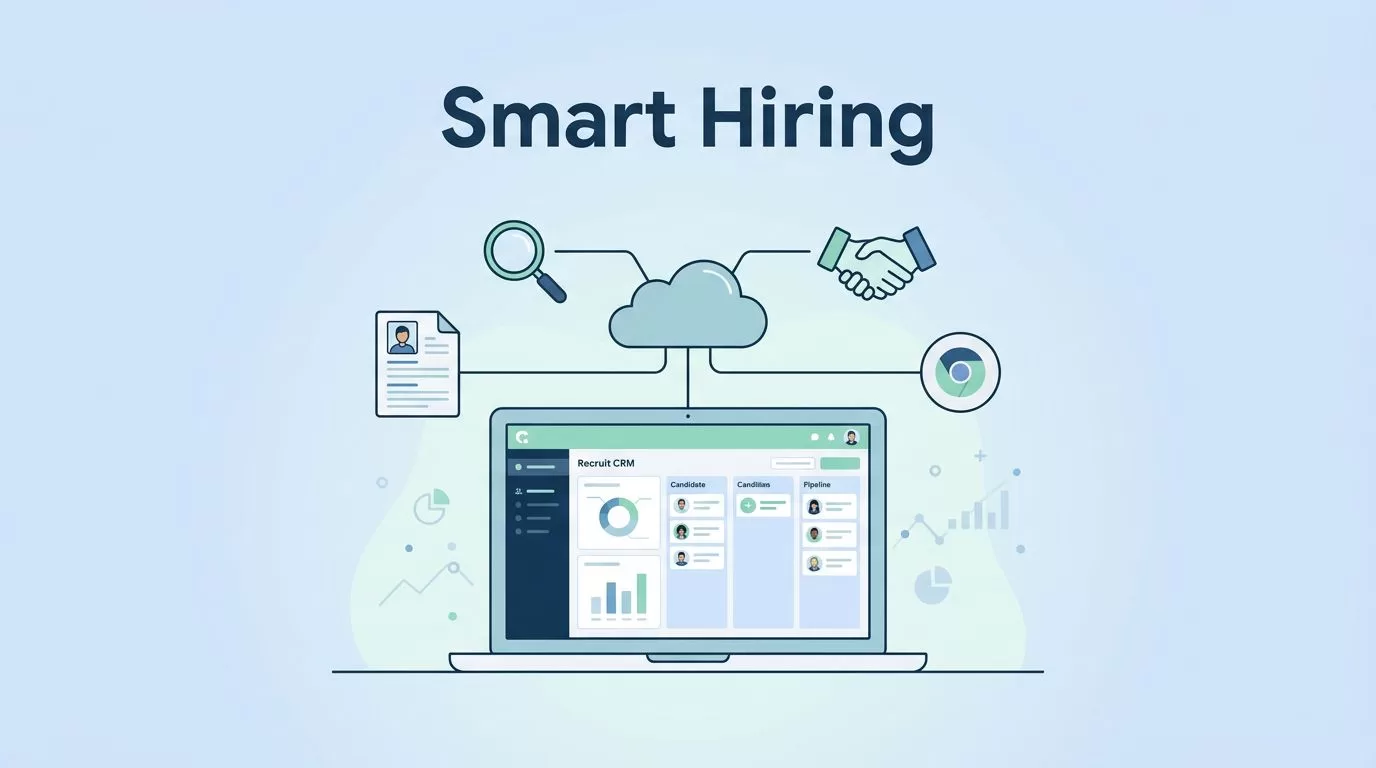
Hiring feels chaotic when spreadsheets overflow and emails bury leads. I remember sifting through hundreds of resumes by hand, missing top candidates because nothing connected. Recruit CRM fixed that for me. This cloud-based tool combines applicant tracking and client management in one spot.
It automates sourcing, emails, and pipelines so teams close roles faster. If you run a staffing firm or talent team, you need this. I’ll share exactly how I deployed it, from signup to full rollout.
What Recruit CRM Offers Recruitment Teams
Recruit CRM is an AI-driven platform built for agencies and search firms. I chose it because it handles candidate sourcing, resume parsing, and client tracking without extra apps. The Chrome extension pulls LinkedIn profiles in one click. AI matches skills to jobs automatically.
Small teams love the free unlimited trial. Larger groups pick Pro or Business plans starting at $85 per user monthly, billed annually for savings. Check Recruit CRM pricing details for current tiers. Features scale with needs, like job multiposting to thousands of boards.
It fits staffing firms best. Solos get basics; enterprises add workflow automation and analytics. I saw placements rise 30% after setup because everything centralizes. No more lost notes or double entry.
Step-by-Step Recruit CRM Deployment
Start with signup on recruitcrm.io. It takes five minutes. Verify email, skip the card for the trial. Pick Pro for most teams under 50.
Next, install the Chrome extension. Source candidates from LinkedIn or ZoomInfo instantly. I added my logo and colors in settings for branding. Connect Gmail or Outlook so emails sync both ways.
Build pipelines early. Drag stages like Sourced, Screened, Interviewed. Custom fields track salary or skills. Import old data via CSV or AI parser. It reads resumes fast.

This dashboard view greeted me during initial setup. Clean and intuitive. Test a workflow: add a candidate, send an auto-email. Go live in days. For details on my full process, see this Recruit CRM setup guide.
Customize Workflows for Your Team
Tailor pipelines to match your process. I created stages for agency fills: New Lead, Client Approved, Candidate Placed. Drag cards between them on the Kanban board.
Set no-code automations. A new sourced candidate triggers emails, then SMS. No replies? Nudge via LinkedIn. Response rates doubled for me.
Add custom fields like referral source or diversity notes. AI sequencing writes personalized messages. Link to calendars for interview slots.
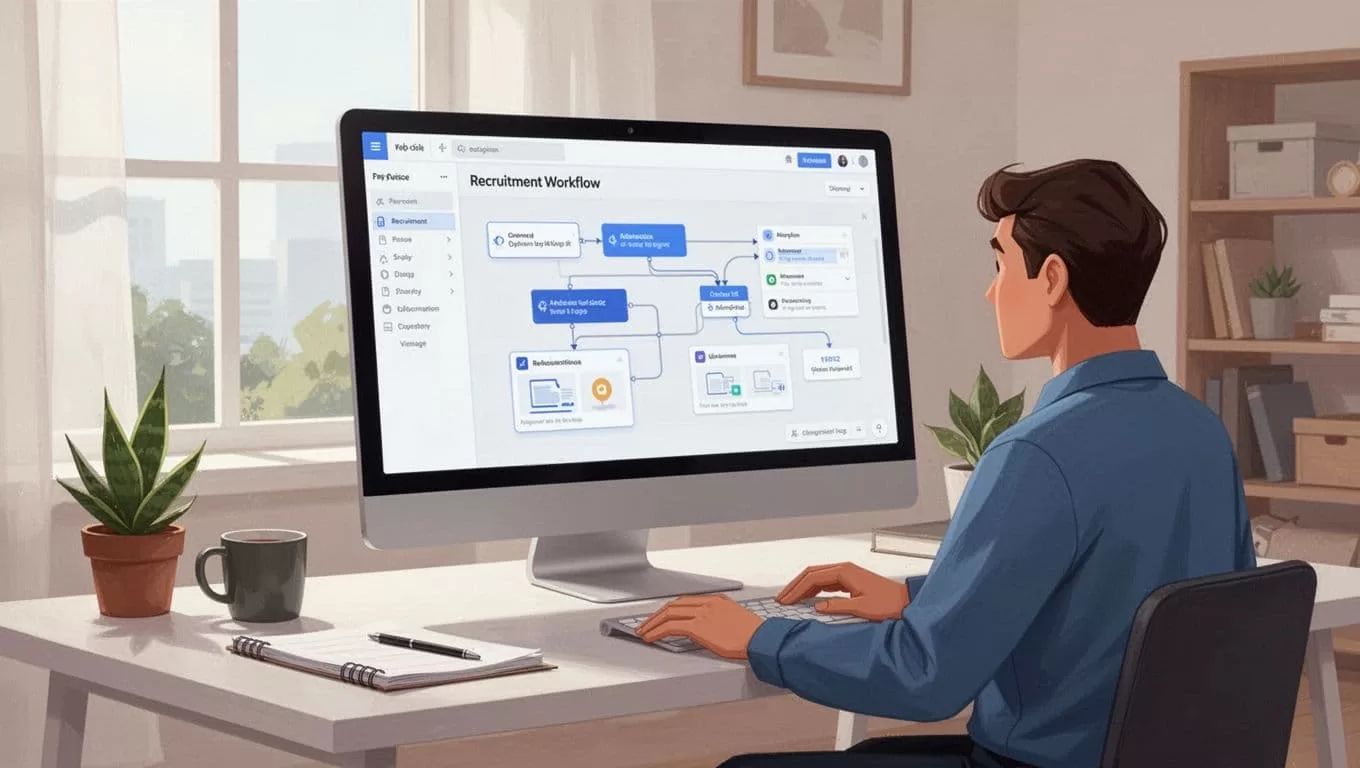
Drag-and-drop makes changes simple. Integrations matter here. Connect over 5,000 apps via Zapier. I linked Slack for team alerts and job boards for postings.
Migrate Data Without Downtime
Export old ATS data to CSV. Upload to Recruit CRM; AI parses skills and formats entries. I moved 500 resumes in hours. Map fields first to avoid mismatches.
Test small batches. Verify emails and phones enrich automatically. Backup everything before go-live.
Common pitfall: ignoring duplicates. Use built-in dedupe tools. For agency databases, follow my fast recruitment database setup.
Train Your Team Effectively
Hold a one-hour session per role. Demo sourcing first, then pipelines. Hands-on practice beats slides.
Assign mentors. New users shadow placements. Use mobile app for on-the-go access.

Team huddles like this build skills quick. Share candidate engagement tips for nurturing. Track adoption with analytics.
Prioritize Security and Avoid Pitfalls
Enable two-factor authentication right away. It’s standard on Pro plans. GDPR compliance protects candidate data.
Common mistakes: skipping permissions. Set role-based access so juniors see basics only. Don’t overload day one; roll out features weekly.
Overlooking limits hurts. Pro caps records; buy add-ons if needed. See subscription management guide for details.
Wrapping Up Recruit CRM Deployment
Deploying Recruit CRM streamlined my hires and cut admin time in half. Focus on relationships, not data entry. Start your trial today; customize as you grow.
Teams that train early and migrate clean win big. Yours can too. Placements wait.
