Monitor Cloud Costs Automatically With Twin.so
Cloud bills grow quietly until they surprise you at the end of the month. You provision extra servers for a traffic spike and forget to scale them back down. Storage buckets accumulate old backups that nobody deletes. Engineering teams laun...
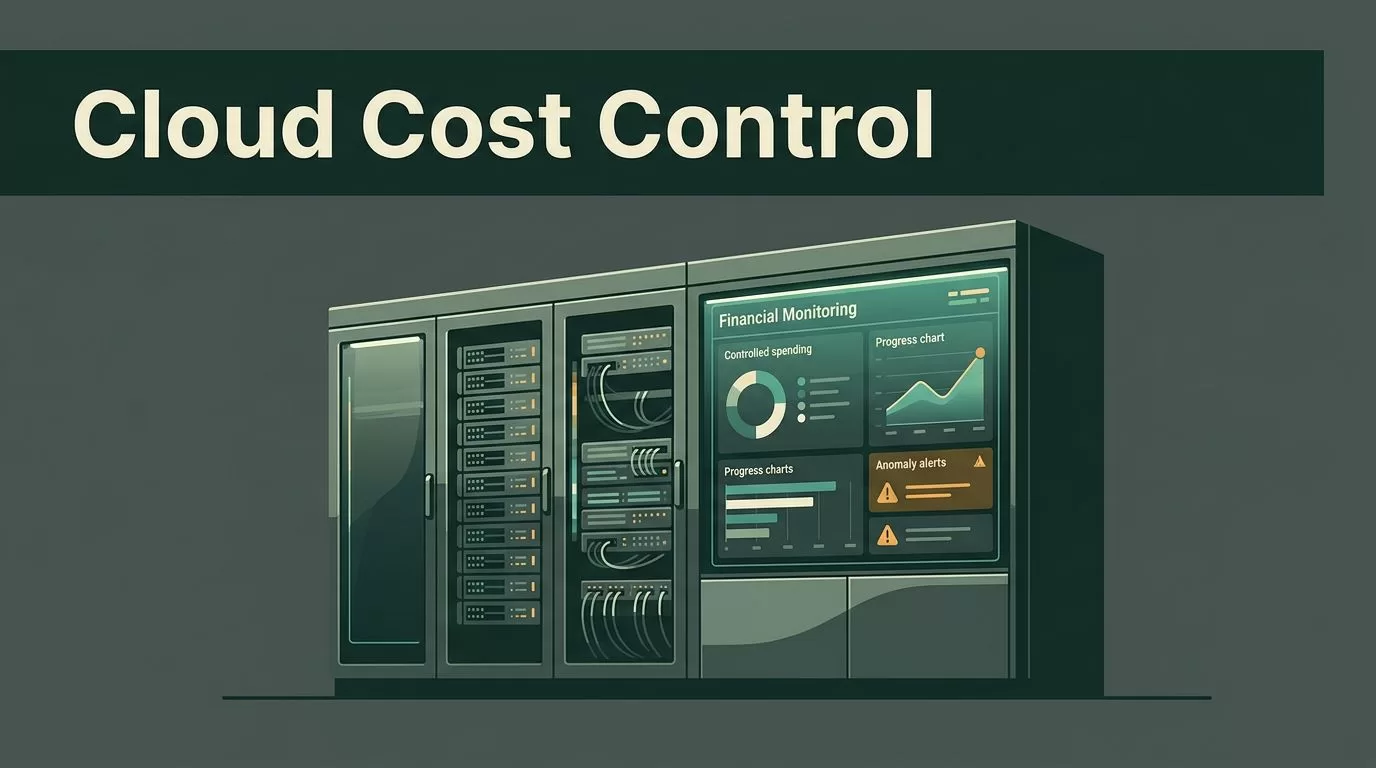
Cloud bills grow quietly until they surprise you at the end of the month. You provision extra servers for a traffic spike and forget to scale them back down. Storage buckets accumulate old backups that nobody deletes. Engineering teams launch development environments without expiration tags, and those instances run around the clock. Manual spreadsheets and end-of-month reviews don’t catch these spikes in time. You need automated visibility and continuous control over your infrastructure spending.
Implementing a system to monitor cloud costs protects your margins and prevents unexpected budget overruns. Cloud infrastructure platforms give you raw usage data, but they rarely enforce spending boundaries on their own. You have to connect that raw data to an automation layer that watches for anomalies and triggers alerts. Twin.so offers an agent-driven workflow engine that helps technical teams automate infrastructure checks and financial notifications without writing custom integration code from scratch.
Key Takeaways
- Establish clear spending baselines across all cloud providers before setting up automated alerts.
- Connect your billing data sources directly to an orchestration tool like Twin.so to catch spending anomalies early.
- Define strict ownership rules so every cloud resource has an assigned team responsible for its cost.
- Review your cost-monitoring thresholds on a regular schedule to prevent alert fatigue among engineers.
Setting Up Your Automated Cost Tracking Foundation
Before you build any automation, you need a clear view of your current baseline. Pull your past three months of invoices from AWS, Azure, or Google Cloud. Group those expenses by service, region, and internal department. You cannot automate what you do not understand. Find the largest cost drivers in your architecture. Compute instances and managed databases usually account for the majority of monthly infrastructure expenses.
Once you know your baseline, connect your billing data exports to a central monitoring pipeline. Many organizations rely on native cloud billing dashboards, but those dashboards require manual logins and daily checks. You can build a more proactive setup by routing billing alerts through automated agents. To explore broader FinOps strategies that complement automated alerts, review how to optimize cloud usage.
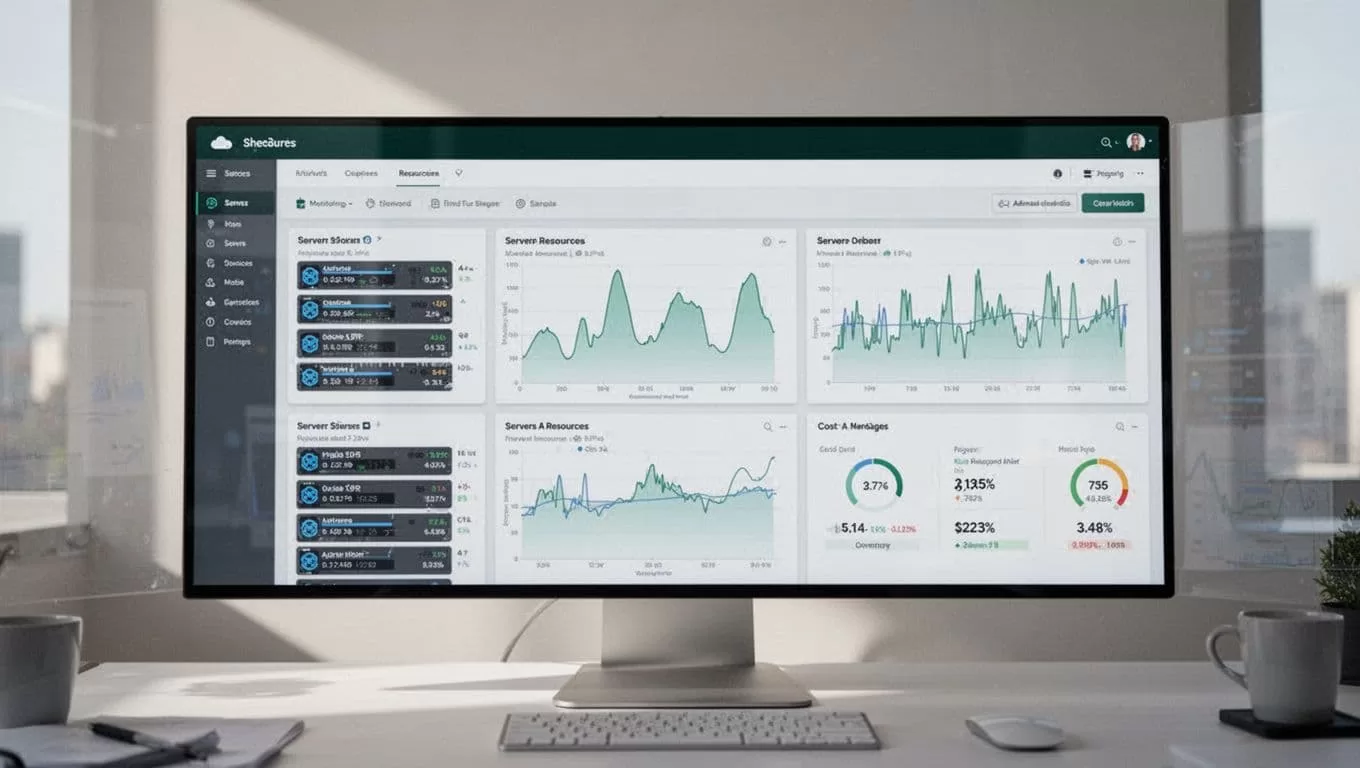
Configure your pipeline to pull daily spend totals instead of waiting for the monthly invoice. If a development environment suddenly doubles its daily spend, you want to know within twenty-four hours. Set up structured logs that record resource IDs alongside daily costs. This granular data makes it much easier to trace a sudden spending spike back to a specific deployment.
Building Automated Cost Workflows in Twin.so
Twin.so allows you to build custom workflows that execute tasks when specific triggers occur. You can use these workflows to monitor cloud costs by connecting your billing metrics to communication channels like Slack or Microsoft Teams. Start by creating a scheduled trigger that runs a cost check every morning.
The workflow should fetch the previous day’s spend and compare it against a predefined daily budget. If the actual spend exceeds the threshold, the agent formats a notification and routes it to the infrastructure team responsible for that service. This eliminates the delay between a budget breach and human awareness.
- Trigger: A scheduled daily check calls your cloud billing export API.
- Condition: The workflow compares total daily spend against your maximum allowable threshold.
- Action: If costs exceed the limit, the system sends an automated alert with the offending resource ID.
Keep your workflow logic simple at the start. Complex branching rules often create false alarms that engineering teams learn to ignore. Focus on the top three services that drive your variable cloud costs.
Assigning Cloud Resource Ownership
Automated alerts fail when nobody knows who owns the flagged resource. Every server, database, and storage bucket needs an explicit owner tag. When your monitoring workflow detects an anomalous spending spike, the alert must include the owner’s contact information.
Enforce a tagging policy across all your infrastructure provisioning scripts. If a newly deployed virtual machine lacks a valid owner tag, your automation workflow should flag it for review or schedule it for automatic shutdown. Clear ownership turns a generic cost alert into an actionable task. For additional perspective on aligning team responsibilities with financial metrics, see this guide on cloud cost optimization strategies.
| Resource Type | Common Cost Driver | Recommended Action |
|---|---|---|
| Compute Instances | Unattached volumes, overprovisioned CPUs | Rightsize instances or terminate idle test nodes |
| Object Storage | Old backups, unmanaged log retention | Apply lifecycle rules to transition data to cheaper tiers |
| Managed Databases | High provisioned IOPS, idle replicas | Scale down IOPS during off-peak hours |
Review your tagging compliance once a month. Untagged resources represent hidden financial risk because standard cloud cost monitoring tools cannot attribute their expenses to a specific business unit.
Establishing Regular Cost Review Processes
Automation catches immediate anomalies, but it does not replace regular strategic reviews. Schedule a monthly cost audit with your engineering leads and finance partners. Look for long-term trends rather than daily fluctuations. Are your database costs growing linearly with user growth, or are inefficient queries driving up resource consumption?
Use your monthly review to adjust your automated budget thresholds. As your business scales, yesterday’s budget limit might be too restrictive for today’s traffic volume. Update your rules to reflect current operational realities. Keep a simple change log that records every threshold update, the person who approved it, and the reason for the adjustment.
Conclusion
Automating your cloud financial visibility transforms budget management from an end-of-month panic into a continuous operational habit. Define your spending baselines, build targeted alert workflows, and assign clear ownership to every resource in your environment. Consistent monitoring protects your profit margins without slowing down your engineering teams. Set up your first automated cost check today and keep your infrastructure spending under tight control.
