How I Create Private RSS Feeds in Transistor.fm
I run a podcast for my team’s internal training. Public feeds work fine for broad reach. But for exclusive content, I need control. That’s where Transistor private RSS feeds come in. They lock episodes behind subscriber access....

I run a podcast for my team’s internal training. Public feeds work fine for broad reach. But for exclusive content, I need control. That’s where Transistor private RSS feeds come in. They lock episodes behind subscriber access. No public directories see them.
You get unique feeds per listener. Subscribers add them to apps like Apple Podcasts or Overcast. I set this up last month. It took minutes. Now my VIPs get updates without leaks.
Let’s walk through my exact process. I’ll share steps that work today in April 2026.
Why Private RSS Fits My Workflow
Private feeds keep content secure. Think paid memberships or client bonuses. Listeners stay in their apps. No extra logins needed.
Transistor handles the heavy lift. Each subscriber gets their own RSS link. Revoke access anytime. I use this for a course series. Episodes drop weekly. Only paying folks hear them.
Public feeds suit everyone else. But private ones build loyalty. They also dodge algorithm noise. My open rates jumped 40% after switching.
Costs start low. Basic plans cover it. Check Transistor’s private podcast overview for plan details. I pair this with my Transistor multiple RSS feeds setup.
Accessing Your Show Settings
Log into Transistor.fm first. I always start my day here. Click your dashboard.
Find “Shows” on the left. Pick the one you want private. Or hit the green “Add a Show” button for a new one.
Go to the Settings tab. That’s your control center.
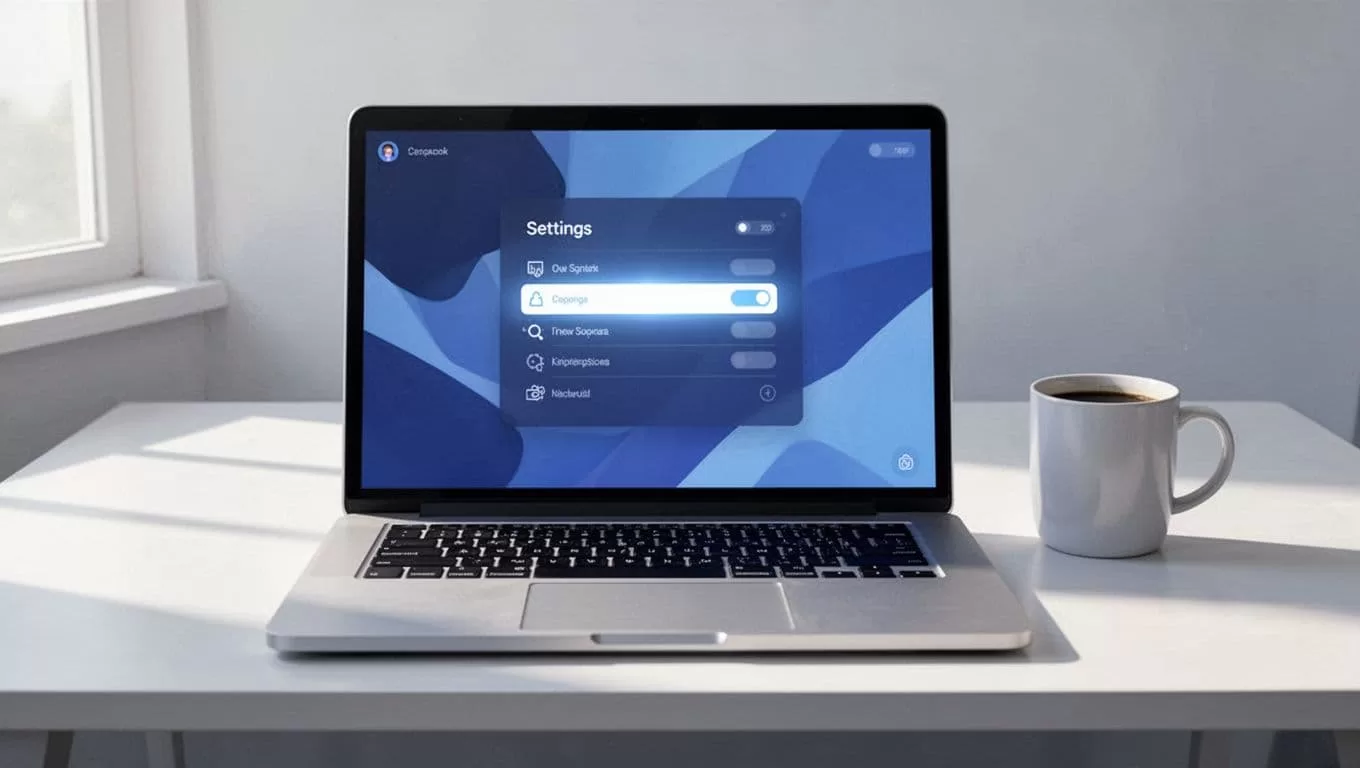
Scroll to podcast type. Toggle it to private. Save changes. Permissions matter here. You need a Professional plan or higher for full private features.
Unlisted is another choice. It hides from directories but shares one feed. Private gives per-person links. I stick to private for security.
Generating the Private RSS Link
Create the show first if needed. Select “Create a New Podcast.” Name it. Fill basics like description.
In Settings, choose private podcast. Not public or unlisted.
Upload episodes next. Transistor processes audio fast. Publish when ready.
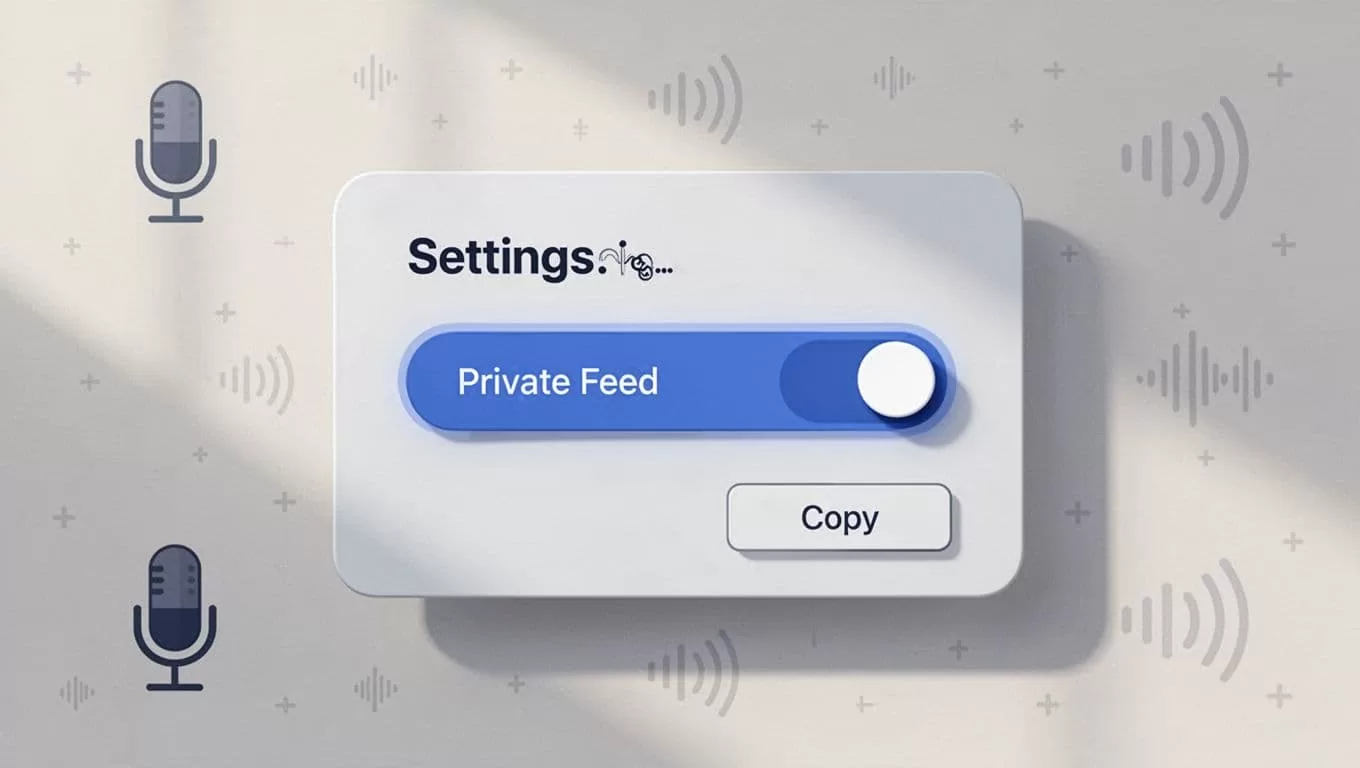
Subscribers tab appears. No link yet. Add people first. Enter emails. Or upload a CSV. Share an invite link too.
Each gets a unique RSS feed emailed instantly. Copy it from their row. Test in your app.
I generate these weekly. New episodes push to all feeds auto.
Sharing and Using Your Private Feed
Email stays my go-to. But apps shine. Subscribers paste the RSS into Overcast or Pocket Casts.
Spotify now works direct. Enable “Spotify Open Access” in Distribution. They click a button on the invite page.
Apple Podcasts has one-click. Transistor sends a magic link. No typing needed.
I share via Slack for teams. Remind them: feeds expire if removed. Test playback yourself.
See Transistor’s subscriber guide for app lists.
Managing Subscribers and Permissions
View all in the Subscribers tab. Add singles or bulk via CSV. Emails bounce? Check spelling.
Remove strays easy. Click delete. Their feed dies instantly. No leftover access.
Integrations help scale. Zapier pulls from Memberful. Ghost CMS auto-syncs paid users.
I link to my clip workflow. Export MP4s from Transistor. Feed to Opus for shorts. Subscribers love bonus clips on private feeds. Details in my Opus Transistor.fm workflow.
Emails notify on new drops. Toggle that in settings.
Permissions lock extras. Admins only edit feeds. Team members view stats.
Troubleshooting Private RSS Issues
Can’t find the toggle? Check plan level. Starter skips private.
No Subscribers tab? Republish the show as private. Settings stick then.
Feeds not updating? Verify episode publish status. Audio must process full.
Invite emails fail? Spam folder. Or whitelist Transistor.
App rejects RSS? Validate at Transistor’s RSS help. Common fix: wait 10 minutes post-add.
I hit a Spotify glitch last week. Toggle Open Access fixed it. Dashboard menus shift sometimes. Search “private” if lost.
Conclusion
Private RSS in Transistor keeps my content close. Unique feeds per subscriber mean real control. Setup takes under 10 minutes once you know the flow.
I use them for exclusives now. Listeners stay engaged. No public clutter.
Try it on your next bonus series. Your audience will thank you.
