How I Track Active Subscription Count in Baremetrics
You’ve got a SaaS business humming along. Bills pay on time. Users log in daily. But one morning, revenue dips. Why? Your active subscription count just stalled. I know this feeling too well. As a founder juggling growth and retention...


You’ve got a SaaS business humming along. Bills pay on time. Users log in daily. But one morning, revenue dips. Why? Your active subscription count just stalled. I know this feeling too well. As a founder juggling growth and retention, I watch this number like a hawk. It tells me if signups outpace cancellations or if silent churn sneaks in.
Baremetrics changed how I spot those shifts. It pulls data from Stripe or Braintree and shows live counts. No more manual spreadsheets. You see exactly how many paying subs run each month. This post walks you through my process. I’ll show where to find the data, how to read trends, and what actions follow.
Why Your Active Subscription Count Drives Decisions
Active subscriptions form the backbone of recurring revenue. Think of them as the pulse in your business’s veins. Each one means steady cash flow. When the count rises, expansion feels real. Falls signal trouble ahead.
I check mine weekly. Last quarter, my count jumped 15%. New plans drew users in. But I also saw downgrades nibble at the edges. Ignore this metric, and MRR blindsides you. Pair it with churn rate, and patterns emerge. High churn with flat subs? Retention needs work.
Finance teams love it for forecasts. Founders use it to test pricing. Operations spot billing fails early. In Baremetrics, this count updates live. No delays. You filter by plan or region. That precision lets me act fast.
Related metrics tie in tight. Customer count differs because one user can hold multiple subs. Upgrades boost the total. Cancellations cut it. Track them together for the full picture.
Get Baremetrics Running for Subscription Tracking
Start with integration. I connect Stripe first. Baremetrics grabs data in minutes. No code needed. It handles Braintree or Recurly too. Test the feed. Watch active subs populate.
Pick a plan that fits. Launch works for small teams at $75 monthly. Growth adds benchmarks at $255. Both show core metrics like active subs. I upgraded when cohorts mattered more.
Customize your dashboard next. Drag MRR next to active subs. Add churn below. Hover for breakdowns. Set alerts for drops over 5%. Slack pings me instantly.
For deeper views, use Baremetrics subscription analytics tool. It layers in customer profiles. See sub status per user. Export to CSV for reports.
Clean data matters. Fix failed payments early. Baremetrics dunning recovers 20% on average. That keeps subs active.
Where to Find Your Active Subscription Metrics
Head to the Control Center. It’s your live hub. Current active subscription count sits front and center. See signups, upgrades, and cancels roll in real time.
Click Active Subscriptions tab. Plans stack up clear. Monthly versus annual. Customer totals per tier. Compare today to last month. I spot plan shifts fast.
Dashboards let you filter. By location or processor. Hover reveals details. Export breakdowns anytime.


This setup beats Stripe’s reports. Baremetrics adds context. For official details, check Plan Breakdowns & Active Subscriptions in their help center.
People Insights dives deeper. Link subs to usage. Spot low-engagement accounts before they churn.
Interpreting Changes in Active Subs
A rising count cheers you up. But dig why. New signups? Great. Net of cancels? Better check cohorts.
I plot trends over six months. Flat lines scream caution. Last year, mine dipped in summer. Seasonal churn hit hard. Icons for inflows and outflows clarify the math.
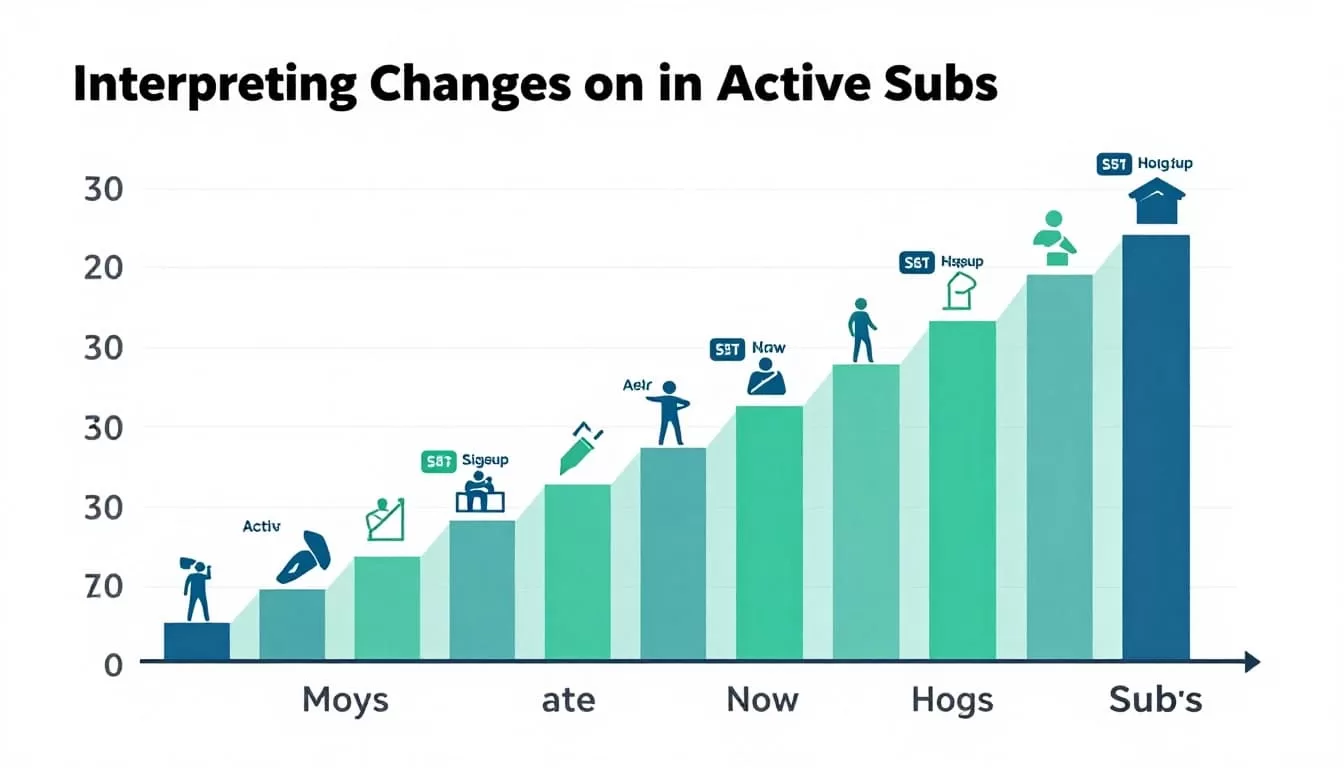
Watch velocity. 10% monthly growth sustains MRR. Below 5%? Push acquisition. Tie to churn rate. If subs grow but revenue lags, downgrades dominate.
Upgrades lift totals. Track them separate. Downgrades erode value. Baremetrics splits these out. I set goals here. Hit 105% net revenue retention? Business thrives.
Benchmarks compare you to peers. My growth plan shows industry averages. Beat them, and pricing works.
For more on trends, see Baremetrics metrics for churn detection. It covers LTV and NRR too.
Connect Active Subs to MRR, Churn, and Customer Health
Active subs feed MRR directly. Multiply by ARPU. Watch movements. Expansion MRR from upgrades pads the count. Churned revenue shrinks it.
I review weekly. New MRR up? Subs follow. Contraction high? Dig into reasons. Cancellation surveys reveal pain points like price.
Churn rate links tight. Under 5% monthly keeps subs steady. Above? Revenue erodes. Cohort views show which signups stick.
Customer count complements. Active customers pay. But multi-sub users inflate totals. Baremetrics distinguishes them.
Forecast+ projects ahead. Input history. See sub counts in scenarios. Cash flow gets real.
Finance teams forecast budgets here. Founders adjust marketing spend.
Real-World Use Cases for Subscription Operators
As a founder, I test features. Bump prices on top plans. Watch sub shifts. Last tweak added 8% to count.
Finance spots risks. Failed charges preview involuntary churn. Recover them to hold subs steady.
Operations run dunning. Auto-retries save 15-25% of at-risk subs. Alerts flag spikes.
Growth teams segment by channel. Paid ads yield sticky subs? Double down.
Pair with Baremetrics dashboard for smarter metrics. Custom views speed decisions.
In one crunch, subs dropped 7%. Traced to a plan bug. Fixed in days. Revenue held.
Conclusion
Tracking active subscription count in Baremetrics gives you control. I rely on its live feeds and breakdowns to catch shifts early. Tie it to MRR and churn for smart moves.
Start simple. Integrate, customize, review weekly. Growth follows when you act on the data. Your subs will thank you with steady revenue.

