Brainstorm Better Post Ideas with Someli
A blank content calendar can swallow an afternoon. Someli helps me turn that dead air into usable post ideas before the coffee cools. I use it as an AI post ideas generator, not a substitute for judgment. When I give it the right context, i...
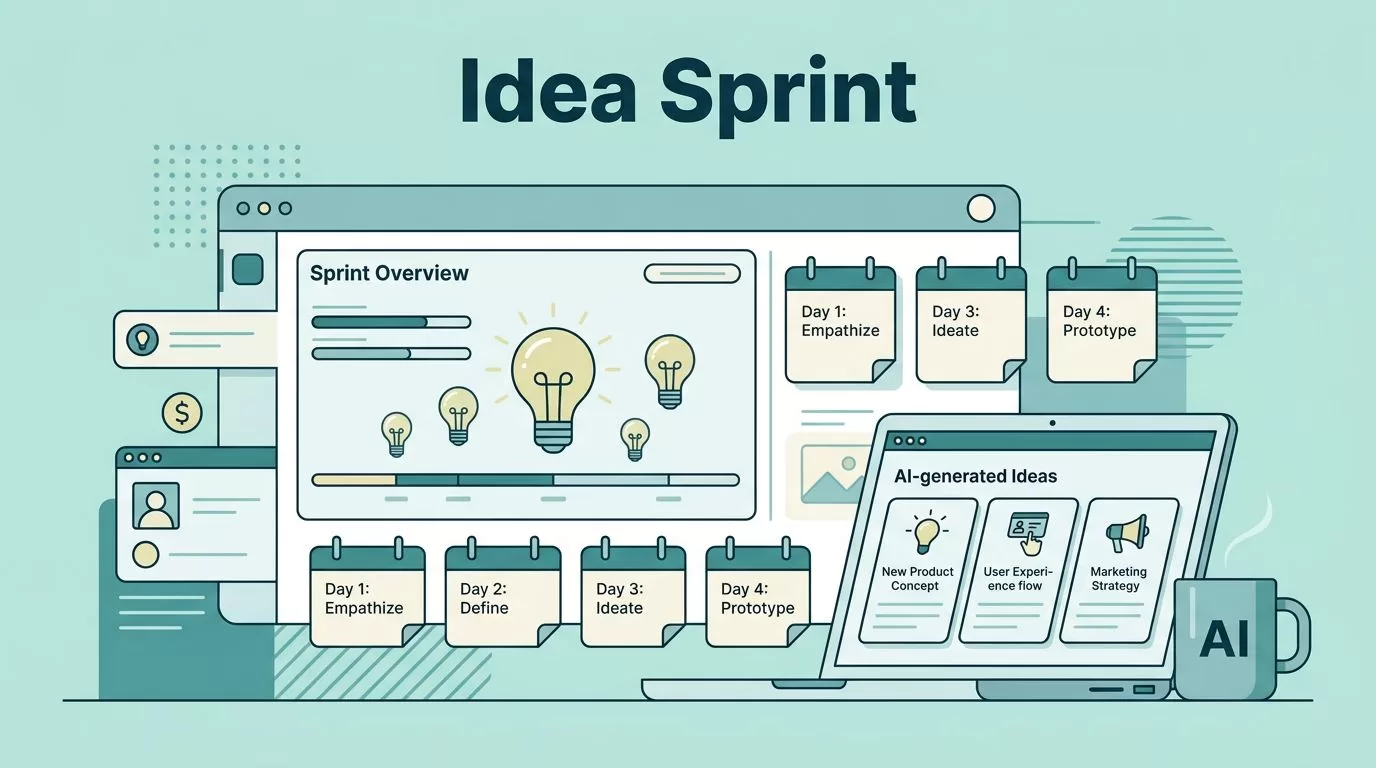
A blank content calendar can swallow an afternoon. Someli helps me turn that dead air into usable post ideas before the coffee cools.
I use it as an AI post ideas generator, not a substitute for judgment. When I give it the right context, it gives me angles I can shape for marketers, creators, and small businesses without staring at the same three tired topics.
The trick is simple. I start with better inputs, then I sort the output like a working editor.
Key Takeaways
- I get stronger ideas from Someli when I give it audience, goal, and format.
- The best prompts ask for categories, not random titles.
- I sort ideas by fit, effort, and originality before I write.
- One good brainstorm can become a full weekly content plan.
Why I Start with Someli Instead of a Blank Page
I open Someli when I want momentum, not magic. The blank page slows me down because every idea has to fight for space at once. Someli gives me a batch of options fast, so I can compare angles instead of inventing one from scratch.
That matters because most content problems are really idea problems. If I run a marketing team, I need posts that answer objections and compare options. If I create solo, I need repeatable hooks that I can turn into a series. If I run a small business, I need content that sounds useful, local, and specific to the service I sell.
I still make the final call. Someli helps me widen the field, then I narrow it to the ideas that fit my voice and my goals.

The Prompt Framework I Use to Get Better Ideas
I never ask Someli for “more post ideas” and hope for the best. I treat the prompt like a short brief. The more I narrow the job, the better the output gets.
I usually give it four things.
- I name the audience.
- I define the outcome.
- I choose the format.
- I set one constraint.
That sounds basic, but it changes everything. “B2B founders” is broad. “B2B founders choosing their first CRM” is useful. “B2B founders choosing their first CRM and worrying about setup time” is even better.
Give me 20 post ideas for a B2B software team that wants more qualified leads. Mix how-to posts, comparison posts, and objection-handling angles. Keep the ideas practical and specific.
That kind of prompt gives me ideas I can use. I can also feed Someli real language from support tickets, sales calls, or customer emails. When I do that, the ideas feel closer to what people actually ask.
If the first batch feels fuzzy, I tighten one detail at a time. I add buyer stage, channel, or pain point. A good AI post ideas generator gets much better when I stop treating it like a guessing game.
The Idea Types I Ask Someli to Generate
I get the best results when I ask for clear buckets. I do not want a pile of random titles. I want clusters I can turn into a content system.
| Idea type | What I ask Someli for | Best use |
|---|---|---|
| How-to posts | step-by-step posts that solve one problem | tutorials, setup guides, process posts |
| Comparison posts | side-by-side angles on tools or methods | buyer research and shortlist content |
| Objection posts | ideas that answer common doubts | sales support and FAQ content |
| Repurposed posts | ways to turn one topic into several pieces | creators who need more output |
| Seasonal posts | topics tied to launches or deadlines | small businesses planning ahead |
That mix gives me range without chaos. A comparison post can catch a buyer who is close to a decision. A how-to post can build trust with someone who needs help right now. A seasonal post can catch attention when timing matters most.
For marketers, comparison and objection ideas usually pull the most weight. For creators, the best ideas often become a series. For small businesses, service explainers and FAQ posts keep the content grounded in real customer questions.
I also like asking Someli for one pillar idea plus supporting angles. One strong topic can become a blog post, a LinkedIn post, a newsletter note, and a short social thread. That is a better use of time than chasing one-off ideas that never connect.
How I Turn Raw Ideas into a Working Calendar
I do not publish every idea Someli gives me. I score them first.
My first pass is simple. I sort ideas by fit, effort, and usefulness. If an idea sounds clever but does not help a real reader, I cut it. If two ideas overlap, I merge them. If one idea has obvious search intent or buyer intent, I move it up the stack.
Then I turn the keepers into a short plan:
- I group similar ideas into themes.
- I remove anything that repeats the same angle.
- I assign each idea to a channel, like blog, LinkedIn, email, or short-form video.
- I write one sentence about why the idea matters.
When I want the handoff from idea bank to calendar to take less manual work, I borrow from my no-code automation workflow and move approved ideas into the rest of my stack.
That works well for teams too. A marketer can map ideas to funnel stages. A creator can turn one theme into a week of posts. A small business can build around service questions, local search terms, and seasonal demand. Once the ideas have a home, the calendar stops feeling like a guessing exercise.
What I Check Before I Publish
Before I turn an idea into a draft, I test it against my own voice. I ask whether the angle sounds like something a real person would say. I replace vague phrases with the language customers use. “Make content better” becomes “write comparison posts that help a buyer choose between two tools.”
The first answer is a draft, not a decision.
I also check whether the idea survives without the AI layer. If it only sounds interesting because it came from Someli, I drop it. The best ideas feel obvious after the fact because they connect to a real question, a real pain point, or a real buying moment.
I keep three questions in mind. Does this answer something people ask? Can I make the angle more specific? Do I have a proof point, example, or story to back it up?
That filter keeps my drafts honest. It also keeps me from publishing content that sounds assembled instead of written.
Conclusion
Someli helps me move faster because it clears away the blank-page drag. Once I give it a real audience, a real goal, and a narrow constraint, it starts returning ideas I can actually use.
The real win comes after the first brainstorm. I sort hard, cut anything generic, and build a small queue of posts with a clear job.
That is how I keep content moving without filling my calendar with noise.
