How I Turn Long Reports Into Short Briefs With AI
I used to lose half a day to one long report. By the time I found the key points, the meeting had already moved on. Now I use AI report summarization to turn dense documents into short briefs I can read, share, and act on. The trick is simp...

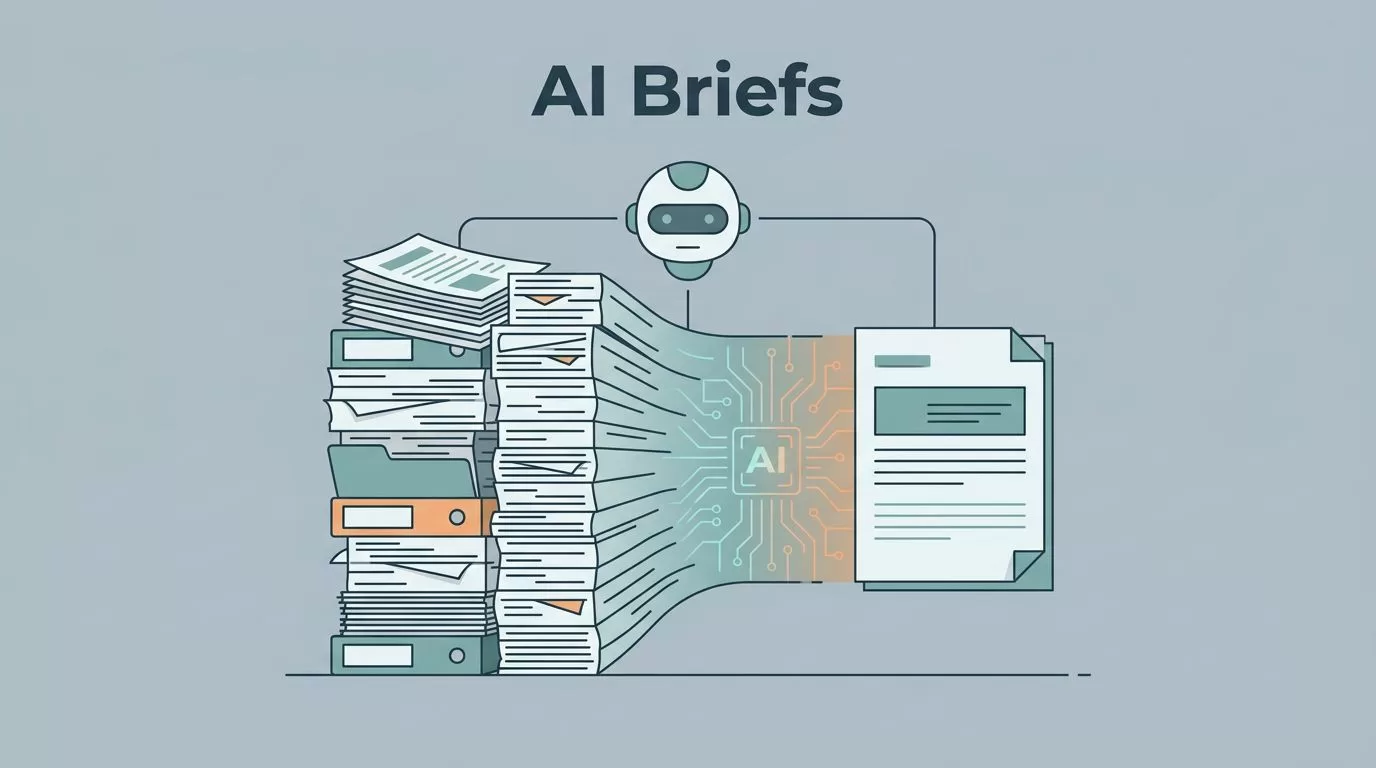
I used to lose half a day to one long report. By the time I found the key points, the meeting had already moved on.
Now I use AI report summarization to turn dense documents into short briefs I can read, share, and act on. The trick is simple, I keep the source tight, tell AI what matters, and refuse any made-up detail.
The brief shape I use every time
A good brief is not a smaller version of the report. It’s a clean handoff. I want the reader to see the point fast, then decide what to do next.
When I build one, I keep the same core pieces. Everything else gets cut.
| Keep in the brief | Cut from the brief |
|---|---|
| Key findings | Background history |
| Decisions made | Repeated explanations |
| Risks and blockers | Side examples |
| Exact numbers | Vague language |
| Next steps and owners | Decorative filler |
That table is my filter. If a sentence doesn’t help a busy person act, I drop it. For consultants, analysts, operators, and executives, that matters because time is the real cost.
I also choose the brief type before I start. An executive brief is shorter and sharper. A client brief needs more context. An ops brief needs dates, owners, and clear follow-up items.
If the source is a web page or PDF, I sometimes listen first with the Speechify web page reader app. That helps me catch structure before I summarize it. When the source data is messy, I clean it up first with Browse AI for scalable data scraping, because weak inputs make weak summaries.
My AI report summarization workflow


I use the same flow every time. It keeps the summary sharp and keeps me from trusting the model too much.
- I read the source once and mark the parts that matter most.
- I tell AI who the brief is for, like an executive, client, or project lead.
- I ask for a fixed format, usually headings, bullets, and a short action list.
- I tell it to keep numbers exact and flag anything unclear.
- I compare the draft against the source before I share it.
That last step matters most. AI can compress and clarify. It should not invent context, reasons, or results.
If a number isn’t in the source, I leave it out of the brief.
Here’s a prompt I use when I want a first draft:
Summarize this report into a one-page brief for a leadership team. Keep only key findings, decisions, risks, numbers, and next steps. Use plain language. Do not add facts that are not in the report. If anything is unclear, list it under “Open Questions.”
That prompt works because it gives AI a job and a fence. I don’t ask for creativity. I ask for discipline.
The prompts that save me the most time
Different reports need different prompts. A board memo needs a different shape than a monthly performance review. Still, the same rules apply.
For a client update, I use this:
Turn this report into a client-ready brief with three sections: Summary, Risks, Next Steps. Keep the tone neutral and concise. Include all numbers, dates, and owners exactly as written.
For a management update, I use this:
Create an executive brief from this report. Start with the main takeaway in one sentence. Then give five bullets with the most important facts. End with decisions needed and next actions.

I get better results when I name the audience. A CEO wants the bottom line. An operator wants blockers and deadlines. A consultant wants clean client language. When I spell that out, the model wastes less time and I do too.
I also ask for a “missing info” line when the report feels thin. That helps me spot gaps before they turn into confusion later.
How I edit the AI draft without slowing down
AI gives me speed, but editing gives me trust. I never send the first draft as-is.
First, I check every number. Then I check every name, date, and decision. After that, I trim anything that repeats the same point in a new coat of paint.
My edit pass is short and ruthless:
- I replace vague words like “significant” with the actual figure.
- I cut any sentence that adds tone but no fact.
- I remove duplicate bullets.
- I turn long sentences into one clear idea each.
- I delete anything that sounds certain but isn’t backed by the source.
This is where the brief gets real. A useful brief reads like a sharp flashlight beam. It shows the path and leaves the fog behind.
I also look for the parts AI likes to smooth over. If the report says a decision was delayed, I keep that delay. If the report shows a risk, I keep the risk plain. If the report has a weak result, I don’t soften it into fake optimism.
The quality checks I run before I share it
Before I send the brief, I run one final pass. It takes less than five minutes, and it saves me from bad summaries.
I ask myself three things:
- Did AI keep the meaning of the source?
- Did any number, date, or owner change?
- Can the reader act on this in under a minute?
If I answer no to any of those, I revise again.
I also scan for these common problems:
- Missing context around a decision
- Risks that sound too general
- Action items without owners
- Numbers with no source trail
- Sentences that sound polished but say little
That last one shows up a lot. A smooth sentence can hide a weak idea. I prefer a plain line that tells the truth.
When the brief passes those checks, I know it’s ready for a meeting, a client email, or a team update. It’s short enough to read fast, but strong enough to stand on its own.
The payoff is clarity, not just speed
The best part of this workflow is not that I save time, although I do. It’s that I can move from information to action without carrying the whole report in my head.
That’s the real win of AI report summarization. I keep the facts, lose the noise, and stay in control of the final brief.

