How I Route New Leads From Forms to Airtable
A form submission looks neat for about three seconds. After that, the real work starts, because a lead that sits unassigned is a lead that cools off. That is why I built my Airtable lead routing around speed, clear ownership, and a simple b...


A form submission looks neat for about three seconds. After that, the real work starts, because a lead that sits unassigned is a lead that cools off.
That is why I built my Airtable lead routing around speed, clear ownership, and a simple base structure. Whether I run a solo service business or help a small team, I want every new inquiry to land in the right place without manual copy-paste.
From there, I keep the system boring on purpose. Boring systems are easier to trust, test, and fix.
My Airtable base starts simple
I don’t start with fancy automations. I start with a base that makes every lead easy to read at a glance.
If the form already lives in Airtable, I use the When a Form is Submitted trigger and keep the first version as plain as possible. That gives me one source of truth, which matters when leads come in fast.

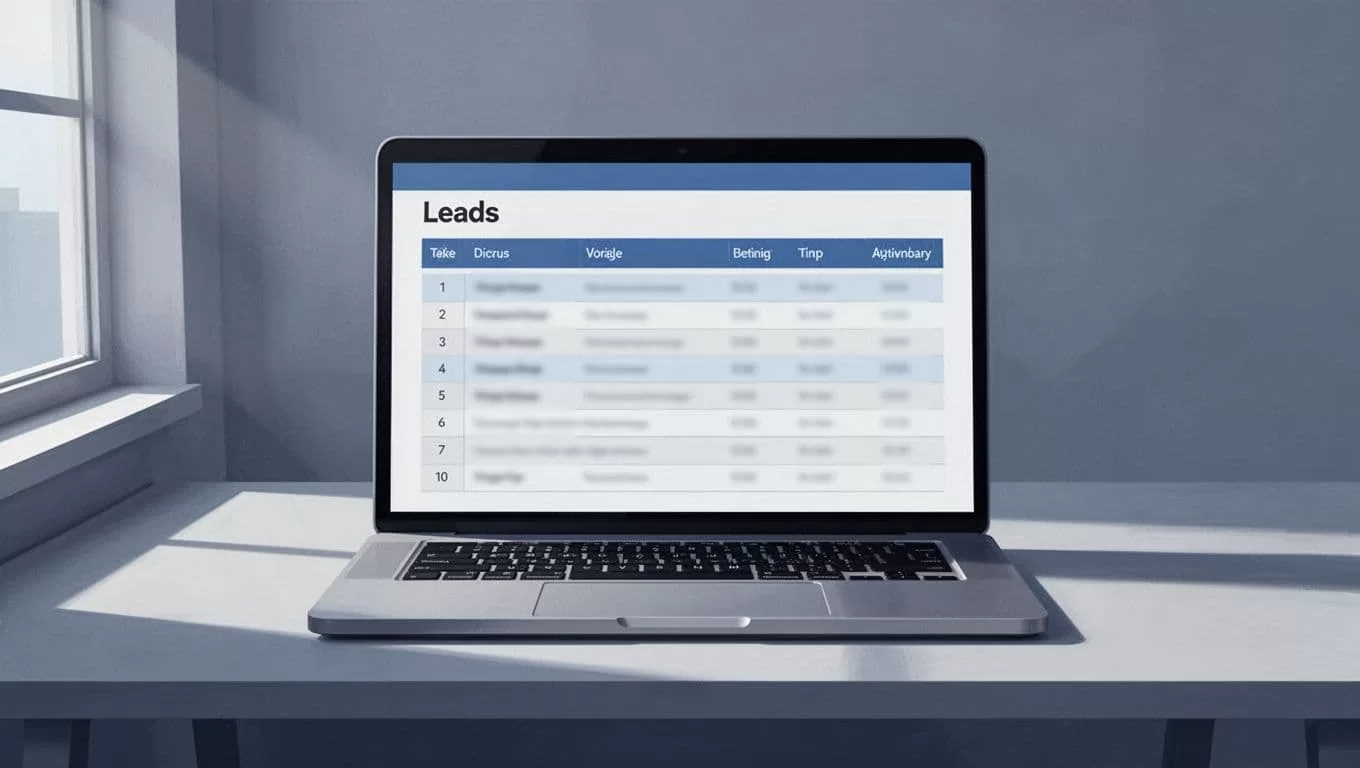
Here’s the base structure I reach for most often:
| Field | Type | Why I keep it |
|---|---|---|
| Lead name | Single line text | Easy human reference |
| Reply path and dedupe | ||
| Form source | Single select | Tally, Typeform, Webflow, referral |
| Service type | Single select | Design, dev, consulting, SEO |
| Location | Single select or text | Time zone and territory routing |
| Company size | Single select | Solo, 2-10, 11-50, 51+ |
| Inquiry type | Single select | Demo, quote, support, partnership |
| Status | Single select | New, Triaged, Assigned, Waiting, Qualified, Closed |
| Owner | Collaborator | Who follows up |
| SLA due | Date/time | Response deadline |
| Notes | Long text | Extra context and edge cases |
Those status values matter more than they look. I keep them short, because short statuses are faster to scan and harder to misuse.
If I keep these fields clean, routing turns into a set of simple rules instead of a guessing game.
The routing rules I use in real life
I route by what the lead actually needs, not just by who filled out the form.
For context, I sometimes compare my setup with a lead routing automation guide. That helps me sanity-check the logic before I build it.

This is the routing logic I use most often:
| Routing signal | Example rule | Result |
|---|---|---|
| Service type | Design request | Assign to designer or me |
| Service type | Dev request | Assign to technical lead |
| Location | UK or EU | Route to regional owner |
| Company size | 1-10 employees | Keep on solo or small-business queue |
| Company size | 50+ employees | Route to senior rep |
| Inquiry type | Support issue | Send to support bucket |
| Inquiry type | Partnership | Send to business development |
| Urgency | “Need help this week” | Mark hot lead and alert fast |
That table keeps the handoff honest. If I can point to the rule, I can defend the assignment.
A lead should never depend on memory. If it does, the system will fail on a busy day.
I also like to separate hot leads from slow-burn leads. A pricing request should not sit beside a general contact form submission. They need different follow-up speeds.
Native forms, automation tools, and custom workflows
I choose the simplest path that still fits the job.
When the form and base already live inside Airtable, the native trigger is hard to beat. It is clean, fast to set up, and easy to explain to another person later. Airtable also documents the logic clearly in its help center, which helps when I need to check limits or behavior again.
If I want more branching, I add an automation layer. That helps when one form needs to notify Slack, create a task, assign an owner, and send a reply at the same time. For a broader pattern view, I also skim an Airtable automation guide when I want to compare setup styles.
Here’s how I think about the tradeoffs:
| Path | When I use it | Tradeoff |
|---|---|---|
| Native form integration | One form, one base, basic assignment | Easiest to maintain, but limited branching |
| Automation platform | Multiple branches, alerts, and destinations | More flexible, but one more tool to watch |
| Custom workflow | Special scoring, API lookups, or unusual rules | Most control, but more testing and upkeep |
I only reach for custom code when the business rule is unusual. Otherwise, no-code wins because it is faster to repair.
What I do after a lead lands
Routing is only half the job. After the lead lands, I want it to move.
First, I check for duplicates. Then I assign the owner and set the status to Triaged or Assigned. After that, I fire a quick alert so nobody has to babysit the base.

When a lead looks messy, I clean it before it becomes a problem. For imported leads, I run them through my Hunter.io email verification workflow so I am not filling Airtable with bad addresses. If a form submission never arrives in the first place, I also rely on a catch-all inbox for leads as a backup net.
That backup matters. Missed leads often hide in plain sight, especially when someone types the wrong address or fills out an old form link.
For teams that move qualified leads into a CRM later, I keep the handoff simple. Airtable handles the intake and triage. The CRM handles the longer sales track. That split keeps each tool focused.
A routing system only works when it stays boring
The best Airtable lead routing setup is the one I can explain in one minute and test in five. If it takes a flowchart wall to understand, it will probably break under pressure.
I like short fields, clear statuses, and rules I can point to without guessing. When the form, the base, and the follow-up steps all line up, new leads stop slipping through cracks and start moving where they should.

