How I Deploy Boutique Staffing Software in Recruit CRM
Boutique staffing firms do their best work when the software fits the pace of the team. If the system feels heavy, recruiters stop using it, and the process slips back into inboxes and spreadsheets. When I deploy boutique staffing software...
Boutique staffing firms do their best work when the software fits the pace of the team. If the system feels heavy, recruiters stop using it, and the process slips back into inboxes and spreadsheets.
When I deploy boutique staffing software in Recruit CRM, I start with the real workflow, not the menu bar. That keeps the setup useful on day one, and it gives me room to scale later.
I start with the workflow I already use
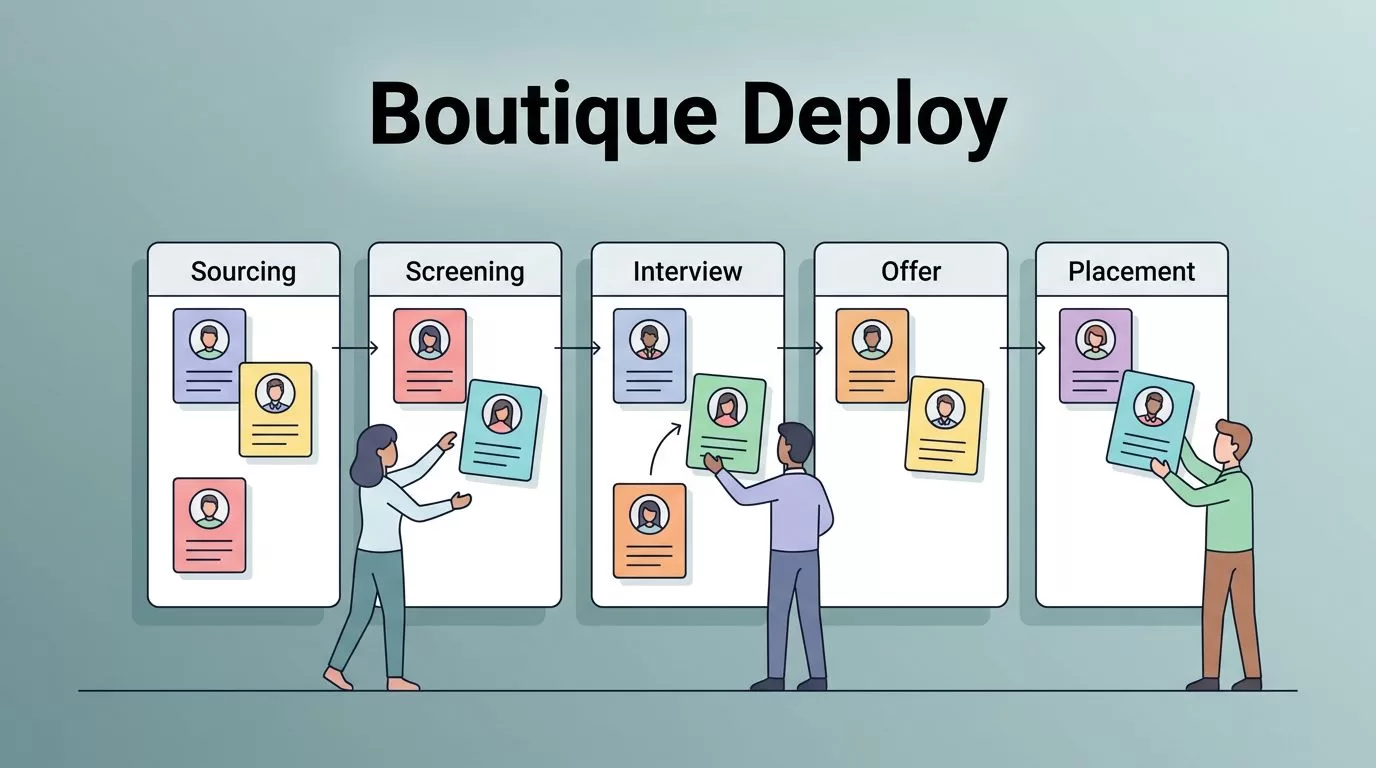
Before I touch automation, I map how a job moves through my team. I want the CRM to match the way I source, screen, submit, and place talent.
I also check the Recruit CRM setup guide so I can avoid a messy first build. A small agency does better with a clean process than with ten half-used features.
Here is the core structure I set first:
| Area | What I set first | Why it matters |
|---|---|---|
| Pipelines | Sourcing, screening, interview, offer, placement | Everyone reads the same board |
| Fields | Specialty, location, rate, availability, notes | Search and reporting stay clean |
| Ownership | Recruiter, account owner, backup | No lead gets stranded |
| Templates | Email, SMS, LinkedIn notes | Outreach stays consistent |
That table sounds simple because it should be. A boutique team needs clarity more than complexity.
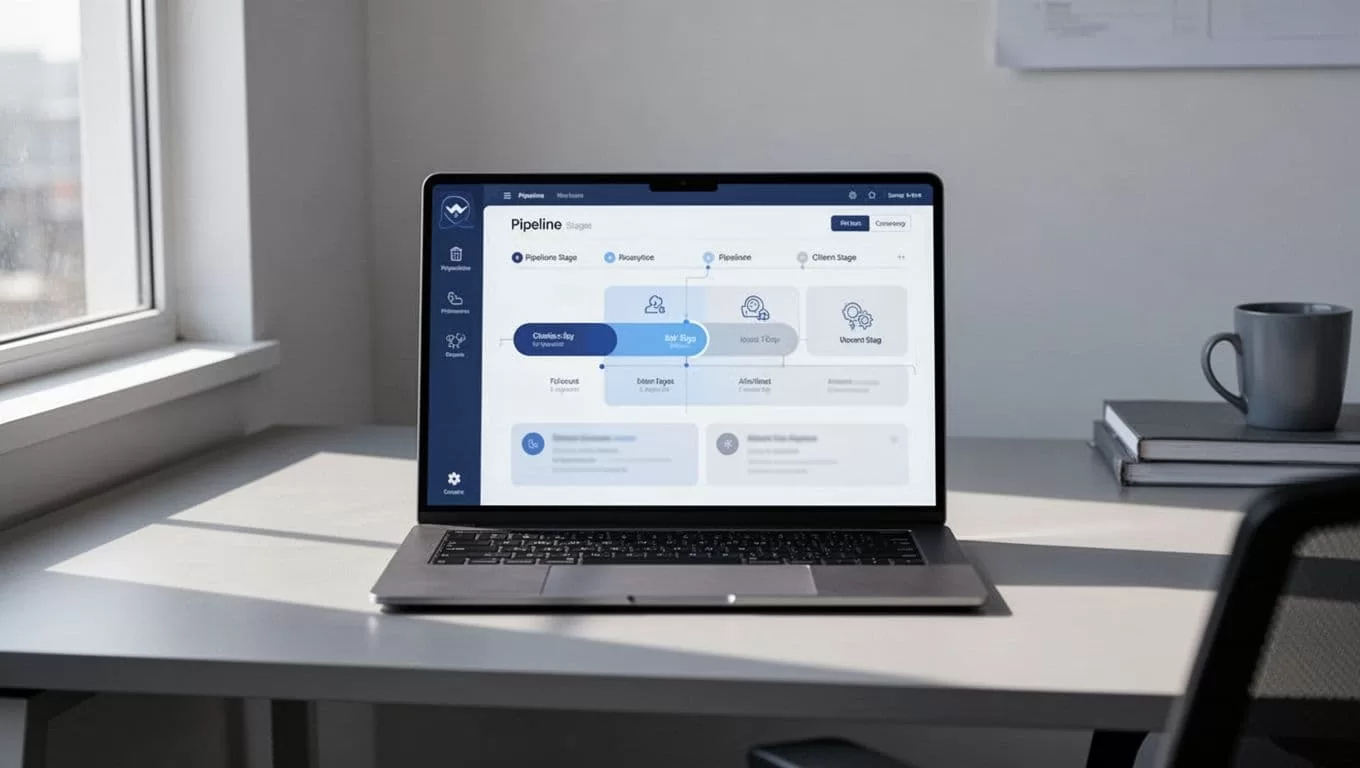
I keep the first version narrow. If a field or stage does not support a daily action, I leave it out.
I shape candidate and client records so reports mean something
For me, the database is the engine. If candidate records are sloppy, every report after that is a guess.
I use Recruit CRM’s resume parsing and sourcing tools to reduce manual entry, then I clean up the records by specialty and source. The resume parsing walkthrough is a good reference when I want to tighten that intake flow.
On the candidate side, I track the basics I actually use in calls and submissions. That includes job fit, pay range, location, notice period, and a short note on why the person is worth a follow-up. On the client side, I keep hiring manager names, req status, fee terms, and the history of each open search.
For niche work, I also keep my sourcing habits tight. When I run executive search or hard-to-fill roles, I use the same discipline I wrote about in my headhunter software workflow. That keeps candidate lists from turning into dead weight.
I also like Recruit CRM’s current AI sourcing, sequencing, and analytics features, because they help me keep records current without extra admin. I check the Recruit CRM feature page before each rollout so I know what is available now, not what was available last year.
I automate the handoffs that eat time
Automation matters most when it removes a tiny task that happens fifty times a week. I use it for handoffs, reminders, and status changes.
Recruit CRM’s workflow automation help article is where I confirm the trigger and action logic before I build. That saves me from guessing how a rule should fire.
A few automations I set early are:
- When a resume is parsed, I tag the candidate and assign the record.
- When a candidate reaches interview stage, I send a reminder and create a task.
- When a client approves a shortlist, I notify the recruiter and log the next step.
- When an offer is accepted, I create a placement task and start the follow-up sequence.
If I can’t explain an automation in one sentence, I cut it down.
That rule keeps the system easy to trust. A boutique team does not need a maze of rules, it needs a few sharp ones that fire at the right time.
I also use email and LinkedIn templates for common touchpoints. For example, I keep a short follow-up note for candidates after a screen, and another for clients after a submission. That keeps the tone personal, even when the workflow is automatic.

I roll it out in small steps, then train for daily habits
The cleanest rollout I’ve used starts with one recruiter and one pipeline. After that works, I add the next desk or specialty.
Training matters more than feature depth. I teach people how to open a job, move a candidate, send a note, and log a call. Once those habits stick, the rest feels natural.
I also review the basics every week in the first month. That means pipeline hygiene, task completion, and whether people are using the same fields the same way. In April 2026, that matters even more because Recruit CRM pairs AI tools, no-code workflow automation, integrations, and analytics in one place. It also connects with email, calendars, LinkedIn, job boards, APIs, and a large app ecosystem, so I can keep the rest of my stack intact.
The mistakes I avoid are simple:
- copying an old spreadsheet into too many custom fields
- turning on automation before defining the stages
- training the team on features instead of daily actions
- letting every recruiter name stages a different way

I treat the dashboard as a weekly control panel, not a trophy wall. If the data shows slow follow-up or weak source quality, I fix the process, then I adjust the rules.
Conclusion
Boutique staffing software works best when it reflects the way a small team actually operates. In Recruit CRM, that means clean pipelines, useful client records, fast candidate intake, and only the automations that save real time.
When I keep the setup simple at the start, the system becomes easier to trust later. That is what turns Recruit CRM into a daily tool instead of another tab that nobody opens.
