How I Send Event Reminders Automatically in Twin.so
Missing one reminder message by hand feels harmless, until a webinar opens with half the seats empty. I use event reminder automation in Twin.so because people forget, calendars shift, and manual follow-up eats time. When the workflow is se...

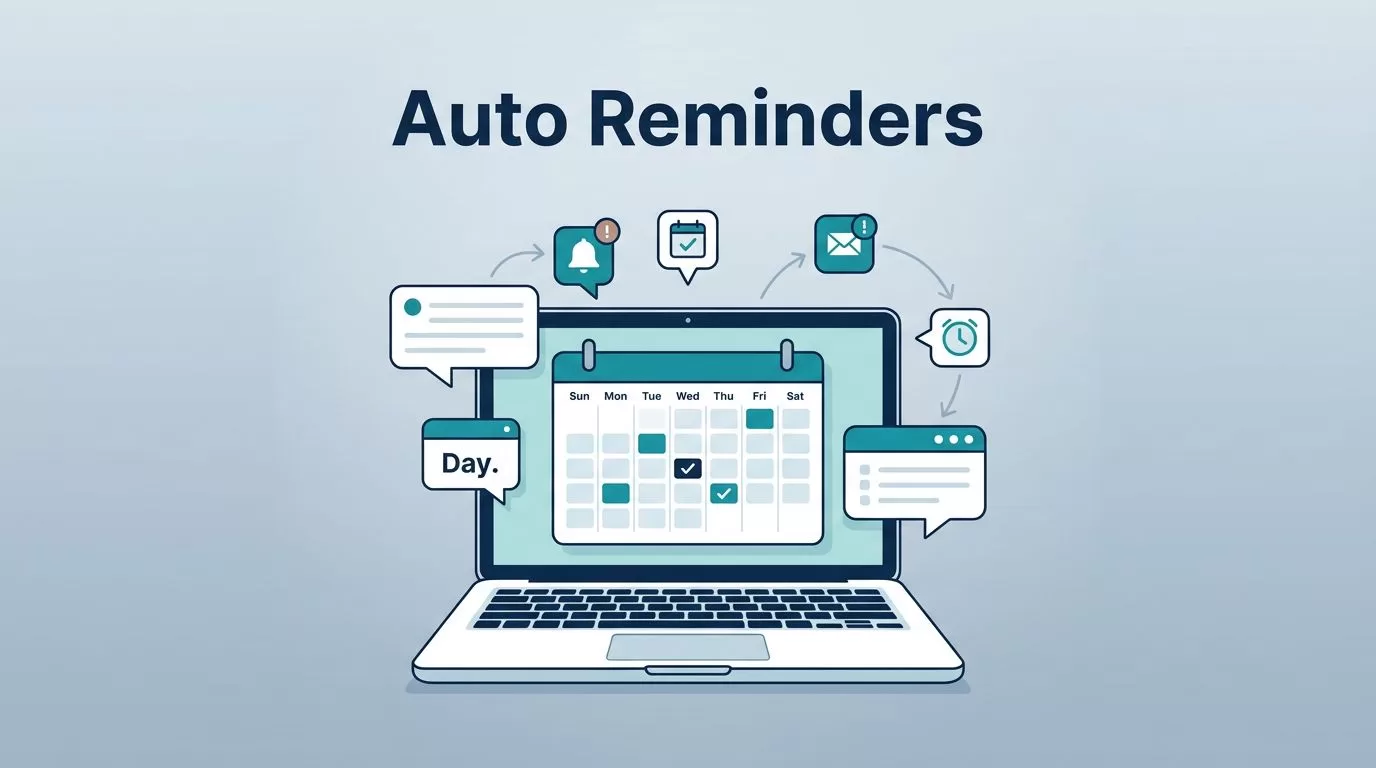
Missing one reminder message by hand feels harmless, until a webinar opens with half the seats empty. I use event reminder automation in Twin.so because people forget, calendars shift, and manual follow-up eats time.
When the workflow is set up well, each guest gets a nudge at the right moment. That matters for webinars, demos, appointments, and internal meetings.
I built this guide for the moments when attendance really counts. If I can remove one manual task and make the next event run smoother, I do it.
Why I automate reminders instead of chasing people
I do not want to remember every follow-up myself. One missed reminder can mean a no-show, a late start, or a room full of people asking for the join link again.
Twin.so helps me turn that repeated task into a rule. I set the trigger once, map the event details, and let the system send the message on time.
That matters most when the event is tied to revenue or trust. A sales demo, a client appointment, or a company-wide meeting all look better when the reminder lands early and clearly.
I also like the same mindset across the rest of my admin stack. If I am cutting repetitive work in one place, I often do the same elsewhere, like reducing manual bookkeeping with AI automation. The point is simple, small tasks should not keep stealing the day.
The reminder cadence I use for each event type
The timing changes by event, but the logic stays the same. I start early enough to help people plan, then I send a closer reminder that feels useful, not noisy.
For timing, I keep one rule in mind, the reminder should match the event and the audience. Mailchimp has a helpful breakdown in its guide on timing event reminder emails, and I use that idea when I build my own cadence.
Here is the cadence I usually set up:
| Event type | Reminder timing | Best channel mix |
|---|---|---|
| Webinar | 1 week before, 1 day before, 1 hour before | Email, plus SMS for high-value registrants |
| Sales demo | 1 day before, 1 hour before | Email and SMS |
| Appointment | 24 hours before, 2 hours before, 15 minutes before | SMS first, email as backup |
| Internal meeting | 1 day before, 30 minutes before | Email or team messaging |
The pattern is easy to remember. Early reminders help with planning, while the last message reduces last-minute drop-off.
The best reminder is one that arrives before the person has forgotten, and close enough to still matter.
For webinars, I prefer a softer first note. For appointments, I keep the language direct. For internal meetings, I usually keep it short and remove anything that feels formal.
How I build the workflow in Twin.so

I start by making the event source clear. If the event lives in a calendar, registration form, or CRM, I connect that source first so Twin.so knows what counts as a real event.
- Pick the trigger.
I choose the event that starts the workflow. That could be a new webinar registration, a booked meeting, or an approved appointment. - Map the fields I need.
I pull in the attendee name, event time, time zone, join link, location, and any notes. Without those fields, the reminder feels generic and the sender looks careless. - Build each reminder step.
I create separate actions for 1 week before, 1 day before, and 1 hour before. For some events, I add a final same-day reminder too. - Write each message for the moment it arrives.
The first message should confirm the event and set expectations. The closer reminder should focus on one action, like joining the call or checking in on time. - Choose the channel for each step.
Email works well for longer notes. SMS works when I need fast attention. If a team uses chat tools for internal meetings, I send the reminder there too. - Run a test before I turn it on.
I use one real-looking event with my own contact details. Then I check the timing, the merge fields, and the link before I trust it with a live audience.
For a webinar, that setup might look like this, a confirmation email at signup, a reminder one week before, a follow-up one day before, and a final nudge one hour before. The cadence does the work for me.
Personalization and channels that keep reminders useful
A reminder should sound like it knows what it is reminding people about. I use the event title, date, start time, and join link whenever I can. If the event is in multiple time zones, I include the zone in plain language.
A good reminder can feel like this: “Hi Maya, your product demo starts in 1 hour at 2:00 p.m. ET. Join using your meeting link here.” It is short, specific, and easy to act on.
I keep email for detail and SMS for urgency. Email gives me room for a full subject line, the agenda, and a backup link. SMS is better for short reminders that people read on the move.
That mix matters for no-show reduction. I often compare my setup with the approach in GReminders’ automated meeting reminder system, especially when I want a simple SMS-first flow for appointments.
For internal meetings, I keep the tone lighter. A quick note in email or chat is enough because the people already know the topic. For webinars and demos, I add more context because the attendee may need the link, the time zone, and the purpose in one place.
I also watch the frequency. Too many reminders can feel pushy. Too few can vanish into a crowded inbox. The right balance depends on the event and how much effort the attendee needs to make.
Testing, common mistakes, and the final check
I never ship a reminder workflow without a test event. A flow that looks clean on the screen can still fail if a field is empty or the time zone is wrong.
If the test message looks awkward, the live version will too.
The mistakes I see most often are easy to avoid:
- The trigger fires on the wrong calendar field, so the workflow starts too early or not at all.
- The time zone is missing, which makes the reminder land at the wrong hour.
- The message is too long, so the key action gets buried.
- The same cadence is used for every event, even when the audience is different.
- The event link is not checked, so people open a dead page or the wrong meeting room.
- SMS goes out without a clean fallback, which leaves some attendees without a backup reminder.
I fix these problems by testing one event type at a time. First I verify timing. Then I check personalization fields. After that, I confirm the channel and the link.
For webinars, I also test the registration path end to end. For demos, I check whether the attendee sees the right rep name and calendar slot. For appointments, I confirm the reminder matches the booked slot exactly. For internal meetings, I keep the test simple, because clarity matters more than polish.
Once the workflow passes those checks, I let it run. That is where Twin.so earns its place. It takes the repeat work off my plate and keeps the reminders moving on schedule.
Conclusion
Event reminder automation works best when it feels boring in the right way. The flow should be easy to trust, easy to test, and easy for the recipient to understand.
When I set up Twin.so with the right timing, channels, and event details, I stop worrying about missed follow-ups. That leaves more energy for the event itself, which is where the real work begins.

