Guest Booking Automation with Twin.so
Guest booking requests fall apart in the same place most teams do, the handoff. A form gets filled out, someone checks dates, someone else sends a reply, and the thread gets buried under other work. That lag costs more than time. It creates...

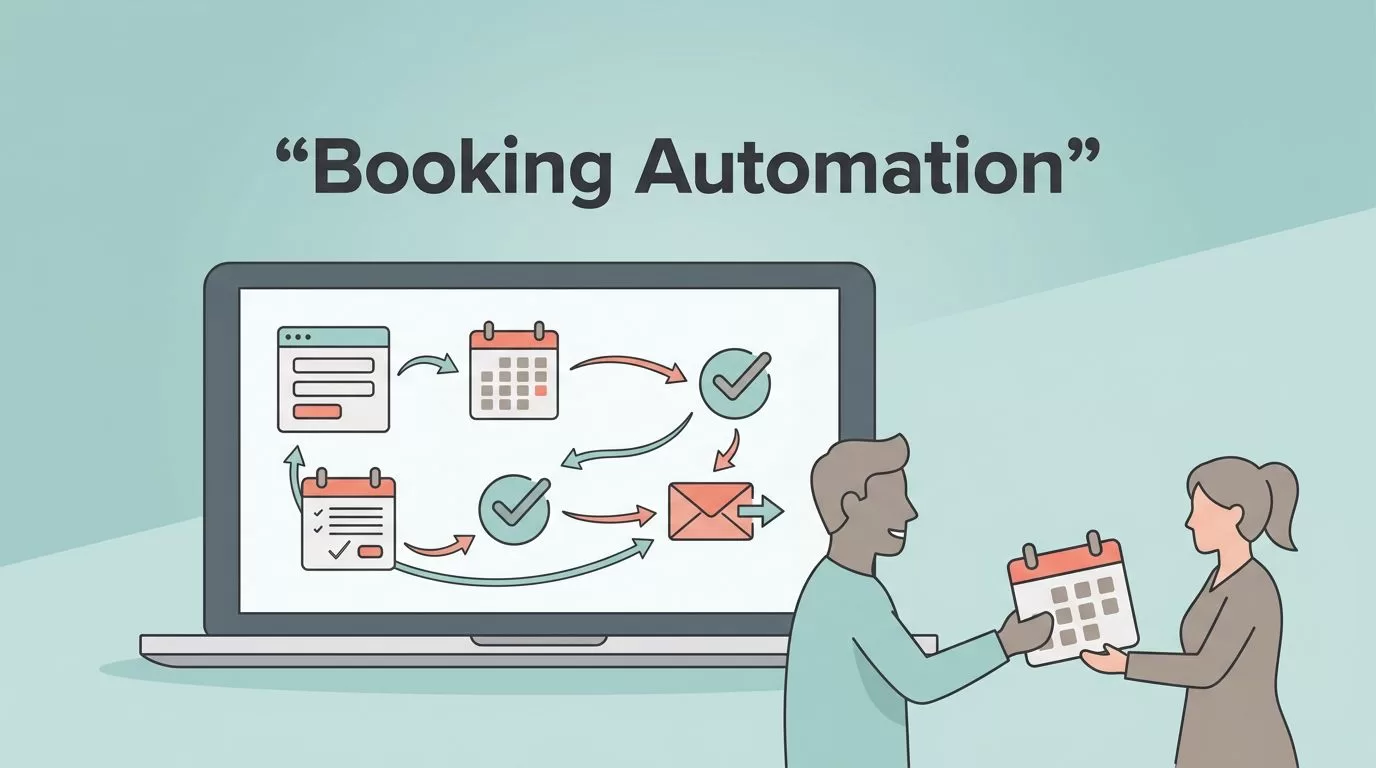
Guest booking requests fall apart in the same place most teams do, the handoff. A form gets filled out, someone checks dates, someone else sends a reply, and the thread gets buried under other work.
That lag costs more than time. It creates missed leads, double work, and awkward guest communication. With guest booking automation on Twin.so, I can connect intake, scheduling, approvals, and follow-up so every booking moves through a clear path.
Map the booking journey before I automate
I always start with the journey, not the tool. A guest booking usually passes through the same stages, inquiry, review, confirmation, payment, and follow-up. When I map those steps first, I can see where people keep repeating work.
A simple workflow map makes the weak spots obvious. Here’s the kind of breakdown I use before I build anything in Twin.so.
| Booking step | Manual pain point | Automated action | Result |
|---|---|---|---|
| Form submission | Leads sit in an inbox | Create a lead record instantly | Faster response |
| Date check | Staff compare calendars by hand | Check availability and flag conflicts | Fewer booking errors |
| Approval review | Managers chase details | Route edge cases to the right person | Cleaner decisions |
| Confirmation | Teams send copy-pasted replies | Send a branded confirmation message | Consistent guest communication |
| Follow-up | Staff forget reminders | Trigger reminders and next steps | Better show-up rates |
That structure keeps the workflow honest. I’m not automating chaos, I’m automating a process I can explain in one page.
For a broader look at how booking tasks can be organized around real operations, I found workflows that fix operations useful as a reference point. It helps me stay focused on the work people actually do.
If the booking form is the front door, the workflow is the hallway. I want every step to move the guest forward without another manual handoff.
Build a booking workflow that handles exceptions
A good Twin.so setup doesn’t treat every inquiry the same way. It separates routine bookings from exceptions, then routes each one where it belongs. That saves time and keeps your team from making judgment calls on every request.
I usually build the workflow around four decisions:
- Capture the inquiry and clean the data. I make sure the form collects the fields I need, such as dates, guest count, package type, and contact info. If something is missing, the workflow can request the missing field instead of passing bad data downstream.
- Check the conditions that matter. Twin.so can look at booking dates, capacity, service type, or location rules. If the request fits, it moves on. If it doesn’t, the system flags it for review.
- Route approved bookings into the next system. That can mean a CRM, a calendar, a messaging tool, or a task board. The point is to remove the copy-paste work between systems.
- Trigger the right follow-up. A confirmation, a reminder, or an approval notice can go out without waiting for someone to remember it.
This is where guest booking automation starts to pay off. The workflow becomes a set of clear gates instead of a pile of inbox tasks.
I also keep the rules readable. When the logic gets too rigid, it stops fitting real life. I prefer AI-driven alternatives to standard automation scripts when I need a workflow that can react to context instead of a fixed schedule.

Connect guest messages, calendar data, and CRM records
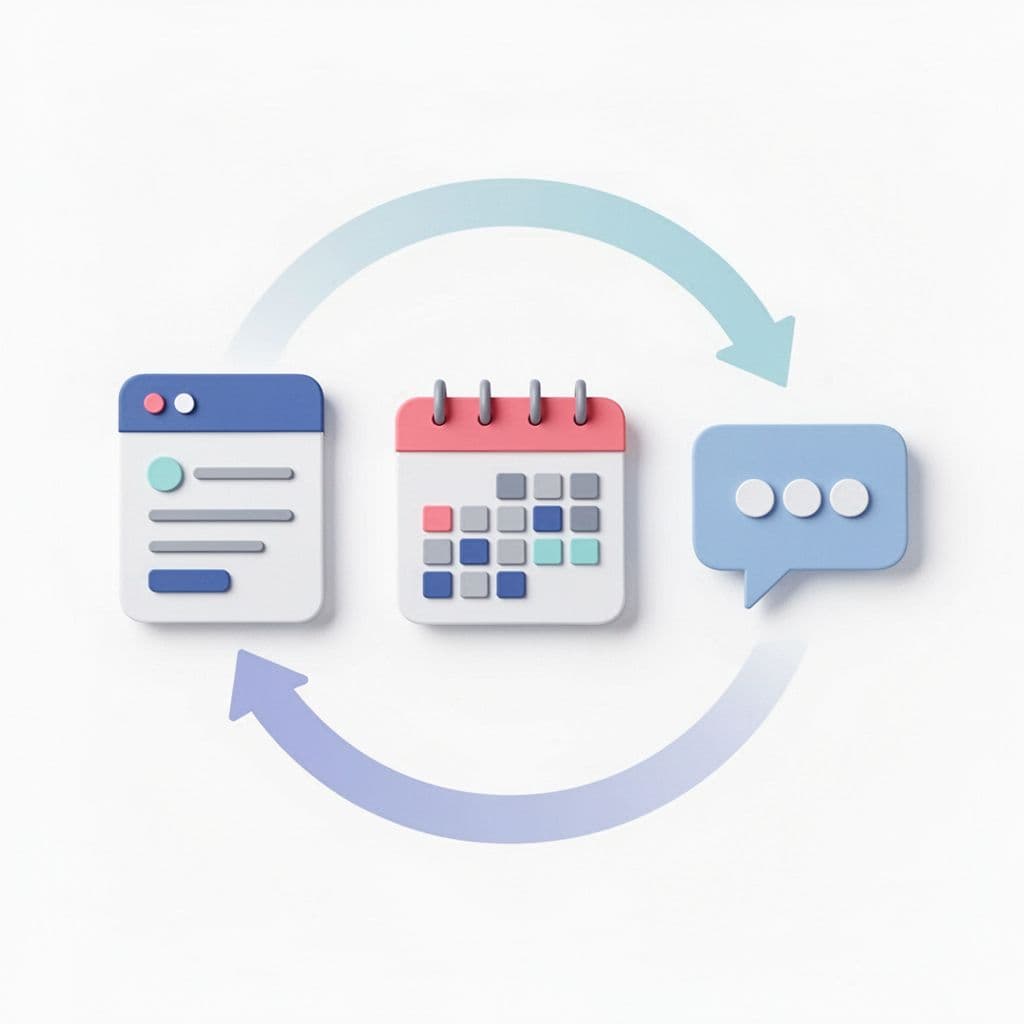
The real value shows up when systems talk to each other. A booking form alone doesn’t solve much. A calendar alone doesn’t solve much either. The lift comes when the intake form updates the CRM, the CRM updates the schedule, and the schedule triggers the message flow.
I like to set this up so each guest has one record, not three half-finished versions of the same person. That record can hold the inquiry source, stay dates, booking status, and follow-up stage. Then the team doesn’t have to hunt for the latest update.
This also shortens response time. If the booking is valid, Twin.so can send a confirmation right away. If it needs review, the workflow can notify the right person in a Slack channel, email inbox, or task queue. That keeps the guest from waiting in silence.
For teams that want a broader view of guest journey automation, Guesty’s automation tools offer a useful example of how daily tasks can be handled across the booking path. I use that kind of reference to sanity-check my own workflow design.
The guest side matters here too. Clear messages reduce confusion about timing, payment, arrival details, and changes. When the communication is automatic and accurate, I spend less time cleaning up misunderstandings.
Keep finance and follow-up in the same loop
Guest booking workflows get messy when finance lives on an island. Deposits, invoices, refunds, and reconciliation often sit in a separate process, and that creates delays. I prefer to connect them early.
When a booking is confirmed, Twin.so can pass the core details into finance or operations tools. If your team tracks payments or books revenue manually, that handoff saves real time. I’ve used the same logic in automating QuickBooks data entry with AI, where the goal is to move clean booking data into accounting without retyping it.
That same pattern helps with follow-up too. A confirmed booking can trigger a thank-you note, a reminder series, or a pre-arrival message. If the guest needs to complete a waiver or submit extra information, the system can send that request at the right moment.
I also like to keep internal teams in the loop. A booking may need a sales notice, an operations task, or a support alert. When those messages fire from the same source record, the team gets one version of the truth.
Make the system safe to run day after day
Automation breaks when it’s built like a stunt instead of a process. I want guest booking workflows that I can trust on a busy Monday, not just during testing. That means I pay attention to error handling, permissions, and audit trails.
A few checks matter every time:
- I validate form fields before the workflow starts.
- I set a fallback path for calendar conflicts or missing data.
- I log each booking action so I can trace what happened.
- I limit access to sensitive guest information.
- I test one booking type first, then expand.
These basics matter because booking data touches more than scheduling. It often includes personal details, payment notes, and staff assignments. I keep the workflow tight so the right people see only what they need.
I also review the automation logic after it runs for a while. A rule that looks clean on paper can miss edge cases in the real world. When that happens, I update the trigger or add a new branch before the problem grows.
Conclusion
When I automate guest booking workflows on Twin.so, I’m not trying to remove people from the process. I’m trying to remove the wasted motion around them. That means fewer manual tasks, faster response times, cleaner lead handling, and better scheduling accuracy.
The best results come from a clear workflow map, smart exception handling, and connected systems. Once the form, CRM, calendar, notifications, approvals, and follow-ups work together, the booking path feels less like a scramble and more like a steady handoff.
Guest booking automation works when the process is simple enough to trust. If I can explain it in plain language, I can automate it with confidence.

