Forestry Management Automation With Twin.so: A Pilot Plan
Forestry management automation only works when the data, rules, and approval points are clear. Twin.so can help teams move information between APIs, browser-based portals, spreadsheets, databases, and internal tools, but it shouldn’t...
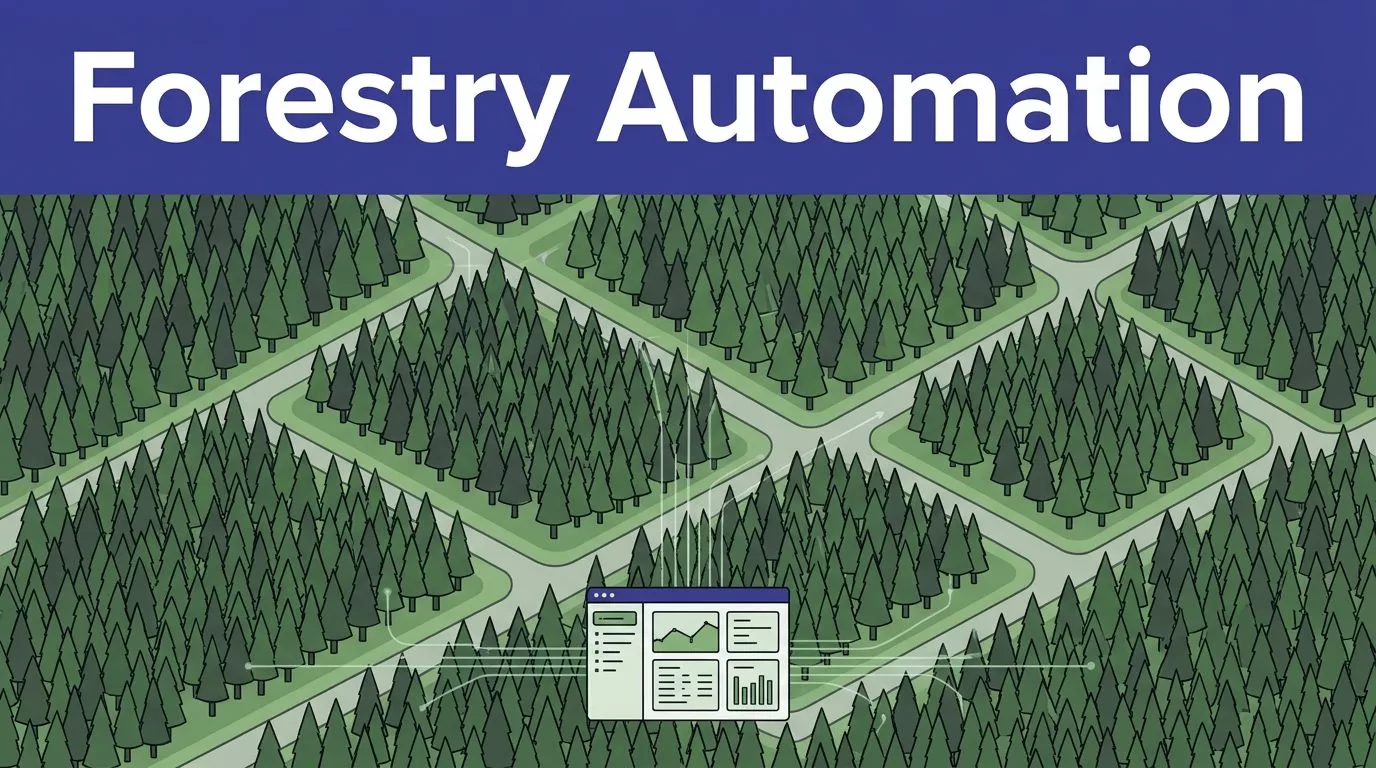
Forestry management automation only works when the data, rules, and approval points are clear. Twin.so can help teams move information between APIs, browser-based portals, spreadsheets, databases, and internal tools, but it shouldn’t replace a forester’s judgment.
Forest operations teams need repeatable work completed faster without losing traceability. Start with one workflow, connect trusted sources, route uncertain cases to people, and measure errors alongside labor savings. That is the practical path to using Twin.so in forestry.
What forestry management automation should handle
Forest management creates recurring information work. Teams collect stand inventory data, update harvesting plans, check road access, monitor wildfire and pest conditions, track reforestation obligations, and assemble environmental records. These tasks cross systems and often depend on the same identifiers.
A good automation workflow has four parts: a known trigger, approved data sources, a defined output, and a human decision when the data conflicts. If those parts are missing, the agent has too much room to guess.
Automate repeatable records
Use automation for collection, comparison, routing, and status updates. A weekly process can gather the latest inventory date, road inspection status, permit documents, remote-sensing alerts, and open field tasks. It can place the results in a work queue or draft report.
Remote sensing still needs a sound data process. The USDA Forest Service remote sensing program describes its role in forest inventory monitoring and analysis. AFRY’s remote sensing inventory work also shows how aerial and geospatial inputs support precision forestry.
Twin.so can help move those outputs between systems. It isn’t a substitute for sensor calibration, GIS validation, or a forester’s interpretation.
Keep high-consequence decisions human
Don’t let an agent approve a harvest boundary, authorize a road closure, select a pesticide treatment, or sign an environmental filing without review. These actions affect safety, legal obligations, habitat, and operating cost.
Automation should produce a clear draft. The responsible manager checks the stand, date, source, and exception reason. The manager then approves, edits, or rejects the action. This pattern gives the team speed without hiding accountability.
How forestry management automation with Twin.so fits operations

Treat Twin.so as an orchestration layer around existing forestry systems. Public Twin documentation describes cloud-based agents that can connect to APIs, work with business apps, and run without a local machine.
That doesn’t establish Twin.so as a forestry GIS or a complete digital-twin platform. Confirm the product scope, current plan, data terms, and required connectors during evaluation.
Use APIs for stable data
Use an API when the inventory database, GIS service, weather feed, field platform, or document store provides one. API calls are easier to test and maintain than screen actions. They also make field names, permissions, and failure responses more visible.
Twin’s documentation for agents and integrations describes API connections and cloud execution. Public product materials also describe scheduled and event-triggered workflows, but trigger options and limits can change. Test the exact schedule, webhook, or backend call your team needs.
Keep each output structured. Store the field name, value, source, timestamp, workflow version, and validation status. That format makes quality checks possible.
Use browser automation for closed systems
Some forestry work still sits inside permit portals, government sites, contractor dashboards, and legacy systems. Twin’s browser automation features are relevant when an authorized user must log in, read a page, download a document, or update a form.
Start with read-only tasks. Save the source URL, retrieval time, document name, and transaction status. Add a stop condition when a page changes, a login challenge appears, or required fields are missing.
Don’t use browser automation to bypass access controls or a website’s terms. Don’t make a buying decision from a headline integration count. Verify the exact connector, permissions, rate limits, and write actions in your environment.
Choose one forestry workflow before you scale
A first pilot should have one owner, one source path, one output, and one approval gate. Don’t begin with an agent that tries to manage inventory, dispatch crews, update permits, and send alerts in one run. Small scope exposes data gaps faster.
Build a harvest-readiness workflow
A practical pilot can create a draft readiness packet for each planned unit. The agent checks the current stand record, inventory date, planned harvest status, road and bridge inspection records, access restrictions, permit documents, and relevant weather or fire alerts.
The output can show three states: ready for manager review, blocked by a missing condition, or unable to verify. It should include the stand ID, source links, timestamps, and the reason for each exception.
A supervisor decides whether the unit proceeds. The agent only prepares the evidence and routes the work. This gives managers a consistent review packet without turning a data check into an automatic harvest order.
Connect monitoring to field follow-up
With an approved alert source connected, an agent can collect new wildfire, pest, storm, or disease alerts. It can match them to managed stands, create a field task, and notify the assigned coordinator. A field team then confirms what is present.
The same process works for reforestation checks. The workflow can compare planned planting units with submitted field records, flag missing survival observations, and assemble a follow-up list.
Environmental consultants can use it to find missing permit attachments or inconsistent dates before a filing reaches review. A forestry management automation pilot should reduce waiting and copying. It shouldn’t convert an unverified alert into an operational order.
Build a reliable data and approval path
Twin.so will only be as reliable as the records it reads. Forestry data changes over time, and two systems may show different values for the same stand. Define ownership before you automate the handoff.
Define the source of truth
Create a minimum data contract for every workflow. Useful fields include stand ID, geometry or map reference, ownership, species, age, stocking or volume estimate, inventory date, road status, permit ID, restriction status, monitoring source, and last human review.
Keep the original record and the transformed value. Store the source system, timestamp, workflow version, and agent result with every output. If a field is absent or conflicting, return “unknown” or send an exception. Don’t let the agent fill a gap with a plausible value.
Version the business rules. A harvesting restriction or reforestation requirement can change, and the workflow must show which rule produced each result.
Limit access and protect sensitive records
Use separate accounts with the minimum permissions needed. A read-only account is the right starting point for inventory and permit checks. Restrict write access to a small set of approved actions.
Forest records can include sensitive stand coordinates, endangered-species locations, landowner information, contractor details, and employee routes. Review where Twin stores data, how long logs remain available, who can access credentials, and whether your required data residency is supported.
The public documentation points to hosted cloud execution, so don’t assume self-hosting or on-premises storage. Review your contracts, internal policies, and source-system licenses before sending records through an external service.
Keep people in the approval loop
Use a draft, review, then commit pattern. The reviewer should see the input records, the rule that triggered the result, and the exact change proposed.
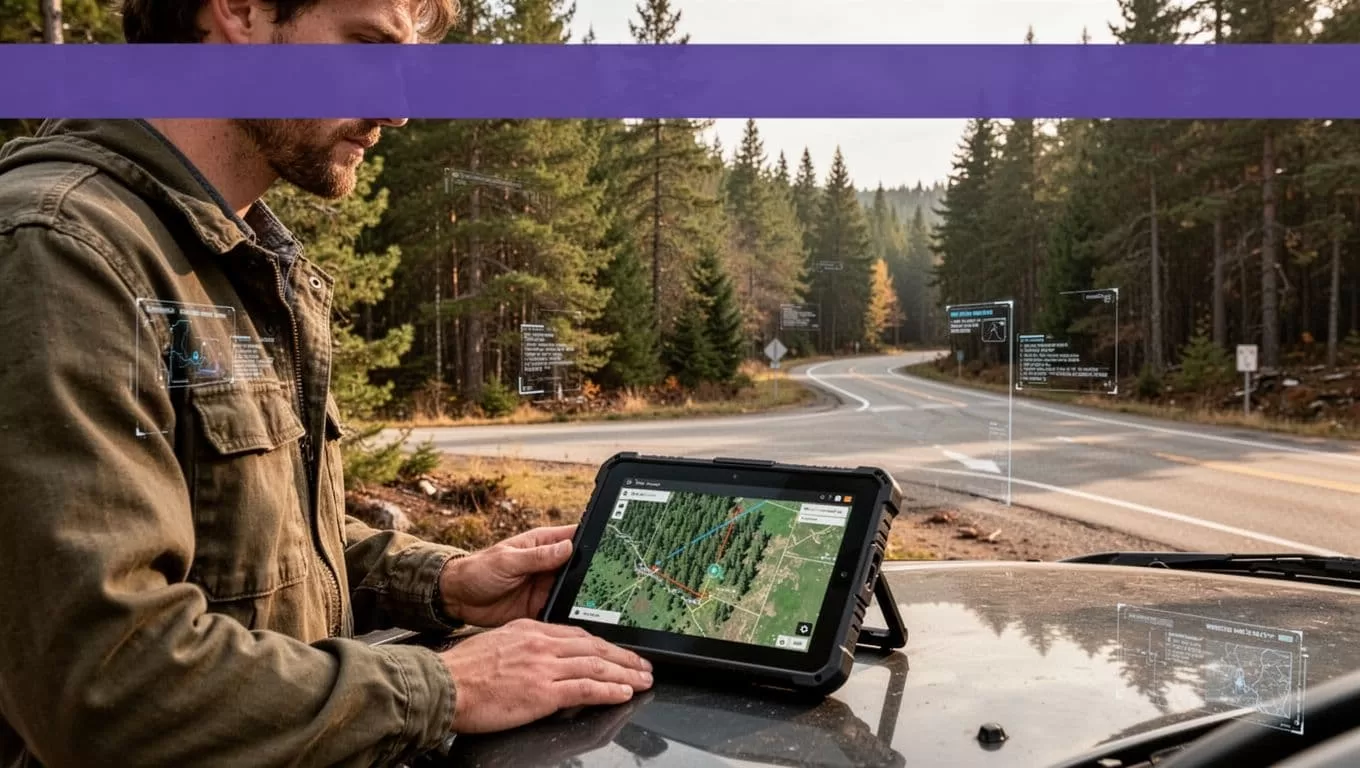
For field coordination, the final record should identify the assigned person, location, priority, due date, and source alert. Require confirmation before dispatch, road changes, chemical work, or compliance submission.
This protects the team when sensor data is stale or a portal returns an incomplete result. It also gives managers a clear audit trail when an automated recommendation is changed.
Measure the pilot before expanding it
A forestry management automation pilot needs an operating scorecard. A run that finishes quickly can still create rework, duplicate records, missed risks, or unsafe field instructions.
Track outcomes that matter
Track these measures by workflow and compare them with the manual baseline:
| Metric | What to record |
|---|---|
| Completion rate | Successful runs divided by started runs |
| Exception rate | Runs sent to human review because data or rules failed |
| QA accuracy | Correct fields, classifications, and routing decisions in reviewed samples |
| Human review time | Minutes spent checking or correcting each result |
| Cycle time | Time from source update to approved work item |
| Duplicate or unsafe actions | Retries, duplicate records, false alerts, and incidents |
Use separate counts for false positives and false negatives. A false positive may send a routine issue to escalation. A false negative can leave a serious road, fire, pest, or compliance issue unseen.
Calculate savings with all costs included
Estimate monthly benefit with a conservative formula:
Monthly benefit = eligible volume x minutes removed x loaded hourly rate / 60
Subtract Twin.so usage, connected-system costs, monitoring time, and human review. Then compare the result with monthly cost. Don’t count every automated run as savings. Bad records can cost more to repair than the manual process.
Run the workflow in shadow mode first. Let it produce drafts while the existing process remains active. Test stale data, missing permits, changed portal layouts, duplicate alerts, failed logins, and conflicting stand IDs.
Expand only after the team can explain failures and roll back changes. If you need a technical review of the first workflow, Book A Call before committing to a broader rollout.
Conclusion
Twin.so is a reasonable candidate for forestry management automation when the job is defined as data movement, document handling, exception routing, or approved updates across systems. It isn’t a replacement for a GIS, a field supervisor, or a compliance owner.
Start with one workflow such as harvest readiness, permit review, or monitoring follow-up. Use trusted source records, APIs where available, authorized browser automation where needed, human approval for high-consequence actions, and a scorecard that counts errors and review time.
The winning pilot isn’t the one with the most automated steps. It’s the one that reduces repeated work while keeping every decision traceable.
