Farm Management Automation Workflows in Twin.so
Farm work doesn’t stop because a spreadsheet is late. When field tasks, stock updates, and equipment records move through texts, email, and disconnected systems, small delays become daily operating problems. farm management automation...

Farm work doesn’t stop because a spreadsheet is late. When field tasks, stock updates, and equipment records move through texts, email, and disconnected systems, small delays become daily operating problems.
farm management automation gives each event a defined next step. Twin.so can act as the workflow layer that receives information, creates tasks, routes exceptions, and records what happened. Build narrow workflows first, then reuse the structure across farms, fields, teams, and seasons.
Why farm management automation needs a workflow layer
Most farms already have useful data. The problem is how that data moves.
A supervisor may report a field issue by text. Inventory may sit in a spreadsheet. Equipment hours may live in a manufacturer portal. A livestock task may remain in a paper log until someone enters it later. Each handoff creates another opportunity for missing data, duplicate work, or delayed action.
Twin.so doesn’t need to replace every system on the farm. It needs to connect clear triggers to clear outcomes. A new inspection record might create a maintenance task. A low-stock update might notify a purchasing manager. A completed field task might update a daily operations report.
When mapping your systems, use existing farm software categories as a practical reference. Farmbrite’s whole-farm management platform covers areas such as crops, livestock, financials, equipment, and sales. Those categories can help you identify where information starts and where it should go.
A workflow should create one clear record, take one defined action, and stop when required data is missing.
Avoid automating a messy process before you understand it. If field names vary across systems, or if staff use different units for inventory, Twin.so will repeat those inconsistencies at a higher speed. Clean inputs come first.
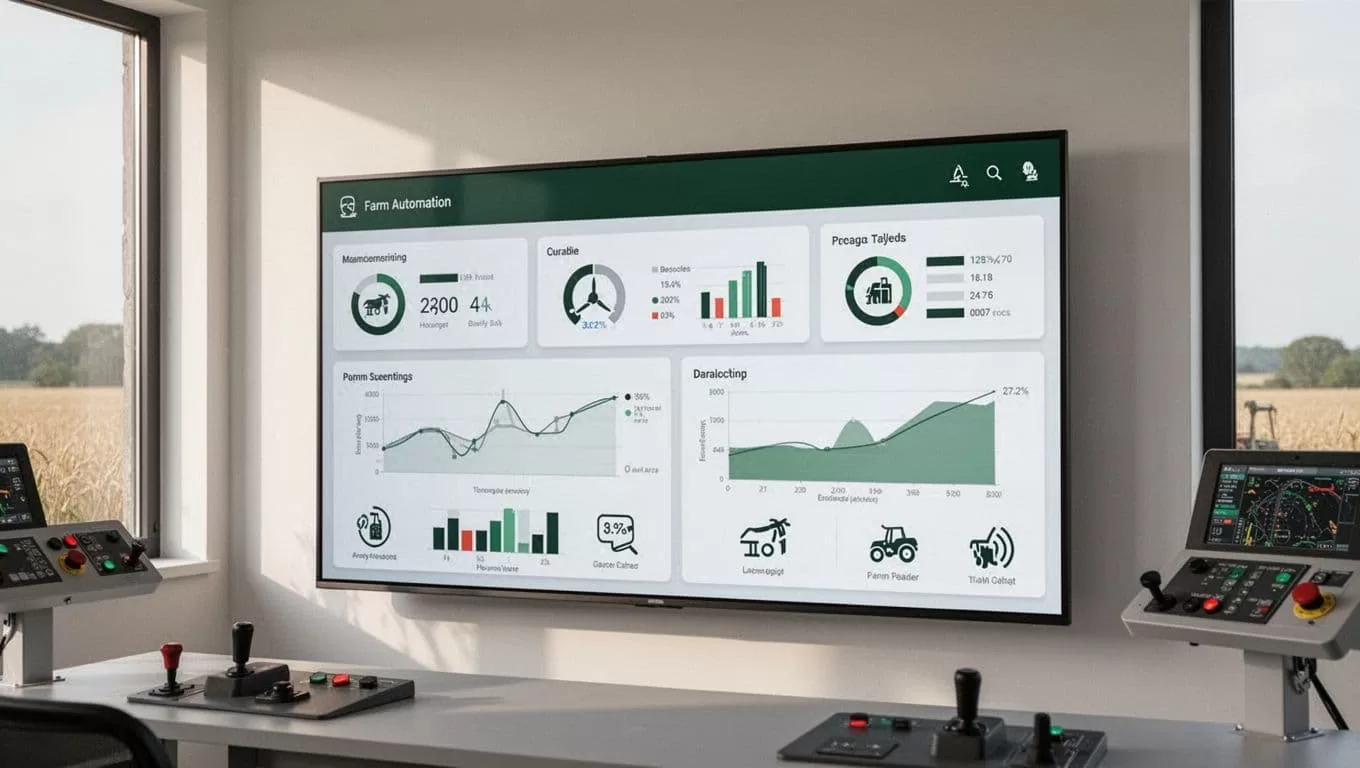
Scale farm management automation workflows in Twin.so
Start with a workflow design, not a platform screen. Write down what should happen before you configure the steps in Twin.so.
- Define the outcome. State the final result in one sentence, such as “Create a maintenance task when equipment exceeds its service threshold.”
- Choose the trigger. Use a new form submission, updated spreadsheet row, incoming email, connected application event, or scheduled check.
- List the required fields. Include the farm, field, asset, priority, date, owner, and any measurement needed for the decision.
- Set the action. The workflow may create a task, update a record, send a notification, prepare a report, or request approval.
- Add the exception path. Missing fields, conflicting records, and high-risk actions should move to a human review queue.
This structure makes farm management automation easier to test. You can inspect each step and identify the point of failure instead of searching through an undefined chain of actions.
Consider an irrigation alert. If a connected source reports a pressure fault, Twin.so can receive the event, check the farm and zone identifiers, create a task for the maintenance team, and notify the assigned supervisor. If the event lacks a zone or timestamp, the workflow should hold it for review instead of creating an untraceable task.
Use short names for workflows. Include the farm, process, and action in the name. A label such as North Farm - Irrigation Fault - Maintenance Task is easier to find than Automation 14.
Start with three workflows that scale
The best first workflows handle repetitive work with a clear rule. They don’t attempt to make agronomic decisions without review.
Route daily field tasks
A field supervisor can submit a request through a connected form, email process, or farm application. Twin.so reads the available details and creates a task for the correct team.
The workflow should capture the field or block, crop or livestock group, requested work, priority, due date, and assigned person. If the request doesn’t include the required location, route it to a clarification queue. Don’t guess the field.
A completed task can trigger a status update or add a note to the daily operations record. Keep the original request attached to the output. That gives managers a traceable record when they review missed or delayed work.
Monitor inventory and supplies
Inventory workflows are useful when stock records already follow a consistent format. Set a threshold for each item, then trigger a notification when the available quantity drops below that threshold.
The workflow can identify the item, location, unit, current quantity, and preferred supplier. It can then create a purchasing task for approval. Don’t place an automatic order unless your team has verified the item, quantity, price, and delivery details.
Units need special attention. “10” isn’t enough. The record must state whether the amount is 10 bags, gallons, pounds, cases, or another unit. Store the unit with every quantity.
For more ideas on task-based farm software, review FarmKeep’s mobile-first farm management guide. It highlights daily task management and livestock operations as important parts of farm software selection.
Create equipment service records
Equipment workflows can turn recurring readings into consistent maintenance work. When an approved source reports engine hours, mileage, runtime, or another service value, Twin.so can create a task based on the relevant threshold.
Include the asset ID, reading, date, source, and service type in the record. Add the assigned technician or supervisor only after checking the asset location and current availability.
This workflow should not close a service issue simply because a task was created. Require a completion update, service note, or supervisor approval before marking the issue complete.
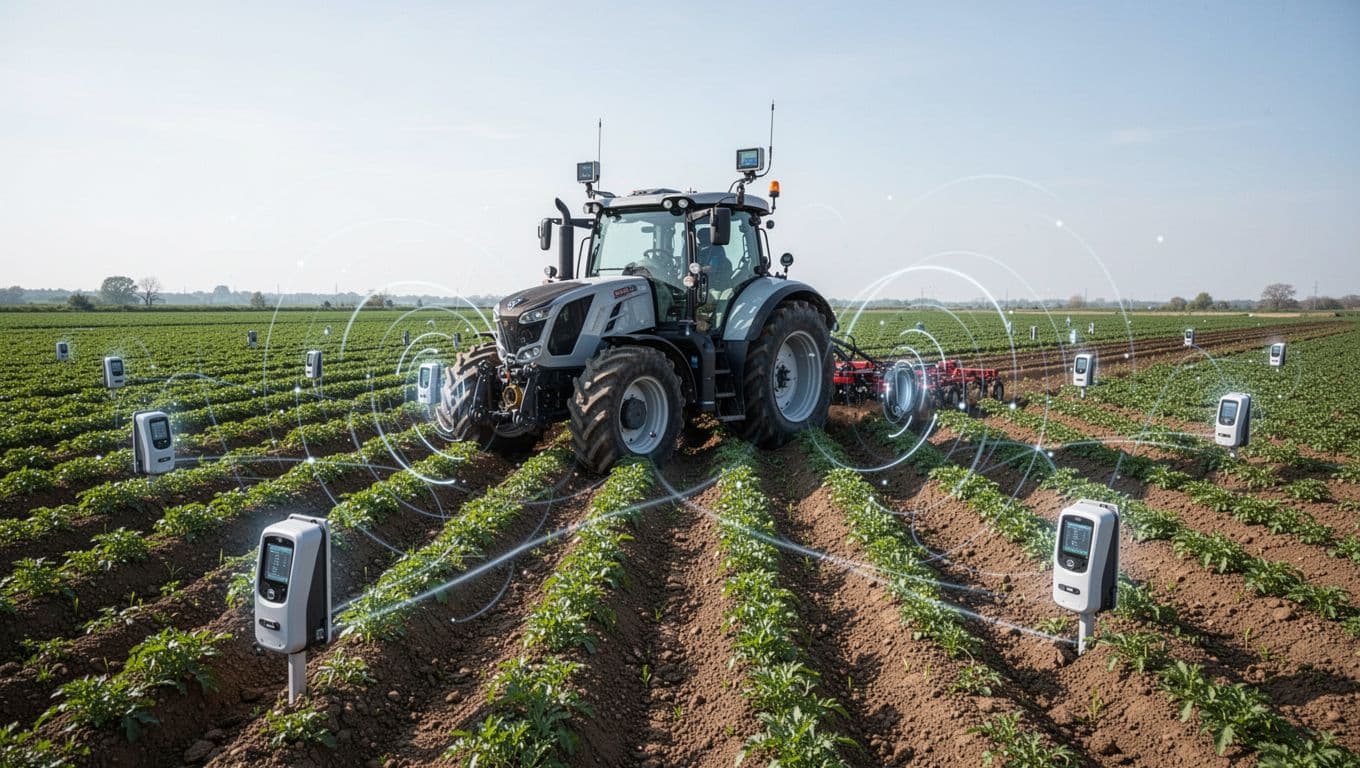
Connect Twin.so to farm data without creating duplicates
Start with a source-of-truth map. Decide which system owns each type of information.
Your farm management system may own field names. An equipment platform may own service readings. An accounting system may own purchase records. Twin.so can move information between them, but two systems shouldn’t both edit the same record without a clear rule.
Standardize identifiers before you scale. Use one stable ID for each farm, field, block, asset, storage location, and livestock group. Map common variations to that ID. “North 12,” “N-12,” and “North Field 12” should not create three separate locations.
Set a deduplication rule for recurring workflows. A source event ID combined with the asset ID and timestamp can help Twin.so recognize whether an event was already processed. The exact rule depends on the source system, but the principle stays the same: one event should produce one intended output.
Keep the field list focused. Collect only the information needed for the decision or record. Extra fields increase cleanup work and make failures harder to diagnose.
Farm mapping and field-level automation can include irrigation, crop rotation, and planting operations. Intellias’ overview of farm management solutions provides useful context when deciding which mapping and operational data your workflow should handle.
If a direct connector or API is unavailable, a browser-based action may be a fallback. Treat it as less stable than a structured data connection. Add checks for login failures, changed page layouts, missing values, and duplicate submissions.
Scale workflows across farms, fields, and teams
A workflow that works for one farm may fail when every location uses different names, owners, and schedules. Build reusable logic, then pass local values into it.
Use a common structure for each farm. Keep the action sequence consistent while changing variables such as farm ID, field ID, manager, timezone, supplier, or notification group. This prevents every location from becoming a separate custom project.
Organize Twin.so workflows by farm, season, and process. A clear folder structure reduces context switching when your team supports several operations. Use consistent names for active, testing, paused, and retired workflows.
Permissions also need a plan. Give each connection the access required for its task. Limit who can change production workflows, approve purchases, edit source records, or view sensitive employee and vendor information.
Test with five representative records before processing the full queue. Use different farms, normal cases, missing fields, duplicate events, and an exception. Compare every output with the result your team expects from the manual process.
Keep an activity log for each production workflow. Record when it ran, what it changed, who approved the result, and whether someone corrected the output. This log helps you find failed steps and investigate disputed records.
Before selecting a Twin.so plan, check its current limits for tasks, seats, connected services, browser actions, API access, and execution volume. Your requirements will change as more farms and workflows move into production.
Measure and govern your automation
Track operational results, not activity counts alone. A workflow that runs 1,000 times but creates incorrect tasks is not useful.
Review successful runs, failed runs, duplicate outputs, missing-field exceptions, manual corrections, and time to assignment. For inventory workflows, track approval time and incorrect item records. For equipment workflows, track whether service tasks include the reading and asset details needed by the technician.
Set a review schedule. Check new workflows after the first week, then review them monthly or after a major process change. Pause a workflow when a source system changes its fields, login process, or page structure.
Automate reminders, record updates, and data movement first. Keep chemical applications, animal treatment, compliance submissions, payroll changes, and purchase approvals behind a human checkpoint unless your operating policy allows a different process.
The safest workflow is not the one with the fewest people. It’s the one that sends routine work forward and sends uncertain work to the right person.
Conclusion
Farm management automation works best when each workflow has a defined trigger, clean fields, one clear action, and a tested exception path. Twin.so gives agricultural teams a practical layer for routing tasks, updating records, and connecting repetitive processes across farm systems.
Start with one daily workflow. Test five real records. Log every correction. Then reuse the proven structure across farms and teams. Scaling automation should expand a controlled process, not multiply an unclear one.
