Scale Gym Management Automation Workflows on Twin.so
Most gyms don’t need more software. They need fewer manual handoffs between the tools they already use. Gym management automation helps you connect member data, staff tasks, bookings, billing events, and communications into repeatable...

Most gyms don’t need more software. They need fewer manual handoffs between the tools they already use. Gym management automation helps you connect member data, staff tasks, bookings, billing events, and communications into repeatable workflows.
Twin.so can act as the orchestration layer. You define the trigger, provide the relevant context, set the action, and specify what happens when the workflow cannot make a safe decision. Start with one narrow process. Test it on real records. Then expand only after the output is reliable.
Choose the Right Gym Management Automation Workflows
Automation works best when it removes repetitive work without making sensitive decisions on its own. Start with tasks that happen often, follow clear rules, and have a measurable result.
| Priority | Workflow type | Why it belongs here |
|---|---|---|
| Start first | New-member onboarding | Repeats for every new member and has clear steps |
| Start first | Missed-visit follow-up | Uses simple activity data and supports timely contact |
| Build next | Class waitlist updates | Requires accurate booking and availability records |
| Build next | Staff task creation | Converts events into assigned internal work |
| Review carefully | Billing disputes and cancellations | Needs human judgment and account context |
A new-member workflow could create an internal task, prepare a welcome message, confirm the member’s preferred contact channel, and assign a first check-in to a staff member. It shouldn’t decide whether a member receives marketing messages without checking consent.
Your existing gym management platform remains the source of truth for memberships, bookings, and member records. Products such as GymMaster’s member management software show how these systems commonly hold membership details, class bookings, and trainer information. Twin.so should coordinate actions around that data rather than create a second, conflicting database.
Prioritize each candidate workflow with four questions:
- How many times does this task run each week?
- How many minutes does each manual run take?
- Can the trigger and outcome be described in clear rules?
- What is the cost of a wrong action?
High-volume, low-risk tasks should come first. A workflow that runs 200 times per month and takes two minutes per record may be a better first project than a complex process that runs five times.
The best first automation is usually boring, frequent, and easy to review.
Build a Workflow Twin.so Can Run Repeatedly
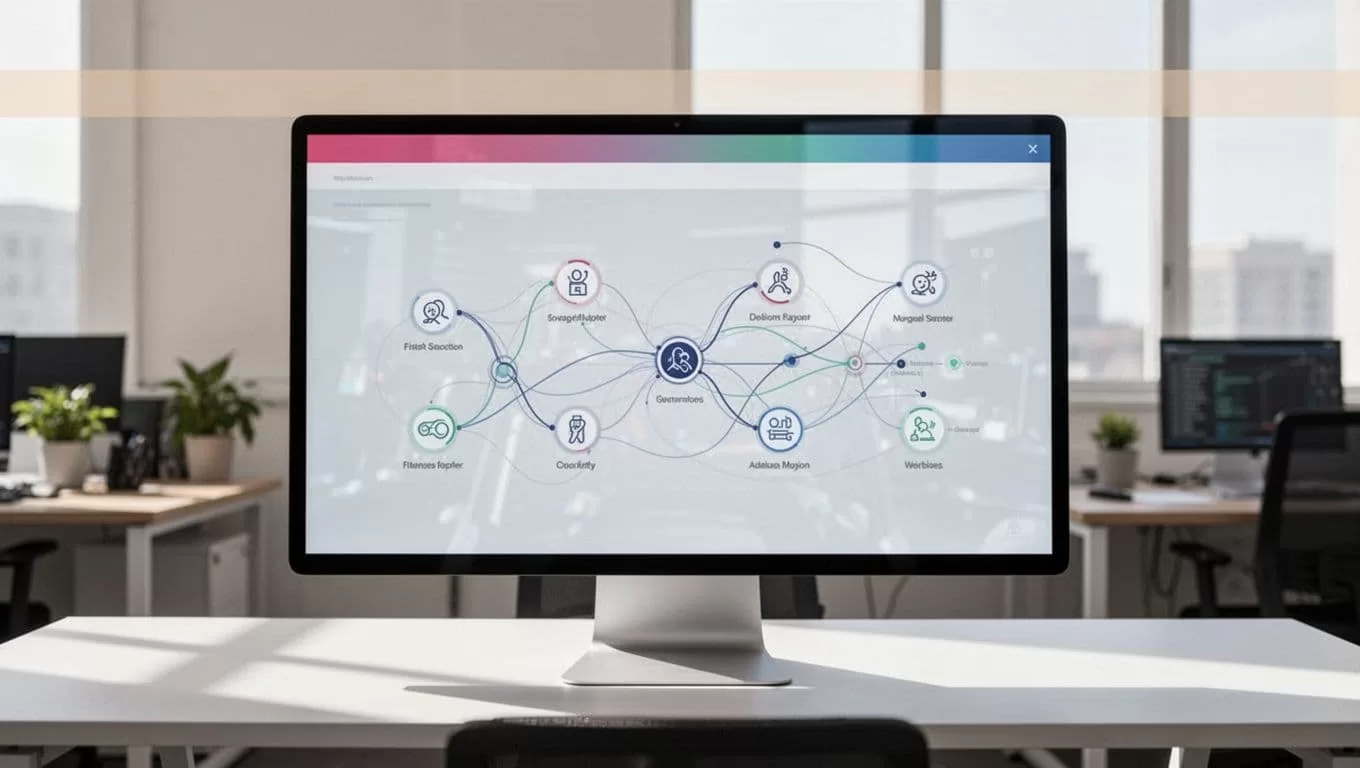
A reliable workflow has six parts:
- A trigger tells Twin.so when to start.
- A data source provides the member or operational record.
- A decision rule defines what qualifies for action.
- An output describes the exact result.
- An owner receives the task or notification.
- An exception path handles incomplete or sensitive cases.
Use this structure for a new-member onboarding workflow:
Trigger: A new membership becomes active in the membership system.
Required data: Member ID, membership type, start date, location, preferred contact channel, consent status, assigned coach, and onboarding status.
Decision rule: If the member has valid contact details and has consented to the selected communication channel, prepare the approved onboarding message. If consent is missing, create an internal review task instead.
Action: Add the onboarding task to the staff workspace, send the approved message when allowed, and write the action status back to the agreed system.
Exception: Route records with missing contact details, unclear consent, duplicate member IDs, or unusual account notes to a named staff member.
Keep the instruction narrow. Don’t ask one agent to manage onboarding, collections, cancellations, class programming, and retention at the same time. Separate workflows are easier to test and audit.
Twin.so is more useful when the task includes both context and a defined output. The agent can work across connected tools, apply the instructions you provide, and report the result to the team. Your instructions should state what it may read, what it may change, and what it must never infer.
Configure and Test Gym Management Automation in Twin.so
Build the first workflow in a controlled sequence. Do not start with a full member database.
1. Name the system of record
Choose one source for each important field. The membership platform may own plan status. The booking system may own class attendance. Your communication tool may own message delivery and opt-out status.
Write these ownership rules into the workflow documentation. If two tools show different membership statuses, the agent needs a defined rule for which value controls the action.
2. Define a compact data schema
Use only the fields required for the task. A useful onboarding schema might include:
- Member ID
- Location
- Membership status
- Start date
- Last attendance date
- Consent status
- Preferred channel
- Next action
- Staff owner
- Workflow timestamp
Ask Twin.so to return blank values when data is missing. Don’t allow it to guess a phone number, infer consent, or assign a coach based on incomplete notes.
3. Write the instruction as an operating rule
State the approved sources, action limits, output format, and exception conditions. For example:
“Review active new-member records from the membership system. Use only the listed fields. Prepare the approved welcome message only when consent status is confirmed. Create a staff task for missing data or unclear consent. Return the member ID, action taken, reason, owner, and timestamp.”
This format reduces ambiguity. It also gives staff a consistent record to review.
4. Run a small test batch
Start with five to ten records. Save the raw output before editing it. Check whether Twin.so handles missing fields, duplicate records, inactive memberships, and conflicting locations correctly.
Review every action in the first batch. Compare the output against the source systems. Fix the instructions before increasing volume.
5. Add monitoring and ownership
Set a schedule only after the test passes. Record the run time, processed records, completed actions, skipped records, and exceptions. Assign one operations owner to review failures.
The workflow should stop or pause when a connected system returns incomplete data. A failed action should create a visible task, not disappear in an error log that nobody checks.
Automate Member Communications With Consent and Human Handoffs
Member communication automation needs stricter controls than internal task creation. A wrong staff reminder is inconvenient. An unwanted message can damage trust.
Separate operational messages from promotional messages. A class cancellation notice, payment reminder, and welcome instruction may follow different consent and channel rules. Store the communication purpose with the workflow. Don’t assume permission for one purpose applies to another.
Before sending anything, check:
- The member’s current status
- The permitted communication channel
- The recorded consent or opt-out status
- The correct location and staff contact
- The message template approved for that use
- The reply path for questions or objections
A missed-visit workflow can follow a safe pattern. Twin.so detects a defined attendance condition, checks the member’s communication permissions, prepares the approved message, and records the result. If the member replies with a billing complaint, injury detail, cancellation request, or unclear concern, the workflow creates a human handoff instead of continuing the conversation automatically.
Do not place sensitive health information in broad staff notifications. Use the minimum information needed to assign the task. Restrict access by role and location. Keep a record of what was sent, when it was sent, which rule allowed it, and who handled the response.
Some gym platforms already include communication or operations features. PushPress, for example, describes tools for member follow-up, workout programming, and operations automation in its gym management platform. Twin.so can coordinate around those systems when your process spans multiple applications, but you should define which platform owns each message and record.
For a coaching workflow, start with a human-approved pilot. A daily workout and meal tracking agent offers a useful pattern for recurring check-ins: one defined message, structured replies, and a persistent record. Adapt that pattern to your gym’s approved member service process. Don’t copy it into production without reviewing consent, data access, and escalation rules.
Scale Across Locations Without Losing Control
Multi-location gyms need shared workflow logic and local operating details. Keep those layers separate.
The core rule can remain the same across sites. Each location can provide its own class schedule, manager, booking link, escalation contact, and opening hours. Store those values in a controlled location table instead of rewriting the entire instruction for every branch.
Use separate permissions for owners, managers, coaches, and front-desk staff. A coach may need a task about a member’s onboarding status. They may not need access to billing history or unrelated locations.
Review performance with operational metrics:
- Manual minutes removed each week
- Workflow completion rate
- Exception rate
- Human handoff rate
- Message delivery and response rate
- Incorrect action count
- Member complaints or opt-outs
- Time between trigger and staff resolution
A high exception rate usually means the workflow lacks data or has unclear rules. A low exception rate isn’t automatically good. If staff discover errors after messages go out, the workflow needs stronger checks.
Scale in stages. Move from one location to a small pilot group. Compare results. Then add more locations after the process, permissions, and ownership model are stable.
Avoid Common Automation Failures
Most workflow problems come from poor boundaries, not complex technology.
The first failure is using an oversized instruction. Large instructions create competing rules. Split the process into smaller agents with clear jobs.
The second failure is treating raw output as final data. Always preserve the original result, clean it in a defined step, and record who approved changes.
The third failure is ignoring missing information. A workflow that assumes every member has complete data will eventually send the wrong message or assign the wrong task.
The fourth failure is adding automation without an escalation route. Every member-facing workflow needs a stop condition and a named human owner.
The fifth failure is changing live workflows without testing. Keep a version history for instructions, templates, field mappings, and approval rules. Test changes on a small sample before deployment.
Gym management automation should reduce repetitive work while keeping decisions visible. Twin.so can help coordinate the process, but the operating rules still belong to your team.
Conclusion
Scaling gym management automation starts with workflow selection, not a large software rollout. Pick frequent, rule-based tasks. Define the data, action, permissions, and exception path. Test five to ten records before scheduling the workflow for every member or location.
Twin.so gives you a practical layer for coordinating connected systems and repeatable agent tasks. Keep sensitive communications permission-based, preserve human review for unclear cases, and measure the process after launch. The goal is not to automate every decision. It is to remove predictable administrative work while giving staff better control over the decisions that still need them.
