Construction Management Automation With Twin.so
Construction teams don’t lose time only on the jobsite. They lose it chasing RFI responses, checking submittal status, updating spreadsheets, and forwarding the same documents to different stakeholders. Construction management automat...
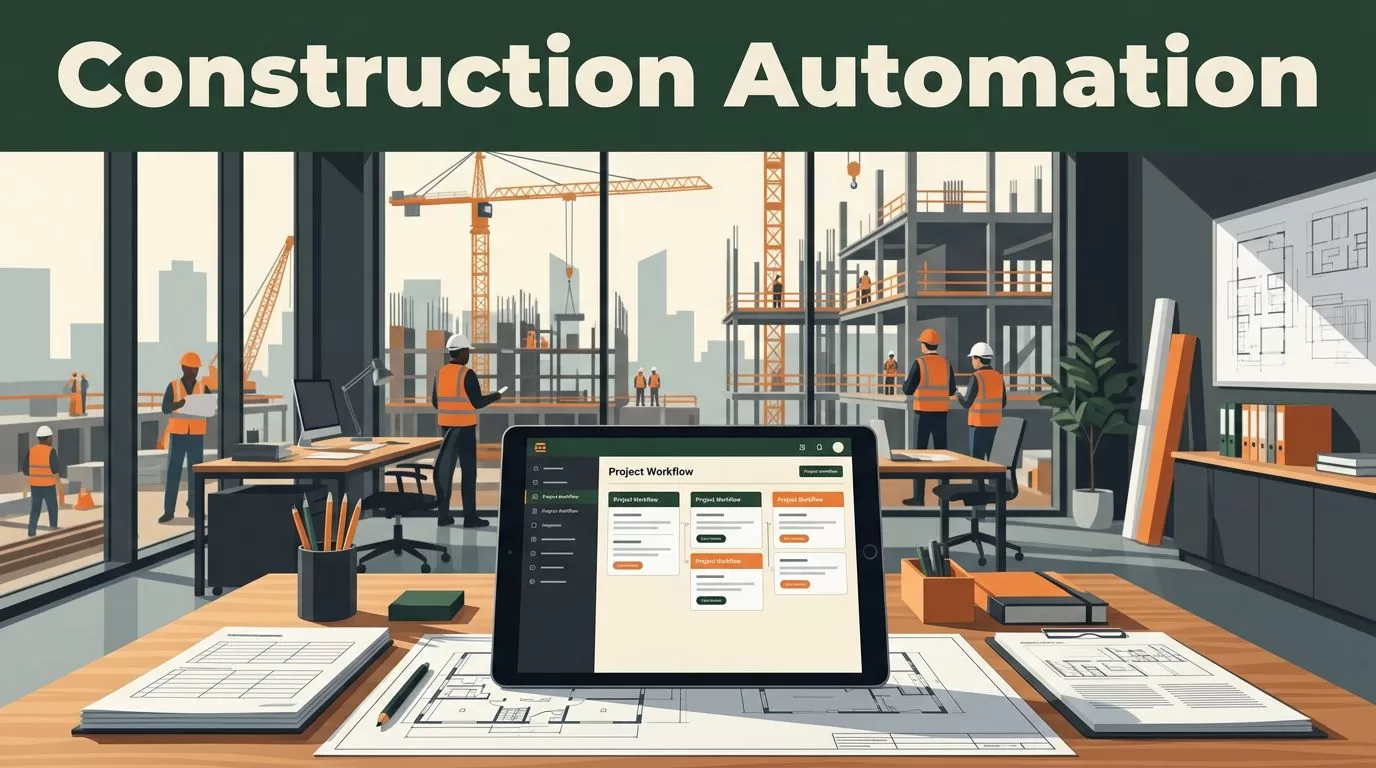
Construction teams don’t lose time only on the jobsite. They lose it chasing RFI responses, checking submittal status, updating spreadsheets, and forwarding the same documents to different stakeholders.
Construction management automation gives those repetitive tasks a defined operating path. Twin.so lets you build and deploy tailored workflows around the way your company already manages projects, instead of forcing every project into a fixed template.
The best starting point is one high-volume process with clear inputs, approval rules, and measurable handoffs. Build that workflow first, then expand into field reporting, schedule updates, change orders, and stakeholder notifications.
Why Construction Management Automation Needs More Than Triggers
A basic automation says, “When an email arrives, send a notification.” A construction workflow needs more context.
The system must identify the project, confirm the document type, check required fields, assign responsibility, protect approval rights, and record what happened. Without those controls, automation can move incomplete information faster without improving project delivery.
Construction management systems often connect schedules, budgets, documents, and field teams. CMiC’s overview of connected construction management systems shows the type of operational connection project teams expect from modern software.
Twin.so should sit around those existing systems as an automation layer. It can help you define what starts a workflow, what information the workflow uses, what action follows, and when a person must review the result.
A useful construction automation process normally contains these elements:
- A trigger, such as a new RFI, uploaded submittal, completed daily report, or approved change request.
- A source record, such as a project number, drawing reference, contract package, or cost code.
- A decision rule that determines the next action.
- A responsible person with a defined approval role.
- An audit record showing the input, action, timestamp, and final status.
Automation should remove repetitive coordination work, not remove the project manager from decisions that affect cost, schedule, safety, or contract scope.
One market estimate places construction workflow automation at $3.59 billion in 2024 and projects $12.27 billion by 2032. Treat those figures as market context, not as a reason to automate a broken process. Your first workflow should solve a visible operational problem.
Build Construction Management Automation on Twin.so
Start with a process map before you configure anything in Twin.so. Write down the current path using plain language.
For example:
- A subcontractor submits an RFI through email or a project portal.
- The project coordinator checks the project and drawing references.
- The RFI goes to the correct engineer or architect.
- The responsible reviewer provides a response.
- The project team receives the approved answer.
- The final record is stored with the project documents.
This map gives you the workflow’s boundaries. It also shows where delays happen.
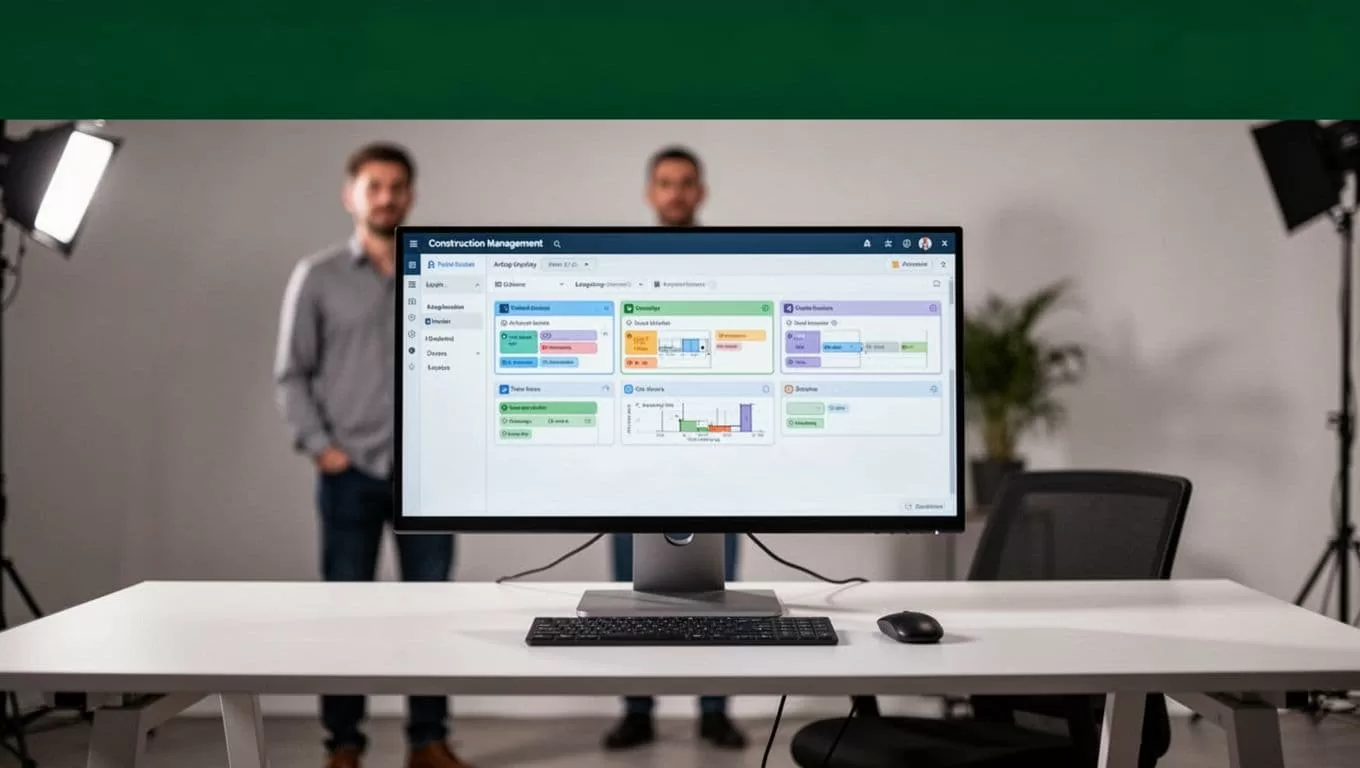
Define the Required Project Data
A workflow cannot route a record correctly if the record doesn’t contain enough information. For an RFI, required fields may include:
- Project name and project number.
- RFI number and submission date.
- Requesting company and contact.
- Drawing, specification, or submittal reference.
- Question, requested response date, and responsible discipline.
- Attachments and current status.
Use Twin.so to check these fields before the RFI moves forward. If the project number is missing, pause the workflow and send the record back for correction. If the response date has passed, route the item to the project manager instead of leaving it in a general queue.
The same rule applies to submittals, daily reports, and change orders. Required data should match the decision the workflow needs to make.
Configure Rules and Approval Gates
Keep rules specific. “Route all documents to operations” is not specific enough. A better rule identifies the document type, project, discipline, and approval level.
A submittal for structural steel may go to the structural engineer. A finish sample may go to the architect and interior design lead. A change order above an internal threshold may require project executive review before it reaches the client.
Twin.so can be configured around those conditions. The workflow can create a task, assign an owner, request approval, update a status, and notify selected stakeholders. Approval rights should remain limited to people with the correct project authority.
Automate the Workflows That Create Project Delays
Construction management automation produces the most value when it controls handoffs. Focus on work that moves between the field, office, design team, subcontractors, and client.
RFI Tracking and Submittal Workflows
An RFI workflow should create a consistent record when a request enters the system. It should check the project data, identify the responsible discipline, and assign a due date based on the project rules.
Twin.so can send reminders before the due date and escalation notices after it passes. The notice should include the RFI number, project, subject, assigned reviewer, and link to the source record. Avoid sending a vague message that forces the recipient to search through email.
Submittal automation follows a similar pattern. When a submittal is uploaded, the workflow can identify the package, route it to the required reviewers, and update the status after each response. Rejected or incomplete submittals should return to the responsible party with a clear reason.
Construction workflow tools such as FlowForma’s construction management workflow software also focus on routing approvals and reducing manual coordination. Compare the workflow model, approval controls, integrations, and audit features rather than comparing feature counts alone.
Daily Reports and Schedule Updates
Daily reports contain field information that project managers need quickly. A Twin.so workflow can collect or receive the report, validate the date and project, then route the data to the correct project workspace.
Useful report fields include:
- Weather and site conditions.
- Crews and subcontractors present.
- Work completed and work planned.
- Deliveries, equipment, and site visitors.
- Delays, inspections, incidents, and open issues.
- Photos with dates and project references.
If the report contains a delay, the workflow can create a follow-up task for the project manager. If it contains a safety incident, it can notify the safety lead and restrict distribution until the correct review is complete.
Schedule updates need similar controls. A workflow can flag a missed milestone, identify the responsible activity owner, and notify the project team. It shouldn’t change the baseline schedule without approval. Schedule logic remains a project management decision.
Change Orders and Stakeholder Notifications
Change orders need stronger controls because they affect money, scope, and contractual responsibility.
A useful process begins by capturing the change description, source instruction, affected cost code, labor and material estimate, schedule impact, and supporting documents. Twin.so can route the request for internal review before it moves to client approval.
The workflow should separate these states:
- Draft change request.
- Internal cost and schedule review.
- Pending client approval.
- Approved change.
- Rejected or returned request.
- Executed contract update.
Notifications should match the state. A subcontractor may need a request for pricing. The superintendent may need a field impact notice. The client may need an approval package. Sending every message to every stakeholder creates noise and increases the chance of sharing incomplete information.
Protect Data Quality and Human Oversight
Bad source data is the most common failure point in workflow automation. A wrong project number can route a document to the wrong team. A missing revision number can cause someone to review an outdated drawing.
Build validation into the Twin.so workflow before any external action occurs. Check for blank fields, duplicate records, invalid dates, unsupported file types, and mismatched project identifiers.
Use source timestamps and record links in generated summaries. A schedule update should show when the source data was collected. A daily report summary should link back to the original report. This gives the project manager a way to verify the result instead of trusting an unexplained status.
Human review should remain mandatory for:
- Safety incidents and near misses.
- Contract changes and client approvals.
- Schedule baseline changes.
- Cost commitments and payment-related actions.
- Design decisions with field impact.
- Communications that could create contractual obligations.
Set the workflow to pause when confidence is low or required information is missing. Create an exception task instead of guessing. A short manual review is cheaper than correcting a misrouted document or unauthorized instruction.
Deploy in Stages and Measure the Result
Don’t automate every project process at once. Choose one workflow with a stable input and a visible owner.
RFI tracking is often a practical first deployment because the process has clear statuses, assigned reviewers, due dates, and measurable delays. Submittals and daily reports are good next candidates when the required fields are consistent across projects.
Use a controlled rollout:
- Document the current process and its failure points.
- Select one project or project team for the first version.
- Configure required fields, routing rules, approval gates, and notifications in Twin.so.
- Test normal cases, missing data, duplicate records, late responses, and rejected approvals.
- Run the workflow with human review before expanding its authority.
- Record errors and update the process rules.
- Deploy the approved version to additional projects.
Measure operational outcomes that your team can verify. Track response time, overdue items, incomplete submissions, manual touches, escalation volume, and records without an owner. Don’t rely only on the number of automations created.
Review the workflow after two or four weeks. Ask where people still copy information manually. Check whether notifications arrive at the correct time. Confirm that approvals are stored with the record. Remove steps that add activity without improving control.
Conclusion
Construction management automation works when it follows the project’s real decision paths. Twin.so gives construction companies a way to build tailored workflows for RFIs, submittals, field reports, schedule updates, change orders, safety records, and stakeholder communication.
Start with complete source data, clear routing rules, limited approval rights, and human review for high-impact decisions. Build one workflow, measure its exceptions, then expand. The objective isn’t more automation. It’s fewer missed handoffs and better control over the information that drives project delivery.
