How I Build a Google Workspace Offboarding Checklist That Protects Access and Data
A Google Workspace offboarding checklist is less about cleanup and more about lockup. When someone leaves, every leftover login, shared file, and mobile token can become an open door. In my own process, I move fast on access, then slow down...


A Google Workspace offboarding checklist is less about cleanup and more about lockup. When someone leaves, every leftover login, shared file, and mobile token can become an open door.
In my own process, I move fast on access, then slow down for data and compliance. The exact Admin console paths and features can vary by Google Workspace edition and may change over time, so I build around the tasks, not the menu labels.
This matters most when a team runs on Gmail, Drive, Calendar, and connected apps. With the right order, I can protect the business without breaking work for the people who stay.
Start the offboarding plan before the last day
When I plan an offboarding, I start before the last day. HR, IT, and the manager need one owner, one timeline, and one source of truth. That keeps a surprise exit from turning into a security gap.
I also map the account surface area. One person may have Gmail, delegated inboxes, shared drives, team aliases, mobile devices, and OAuth access to other SaaS tools. If the departing person owns a main inbox or alias, I fold my Google Workspace email hosting setup into the plan before I touch any account.
For a broader SaaS-first view, I sometimes compare my flow with Nudge Security’s IT offboarding checklist. That helps me remember how much access can live outside Google Workspace.
My Google Workspace offboarding checklist
My checklist is built for speed and order. I want the first move to block sign-in, then I want to preserve data, and only then do I clean up the loose ends.

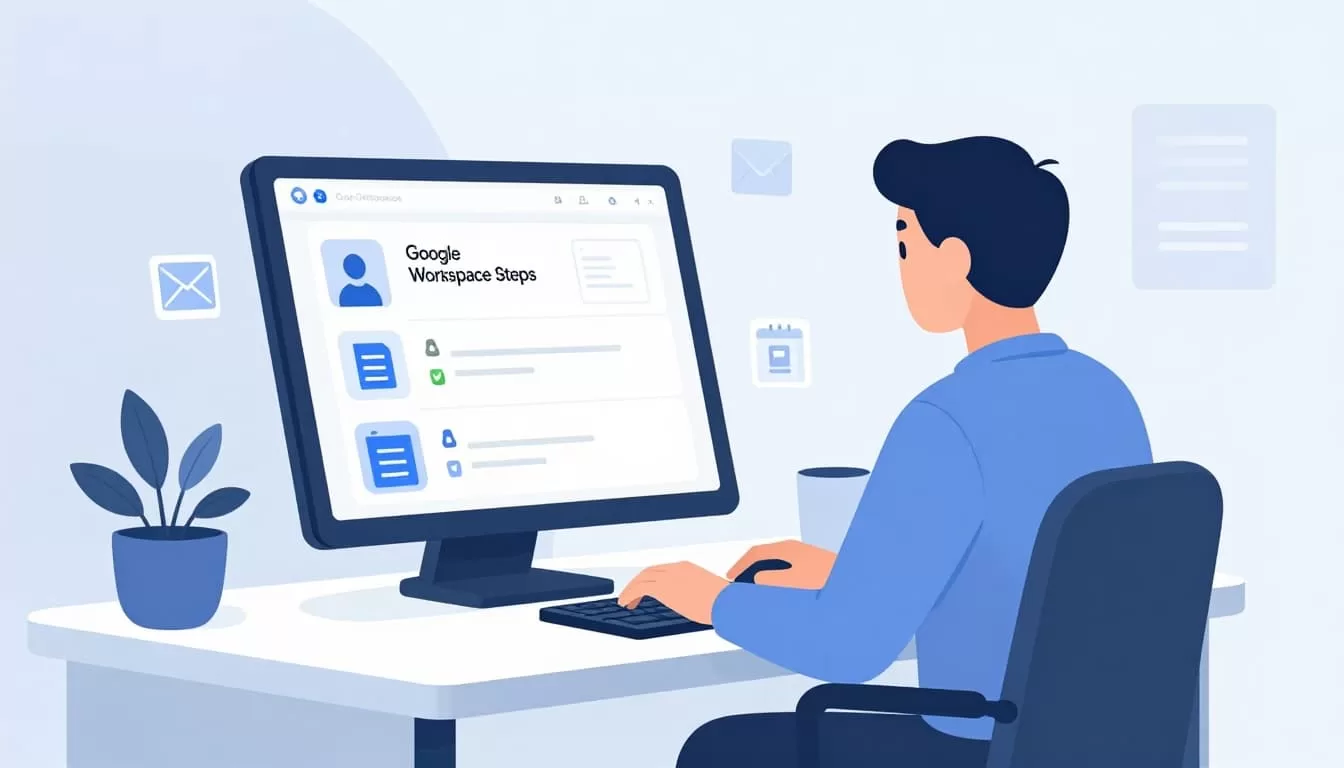
| Step | What I do | Why it matters |
|---|---|---|
| Suspend the user | I go to Directory > Users and suspend the account. | This blocks login right away. |
| Revoke sessions and tokens | I remove active sessions, app passwords, OAuth grants, and recovery options. | This cuts off hidden access. |
| Wipe mobile data | I check Devices > Mobile devices for company phones and tablets. | Lost devices can still hold mail and files. |
| Transfer ownership | I move Gmail, Drive, and Calendar assets to the right owner. | Work keeps moving after the exit. |
| Review aliases and forwarding | I check aliases, groups, delegates, and forwarding rules. | Mail doesn’t drift to the wrong person. |
| Preserve before delete | I use retention, archive, or transfer steps before removal. | Compliance and audit trails stay intact. |
I suspend first, then preserve data, then clean up the rest.
If I’ve used shared team addresses, I also revisit managing aliases in Google Workspace admin. Support@ and billing@ should never point at a mailbox that no one owns.
Move mail and files without losing the thread
Email and Drive are where most offboarding pain hides. A departed employee may still own a calendar full of client meetings, a folder full of proposals, or a mailbox that finance uses for invoices.
I transfer those assets to a manager or shared drive, not to a personal account that can disappear later. For file access, I pair the handoff with secure Drive access controls in Google Workspace so old links don’t stay open by habit.
Calendar needs the same care. If the user booked recurring meetings, I check whether a delegate, room resource, or group calendar should take over. I also clean forwarding rules and auto-replies, because a hidden forward can send sensitive mail to the wrong inbox long after the exit date.
Lock the account down in the right order
Security is where offboarding either holds or fails. I suspend the account, reset the password, remove recovery email and phone details, and revoke sign-in cookies. Then I clear OAuth grants, security keys, and app passwords. The reason is simple, a password change doesn’t always cut off an active session.
In the Admin console, I usually work from Directory > Users and Devices > Mobile devices, then I move into security controls. I cross-check the sequence with Damson Cloud’s Google Workspace offboarding watchpoints, because it keeps data breach risk front and center.
If I’m handling regulated data, I keep legal hold, retention, and archive steps in the loop before any delete happens. That small delay can save a lot of trouble later.
Common mistakes I avoid every time
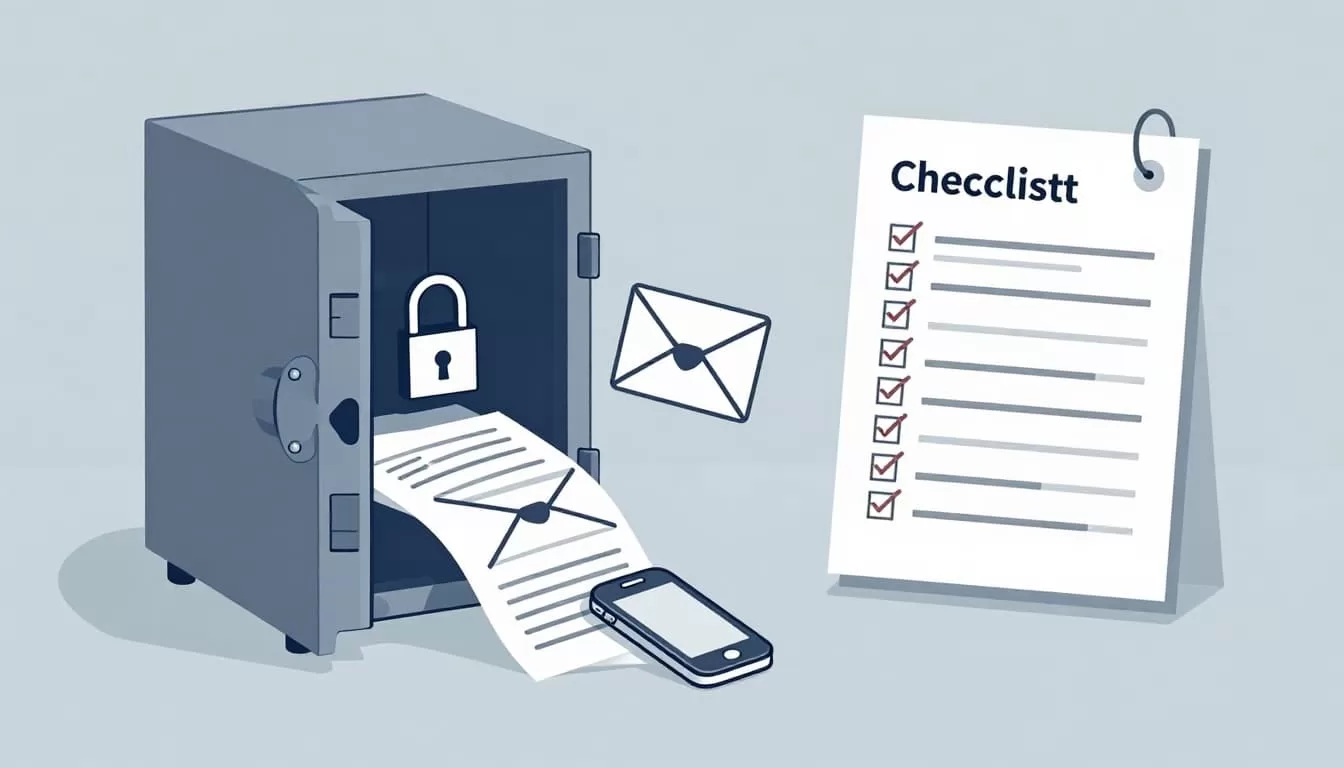
I see the same mistakes again and again, and they all create avoidable risk.
- Deleting the account too early. Once the mailbox is gone, I lose a clean path for audit and recovery.
- Forgetting delegated access. Shared inboxes, groups, and aliases can keep forwarding work to the wrong place.
- Leaving phones signed in. A mailbox can be locked while a cached app still shows company mail.
- Skipping documentation. When I don’t record the change, I can’t prove what happened later.
I keep a short log for every step. If something looks odd a week later, I can trace where the process slipped.
Finish with a clean handoff
When I build a Google Workspace offboarding checklist, I think like a locksmith and an archivist. The lock comes first, but the records matter too.
That balance keeps access tight, protects the business, and makes the handoff easier for everyone who stays behind. A good offboarding process should feel calm, even when the exit itself doesn’t.

