A company website often hides the best contact clues in plain sight. I use Hunter.io domain search when I already know the company, but not the right person or email.
That saves me from guessing. It also keeps my outreach cleaner, because I can check names, roles, and email patterns before I send anything. If the result looks thin, I slow down instead of forcing a contact.
I start with the domain, then read the result like a map
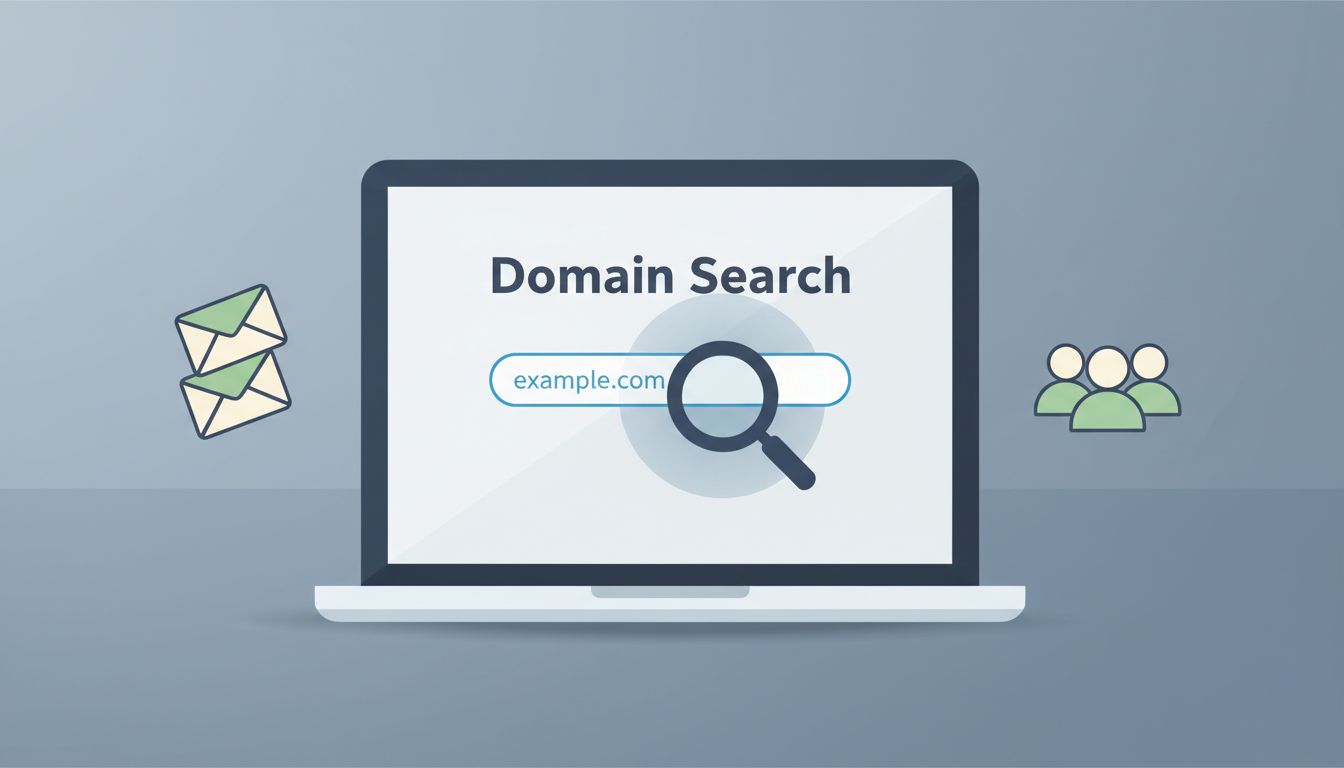
When I open Hunter.io, I enter the company domain, not a long URL with extra paths. I want the root domain, because that’s what usually returns the cleanest contact data.
If you want the official version of the feature, Hunter’s Domain Search page explains the basics well. For a fuller walkthrough in my own voice, I also keep my Hunter.io domain search guide nearby.


After the search runs, I scan for three things first:
- Names and roles that match the kind of contact I need.
- Email patterns, such as first.last@company.com or first@company.com.
- Source details, so I can see where the data came from.
That source line matters. It tells me whether the contact feels fresh or flimsy. I also keep in mind that Hunter’s interface can change over time, so I trust the current screen more than old screenshots.
As of 2026, Hunter uses a unified credit system, so searches and verification pull from the same pool. That makes it easier to plan my work, especially when I’m comparing several domains in one sitting.
I filter by role, not by hope
A long list of emails can look useful at first glance. In practice, it’s like a fishing net with holes you can’t see yet. I get better results when I narrow the search by role and department.
If Hunter shows filters for department, confidence, or location, I use them. I want the person who can answer, approve, or route my message. For sales, that might be a founder, VP, or director. For partnerships, it might be marketing or business development.
Here’s the simple rule I use: if the role doesn’t fit my message, I skip it.
I’m not hunting for the most emails. I’m looking for the right one.
When I need a second opinion on the workflow, I compare what I’m seeing with Hunter.io’s email verification workflow. That helps me stay consistent when the interface shifts.
Hunter’s Email Finder help article is also useful when I already know a person’s name and need the next step beyond domain search.
I verify before I save, export, or send
I never treat a found email as a green light by itself. A domain search gives me direction, but verification gives me confidence.
Hunter’s email verification checks help me spot obvious risks before I send. I look at the result, the confidence level, and any warning signs. If the address looks uncertain, I don’t rush it into a campaign.

This is the simple way I read the result:
| Hunter result | What I do |
|---|---|
| Valid | I keep it and move forward |
| Accept-all | I review it carefully |
| Unknown | I re-check later or skip it |
| Invalid | I remove it |
If I’m dealing with a larger batch, I use the same logic at scale. The key is not the label itself. The key is what I do next.
Hunter’s API Reference V2 is worth a look if I want to automate this part. It shows how domain search and verification fit into scripts and internal tools. For broader context on B2B use cases, I also like my Hunter.io review for contact discovery.
I turn one domain search into a clean lead list
Once I have a valid contact, I write it down in a way that makes sense later. I add the company, domain, role, source, and any notes I need for outreach.
That keeps me from rebuilding the same list twice. It also makes CRM work easier, because I can move clean data instead of patching bad records later.
My usual flow looks like this:
- Search the domain.
- Review names, roles, and patterns.
- Filter to the most relevant contacts.
- Verify the email address.
- Export or save only the contacts that fit my goal.
If I’m researching several companies, I repeat the same process one domain at a time. Hunter also offers bulk tools, but I still keep my first pass small. That helps me catch weak domains, role inboxes, and strange patterns before I spend credits in the wrong place.
For accuracy, I cross-check official docs when I need to know what a feature should do. Hunter’s help pages are usually the best source when labels or layout change, and that matters in 2026 because product screens can shift without warning.
I keep outreach legal, respectful, and useful
This part matters as much as the search itself. I only use business contact data for a real reason. I don’t treat public email clues as permission to spam people.
I keep my outreach short, relevant, and easy to opt out of. I also avoid collecting extra personal data I don’t need. If I can’t explain why I’m reaching out, I’m not ready to send.
That approach protects more than compliance. It protects trust.
I also avoid any workflow that looks like scraping or mass harvesting. Hunter.io works best as a focused research tool, not a bulk nuisance machine. When I’m careful, I get better replies and fewer problems.
The simplest path is still the best one
The process stays easy when I keep it tight. I enter the domain, read the names and patterns, filter by role, verify the address, and send only when the contact fits the message.
That’s why Hunter.io domain search still works for me in 2026. It gives me a fast path to contact info without making me guess in the dark.
If the search feels messy, I don’t force it. I slow down, check the source, and respect the data. That usually leads to better outreach anyway.