Drive Insurance Claims Automation on Twin.so
Processing property and casualty policies manually costs your team hours of redundant administrative work. When adjusters spend their shifts sorting routine documents instead of investigating complex exposures, operational bottlenecks multi...
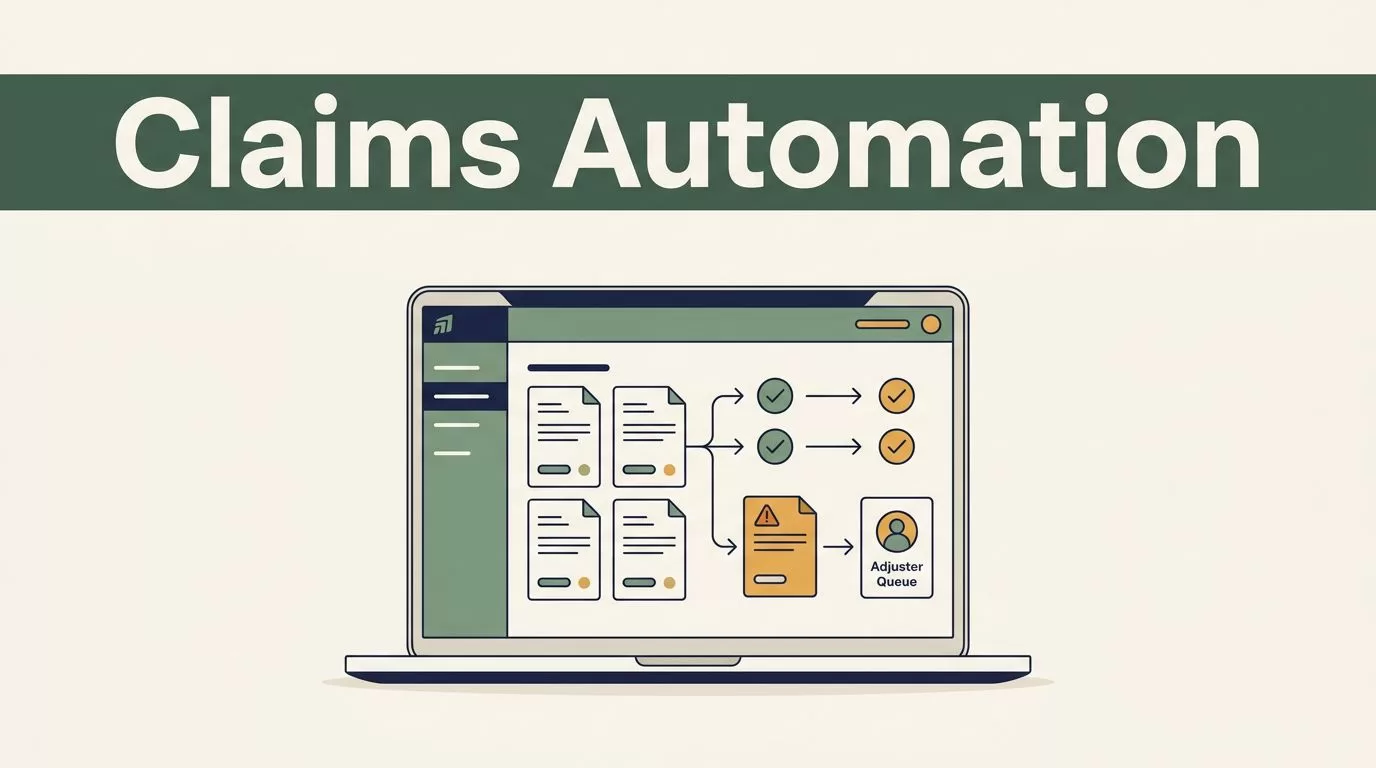
Processing property and casualty policies manually costs your team hours of redundant administrative work. When adjusters spend their shifts sorting routine documents instead of investigating complex exposures, operational bottlenecks multiply across your entire book of business.
Deploying modern workflow software changes how your back office handles high-volume tasks. You introduce insurance claims automation to eliminate manual data entry, reduce processing cycle times, and route complex exceptions straight to experienced adjusters without friction.
Building Workflows for Insurance Claims Automation
You need a clear framework before you configure automated workflows inside your workspace. Claims operations rely on strict regulatory compliance, data security, and verifiable audit trails. Twin.so provides the infrastructure required to codify your underwriting guidelines into repeatable digital processes.
Start by defining which claim types qualify for straight-through processing. Low-severity property damage or minor auto fender-benders represent ideal candidates for automated validation. Complex injury claims or suspected fraudulent exposures require mandatory human review checkpoints before any payout occurs.
Configure your system parameters to enforce these thresholds automatically. If a claim exceeds dollar limits or involves disputed liability, the platform routes the file to a senior adjuster. This balance between speed and control protects your loss ratios while accelerating routine payouts. For a broader industry perspective on platform capabilities, review the Salesforce guide on insurance claims automation.
Establish operational guidelines for every team member touching the workflow. Operations managers define permissions, set review timers, and monitor exception queues daily. When exceptions happen, the system notifies the designated specialist immediately. This active management prevents bottlenecks from forming in secondary review queues.
Automating FNOL Intake and Triage
The First Notice of Loss marks the starting point for every operational file. Traditional intake relies on static web forms, manual email sorting, and paper documents that sit in queues until morning shifts begin. Delays at this stage frustrate claimants and increase operational overhead.
You connect digital intake channels directly into your Twin.so workspace. When a policyholder submits a loss report through your mobile app or customer portal, the system ingests the unstructured text and extracts policy numbers, incident dates, and location details instantly.
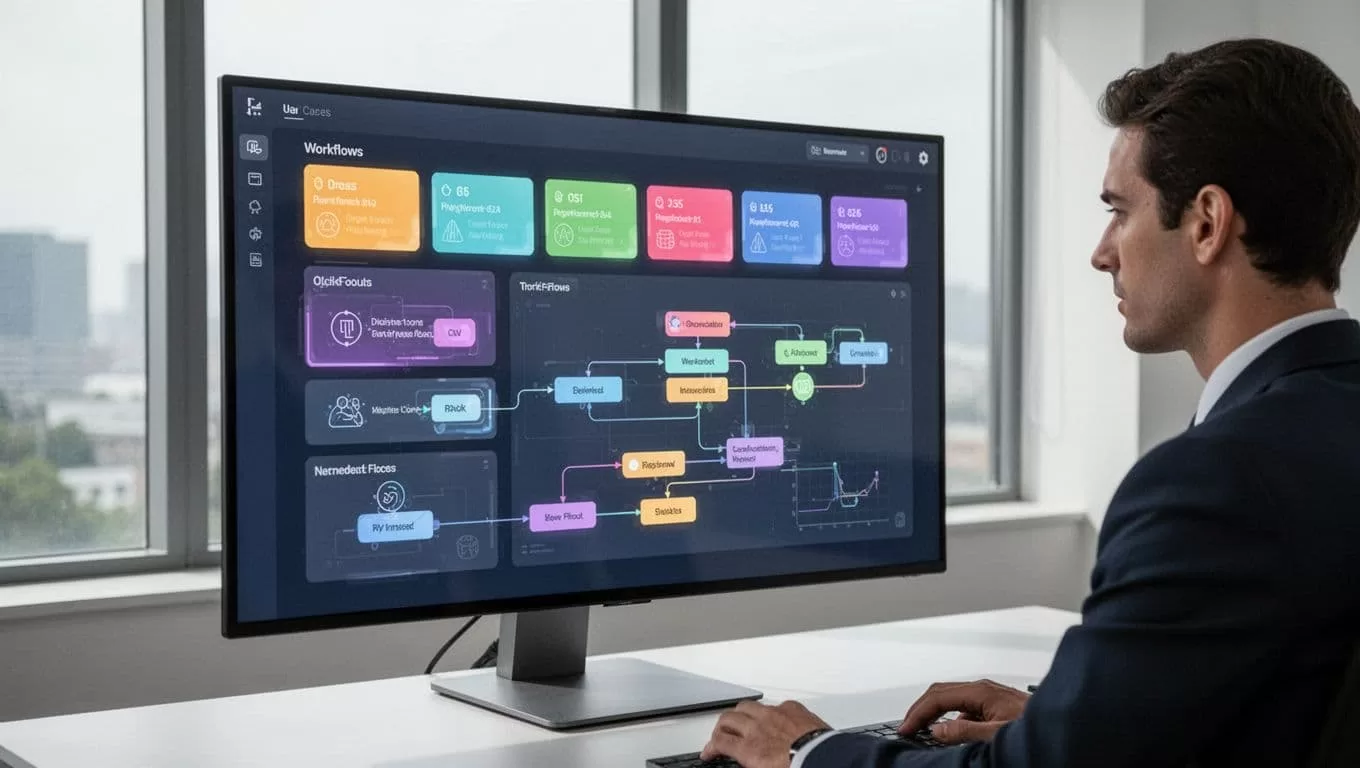
Photo by Vlad Deep (https://www.pexels.com/@vlad-deep-29415806)
Next, the triage engine evaluates the severity of the incoming loss against your predefined rules. Minor claims receive immediate validation and assignment codes. High-severity files trigger urgent priority flags on adjuster dashboards. This structured intake removes administrative delay and gets valid payments moving faster. Effective insurance claims automation depends entirely on cleaning up this initial ingestion pipeline.
Configure routing rules to match claim types with specific adjuster skill sets. Auto glass claims go directly to specialized vendor networks. Commercial property claims route to senior loss adjusters who understand regional building codes. Precise routing eliminates manual handoffs between department supervisors.
Document Collection and Data Validation
Gathering repair estimates, medical bills, and police reports usually consumes days of back-and-forth communication. Claimants send missing files via scattered email chains, and adjusters waste time matching attachments to correct case files.
You automate document collection by setting up automated triggers that request specific file types based on the loss category. If an auto claim lacks photos of the damaged bumper, the platform sends a secure upload link directly to the policyholder via SMS or email. Reminders fire automatically if files remain missing after forty-eight hours.
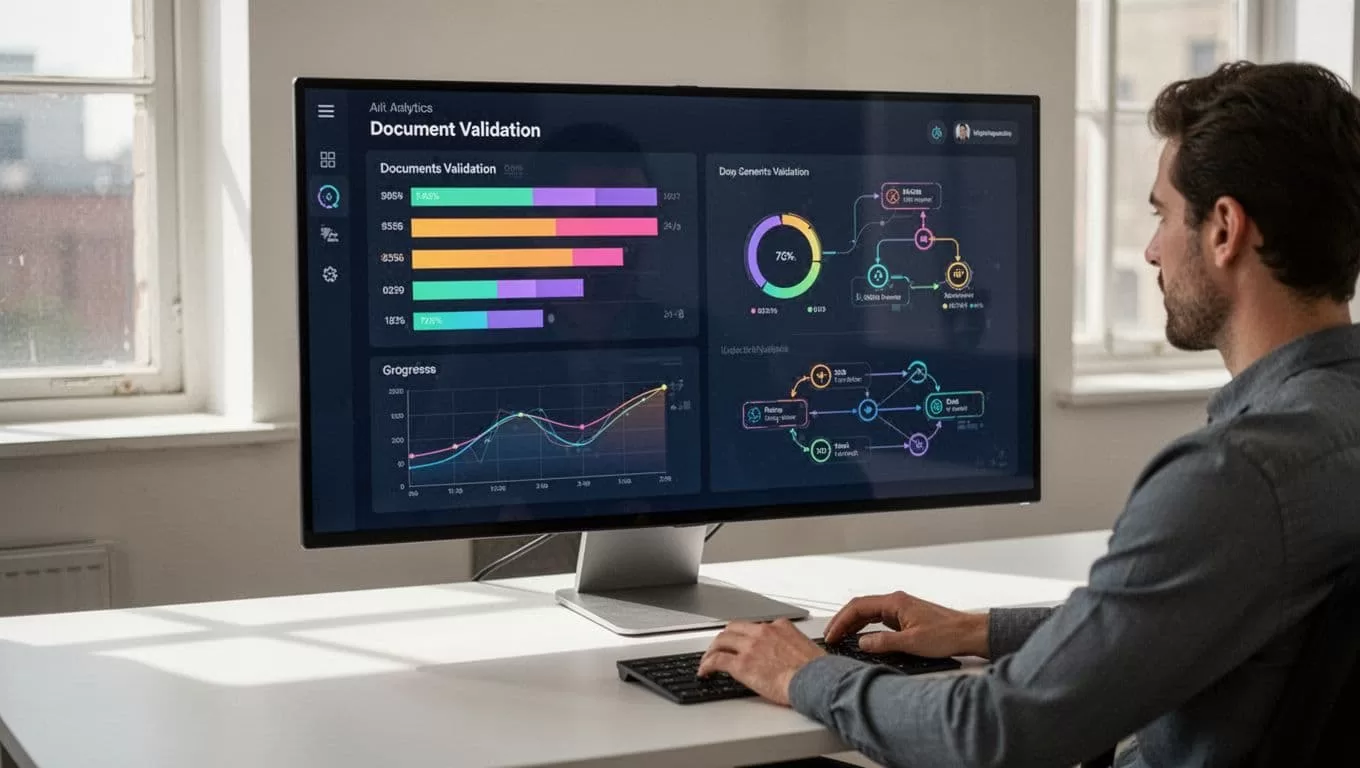
Once documents arrive, the platform scans the files, verifies policy numbers against your core database, and flags discrepancies. If an invoice total does not match policy limits, the system blocks automatic settlement. You maintain complete data integrity without forcing your staff to manually cross-reference spreadsheets.
Validation rules also check for duplicate submissions or altered invoice dates. When a document passes all checks, the system attaches it to the master claim file and updates the workflow status. Adjusters open the file knowing all supporting evidence is verified and complete.
Managing Status Updates and Exception Handling
Communication gaps frustrate policyholders during stressful claim events. When customers call constantly to ask about payment status, your support team loses hours answering repetitive queries.
You configure automated status updates within Twin.so to trigger notifications at key workflow milestones. Policyholders receive text messages or portal updates when their file moves from intake to review, or when funds disburse to their bank account. Transparent communication reduces inbound support call volume significantly.
Exception handling works similarly through automated task routing. When validation rules fail because of missing signatures or corrupted file uploads, the platform creates an exception ticket. It assigns that ticket to an operations specialist with a clear description of the error. This systematic approach confirms that no claim file sits forgotten in an unmonitored inbox.
Define clear protocols for resolving exceptions quickly. Specialists review the error flag, request correct documentation through automated portal prompts, and clear the block in minutes. Speed in exception handling prevents overall processing times from blowing past your service level agreements.
Ensuring Compliance, Security, and Audit Readiness
Regulatory bodies demand absolute transparency across every financial transaction and policy adjustment. Operations teams cannot afford black box logic when defending payout decisions during state insurance department audits.
Twin.so records every system action, user login, and automated decision inside an immutable audit log. You can inspect the exact timeline of a claim file from initial intake to final settlement. This level of traceability proves compliance with state regulations and internal corporate governance standards.
Role-based access controls restrict sensitive customer data to authorized personnel only. You protect personally identifiable information while giving external auditors secure, read-only access to transaction logs. Implementing robust insurance claims automation requires this rigorous foundational security.
Conduct regular security reviews of your workflow rules and user permissions. As your team grows or regulatory requirements shift, update your platform settings to maintain compliance. Proactive governance keeps your digital operations secure and audit-ready at all times.
Conclusion
Scaling your claims department requires removing repetitive administrative tasks from daily operations. By codifying your business rules into Twin.so, you accelerate routine payouts while maintaining strict oversight over complex exposures. Set up your initial FNOL intake rules today, configure your document validation triggers, and transform your back-office workflow into a predictable engine.
