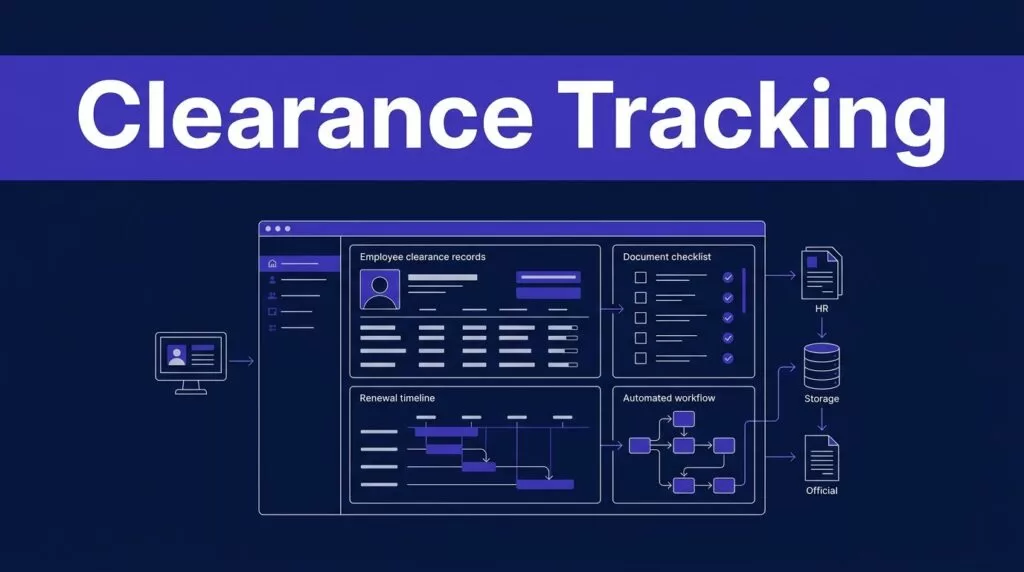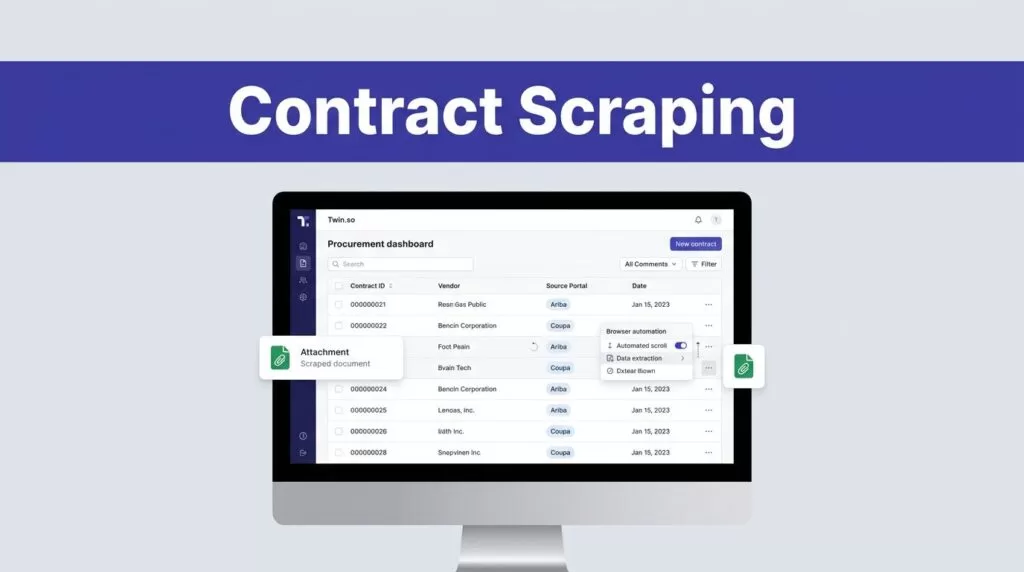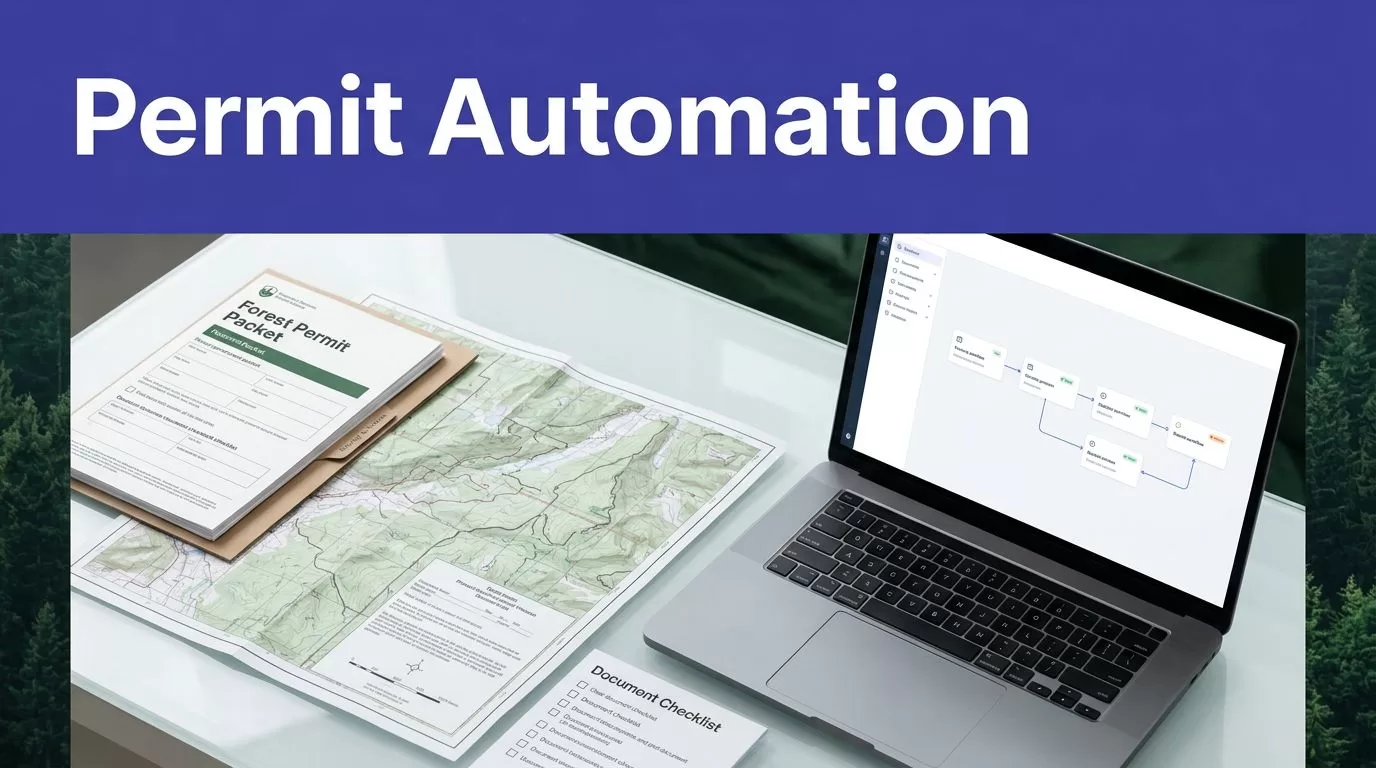
Permit teams rarely lose time on one difficult form. They lose it through repeated data entry, missing attachments, unclear ownership, and portal updates that nobody records.
Logging permits automation can reduce that work when it handles document intake, field extraction, validation, status tracking, and review routing. Twin.so fits this preparation layer. It doesn’t replace licensed professionals, agency review, environmental analysis, or legal compliance.
Start with the permit process. Then configure Twin.so around the approved process, not the other way around.
Why Logging Permit Work Needs Workflow Control
A logging permit application is usually a packet of related information. It may include landowner details, tract information, maps, harvest boundaries, acreage, species, estimated volumes, road access, water crossings, environmental documents, professional certifications, and supporting correspondence.
The required information depends on the location, land type, harvest activity, and reviewing authority. A workflow that works for one county may fail in another.
Requirements change with the location
Forest rules aren’t consistent across jurisdictions. Canada’s federal overview explains that provincial and territorial laws generally control much of forest management and timber harvesting. You can review the Canadian forest law overview before designing a cross-border workflow.
New York provides a different example. The New York State Department of Environmental Conservation states that a state permit isn’t required for timber harvesting itself, but permits may apply to activities such as crossing certain classified streams.
Santa Cruz County lists several state-issued timber harvest permit types, including Timber Harvest Plans and Non-Industrial Timber Management Plans. Its timber harvest review guidance shows why your workflow needs location-based rules instead of one universal checklist.
Manual preparation creates repeatable errors
Manual work creates predictable failure points:
- A coordinator enters the same parcel information into several forms.
- A revised map stays in a shared folder while an older copy enters the packet.
- A missing signature isn’t found until the review stage.
- A portal status changes without an internal task being created.
- A staff member corrects a conflicting acreage value without recording the reason.
These problems don’t always stop an application immediately. They create rework, delayed submissions, and weak records when someone asks who changed a field or approved a document.
Where Twin.so Fits in Logging Permits Automation
Twin.so combines API connections with browser automation. That gives it access to structured systems and web portals that don’t offer a clean integration. A permit coordinator can use it to collect information, prepare drafts, check required fields, and move work between internal systems.
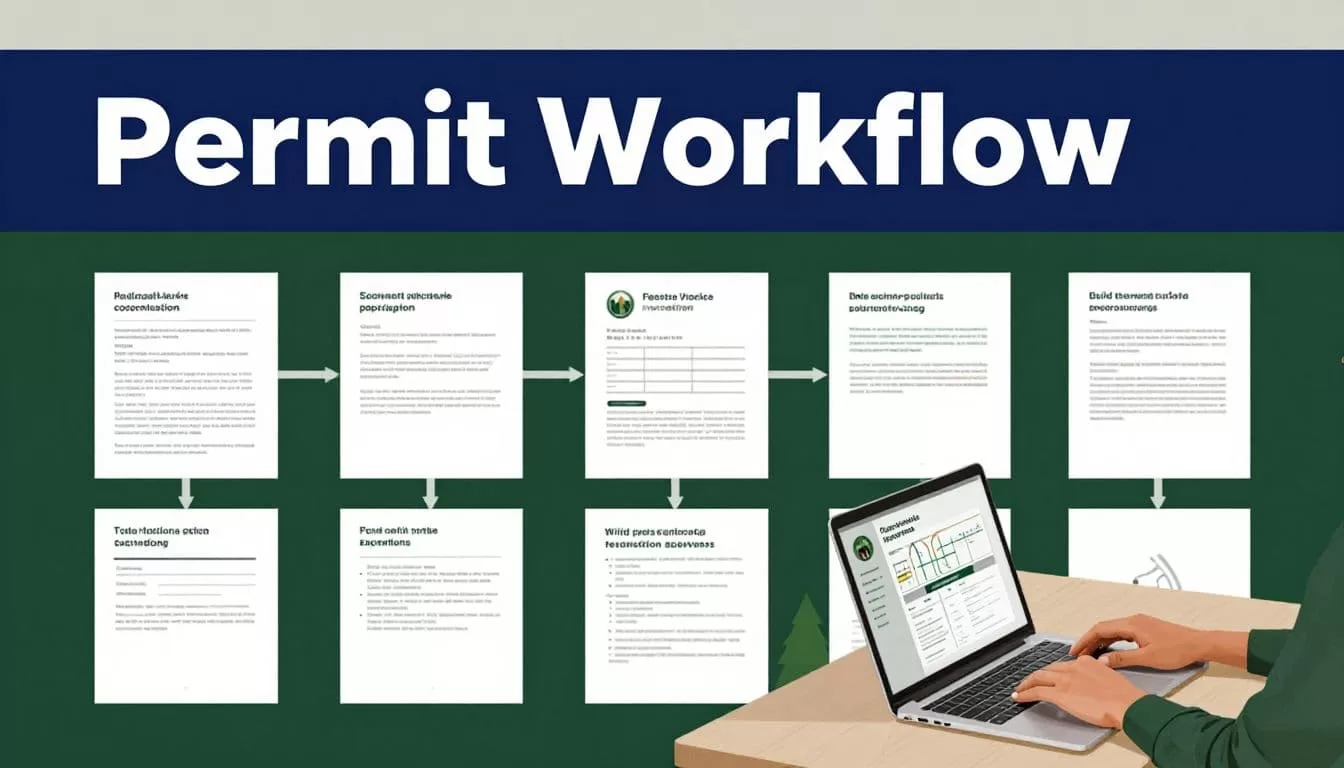
The right design keeps the agent away from unrestricted final submission. Twin.so should prepare the application and present a clear review task. A qualified person then checks the packet and approves the next action.
Use Twin.so at the preparation layer
Configure Twin.so to monitor approved intake sources, such as a shared inbox, upload folder, CRM record, internal database, or designated web portal. The workflow can identify the project, classify each document, and connect the material to the correct permit record.
The agent can extract fields such as:
- Property owner and applicant name
- Parcel or tract identifiers
- Project location and jurisdiction
- Planned harvest dates
- Acreage and boundary information
- Road, stream, and access details
- Required consultant or professional information
- Document versions and expiration dates
Keep the original document beside every extracted value. That gives a reviewer a direct way to compare the result with the source.
Keep professional judgment outside the agent
Twin.so can organize data and identify missing information. It shouldn’t decide whether a harvest plan satisfies a legal, environmental, engineering, or forestry requirement.
For example, the University of California Agriculture and Natural Resources describes a Timber Harvest Plan as a formal environmental review document prepared by a Registered Professional Forester and approved by CAL FIRE. The timber harvesting laws and regulations guide supports a clear division of responsibility.
Twin.so prepares the packet. The RPF or other qualified professional reviews the technical content. The relevant agency makes its own decision.
Build a Practical Twin.so Workflow
A useful workflow has defined inputs, fixed outputs, validation rules, exception paths, and approval gates. Don’t begin with a broad instruction such as “complete the permit application.” That makes errors hard to detect.
Collect and classify documents
Start with a controlled intake folder or form. Require the coordinator to identify the jurisdiction, project, applicant, submission type, and target date.
Twin.so can classify uploaded documents by type and attach them to the correct record. A map, ownership document, environmental assessment, professional certification, and agency notice should each have a known document category.
Set rules for duplicate files and revised versions. Keep the newest approved version visible, but retain older versions for the audit history.
Extract data into a fixed schema
Define the fields before building the agent. Each field needs a data type, accepted format, source document, and review rule.
For example, acreage should be numeric. A jurisdiction should come from an approved list. A permit status should use controlled values such as Draft, Needs Information, Ready for Review, Submitted, Agency Response, or Closed.
Store both the normalized value and the original value. If a document says “12.5 acres” and the system stores 12.5, the reviewer should still be able to see where that number came from.
Then configure the workflow to:
- Check required fields and attachments.
- Compare related values across documents.
- Send conflicts to an exception queue.
- Assemble a draft packet only after required checks pass.
- Pause before any external submission or record change.
The final step is the control that prevents automation from turning a questionable draft into an official filing.
Keep Audit Trails and Exceptions Visible
Logging permits automation is only useful when your team can explain what happened. A fast workflow without a reliable record creates a new compliance problem.

Twin’s browser integration materials describe audit logs, replay, and cached call history. Use those controls with your own document storage and permit database. Don’t depend on the agent’s run history as the only record.
Record every meaningful action
For each permit record, retain:
- The source files used by the workflow
- Extracted values and validation results
- The rule that passed or failed
- The agent action and timestamp
- The person who reviewed or changed the record
- The final approved document version
- The submission response or reference number
- Any agency request for additional information
This record helps a manager answer basic operational questions. Which version was submitted? Who approved it? What information was missing? When did the agency request a correction?
Use consistent naming and retention rules. Store the audit record with the project, not in a separate chat thread that future reviewers can’t find.
Make exceptions a queue, not a hidden failure
An exception is a normal part of permit work. It isn’t proof that the automation failed.
Route an item to human review when the workflow finds a missing map, conflicting acreage, an unsupported jurisdiction, an expired certification, or an unclear portal response. The agent should state the problem and show the source values. It shouldn’t silently select one value.
A coordinator can then correct the record, request information from the contractor, or assign the issue to an RPF, surveyor, environmental consultant, or legal advisor.
Use approval levels based on risk. A coordinator may approve a file rename. A qualified professional may need to approve technical content. An operations manager may approve submission timing and agency communication.
Control Cost and Roll Out Safely
Twin.so uses credits, and the cost depends on the work performed. This matters when a permit workflow includes repeated browser sessions, document processing, and portal retries.
Use APIs before browser automation
Twin’s documentation describes browser automation as more expensive and less reliable than API-based execution. Use an approved API when a system provides one. Reserve browser control for portals and actions that don’t have a suitable API.
The published usage examples give a simple API-to-filter-to-email workflow at roughly 15 to 30 credits. A browser-agent session covering about 20 steps can use roughly 100 to 200 credits. Run mode can cost substantially less than build mode for repeated workflows because it uses lower reasoning overhead and stored memory.
Public pricing has included plans such as 2,000 credits per month for $20 and 5,000 credits for $50. Pricing and limits can change, so review the current account terms before budgeting.
Reduce unnecessary browser steps. Extract a field once, store it in your internal record, and reuse the approved value. Add a human checkpoint before a costly sequence that could fail because of a portal change.
Pilot one jurisdiction first
Don’t automate every permit type at once. Choose one jurisdiction with a repeatable process and a manageable application volume.
Measure the baseline before deployment:
- Staff minutes spent preparing each application
- Number of missing fields found during review
- Number of corrections requested by the agency
- Time between intake and human approval
- Browser retries and failed runs
- Credit cost per completed packet
Run the automated workflow beside the existing process for a limited period. Compare outputs before changing the official procedure.
Set a clear stop condition. If a portal changes its layout, an extraction rule produces conflicting values, or an agency changes its requirements, pause the affected workflow and review it manually.
If your team needs help mapping a permit intake and approval process, Book A Call to discuss the workflow.
Conclusion
Logging permit applications is a strong use case for controlled automation because much of the work involves repeatable collection, comparison, routing, and status updates.
Twin.so can reduce manual preparation when it works inside defined boundaries. Use it to gather documents, extract structured data, validate completeness, track exceptions, and prepare drafts. Keep licensed professionals, environmental reviewers, and agencies responsible for decisions that require judgment or legal authority.
The safest process is simple: automate preparation, record every action, and require human approval before submission.