Maritime shipping automation only creates value when it removes coordination work without taking control away from the people responsible for safety, cargo, and compliance. Twin.so can support that layer, but it shouldn’t replace a terminal operating system, ERP, voyage platform, or port community system.
Twin’s public materials describe a cloud-hosted AI agent platform that can connect tools, navigate approved web applications, extract data, and run workflows on a schedule. Its public materials don’t establish a maritime-specific product, so treat the shipping use case as an integration and control project.
Start with one high-volume shoreside workflow, define every handoff, then measure the result before expanding.
What maritime shipping automation with Twin.so should handle
Twin.so is best viewed as an automation layer around the systems your teams already use. Its operations automation materials describe workflows for syncing tools, reconciling records, triaging work, and producing reports.
Workflow automation is the process
Workflow automation follows a defined sequence. A trigger starts the process, data moves through approved steps, and an output reaches the right person or system.
For a shipping team, that could mean collecting vessel updates each morning, comparing them with berth schedules, identifying exceptions, and sending one operations brief. The process can also update a shared record or open a task for the responsible coordinator.
The workflow should have clear inputs, rules, owners, and failure paths. A prompt such as “monitor port operations and take action” is too broad. A better instruction defines the source, required fields, comparison rules, recipients, and actions that need approval.
Integrations connect the operating systems
An integration gives the workflow access to a tool. That tool could be an email inbox, spreadsheet, Slack channel, ERP, TOS, data warehouse, or web portal.
Twin’s integration directory currently displays more than 40,000 app integrations, while other public pages advertise thousands of ready-to-use connections. Treat that as catalog breadth, not proof that your carrier platform, TOS, customs system, or port community platform is supported exactly as needed. Test authentication, field mapping, write permissions, rate limits, and error handling for each connection.
Twin also supports browser-based work where an authorized portal has no usable API. That can help with last-mile tasks, but browser automation is more sensitive to page changes, MFA, session expiry, and permission boundaries.
AI agents add judgment to repeatable work
An AI agent can interpret documents, compare records, classify exceptions, and select the next approved action. That differs from a fixed trigger-and-action workflow.
Use an agent when the inputs vary but the decision rules are stable enough to define. For example, an agent can read an arrival notice, find the vessel reference, compare the ETA with the berth window, and explain why the case needs attention.
Use fixed rules for sensitive decisions. Cargo release, dangerous-goods status, sanctions screening, payment approval, and safety actions should not depend on an unreviewed model output. Twin’s AI agent learning materials explain the general agent model, but your team must define the maritime controls.
Select workflows with measurable operational value
The first use case should remove repetitive coordination, not automate the highest-risk decision in the business. Choose a process with enough monthly volume to produce a useful baseline.
Start with port-call coordination
A practical pilot is an ETA and berth exception brief for one terminal, route, or vessel class.
Twin can be configured to read approved data sources, such as an operations inbox, vessel schedule feed, spreadsheet, or authenticated portal. It can normalize vessel names and voyage references, compare the latest ETA with the planned berth window, and identify records that need attention.
The workflow can then update a controlled operations record and send a summary to Slack or email. Keep outbound messages in draft or approval mode first. A coordinator should confirm changes before the system contacts a port, carrier, agent, customer, or terminal.
Measure the time spent collecting updates, the number of manual touches, the percentage of records with complete fields, and the time between a schedule change and an assigned response.
Automate document intake and exception queues
Shipping teams handle recurring documents such as arrival notices, booking confirmations, invoices, delivery instructions, and cargo release records. The first automation should organize this information, not make an irreversible decision.
An agent can classify an incoming document, extract a booking or container reference, compare it with an approved record, and route missing or conflicting information to an exception queue. It can also attach the source document and record the extraction time.
Do not allow the workflow to approve cargo release, change a booking, or overwrite a financial record without review. Require a human decision when the document is incomplete, the confidence is low, or two systems disagree.
This approach gives operations teams a traceable queue instead of another uncontrolled inbox.
Design the implementation around control points
A working agent is not the same as a production-ready workflow. Production deployment requires ownership, data rules, access controls, and recovery steps.
Map every source and system of record
Start by documenting the process in operational terms. List each input, the system that owns it, the required output, and the person responsible for exceptions.
For an ETA workflow, the source might be a carrier feed or approved portal. The berth schedule may belong to a terminal system. The customer notification may use a CRM or email platform. Those systems may hold different timestamps, vessel names, or voyage identifiers.
Choose one source of truth for each field. Store the original value, normalized value, source, timestamp, and confidence where possible. Never let an agent silently replace a verified value with a blank or weaker value.
Use read-only access during the first test. Add write access only after the workflow handles duplicate records, missing fields, stale data, and system outages correctly.
Define approvals, retries, and failure paths
Every action needs an owner and a boundary. Decide which actions the agent can complete, which actions require approval, and which actions must stop immediately.
Approval rules should cover external messages, financial changes, booking updates, customer commitments, and records tied to safety or compliance. Define what happens when nobody responds. Set a timeout, assign an escalation owner, and preserve the pending item for review.
Also define retries. A failed API call should not create three duplicate updates. A browser session that expires should create an exception, not trigger repeated login attempts. Keep an audit record for the input, proposed action, approval, result, and error message.
If the workflow spans several systems, Book A Call to map permissions, exception paths, and approval points before wider deployment.
Review security and maritime compliance before connecting data
Shipping data can include customer information, commercial terms, vessel schedules, cargo details, and access credentials. Convenience isn’t a reason to bypass data controls.
Ask direct questions about Twin’s controls
Twin’s public materials state that the platform supports SOC 2 compliance, SSO options, role-based access control, audit logs, scoped permissions, encryption, customer data isolation, sandboxed execution, and human approval gates. Its privacy policy states that data is encrypted at rest and that data in transit uses TLS 1.2 or higher.
Treat those statements as the starting point for vendor review. Request the current SOC 2 report and its scope. Ask about the data processing agreement, subprocessors, retention, deletion, regional hosting, incident notification, administrative access, and model-training policies.
Confirm whether credentials are stored in a managed vault, who can use them, and how access is revoked. Check whether your plan includes SSO, audit logs, environment separation, and the approval controls required by your internal policy.
The large integration catalog also requires scrutiny. An available connector can still expose more data or write more fields than your workflow needs. Use least-privilege accounts and separate development, test, and production credentials.
Apply maritime cyber-risk governance
The IMO’s maritime cyber-risk guidance provides a useful reference for managing cyber risk across shipboard and shore-based operations.
Map the Twin workflow to your existing risk register. Identify the systems it can read, the systems it can write, the people who approve actions, and the response plan if the workflow behaves incorrectly.
Keep the first pilot shore-based and read-only. Don’t connect an AI agent directly to navigation, propulsion, cargo-control, or other operational technology systems. Twin’s public materials don’t establish certification for those control environments.
Your first deployment should organize information and assign work. It shouldn’t control equipment or make a safety-critical decision.
Measure the pilot before expanding
A maritime shipping automation pilot needs a baseline. Without one, a successful demo can still become an expensive production process.
Choose KPIs that expose real savings
Track cycle time per case, manual touches, completion rate, exception rate, extraction accuracy, duplicate actions, response time, and human review time. Select the measures that match the workflow.
Calculate labor benefit conservatively:
Monthly benefit = eligible volume x minutes removed x loaded hourly rate / 60
Then subtract Twin credits, integration work, monitoring, human review, and correction time. The Twin pricing page describes flexible plans and credits, but your actual cost depends on workflow volume, actions, searches, and generated outputs.
A useful pilot also measures quality. An automation that saves ten minutes but creates incorrect bookings can increase total cost.
Run one controlled, high-impact pilot
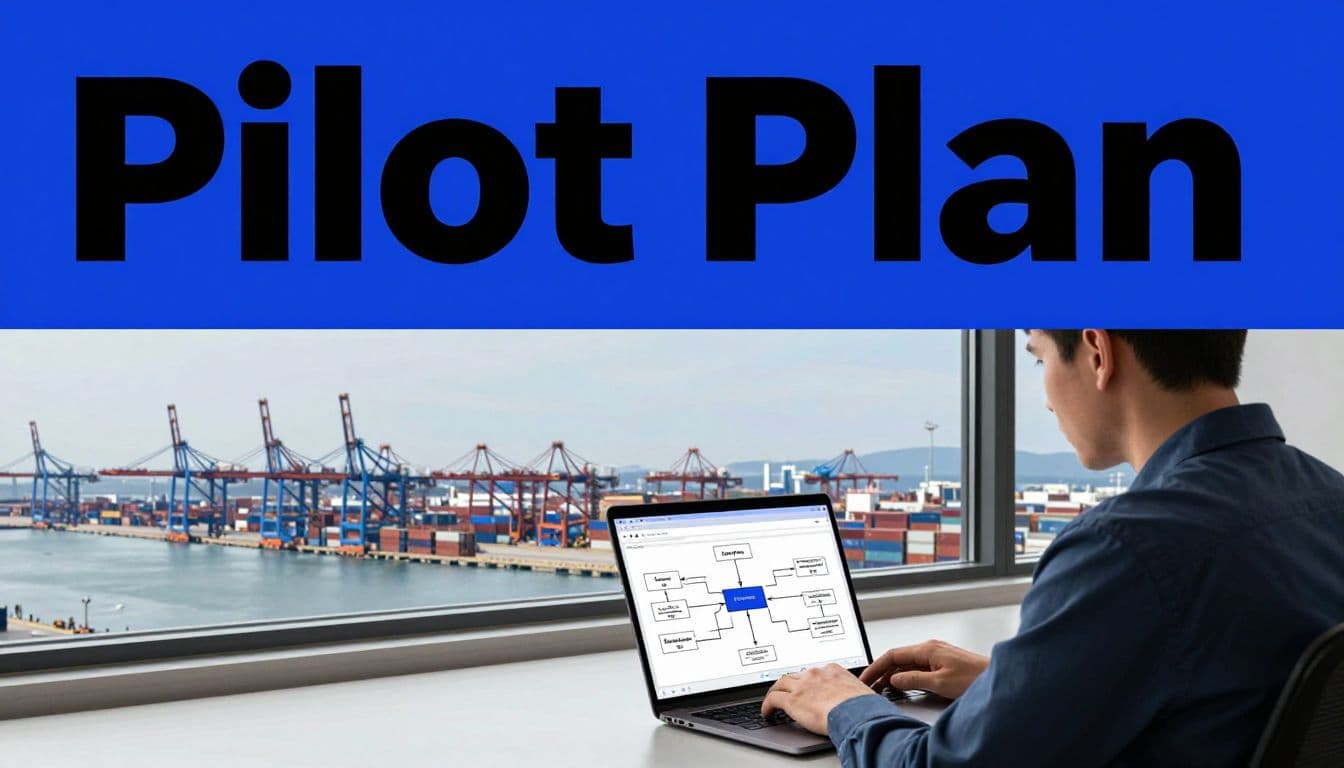
Use this sequence:
- Select one repeatable workflow with clear volume, such as ETA exception reporting for one terminal.
- Record two to four weeks of baseline data before changing the process.
- Run Twin in read-only or draft mode, then compare its output with a human-reviewed result.
- Test missing data, duplicate events, stale records, portal downtime, rejected approvals, and failed notifications.
- Expand permissions only when accuracy, exception handling, and audit records meet the agreed threshold.
Most deployment problems come from broad prompts, unclear ownership, weak source data, and missing exception paths. Don’t automate a messy process without first deciding which record is correct and who resolves conflicts.
Don’t judge the pilot by the number of automated runs. Judge it by completed cases, lower rework, faster response, and fewer manual handoffs.
Conclusion
Maritime shipping automation with Twin.so should begin as a controlled workflow layer, not as a replacement for core maritime systems. The strongest starting points are shoreside coordination tasks such as ETA exception reporting, document intake, reconciliation, and approval routing.
Connect only the data the workflow needs. Use read-only access first. Keep humans responsible for safety, cargo release, financial changes, and external commitments.
A good pilot produces a measurable operational result and a clear record of every exception. That gives shipping leaders a practical basis for deciding where automation belongs next.