How I Build a Group Coaching Platform With MemberSpace
A group coaching offer falls apart fast when the setup feels improvised. If the payment link is buried, the lessons arrive out of order, or the community lives in five different places, members feel it. I use MemberSpace as the access layer...

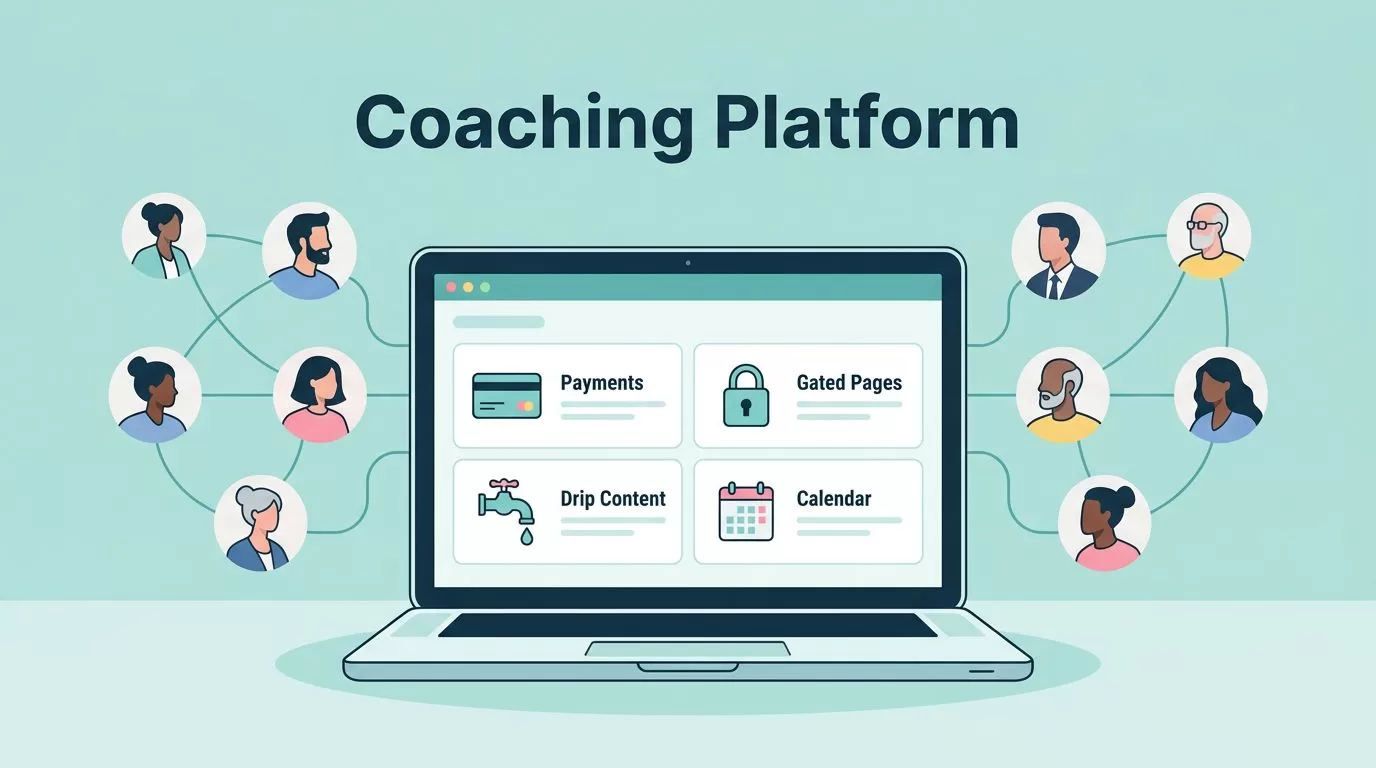
A group coaching offer falls apart fast when the setup feels improvised. If the payment link is buried, the lessons arrive out of order, or the community lives in five different places, members feel it.
I use MemberSpace as the access layer that keeps the business clean. It handles payments, gated pages, drip content, and member access, while I handle the coaching, calls, and feedback.
That split matters because MemberSpace is not my coaching method. It is the door, the lock, and the guest list.
I Start With the Offer, Not the Tools
Before I touch settings, I decide what kind of group I’m selling. A coaching platform can mean a live cohort, an evergreen membership, or a private invite-only program. Each one needs a different pace.
MemberSpace’s own guide to starting a coaching business online follows the same logic. The offer comes first, then the site, then the payment flow.
I usually narrow it down with a simple framework.
| Model | How I run it | Best fit |
|---|---|---|
| Cohort | Fixed start and end dates, weekly calls, timed lessons | Clients who want momentum and accountability |
| Evergreen membership | Rolling signups, drip content, recurring calls | Creators who want steady monthly revenue |
| Private invite plan | Hidden signup link for selected members | Beta groups, corporate groups, or test launches |
For most group coaching businesses, I price somewhere in the $50 to $200 per month range, depending on access and support. A light content library sits at the lower end. Live calls, feedback, and community access push the price up.
I keep the promise simple. If I’m selling transformation, I need a cadence that matches it.
I Set Up the Site and Payment Flow Early
MemberSpace works best on an existing site, usually WordPress or Squarespace. If my site is on Squarespace, I start with my Squarespace paywall setup and let MemberSpace handle the locked pages and membership rules.
Then I connect payments through Stripe. I keep my Stripe and MemberSpace integration guide open while I do it, because it’s easy to miss a step if I rush.
Here is the flow I follow:
- I create the public sales page with one clear outcome.
- I build the protected member area for lessons, replays, and downloads.
- I set up a paid plan for members who buy in.
- I create a private free plan for beta users, partners, or invited testers.
- I connect Stripe and test the checkout path.
- I log in as a member and check that access, email, and billing all behave the way I expect.
That private free plan is useful. MemberSpace supports it well, and it gives me a clean way to invite specific people without opening the whole program to the public.
I also check the plan pricing before launch. The current MemberSpace pricing structure changes what I can offer at each tier, so I budget before I build. My MemberSpace pricing breakdown keeps that part straight.
I Design the Coaching Experience Members Will Pay For


Once the access layer is in place, I shape the actual experience. MemberSpace can gate the content, but it does not run the calls, host the forum, or manage the calendar. I choose those pieces on purpose.
I usually build the program around four parts:
- A core lesson library with short videos, worksheets, and templates.
- A live weekly or biweekly call for accountability and coaching.
- A discussion space in Discord, Slack, or WhatsApp.
- A replay area for members who miss a session.
I treat MemberSpace as the gatekeeper, not the coach.
That line keeps me honest. If a member joins and finds a messy folder dump, I’ve missed the point. If they land in a calm sequence with a clear first step, they stay engaged.
I also use drip content when the program has a natural progression. MemberSpace’s 2026 setup supports scheduled releases, so I can open Week 1 on Monday, Week 2 the following week, and the rest in order. That works well for cohorts, because it keeps everyone on the same path.
Manual approval helps too. If I want only clients with a certain background, budget, or skill level, I review signups before I let them in. That is useful for fitness coaching, business coaching, and any program that depends on the right starting point.
MemberSpace also handles lifecycle access. If my cohort ends after four months, I can close the door at the right time instead of leaving old accounts open forever. That keeps the group tidy and the promise clear.
I Price Access and Rules So Members Know What They Bought
Pricing in group coaching gets muddy when the rules are fuzzy. I avoid that by tying price to access, not just to content volume.
A simple launch might include one live call per week, one community space, and a library of protected lessons. A premium tier might add private feedback, office hours, or a shorter response window. If I keep the tiers too close together, nobody knows what the upgrade buys.
I usually define the price around these questions:
- How often do members hear from me live?
- Do they get direct feedback or just group support?
- Is the community included, or is it a paid add-on?
- Do they keep access after the cohort ends?
I write those rules into the sales page and the member area. That way, I’m not explaining the same policy in email every week.
For 2026 launches, I also pay attention to payment behavior. A subscription can look healthy on the surface while a few members quietly stop engaging. MemberSpace tracking helps me see who logged in, what they viewed, and where activity dropped. That lets me follow up before a member drifts away.
I keep the signup language plain. If the offer is monthly, I say monthly. If it ends after a fixed run, I say that too. People pay faster when they know exactly what happens next.
I Fill the Gaps With the Right Tools
MemberSpace is strong at gating and billing, but it is not an all-in-one coaching suite. I plan around that from the start.
For live teaching, I use Zoom or Google Meet. For short feedback videos, Loom works well. For community, I choose Discord or Slack if I want active conversation, or WhatsApp if the group needs something lighter and more mobile.
When I want a more structured program layer, I sometimes pair MemberSpace with a cohort tool like Paperbell, Mighty Networks, Circle, or EzyCourse. That is useful when the offer grows beyond a simple membership site.
I keep the stack small at the beginning. Too many tools make the experience feel stitched together. One login, one payment flow, one community space, and one clear lesson path is enough for most launches.
I also think about branding and visibility. MemberSpace supports unlimited sites and multiple admins, so I can grow beyond one coach or one program without rebuilding everything later. That matters when I bring in a co-coach, a VA, or a client success lead.
If the program has a private beta, I use the hidden plan and keep the community small. If the program is public, I make the checkout page easy to understand and the first week of content easy to find. The first seven days shape the rest.
Conclusion
A good group coaching platform feels organized before the first call starts. That comes from a clean offer, a clear payment setup, and a member experience that doesn’t make people hunt for the next step.
With MemberSpace, I build the access system first, then layer in coaching, community, and delivery. That keeps the business simple enough to run, but structured enough to grow.
If I were launching today, I’d start with one paid cohort, one private beta plan, and one weekly rhythm. That’s enough to get real feedback, real revenue, and a group that knows where to go next.

