How I Deploy a Mastermind Group on MemberSpace
A mastermind group falls apart fast when access is fuzzy, billing is messy, or members cannot find the next call. I do not want a separate app for every job if the real needs are recurring payments, private pages, session links, and member...

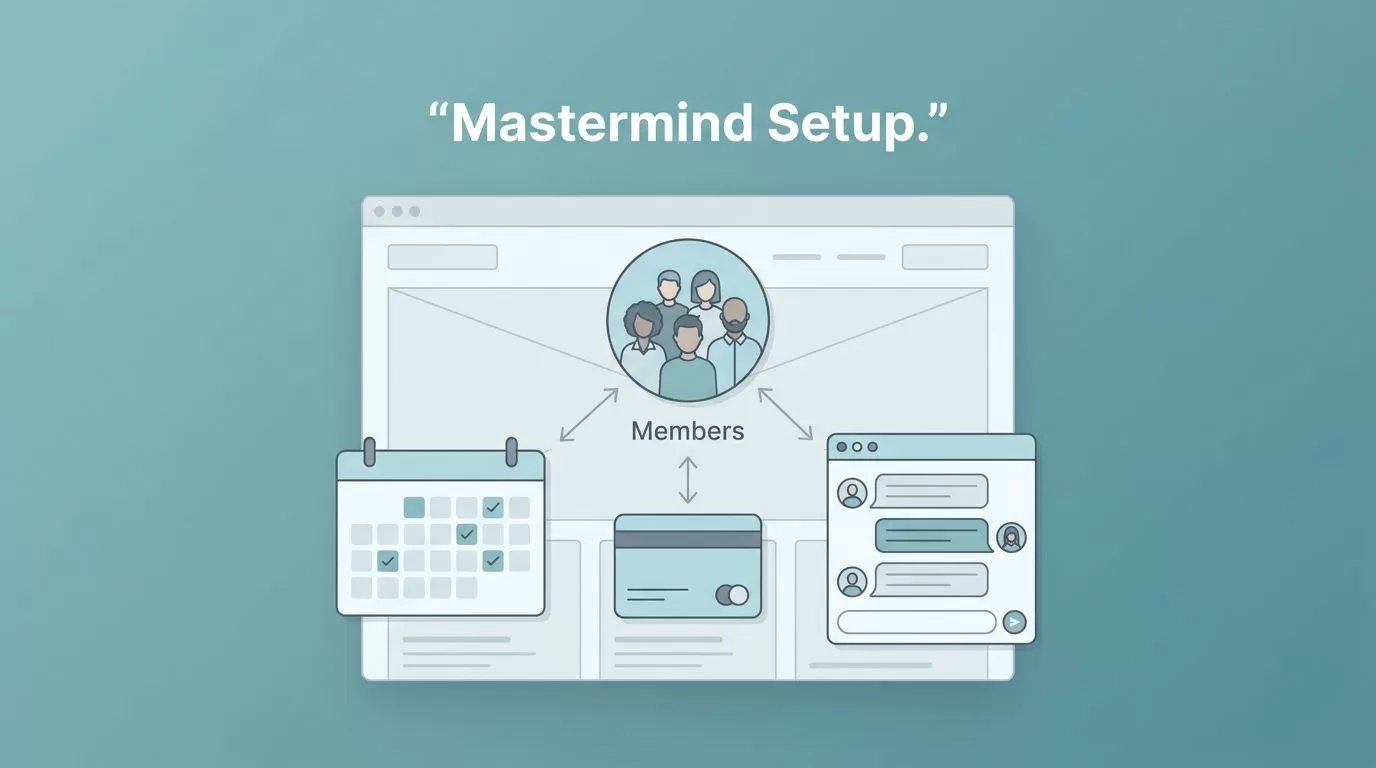
A mastermind group falls apart fast when access is fuzzy, billing is messy, or members cannot find the next call. I do not want a separate app for every job if the real needs are recurring payments, private pages, session links, and member communication.
That is why I build a MemberSpace mastermind group as a membership system first, then layer the discussion and events around it. MemberSpace sits on top of an existing site, Stripe handles the money, and I keep the rest of the stack simple enough to run without custom code.
Choose the mastermind model before setup
Before I open MemberSpace, I decide what I am actually selling. A mastermind can be a monthly peer group, a fixed cohort, or a company-sponsored private room for employees. The structure changes the plans, the access rules, and the way people move through the group.
| Model | Best for | Billing setup | Access pattern |
|---|---|---|---|
| Monthly paid mastermind | Ongoing coaching or founder groups | Recurring subscription in Stripe | One private member plan |
| Cohort mastermind | Fixed-length programs with a start and end | Monthly or one-time payment | Time-bound access to calls and files |
| Company-sponsored group | Team coaching or leadership circles | One payer, private employee access | Free private plan for invited members |
If I need more than one level, I map the ladder first in my tiered membership levels setup guide. That keeps me from building a confusing offer tree inside the dashboard.
When the group needs discussion threads, I also keep MemberSpace’s private community guide close by. It helps when I want to pair gated access with a forum or group instead of forcing everything into one tool.


Connect billing before you protect content
I start with Stripe, because every other part of the setup depends on it. If the payment rail is shaky, the rest of the membership workflow will wobble too. I keep my Stripe MemberSpace integration guide open while I connect the account and confirm the checkout flow.
MemberSpace’s standard paid tier starts at $29/month, so I budget for the platform before I price the mastermind itself. That matters because the membership software should fit the margin, not eat it.
Here is the order I use:
- I connect Stripe first and confirm the account is active.
- I create the main paid plan and give it a clear name, like “Founder Mastermind” or “Executive Circle”.
- I set the billing cadence to match the group rhythm, monthly for ongoing rooms, quarterly for tighter cohorts, yearly only if the promise is broad enough.
- I add any trials, coupons, or launch pricing before I invite the first member.
- I test checkout with a real card and watch for the confirmation email.
- I log in as a test member and check whether the right pages open and the wrong ones stay closed.
For a company-paid mastermind, I use a different pattern. One paid plan covers the business, then I create a private free plan for the employees who should get access. If the company sends me a list of names, I can bulk import those members or invite them one by one. If the company stops paying, I disable the plan and remove access in one move.
If your site lives on Squarespace, I use my Squarespace paywall guide to wire MemberSpace into the page structure without rebuilding the whole site.
Protect private content and session access
MemberSpace handles the locked-door part of the job well. I use Spaces for PDFs, videos, MP3s, links, and text posts, because I want the useful files in one private vault instead of scattered across public pages and email threads.
That is where I keep replay recordings, worksheets, swipe files, and session notes. I also create folders inside Spaces when the group grows, so new members do not have to scroll through a long dump of old material.
A few rules keep the library clean:
- I turn off downloads for files that should stay inside the group.
- I use public video hosts like YouTube, Vimeo, or Wistia when a file is too large for direct use.
- I add the security snippet MemberSpace provides to pages that should stay out of search.
- I keep protected links off public menus so members know exactly where to go.
For live sessions, I protect a page that holds the Zoom link, the calendar embed, or the replay. That way, the call lives behind the member login instead of floating in a group chat. It also makes it easier to change the link after the meeting if I do not want old access lingering around.
I treat access like a door with a lock, a key, and a record of who is inside. That is the whole job.
If members cannot find the next call, the membership feels broken even when the billing works.
When the mastermind needs a real discussion layer, I do not force MemberSpace to act like a full forum. I use it as the gate, then let Circle, Facebook Groups, or another community tool handle the conversation. MemberSpace’s community engagement ideas also help when I need better prompts, rituals, and check-in habits.

Keep members moving after launch
The launch is where many mastermind groups get clumsy. People pay, then they wait, then they wonder where to start. I solve that with onboarding and a few repetitive communication habits.
My communication stack stays small. I send a welcome email with login instructions, a session reminder before each call, and a recap after the meeting with the replay link and next steps. I also make sure the member menu points to the right place, because a clean navigation path cuts down on support questions.
A good onboarding flow gives members three things quickly, the first session date, the private content library, and the place where they ask questions. If I skip any of those, I can feel the drop in momentum by the second week.
For a company-sponsored mastermind, I keep a simple membership list and check it often. If access is tied to employment or a contract, I remove stale members as soon as the plan changes. If the group has a cap, I watch the active plan count before I approve a new seat.
My favorite rhythm looks like this:
- A welcome email with the private link and the next session date.
- A short orientation page that explains where replays, resources, and discussion live.
- A monthly recap that highlights wins, questions, and the next deadline.
The result is a group that feels calm instead of crowded. Members know where to go, and I spend less time answering the same question twice.
Conclusion
A mastermind group works best when the software stays out of the way. I use MemberSpace for the gate, Stripe for recurring billing, and protected pages or Spaces for the private material members pay to see.
Once the access model, onboarding, and communication flow are clear, the whole setup gets easier to run. That is the real advantage of MemberSpace for this kind of membership, it lets me build a private group that feels organized from the first login.

