Accept Multiple Currencies with MemberSpace
When I sell memberships across borders, price friction shows up fast. A checkout page in the wrong currency can make a good offer feel uncertain. That matters even more when I use multiple currencies in MemberSpace. I can support internatio...

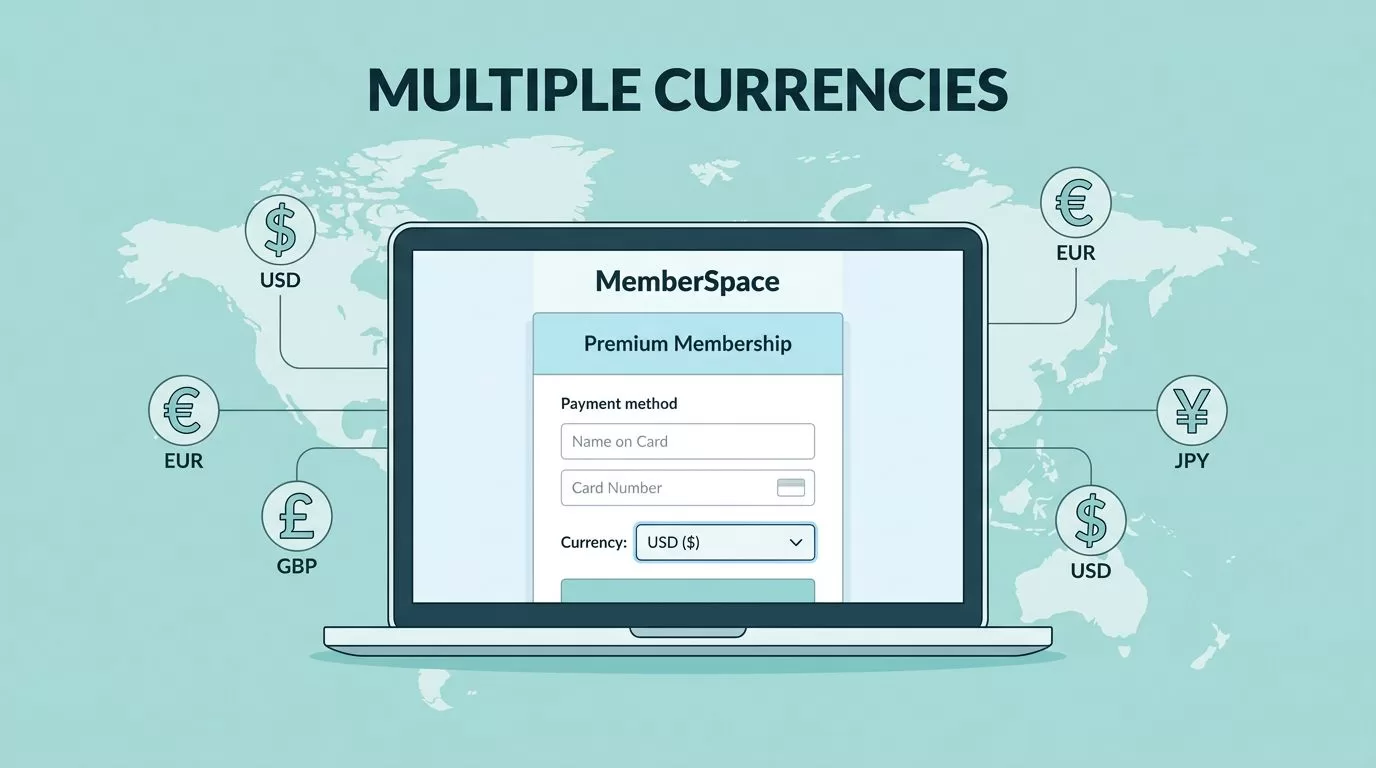
When I sell memberships across borders, price friction shows up fast. A checkout page in the wrong currency can make a good offer feel uncertain.
That matters even more when I use multiple currencies in MemberSpace. I can support international members, but only if I set up the plans with the right currency logic from the start. The details matter, because the currency choice affects checkout, renewals, and how I explain billing.
How MemberSpace handles multiple currencies
MemberSpace supports different currencies through its Stripe connection, so my setup starts with the payment processor. In practice, that means the currencies I can use depend on what Stripe supports for my account and region.
I treat each currency as its own pricing decision. If I want to charge in USD and EUR, I create separate plans. I do not try to force one plan to behave like a live converter.
That choice matters because the currency is set when I create the plan. Once the plan exists, I can’t change its currency later. So I pause before I publish anything and decide whether the plan is meant for one market or several.


MemberSpace’s own help docs for pricing settings in MemberSpace line up with that setup. I choose the name, amount, currency, billing interval, and the content the plan unlocks. That simple structure is what makes multi-currency pricing manageable.
Once I publish a plan, I treat its currency as fixed. If I need another currency, I build another plan.
I also keep the payment method question in view. MemberSpace processes payments through Stripe, and Stripe decides which currencies and card flows are available. For a quick check, I use the MemberSpace payment methods guide before I launch anything public.
What I set up before I create a plan
Before I add a currency, I map the membership ladder. I do that the same way I do when I build tiered membership levels in MemberSpace. If my offer has Basic, Pro, and Elite levels, I want the currency logic to match that structure, not fight it.
I also keep recurring billing in mind. When I’m using monthly or annual payments, I follow my monthly subscription setup steps and build the currency version into that flow. That keeps the billing cadence clean.
My rule is simple: one offer, one pricing model, one currency per plan. If I blur those together, support tickets pile up later.
Here is the setup pattern I trust most:
- I decide which markets I want to serve.
- I pick one currency for each market.
- I duplicate the membership plan for each currency.
- I keep the content access the same across those plans.
- I test every checkout path before I publish.
That process keeps the member experience steady. A member in Canada should not wonder why a page says one thing and the checkout says another. I want the price to look intentional.
I also name plans clearly. “Monthly Membership – USD” is easier to manage than a vague label like “Standard Plan.” If I later search invoices, exports, or support notes, the currency shows up in the name right away.
How I price memberships across currencies
Pricing is where many creators get stuck. They want fairness, but they also want predictability. I care about both.
When I sell in several currencies, I don’t try to mirror the live exchange rate every day. Rates move, banks charge fees, and processors take their cut. If I chase the market too closely, my pricing becomes a moving target.
I usually choose one of three approaches.
| Pricing approach | When I use it | How I present it |
|---|---|---|
| Fixed local price | I have a strong audience in one region | “29 USD per month” |
| Separate regional price | I want the offer to feel native in each market | “24 GBP per month” |
| Buffered annual price | I want room for exchange-rate swings and fees | “249 EUR per year, billed in euros” |
The point is not to make every number identical. The point is to make every number easy to understand.
I like rounded prices because they read better and leave room for currency shifts. If I need to protect margin, I bake a small buffer into the local price. That gives me breathing room when exchange rates move.
I never promise exact parity between currencies unless I plan to review the price often. What matters is the charge in checkout, not the math I used behind the scenes.
If I’m selling to people in different countries, I also keep the offer language simple. I say which currency the member will be billed in, and I don’t hide that detail in fine print. That reduces support messages later.
When I need a clean reference for how MemberSpace wants pricing fields handled, I go back to the MemberSpace pricing guide. It reminds me that currency choice is part of the plan, not an afterthought.
How I explain billing so members trust it
Good billing copy saves time. It also lowers refunds and angry emails. I want members to know exactly what they’ll pay before they click buy.
I keep my billing message direct. I explain the currency on the pricing page, repeat it near checkout, and echo it in the welcome email. If I charge in euros, I say euros. If I charge in dollars, I say dollars.
I also spell out what happens if their card issuer adds a fee. That kind of charge comes from the bank, not from my membership tool. I don’t bury that detail because it tends to show up later as confusion.
My member-facing language usually covers these points:
- The membership is billed in the currency shown at checkout.
- Renewals use the same currency unless I change the plan later.
- Their bank may apply a foreign transaction fee.
- Taxes, if applicable, are shown separately or explained clearly.
- Support can confirm the plan currency if they have questions.
I keep the tone calm. “Your membership renews at 29 USD each month” is better than a vague line like “pricing may vary.” Precision feels safer.
I also check the payment methods page before launch because some members pay with cards that react differently to cross-border billing. The MemberSpace payment methods guide helps me stay aligned with what Stripe will accept.
One more habit helps a lot. I send myself a test purchase in each currency and read the receipt like a customer. If the invoice, email, and checkout page don’t match, I fix the copy before I open the plan to the public.
My launch checklist for multi-currency plans
I keep the launch process short, because long setups invite mistakes. Before I publish, I run through the same checklist every time.
- I confirm the currency before creating the plan.
- I duplicate the plan for each currency I need.
- I match the access rules across all versions.
- I test checkout in each currency.
- I read the confirmation email and receipt for plain, clear billing language.
That last step catches more problems than people expect. A price can be correct and still feel wrong if the email says something different. I want every message to point to the same charge.
If I only need one market, I keep the setup simple and stop there. If I need two or three currencies, I build separate plans and keep the member experience clean. That saves me from trying to untangle billing issues later.
Conclusion
MemberSpace can handle multi-currency memberships well, but the setup works best when I treat each currency as its own plan. I choose the currency early, keep it fixed, and make the member-facing price easy to read.
That approach gives me control over checkout, renewals, and support. It also keeps the offer honest, which matters more than a clever pricing trick.
If I want international members to trust the purchase, I make the billing language plain and the currency obvious. That is the difference between a checkout that feels local and one that feels risky.

