How I Organize Skool Content for Fast Member Access
I’ve run Skool communities for coaches and creators. Members join with high hopes. They want quick wins from lessons and clear paths to live calls. Chaos hits when posts bury key resources. I fix that by keeping content simple and fin...

I’ve run Skool communities for coaches and creators. Members join with high hopes. They want quick wins from lessons and clear paths to live calls. Chaos hits when posts bury key resources. I fix that by keeping content simple and findable. You can too. Let’s walk through my setup step by step.
Skool’s Main Content Spaces
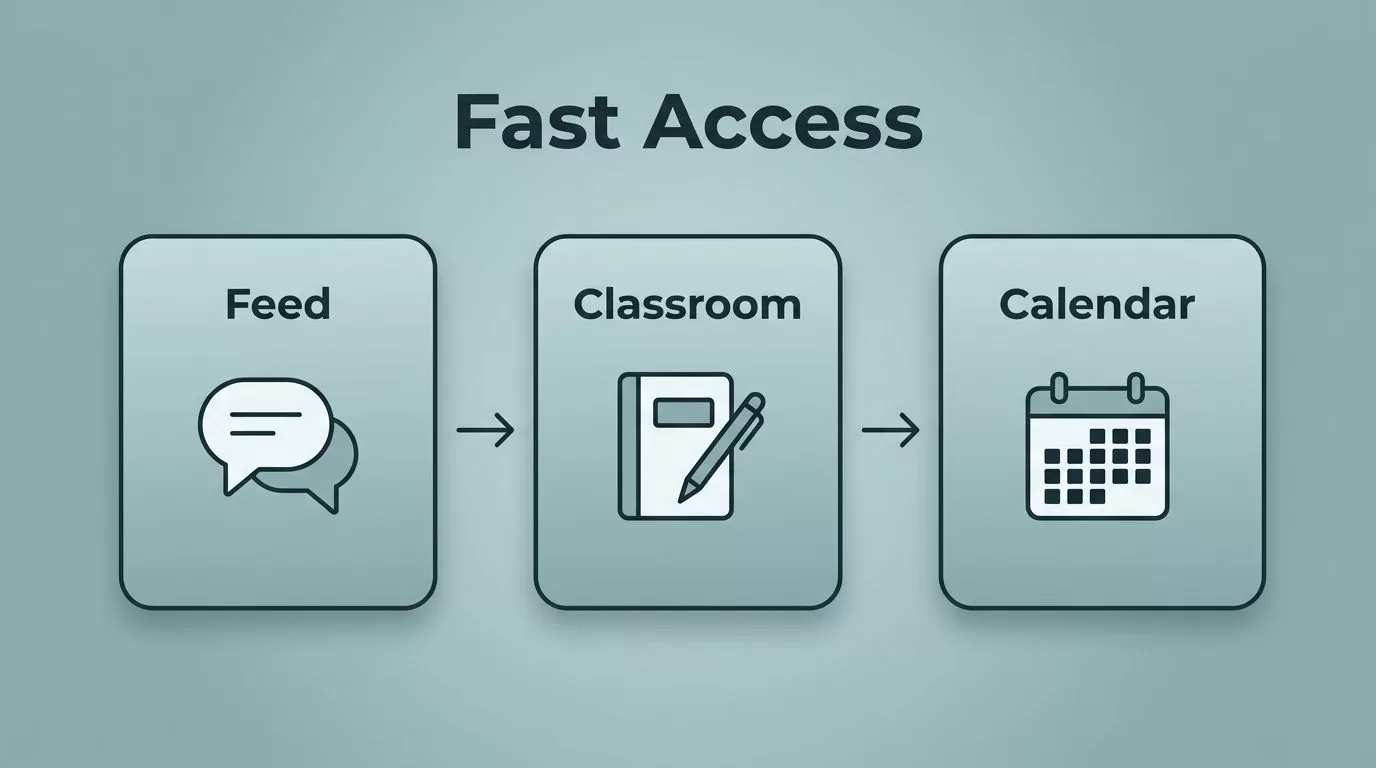
Skool splits content into three spots: the community feed, classroom, and calendar. I treat the feed like a town square for chats and quick shares. The classroom holds evergreen lessons. The calendar lists events.
This setup keeps things tidy. Members land on the feed first. They see announcements and member wins there. From the side tabs, they jump to lessons or upcoming calls. No hunting required.


I start every group the same way. Pin a welcome post on the feed. Link it to the first classroom module. Add a calendar event for day one onboarding. Members get oriented in under two minutes. As a result, engagement jumps because paths stay clear.
Think of it as rooms in a house. The feed buzzes with daily life. The classroom stacks books on shelves. The calendar marks dinner times. Confusion fades when each space has one job.
Build Your Lesson Library with Folders
Classroom folders act as my content backbone. I create one folder per module, like “Week 1 Basics” or “Advanced Tactics.” Each holds videos, PDFs, and quizzes. Members click a folder and see progress bars.
Short lessons work best. I cap them at 10 minutes. Start with a quick win, like a template download. Follow with a video demo. End with an action step. This pulls members through without overwhelm.

I organize Skool content in layers. Welcome folder first: rules, quick start guide, and a member intro prompt. Core modules next, three to five lessons each. Resources folder last: templates and cheat sheets. Drip new folders weekly to build habit.
One coach I know added quizzes to each folder. Completion rates doubled. Members love the checkboxes. You track who finishes what from the admin dashboard. Simple tweaks like that boost retention.
Sort Feed Posts with Categories
Categories turn the community feed into folders for discussions. Skool lets you set up to 10. I pick five core ones: Announcements, Wins, Q&A, Resources, and Feedback.
Announcements sort by newest. Only admins post there. Members check it first for updates. Wins category shows member results, sorted by recent. It sparks motivation.
Skool’s guide to setting up categories covers the basics. I follow it but add emojis for quick scans, like 📣 for announcements. Set post permissions too. Lock Resources to admins only.
This system cuts noise. A new member scans categories and jumps to Q&A. No scrolling through 200 posts. I review engagement weekly. Drop low-use categories. Keep the rest fresh.
In one group, Wins became the heartbeat. Members post screenshots of results. Others chime in with tips. Categories make that magic repeatable.
Schedule with Skool Calendars
Calendars live right on the homepage. I add weekly lives, like Q&A at 8 PM Tuesdays. Members RSVP with one click. Replays auto-post to the classroom.
Block time for events. One group call per week. Optional deep dives monthly. Descriptions include prep steps: “Review Week 2 folder before joining.”
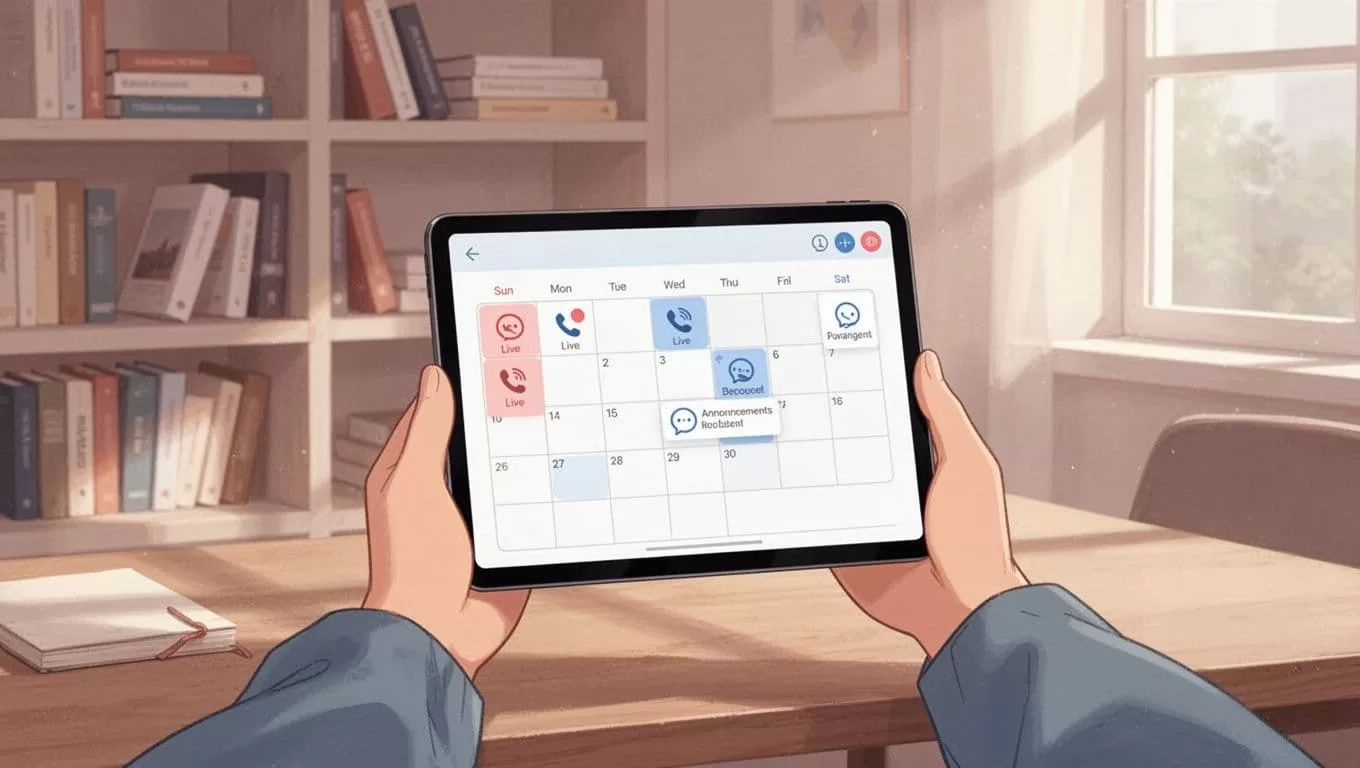
Link calendar to content. Post call: “RSVP here, then hit the prep lesson.” This weaves events into your flow. Attendance climbs because next steps stay obvious.
I batch-plan a month’s calendar on Sundays. Use reminders for members. No-shows drop. For admins, it means steady rhythm without daily fires.
Pin Essentials for Quick Access
Pins sit at the feed’s top. I pin five items max: welcome post, rules, top resource, current challenge, and next event link.
Hover over any post. Hit pin. It sticks until you unpin. Refresh the page, and essentials greet every visitor.


Update pins monthly. Swap in the new module or challenge. Members always see value first. In my groups, this cuts support questions by half.
Combine pins with categories. Pin the “How to Use This Group” post. It links to all spaces. Newbies self-serve fast.
Set Up Repeatable Weekly Routines
Routines make organization stick. I spend 30 minutes Sundays planning. Batch five feed posts. Schedule two calendar events. Check classroom progress.
Use a simple checklist:
- Update pins.
- Post in Announcements.
- Reply to top Q&A.
- Add one new lesson.
- Review Wins for shoutouts.
This keeps momentum. Members expect consistency. For scaling, assign co-admins one task each.
I draw from running live calls in Skool for event flow. It ties back to content neatly.
Tools like Notion track my content calendar outside Skool. But the platform handles 90% natively.
Conclusion
Organizing Skool content boils down to clear spaces, smart categories, pins, and calendars. I apply this in every group I run. Members find lessons and events fast. Retention follows.
Your community thrives when paths stay simple. Start with one pin and one category today. Watch access improve. What space will you tidy first?

