How I Set Up Secure Podcasts with Transistor.fm Private Feeds
You run a membership site or coaching business. Listeners pay for exclusive audio. Public feeds leak content fast. Everyone wants control. Transistor.fm skips true password protected podcasts. It offers private podcasts instead. These hide...


You run a membership site or coaching business. Listeners pay for exclusive audio. Public feeds leak content fast. Everyone wants control.
Transistor.fm skips true password protected podcasts. It offers private podcasts instead. These hide feeds from directories. Only invited members subscribe. I use them for client trainings. They sync with tools like Ghost CMS. Access revokes on demand.
This guide walks you through my exact steps. You’ll build a members-only podcast. It protects your work like a vault.
Podcast Access Types Explained
Public podcasts appear everywhere. Apple Podcasts. Spotify. Anyone grabs the RSS feed. Great for broad reach. Not for paid content.
Private podcasts stay hidden. No directory listings. You control who joins. Perfect for communities or teams.
Transistor adds a podcast lock. It blocks feed copying. Think shield against thieves.


Here’s how they stack up:
| Type | Who Sees It | Best For | How It Works |
|---|---|---|---|
| Public | Everyone | Mass audiences | Standard RSS in directories |
| Private | Invited members | Memberships, training | Unique feeds per subscriber |
| Podcast Lock | Public or private | Anti-copy protection | Adds lock tag to feed |
Private matches your password protected podcast needs closest. No logins required. Feeds go straight to apps. I enable the lock too. Double security.
Why Choose Transistor.fm for Restricted Audio
I host multiple shows on Transistor. Unlimited podcasts on paid plans. Clean dashboard. Solid analytics.
Private feeds shine for businesses. Tie them to CRMs or memberships. New member? Auto-grant access. They cancel? Feed vanishes.
Recent updates help. Spotify now supports private podcasts. Ghost integration launched March 2026. One-click sync for paid users.
No passwords mean simpler setup. Listeners add feeds to Pocket Casts or Overcast. No app friction.
Check Transistor’s private podcast features for details. They cover coaching and internal teams.
Setting Up Your Private Podcast
Log into Transistor.fm. I start here every time.
Click “Add a Show.” Pick “Create a New Podcast.” Name it. Add cover art.
In settings, select RSS Feed. Toggle “Make this show’s RSS Feed unlisted.” Save changes.
This hides it from searches. Only shared links work. For enhanced private, upgrade during setup. It gives per-subscriber feeds.

Next, enable podcast lock. Go to show settings. Flip the toggle. It adds a locked tag. Blocks imports elsewhere.
Upload your first episode. MP3 format. Title it. Add notes. Publish.
Share the unlisted RSS. Test in Apple Podcasts. Works smooth.
See Transistor’s unlisted podcasts guide for visuals.
Connecting to Membership Platforms
Manual invites work small scale. I scale with integrations.
Ghost CMS tops my list. Paid members get auto-access.
In Ghost, go Settings > Integrations > Transistor.fm. Paste your API key and show URL. Pick membership tiers.
Members see a /transistor command in posts. One tap adds the feed. QR codes too.
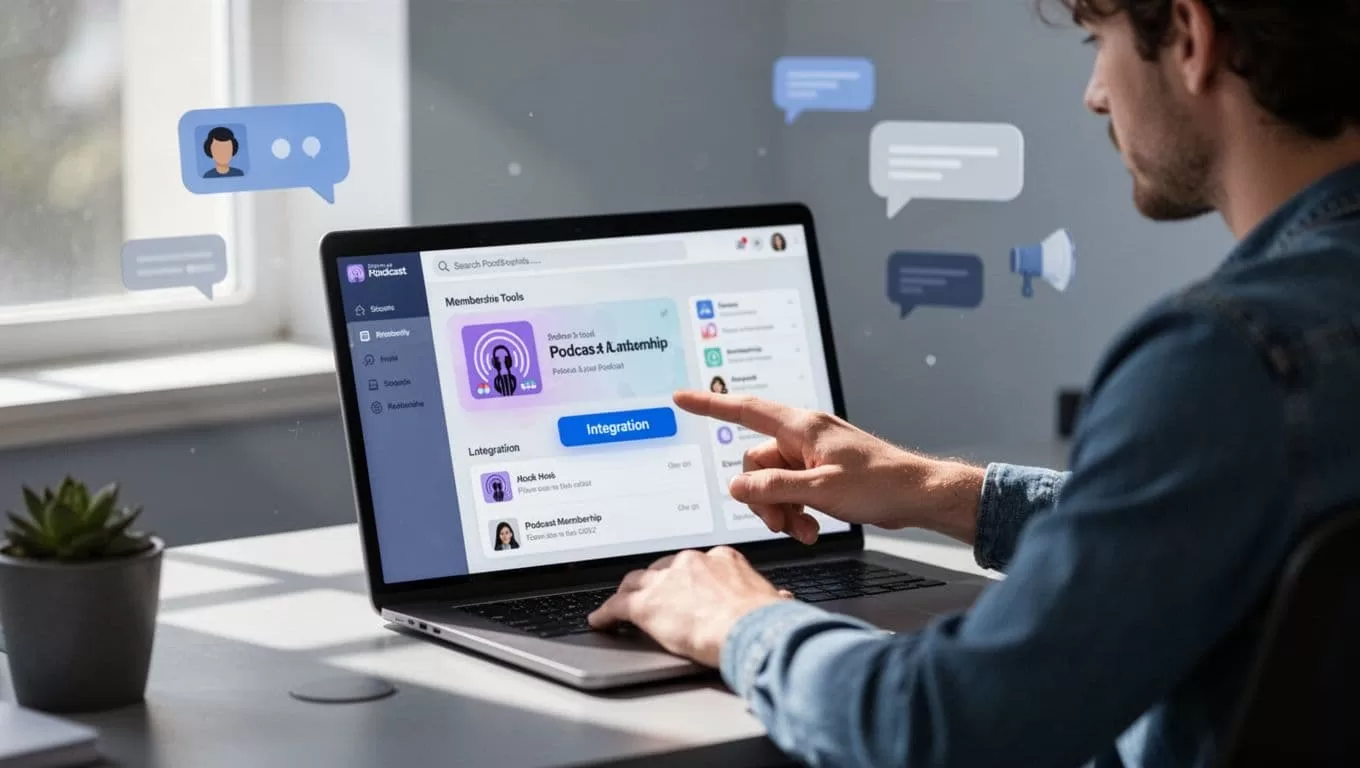
Zapier connects CRMs. New lead in Recruit CRM? Zap sends invite.
For invites: Generate links or CSV uploads. Each subscriber gets unique RSS. Revoke anytime.
Transistor Help on private podcasting lists options.
Managing Subscribers and Episodes
Add folks one by one. Or bulk via CSV. Email invites include app buttons.
Subscribers open on phone. Picks Overcast or Spotify. Done.
New episode drops. They get notified. Auto-downloads.
Track listens in dashboard. Per-episode stats. Member churn shows quick.
I repurpose audio too. Like in my Transistor.fm to shorts workflow.
Best Practices and Quick Fixes
Always lock feeds. Stops copycats.
Test invites first. Use your phone.
Ghost sync lags? Check API keys. Refresh.
Subscribers can’t add? Ensure app supports private RSS. Most do now.
Pair with email lists. Pitch via verified hosts. My Hunter.io podcast outreach finds guests.
Monitor downloads. Under 100K monthly? Starter plan fits.
Wrapping It Up
Private podcasts on Transistor deliver the security you crave. No passwords needed. Feeds lock tight for members only.
I built mine for coaching clients. Content stays safe. Growth follows.
Start small. Add one private show. Watch access convert to revenue. Your exclusive audio deserves this setup.

