Deploy a Poshmark Sharing Bot With Twin.so
Manual sharing becomes a bottleneck when your closet contains dozens or hundreds of listings. A Poshmark sharing bot can repeat that work on a schedule, but the deployment needs careful limits, clear instructions, and regular review. Twin.s...
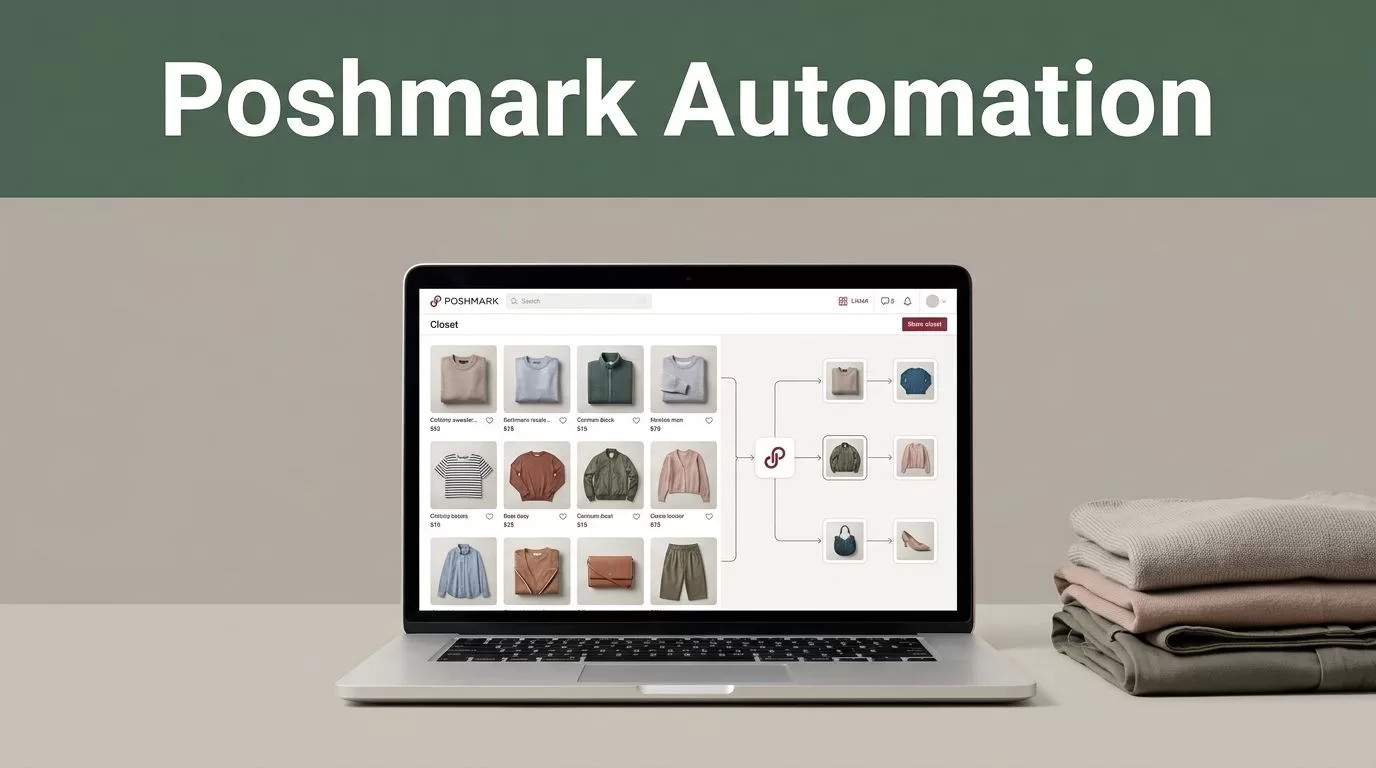
Manual sharing becomes a bottleneck when your closet contains dozens or hundreds of listings. A Poshmark sharing bot can repeat that work on a schedule, but the deployment needs careful limits, clear instructions, and regular review.
Twin.so can build workflows from plain-English instructions. It can use API connections when available and browser automation when a website requires normal clicks, typing, and navigation. That makes it useful for testing a Poshmark sharing workflow, but it doesn’t remove platform risk or guarantee sales.
The correct setup starts with a narrow task, a controlled schedule, and a manual review process.
What Twin.so Can Do in a Poshmark Workflow
Twin.so is an AI automation platform for building and running repeatable workflows. You describe the task, define the rules, connect the required tools, and set a trigger. Twin then creates an agent that performs the workflow through available integrations or browser actions.
For a Poshmark process, the browser route is the more practical option if no supported Poshmark integration is available in your Twin workspace. The agent can open the site, sign in through a connected browser session, locate your closet, and perform the actions you permit.
A useful first workflow is limited to sharing active listings. Don’t begin with follows, unfollows, comments, offers, or party participation. Each extra action increases the number of decisions the agent must make and expands the risk of unwanted account activity.
Common automation tasks discussed by Poshmark sellers include closet sharing, party sharing, returning shares, and follow activity. A guide to Poshmark bot functions provides a useful comparison of those task types.
Twin.so supports scheduled agents and event-based triggers. For this use case, a schedule is easier to control. You can start with one short run, inspect the result, and adjust the instructions before allowing repeated execution.
The workflow should have four boundaries:
- It only works with active listings in your closet.
- It skips listings that are sold, reserved, inactive, or under review.
- It stops after a fixed number of shares.
- It records errors instead of repeatedly retrying the same page.
These limits turn a broad request such as “share my closet” into an operational specification Twin can follow.
Before You Deploy the Poshmark Sharing Bot
Prepare the Poshmark account and the Twin workspace before building the agent. Poor preparation creates avoidable failures, especially when listing status, browser sessions, or login verification interrupts the run.
Start by reviewing your closet. Remove inactive listings and correct any listings that should not receive additional activity. If you have multiple closets or accounts, define the target account in the workflow description. Don’t ask the agent to choose between accounts without a fixed rule.
Next, decide what a successful run means. A basic definition could be:
Open the connected Poshmark account, share up to 25 active closet listings, skip unavailable listings, stop when a verification prompt appears, and report the number of completed shares and errors.
This instruction gives Twin a target, a limit, and a stop condition. It also prevents the agent from continuing after the website changes the expected screen.
Set up a dedicated browser session or connected account inside Twin. Never paste your Poshmark password into a plain-text prompt, spreadsheet, or workflow note. Use the platform’s supported credential connection process, and limit access to the account used for the automation.
Keep the first test small. Ten listings are enough to check whether Twin can:
- Open the correct Poshmark account.
- Find the closet or listing view.
- Identify active listings.
- Select the correct share control.
- Return to the next listing.
- Stop at the configured limit.
Capture the results after the test. Check whether the right listings were shared and whether any listing was skipped for the wrong reason.
A successful browser run is not proof that the workflow is safe to run unattended. It only proves that the current page structure matched the instructions.
Build and Configure the Twin.so Agent
Create a new Twin.so agent and describe the task in direct operational language. Avoid marketing language such as “maximize exposure” or “grow my closet.” Those goals are too broad for reliable browser automation.
Use a configuration like this:
Log in to the connected Poshmark account. Open my closet. Share only active listings. Process no more than 10 listings per run. Skip sold, reserved, inactive, or unavailable listings. Wait for the page to finish loading after each action. Stop immediately if Poshmark shows a login challenge, CAPTCHA, verification request, warning, or unexpected page. Return a report with completed shares, skipped listings, and errors.
Twin may ask follow-up questions about the account, schedule, or output. Answer each one with a fixed rule. For example, tell it to process listings in the order displayed rather than selecting randomly.
Add a structured output requirement. A simple report can include:
- Run date and time.
- Number of listings reviewed.
- Number of shares completed.
- Number of listings skipped.
- Error messages.
- Whether the workflow stopped early.
This record helps you compare runs and identify repeated failures. It also gives you a clear signal when the agent stops because of a platform prompt.
Use a conservative schedule for the first deployment. Run the agent manually or once per day while testing. Don’t begin with continuous execution. A frequent schedule can create excessive activity and makes it harder to identify whether the issue comes from Twin, Poshmark, or the account itself.
If Twin offers a review or approval step before execution, activate it during testing. Require approval for any action outside the original share task. The agent should not add follows, comments, offers, listing edits, or messages unless you separately configure and review those actions.
Test the Workflow Before Scheduling It
Run the agent in a controlled session with a small listing limit. Keep the Poshmark account open in a separate browser window so you can compare the closet before and after execution.
Watch the first few actions. Confirm that the agent identifies the correct share button and doesn’t click a nearby control. Browser agents depend on page structure, and a layout change can move controls or change the text Twin uses to identify them.
Check these items after the test:
- The account is the intended seller account.
- Only active listings were processed.
- The share count matches the workflow report.
- Sold or reserved listings were not touched.
- The agent stopped at the configured limit.
- No follow, comment, offer, or message action occurred.
- No login, verification, or security prompt was ignored.
Run a second test after changing one condition. For example, temporarily include an inactive listing and confirm that Twin skips it. Then test the stop rule by setting the limit to three listings.
This type of negative testing matters. A workflow that succeeds under ideal conditions may fail when one listing has an unusual title, missing image, or different status label.
Seller communities also discuss features such as automatic resharing and follow-back behavior. A community discussion of auto-reshare settings shows why these functions should be treated as separate decisions rather than added to the first workflow.
Keep browser logs or run reports for the first several executions. Record the date, limit, completed shares, skipped listings, and reason for any stop. This creates a basic audit trail without adding unnecessary complexity.
Troubleshoot Common Twin and Poshmark Errors
A failed run doesn’t always mean the automation is configured incorrectly. Browser sessions can expire, page layouts can change, and Poshmark may request additional verification.
If Twin cannot open the closet, check the connected session first. Sign in manually if required, confirm that the correct account is active, and run the agent again with the same small limit. Don’t increase the limit until the session works consistently.
If the agent clicks the wrong control, stop the workflow. Update the instruction with the exact location or visible text of the share action. Add a rule that requires the listing page or closet card to be visible before clicking. Then test on three to five listings.
If sold or inactive listings are being processed, strengthen the filtering rule. Tell Twin to inspect the status shown on each listing and skip the item when the status is missing or unclear. A skip is safer than a guess.
If the agent repeats the same listing, add a progress condition. It should move to the next visible listing after a successful action and stop if the page doesn’t change after a defined number of attempts. Avoid unlimited retries.
If Poshmark displays a CAPTCHA, login challenge, warning, or verification request, the workflow must stop. Complete the required review manually and check the account before running automation again. Do not instruct Twin to bypass the prompt.
If the report shows successful shares but the account doesn’t reflect them, compare the timestamps and listing states. The browser may have displayed a confirmation before the request completed. Reduce the run size and add a wait for the page response before moving to the next listing.
Twin’s agents can retry and surface exceptions, but self-healing behavior doesn’t make an external website predictable. Use retry rules only for short network delays. Don’t use them to force actions through warnings or changed page elements.
Responsible Use and Account Risk
Automation on a marketplace requires more than technical access. Poshmark can change its interface, restrict activity, or take action when it detects behavior that violates its rules. Review Poshmark’s current terms and automation guidance before connecting any bot.
A Poshmark sharing bot may violate platform policies or create account risk, even when the workflow performs only ordinary browser actions. Twin.so doesn’t guarantee account safety, engagement, visibility, or sales. Poshmark’s ranking and buyer behavior also remain outside your control.
Use the lowest practical activity level. Keep the workflow limited to your own active listings. Don’t automate messages, follows, unfollows, offers, comments, or account actions without separate review. Stop the agent when activity looks unusual or when Poshmark requests verification.
Treat the automation as an assistant, not an unattended sales system. Review reports, inspect the account, and disable the schedule when you aren’t monitoring the results. A seller discussion group about listing automation can provide additional practical context, but community advice doesn’t replace Poshmark’s current rules. You can review seller conversations about sharing tools as a secondary reference.
Conclusion
Deploying a Poshmark sharing bot with Twin.so works best as a controlled browser workflow. Define one task, set a small limit, require clear stop conditions, and test inactive listings before scheduling repeated runs.
Twin.so can handle browser actions, scheduled execution, and error reporting. It can’t guarantee that Poshmark will accept the activity or that sharing will produce sales. Keep a manual review step in the process, and treat every warning or unexpected page as a reason to stop.
