Salon Management Automation With Twin.so
Salon owners lose hours to tasks that follow the same pattern every day. A client books, staff need an alert, a reminder goes out, and the appointment ends with another follow-up. Salon management automation turns that sequence into a repea...

Salon owners lose hours to tasks that follow the same pattern every day. A client books, staff need an alert, a reminder goes out, and the appointment ends with another follow-up. Salon management automation turns that sequence into a repeatable workflow.
Twin.so gives you a practical way to connect these steps and reduce manual coordination. You still control the client experience, but the system handles routine triggers, messages, alerts, and reports. Start with the client journey, then expand into inventory, staff operations, and multi-location reporting.
Why salon management automation needs a workflow layer
Most salons already use several software tools. One handles online bookings. Another processes payments. Staff may use a separate messaging app. Inventory records often sit somewhere else.
The problem isn’t a lack of software. The problem is the gaps between systems.
A booking may enter the calendar without notifying the assigned stylist. A client may receive a confirmation but no intake form. A missed appointment may remain marked as an unresolved calendar entry. Managers then spend time checking each system manually.
Use Twin.so as the workflow layer between these operational events. A trigger starts the process. A rule checks the relevant details. An action updates a system, sends a message, or alerts a person.
This approach gives every workflow a clear structure:
- Trigger: An appointment is booked, changed, completed, or missed.
- Condition: The system checks the location, service, staff member, client status, or appointment time.
- Action: Twin.so sends a message, creates a task, updates a record, or routes an exception.
- Review: A manager handles anything that needs judgment.
A salon software platform may already combine scheduling, payments, and client records. For example, Square’s salon tools cover booking, payments, and client management. The goal isn’t to replace every platform. The goal is to stop staff from repeating the same work across them.
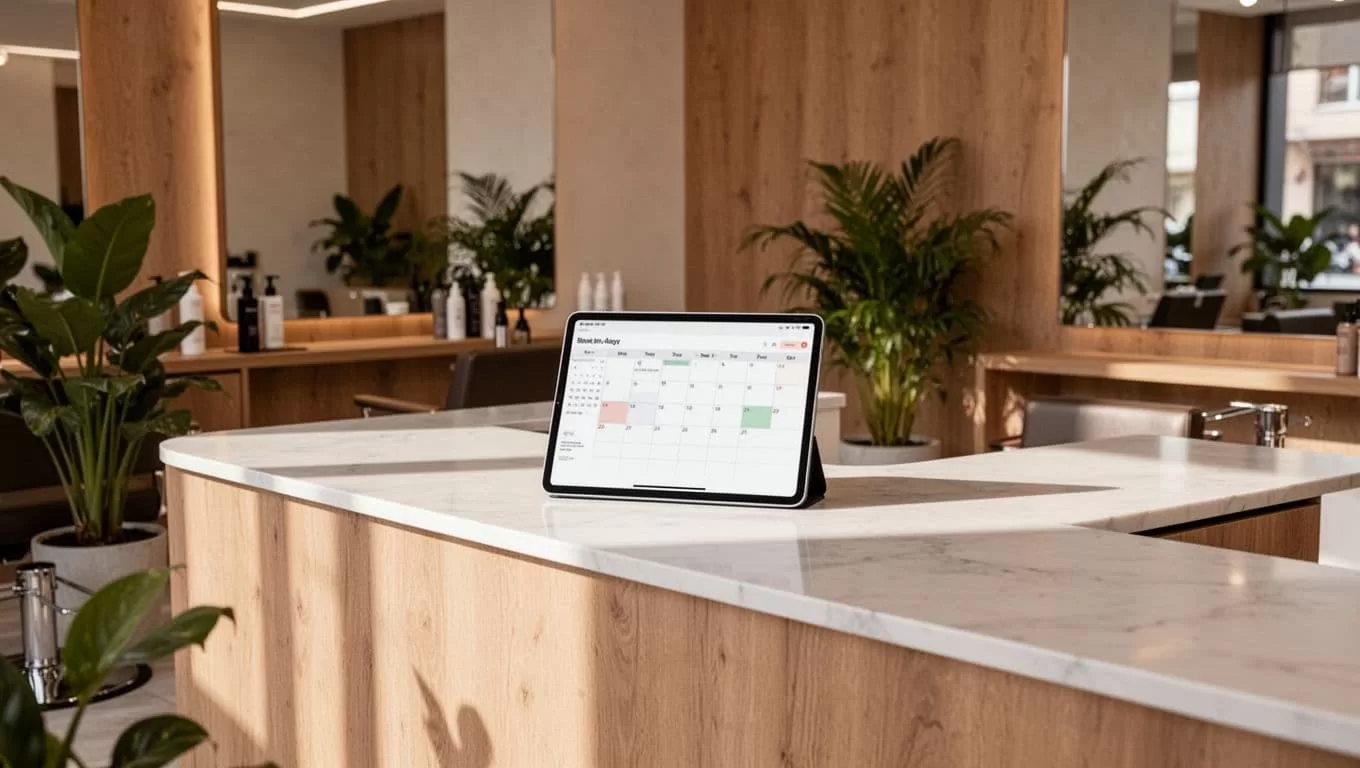
Automate the client journey before back-office tasks
Client-facing workflows create the fastest operational gains because they run throughout the day. They also need careful setup. A badly timed message can feel impersonal or confuse the client.
Booking, reminders, and intake forms
Start when a client creates or changes an appointment. Twin.so can route the event to the correct workflow based on service, location, and staff member.
The booking workflow should:
- Confirm the appointment details.
- Send the salon address and relevant arrival instructions.
- Provide an intake form when the service requires client information.
- Notify the assigned staff member.
- Record the communication status.
Use service-specific rules. A new color client may need a consultation form. A returning client booking a standard haircut may not need another form.
Appointment reminders also need a clear schedule. Send the first reminder early enough for the client to reschedule. Add a shorter reminder only when it fits your communication policy. Store the appointment time zone and location in the workflow so multi-location clients receive accurate information.
Platforms such as Vagaro’s salon software combine scheduling, payments, and marketing features. Twin.so can help coordinate those events with the other systems your team uses, provided the required connection is available in your workspace.
No-show follow-up and client rebooking
A no-show workflow should not send an automatic message the moment an appointment is marked missed. Give the front desk time to correct an accidental status or record an emergency.
Set a short review window. After that period, Twin.so can:
- Mark the appointment for no-show follow-up.
- Create a task for the front desk.
- Send an approved message template.
- Record whether the client replied.
- Escalate repeated no-shows to a manager.
Rebooking also benefits from a rule-based process. After a completed appointment, send a follow-up based on the service type. The timing for a haircut won’t match the timing for a color appointment or specialized treatment.
The message can include a booking link, but don’t make every client interaction automatic. A client who missed an appointment several times may need a phone call. A client who had a service issue needs a person who can listen and resolve it.
Review requests and staff notifications
Send a review request after the appointment is marked complete, not when the scheduled end time passes. That distinction matters when a service runs late or a client leaves without checking out.
Twin.so can also notify staff about:
- New appointments assigned to them.
- Changes to service details.
- Intake forms that need review.
- Clients arriving for consultations.
- Cancellations that open a high-demand slot.
Keep these alerts short. Staff need the appointment, the change, and the required action. They don’t need a long automated summary during a busy service block.
Build salon management automation in Twin.so
A reliable setup starts with process mapping. Don’t create workflows by copying one-off instructions into an automation tool. Document the event, the decision, the action, and the owner first.
1. Map the current process
Choose one workflow, such as appointment reminders. Write down what happens today.
Record the booking source, calendar system, client record, message channel, staff notification, and exception process. Include the steps that happen when the client changes or cancels the appointment.
This exposes missing data before you build anything.
2. Define the source of truth
Choose the system that owns each record. The booking platform may own appointment times. The client management system may own contact details. The inventory tool may own product quantities.
Twin.so should read the required fields from the correct source. Don’t allow multiple systems to overwrite the same field without a defined rule. Conflicting status values create duplicate messages and incorrect reports.
3. Build the smallest useful workflow
Create one trigger and one primary outcome first. For example:
When a new appointment is created, send the approved confirmation and notify the assigned stylist.
Test that workflow with internal appointments before using it with clients. Add conditions only after the base process works.
Organize workflows by location, service category, and operational purpose. A clear folder structure prevents context switching when you need to troubleshoot a message or update a policy.
4. Add exception handling
Every workflow needs a stop condition. Pause the automated message when the client has already received a manual response. Route incomplete intake forms to the front desk. Send unusual payment or cancellation cases to a manager.
Create an exception queue for these events. Review it daily. Treat exceptions as operational notes, not failures. They show where the rules need better data or a clearer human handoff.
5. Use approved message templates
Write the client message before connecting the trigger. Keep the tone consistent across locations. Include the salon name, appointment details, and a direct next step.
Avoid sending sensitive details through a general notification. Keep client information limited to what the staff member needs for the task. Review consent and messaging requirements for your region before activating SMS or email workflows.
6. Pilot one location
Run the workflow at one location or with one service category. Review delivery failures, duplicate notifications, incorrect routing, and staff feedback.
Increase the workflow scope gradually. A controlled rollout gives you time to fix the process before it affects every location.
Keep automation separate from personal service
Automation should remove repetitive administration. It shouldn’t replace judgment.
The right boundary depends on the client situation and the risk of getting the response wrong. Use rules for predictable events. Use staff review for sensitive or unusual events.
| Workflow area | Automate the routine action | Keep a person involved when |
|---|---|---|
| Appointment booking | Confirmation, intake link, staff alert | The service needs a consultation or special assessment |
| Reminders | Scheduled email or SMS reminders | The client requests a custom change |
| No-shows | Flag, task creation, approved follow-up | The client has repeated no-shows or reports an emergency |
| Rebooking | Service-based reminder and booking link | The client had a complaint or needs advice |
| Reviews | Request after completed service | The client gives negative feedback or asks for help |
| Staff coordination | Calendar changes and task alerts | Workload or staffing requires a manager’s decision |
The best automated message is often the one that gives a staff member the right context before they contact the client.
Use Twin.so to prepare the next action, not to force every interaction through a template. A manager should be able to pause, edit, or take over a workflow without hunting across several systems.
Scale inventory, staff coordination, and reporting
Once client communications work, expand into internal operations. These workflows are less visible to clients but have a direct effect on service quality.
Inventory alerts are a useful starting point. Set a threshold for each product category and route the alert to the correct location manager. Add the product name, current quantity, threshold, and required action. Avoid sending every alert to every employee.
A multi-location salon also needs consistent reporting. Use the same field names and status rules across locations. Each appointment should include a location identifier, service category, staff member, booking source, and completion status.
Twin.so can then collect daily or weekly summaries such as:
- Bookings by location.
- Cancellations and no-shows.
- Rebooking activity.
- Unread intake forms.
- Review requests sent.
- Inventory alerts still open.
- Staff tasks past their due time.
Tools such as Salonist’s salon management platform include booking, POS, inventory, staff, and loyalty functions. If your business uses several tools instead, a shared reporting workflow can bring the same operational fields into one management view.
Keep reports short. A location manager needs exceptions and trends, not a data dump. Export the summary into the workspace your team already uses, then review the open items during a fixed management block.
Measure the system and improve it
Track workflow performance before adding more automations. Use a small set of metrics:
- No-show rate.
- Rebooking rate.
- Reminder delivery failures.
- Intake forms completed before arrival.
- Average response time for exceptions.
- Inventory alerts closed on time.
- Manual staff interventions per workflow.
Review the data weekly during the pilot. If a workflow creates too many exceptions, fix the trigger or required fields. If staff ignore alerts, reduce the volume and make the action clearer.
Don’t judge the system by how many tasks it runs. Judge it by how much unnecessary work it removes without damaging the client experience.
Conclusion
Salon management automation works when it follows the real operating process. Start with booking confirmations, reminders, intake forms, no-show follow-up, rebooking, reviews, and staff alerts. Then add inventory rules and multi-location reporting after the core data is reliable.
Twin.so can coordinate these workflows, but your team still owns the decisions that require context. Build one process, test it, review the exceptions, and expand only when the results are stable. That approach gives salon owners more control without turning client service into a sequence of impersonal messages.
