How I Use Boolean Search in Recruit CRM to Source Talent Fast
I remember the days when sifting through hundreds of profiles felt like hunting for a needle in a haystack. Candidates with the right skills hid among irrelevant resumes. Then I started using Recruit CRM Boolean search. It cuts through the...

I remember the days when sifting through hundreds of profiles felt like hunting for a needle in a haystack. Candidates with the right skills hid among irrelevant resumes. Then I started using Recruit CRM Boolean search. It cuts through the noise and pulls exact matches from my database.
This method lets me combine words with operators like AND, OR, and NOT right in the search bar. Recruit CRM even auto-adds quotes and brackets to fix my strings on the fly. You get precise results across resumes, skills, notes, and more.
In this guide, I walk you through my exact process. Follow along, and you’ll fill roles quicker.
Why Boolean Search Powers My Recruit CRM Workflow
Boolean search in Recruit CRM scans your entire candidate pool with logic operators. AND requires both terms. OR picks either. NOT excludes extras. Quotes grab exact phrases. Parentheses group ideas.
I rely on it because my database grows daily with parsed resumes and LinkedIn imports. Without Boolean, I’d drown in broad keyword hits. With it, I target specifics like “software engineer” with Python skills in Texas.
Recruit CRM boosts this with filters for location, experience, or tags. Add a radius search via Google Maps, and you narrow to locals within 10 miles. Save your queries for reuse, too. For deeper tips on operators, check Recruit CRM’s Boolean guide for recruiters.
This setup fits my agency work perfectly. It pairs with AI sourcing for plain-language queries when I need quick lists.
Crafting Effective Boolean Strings Step by Step
Start simple in the Recruit CRM search bar. Type your base terms first.
For a software engineer role, I build like this:
(software OR engineer OR developer) AND (Python OR JavaScript OR React)
This grabs titles with any first term plus any skill. Parentheses keep it organized.
Next, add exclusions. (sales OR manager OR director) AND ("CRM" OR Salesforce) NOT intern skips juniors for senior hires.
Test small. Run the string. If zero hits, swap OR for more synonyms. Too many? Layer in NOT for deal-breakers like “freelance.”

I keep strings under 100 characters. Recruit CRM auto-fixes syntax, so focus on logic. In my Recruit CRM setup for boosting placements, I save 10 templates like these.
Pro tip: Use skills from past hires. Pull tags from your database first.
Executing Your Search in Recruit CRM
Log into Recruit CRM. Head to the top search bar or Advanced Search tab.
Paste your string. Hit Enter. Results load with candidate cards, skills icons, and previews.
Refine on the side panel. Filter by 5+ years experience. Tag “active.” Set radius from a city center.
Sort by latest activity or match score. Export to pipeline or email shortlist.
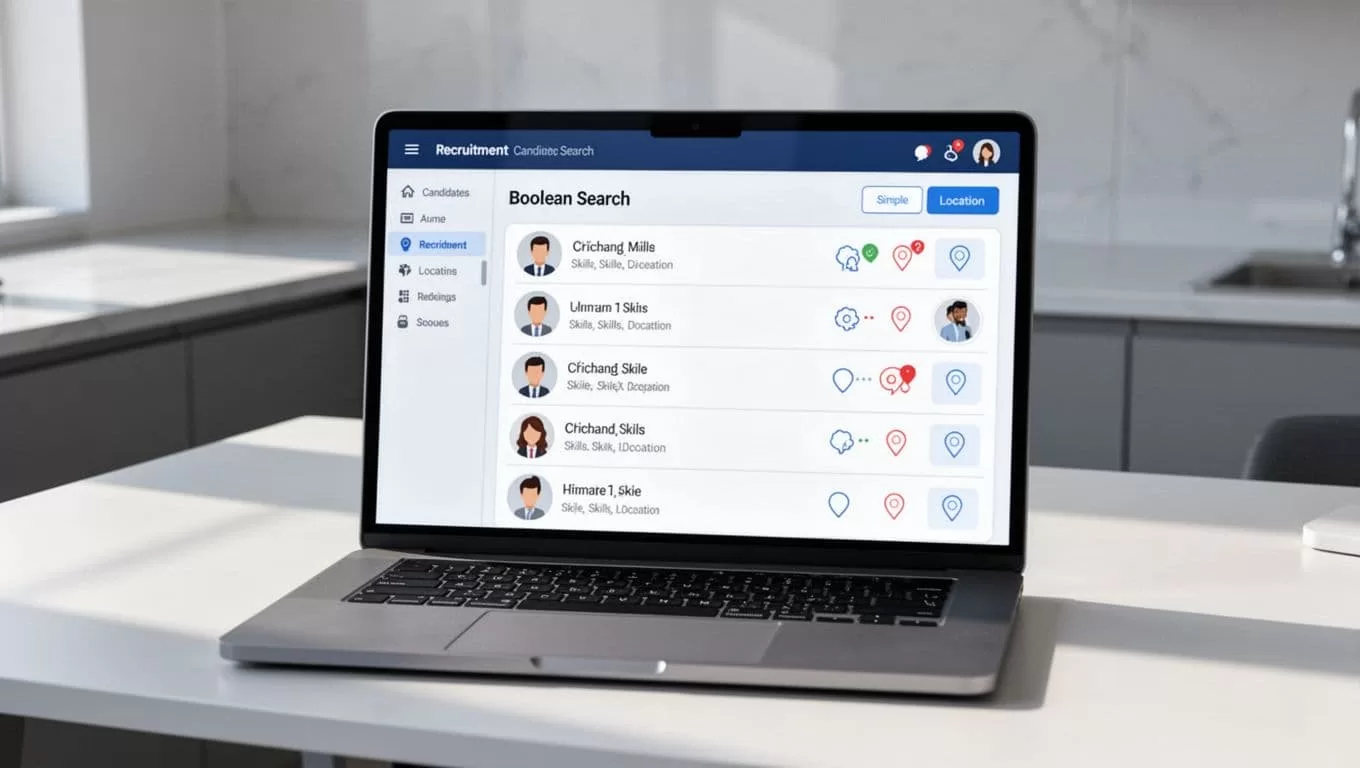
Combine with AI. Type a job brief in natural words for initial pulls, then Boolean for precision. I do this for high-volume roles.
Limitations hit sometimes. It searches only your data, not live LinkedIn. Use the Chrome extension for fresh imports first.
Sample Boolean Strings for Real Roles
I tailor strings to job needs. Here’s what works for me.
Software Engineer:
(engineer OR developer OR "full stack") AND (Python OR Node.js OR AWS) NOT "junior OR intern" AND Texas
Yields mid-level coders in state. Filter 3+ years.
Sales Manager:
("sales manager" OR "account executive") AND (quota OR "revenue growth" OR Salesforce) OR (B2B OR SaaS)
Expands to reps ready for promo. Exclude “entry level.”
Recruiter:
(recruiter OR "talent acquisition") AND (ATS OR Boolean OR LinkedIn) NOT agency AND (remote OR "New York")
Targets in-house pros. Add radius for NYC commuters.
These cut my sourcing time by half. Tweak based on your pool.
For Boolean strings in diversity hiring, see Recruit CRM’s ready examples.
Tips to Avoid Boolean Pitfalls
Mistakes kill results. Don’t forget quotes around phrases like “data scientist.” Without them, it splits words.
Overuse AND narrows too much. Balance with OR for synonyms: Python OR “data analysis.”
Capitalize operators? Recruit CRM ignores case, but I do it for clarity.
Check fields. It scans resumes and notes, but tag mismatches need fixes. Use my headhunter software approach with Recruit CRM for clean data.
If results flood, add NOT “current employee.” Zero hits? Broaden OR lists or drop filters.
Conclusion
Boolean search in Recruit CRM turns scattered profiles into targeted lists. I use it daily to match skills, locations, and exclusions perfectly.
Master the operators, test often, and layer filters. Your hires speed up. Placements follow.
Frequently Asked Questions
Why do I get zero results?
Broaden with OR for synonyms. Remove strict NOTs. Check spelling in your database.
How do I handle too many results?
Add NOT for exclusions like “intern.” Use filters for experience or location.
What about keyword variations?
List them with OR: (manager OR supervisor OR lead). Quotes catch exact job titles.
(Word count: 982)
