How I Consolidated My Recruitment Agency Tools on Recruit CRM
I remember the chaos of switching between apps during a busy placement week. Emails for client updates. Spreadsheets for candidate tracking. Separate tools for scheduling and reporting. It killed my focus and slowed deals. Recruitment agenc...
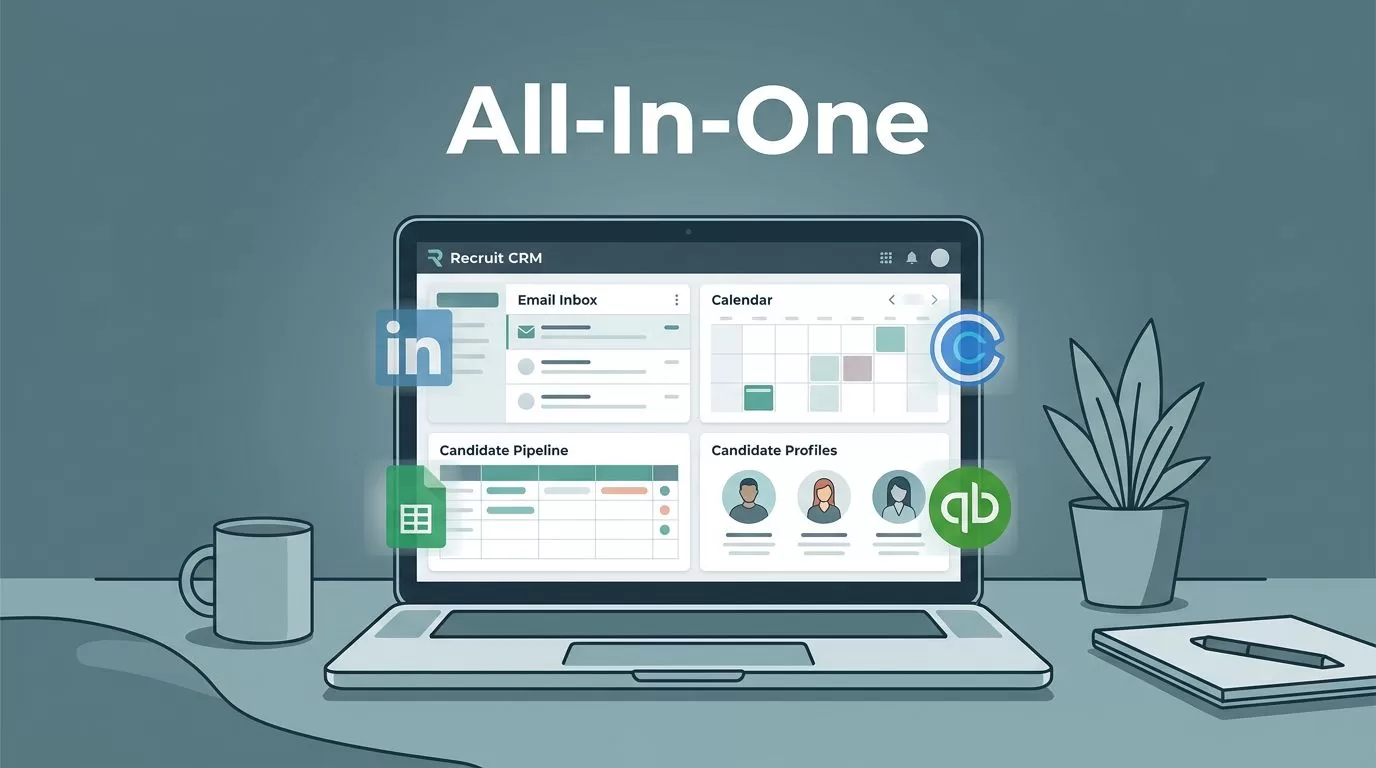
I remember the chaos of switching between apps during a busy placement week. Emails for client updates. Spreadsheets for candidate tracking. Separate tools for scheduling and reporting. It killed my focus and slowed deals.
Recruitment agencies like mine waste hours on this fragmentation. You lose context with every tab switch. That’s why I moved everything to Recruit CRM, a recruitment agency software that handles it all. Let me show you how it fixed my workflow.
The Pain of Scattered Tools in Recruitment
My agency handled 50 jobs a month. We used LinkedIn Recruiter for sourcing. Calendly for interviews. Google Sheets for pipelines. QuickBooks for invoicing. And a basic ATS for candidates.
Context switching ate 20% of my day. I’d source a profile, then hunt for client notes in email. One forgotten update cost us a $15K placement. Others face the same drain.
Fragmented setups also hurt collaboration. Team members duplicated data entry. Reports pulled from multiple sources took days. Costs added up too, with subscriptions over $500 monthly.
I needed one hub. After testing options, Recruit CRM fit. It merges ATS, CRM, and automation. No more silos.
Why Recruit CRM Stands Out as Agency Software
Recruit CRM pulls candidate management, client tracking, jobs, and reports into one dashboard. I ditched four tools overnight. Sourcing via Chrome extension grabs LinkedIn data fast. Pipelines show real-time stages.
Automation handles follow-ups. Set rules for email sequences or Slack alerts. Clients get portals for job views and feedback. Reporting dashboards slice data by recruiter or source.
This setup cuts errors. Everyone sees the same candidate notes or placement history. For details on its staffing features, check my post on staffing agency CRM.

Blue-green screens pop with clear icons. I spot bottlenecks instantly. Visit the Recruit CRM site for demos.
Step-by-Step Guide to Tool Consolidation
Start with an audit. List current tools and tasks. I mapped sourcing to pipelines, emails to CRM, sheets to reports.
Export data next. CSVs from old ATS went into Recruit CRM’s importer. It handles resumes with AI parsing, saving hours. Test a small job first.
Configure workflows. Drag-drop boards for stages like Sourced, Screened, Placed. Add integrations for email and calendars.
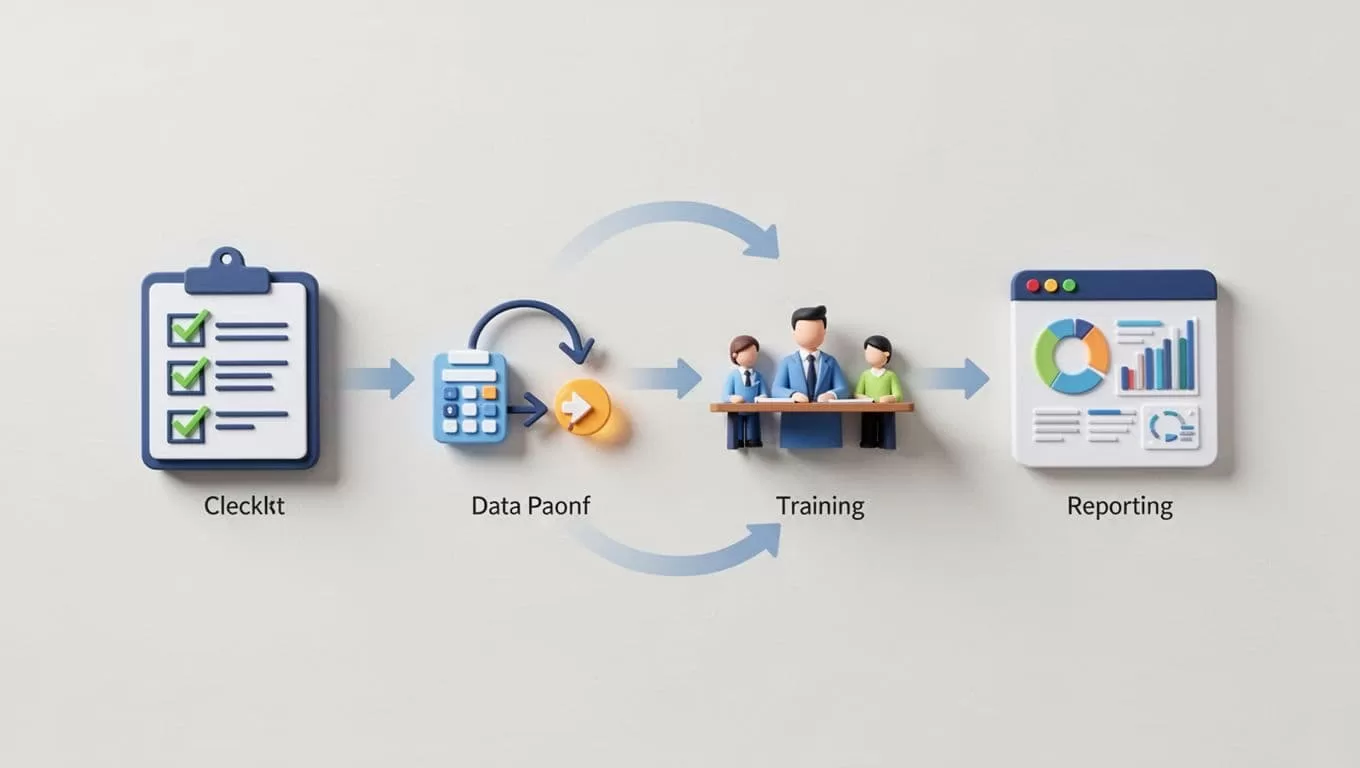
This visual matches my process. For setup tips that boosted my placements, see how to set up Recruit CRM.
Go live in phases. Migrate one team or client type first. Monitor for gaps.
Onboarding Your Team Smoothly
Teams resist change. I held short demos. Showed how one login replaces logins.
Assign roles. Recruiters get candidate views. Admins handle reports. Shared pipelines foster teamwork.
Training takes a day. Use built-in videos. Practice on sample jobs.
Real-time updates cut meetings. One recruiter flags a match; others jump in. My team placed 25% more in the first month.
Track adoption with login stats. Address issues fast.
Measuring Success After Consolidation
Key metrics guide progress. Track time saved per placement. Mine dropped from 12 to 8 hours.
Monitor placements and revenue. Dashboards show trends. Cost savings hit $300 monthly from canceled subs.
Run A/B tests. Compare old vs. new pipelines. Adjust automations based on data.
For resume handling that sped my process, read about AI resume parser in Recruit CRM.
Key Takeaways
Consolidating on Recruit CRM ended my tool chaos. One dashboard boosts efficiency and cuts costs.
Agencies gain speed in candidate and client management. Automation and reports drive better decisions.
Start your audit today. The switch pays off fast. My workflow runs smoother than ever.
