How I Set Up Automated Interview Scheduling in Recruit CRM
Interview scheduling can eat an afternoon if I let it. One candidate replies early, another replies late, and a hiring manager wants to move the slot again before lunch. When I set up Recruit CRM interview scheduling the right way, that noi...
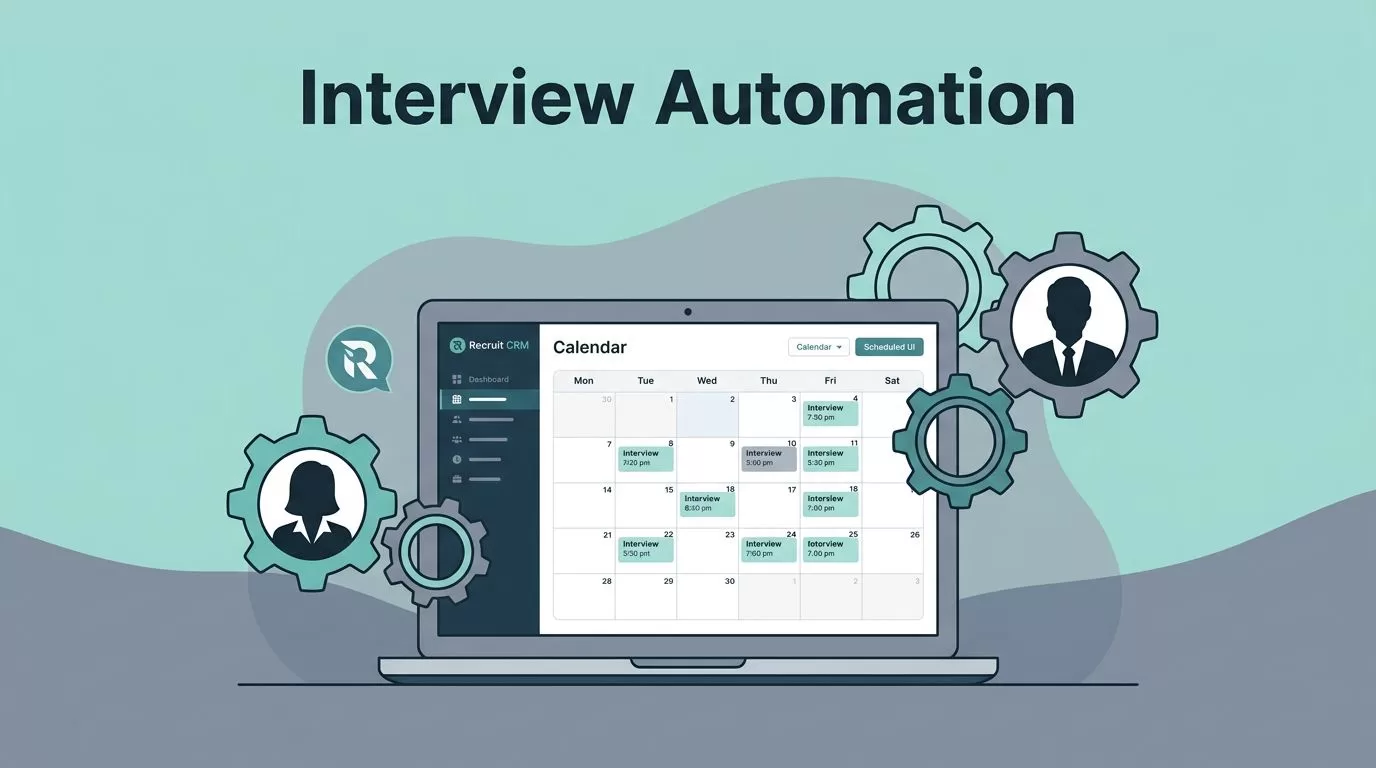
Interview scheduling can eat an afternoon if I let it. One candidate replies early, another replies late, and a hiring manager wants to move the slot again before lunch. When I set up Recruit CRM interview scheduling the right way, that noise drops fast.
The trick is to treat scheduling like a system, not a one-off task. I connect the calendars, define the trigger, then let Recruit CRM handle the booking flow while I stay in control of the hiring process. Where labels differ across accounts, I verify the exact settings inside my own workspace before I save anything.
Connect Calendars Before I Turn Anything On
I start with the calendars. If Recruit CRM cannot read real availability, every later step becomes guesswork.
In my workspace, I look for the calendar or meeting settings, then connect the accounts that matter, usually Google or Outlook. I also check whose calendar should count. A recruiter calendar is useful, but a hiring manager calendar is what keeps a final interview honest.
The official Scheduling Meetings help article is handy here because it confirms the basic meeting flow and invite behavior. I keep it open while I verify permissions, working hours, and blocked slots.
I also check buffer time. A 30-minute interview with no break after it can turn into a missed call the moment the previous meeting runs long. That is why I test the calendar view before I switch on automation.

That first pass usually tells me whether the calendar sync is healthy or already drifting.
Set the Trigger That Starts the Interview Flow
Once the calendars are clean, I decide what should launch the scheduling step. In most cases, I use a stage change in the pipeline.
For example, when a candidate moves to Screened, Qualified, or Interview Ready, I let the meeting flow start automatically. If I already have custom pipeline automation, I keep the trigger aligned with that board so the process stays tidy.
I keep the rule narrow. One trigger for phone screens. Another for panel interviews. Sometimes I add a third for final rounds. That keeps the message matched to the role instead of forcing every hire through the same path.
A sales role may need one interviewer and one short slot. A technical role may need three calendars and a longer window. The setup should reflect that difference. If I try to use one generic rule for everything, the automation starts helping the wrong person.
I test the trigger with one role first. If that flow works, I expand it instead of fixing five broken paths later.
Build the Candidate Booking Link and Message
This is the part the candidate actually sees, so I keep it simple.
I set the meeting type, choose the duration, and confirm which calendars affect availability. If my Recruit CRM workspace uses a booking link, invite template, or meeting card with slightly different labels, I check the exact wording before I publish the flow. Product updates change names from time to time, but the logic stays the same.
Then I write the note that goes with the link. I keep it short and plain. The candidate should know why the interview matters, who they will meet, and what happens after booking. A clean link with a messy message still creates friction.
For follow-up, I pair the scheduling step with Recruit CRM email sequencing setup. That helps me send a reminder before the meeting and a confirmation after it. It also saves me from sending the same “did you get the link?” email ten times a week.

In one of my common workflows, I move a candidate from Qualified to Interview Ready, send the self-schedule link, and let the candidate pick a slot without another email thread. The handoff feels clean, and it keeps momentum in the process.
Keep Panel Interviews and Time Zones on Track
Panel interviews are where Recruit CRM interview scheduling earns its keep. I use it when a recruiter, hiring manager, and technical lead all need to meet the same candidate.
Instead of chasing three separate calendars, I let Recruit CRM surface the overlapping slots. That saves time and removes the back-and-forth that usually slows a team down. It also helps when I need to plan around a shared interviewer who has a packed week.
Time zones matter even more. A candidate in Chicago and an interviewer in London should not have to do the math by hand. I check the preview, confirm the displayed time zone, and send one test booking before I go live.
For a wider look at interview automation patterns, I also keep a 2026 interview scheduling guide nearby. It helps me compare my Recruit CRM setup against the way other teams handle self-scheduling, reminders, and calendar sync.
I also tie this stage to Recruit CRM candidate engagement strategies when I want the messages to feel more personal. The booking link matters, but the tone around it matters too.
Fix the Problems That Usually Break Automation
When something goes wrong, I start with the basics. The issue is usually simpler than it looks.
- Calendar sync problems: I reconnect Google or Outlook, then confirm the correct permissions are still active. If a shared calendar is missing, Recruit CRM may show open time that is not open at all.
- Timezone mismatches: I check the candidate locale, the meeting template, and the invite preview. A five-hour shift usually means one default is wrong.
- Reminder failures: I review the sender address, the sequence status, and spam filtering. I also send one test reminder before I trust it.
- Interviewer availability conflicts: I remove stale blocks, confirm the panel members, and widen the buffer if needed. If one interviewer is overbooked, the entire slot can disappear.
I fix these in that order because the first two cause most of the trouble. If I skip straight to the trigger, I waste time solving the wrong problem.
Conclusion
Automated interview scheduling works when the pieces line up. I need clean calendar sync, a trigger that matches the pipeline, a clear booking link, and reminders that keep everyone on the same page.
That is the part I come back to every time. When I set up the flow carefully, Recruit CRM interview scheduling stops being another admin task and starts acting like part of the hiring process itself.
