Send Money Nicaragua With Remitly: A Practical Guide
When you search for “send money Nicaragua,” you usually need three answers: what it costs, how fast it arrives, and where the recipient can collect it. Remitly shows those details before you approve a transfer, but the quote cha...
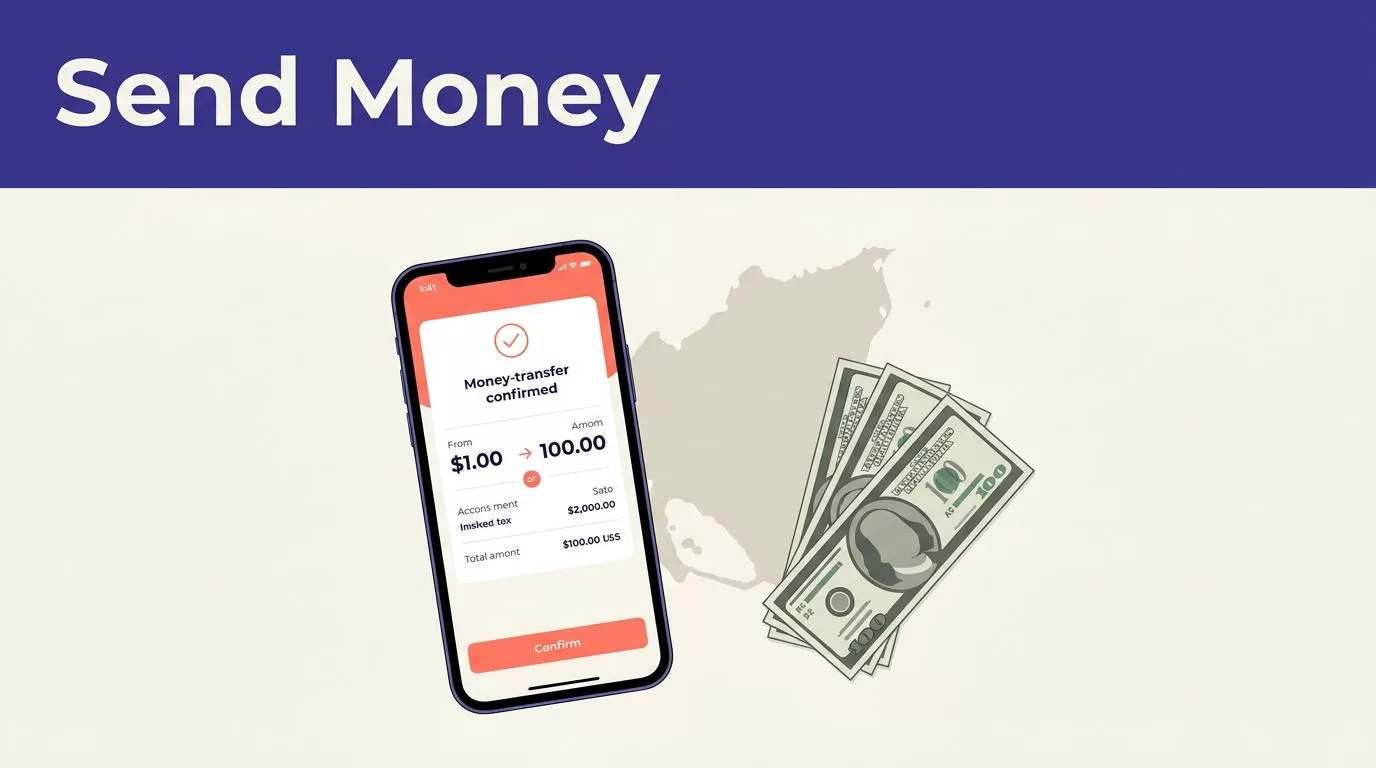
When you search for “send money Nicaragua,” you usually need three answers: what it costs, how fast it arrives, and where the recipient can collect it. Remitly shows those details before you approve a transfer, but the quote changes with your amount, payment method, delivery route, and account status.
The process is straightforward. You choose Nicaragua, enter the amount, select an available delivery method, add recipient details, and review the final amount. Use that last screen as the source of truth before confirming the payment.
How to “send money Nicaragua” through Remitly
Remitly lets people in the United States send money to Nicaragua through bank deposit, cash pickup, and other delivery methods shown for the recipient’s location. Start with the Remitly Nicaragua transfer page to see the current corridor options.
You need a Remitly account and an eligible payment method. New users may also need to complete identity verification before the transfer can move forward. Verification can affect the delivery estimate, so don’t promise the recipient an arrival time until the transaction is approved.
The available method depends on the recipient and the location in Nicaragua. A cash pickup may work better for someone without a bank account. A bank deposit may be more convenient when the recipient already uses a supported financial institution. Mobile wallet or debit card delivery may appear for eligible transactions.
If you’re sending from Spain or another supported country, don’t rely on U.S. pricing. Sender country, currency pair, payment method, and local regulations can change the result. Remitly provides separate corridor pages, such as its Spain-to-Nicaragua pricing page.
Complete a Remitly transfer in six steps
Follow the same order each time. This reduces wrong names, incorrect account details, and accidental duplicate transfers.
- Create an account or sign in. Use your own email address and mobile number. Remitly may request identity documents or additional information before accepting the transfer.
- Select Nicaragua as the destination. Confirm the sender country and currency. A quote from the wrong corridor won’t show the correct fees or exchange rate.
- Enter the amount. Check both sides of the quote. One figure is the amount you pay. The other is the amount the recipient receives. Make sure you’re reviewing the recipient’s final currency and not only the amount charged to your card or bank account.
- Choose the payment method. The options shown can include a bank account or debit card. Credit card eligibility and promotional terms may differ. A faster payment method can produce a different fee than a bank-funded transfer.
- Select delivery. Choose bank deposit, cash pickup, mobile wallet, or another option displayed for the recipient. For cash pickup, review the provider and location before continuing. For a deposit, confirm that the recipient’s account can receive the transfer.
- Add the recipient and review everything. Check the name, phone number, account information, delivery method, fee, exchange rate, and estimated arrival date. Submit the transfer only after the final quote matches your plan.
Remitly may show a promotional rate or a fee waiver for new customers. These offers have conditions. The offer may be limited to one customer, a certain payment method, or a defined promotion period. Save the confirmation after payment, but use the live quote shown at checkout rather than an older advertisement.
Compare fees, exchange rates, and delivery options
The fee isn’t the full cost. A transfer with a low upfront charge can still deliver less if the exchange rate is weaker. Compare the total amount the recipient receives after the fee and exchange rate are applied.
Remitly’s U.S. Nicaragua pricing page currently shows no fee on the first transfer for eligible new customers. The offer is limited and may not apply to every payment method. After an introductory offer, the page currently lists a USD-to-USD charge of 1.1% of the amount sent plus $3.99 for listed bank deposit, debit card deposit, and cash pickup transactions. Treat these figures as a live reference, not a guaranteed quote.
The final amount can change because of the transfer amount, payment method, delivery option, promotional eligibility, and currency conversion. Review the quote every time you send money.
| Delivery option | Best fit | Details to verify |
|---|---|---|
| Bank deposit | A recipient with a supported bank account | Bank name, account number, account holder name, and delivery estimate |
| Cash pickup | A recipient who needs physical cash | Pickup provider, location, operating hours, and acceptable identification |
| Mobile wallet | A recipient who uses an eligible wallet | Mobile number, wallet eligibility, limits, and delivery estimate |
| Debit card deposit | A recipient with an eligible card | Card details, account name, and whether the option appears in the quote |
The Remitly Nicaragua provider page shows the current institutions and pickup providers available through the service. Availability can change by location. Ask the recipient which option they can access before you start the transfer.
The number that matters is the recipient’s final amount, not the advertised transfer fee by itself.
Faster delivery choices may cost more. Lower-cost options may take longer. If Remitly displays Express or Economy choices, compare the price and estimated arrival date side by side. Neither estimate is a promise. Verification checks, provider hours, weekends, holidays, payment delays, and incorrect details can affect delivery.

Photo by Manuel Guillén Vega
Prepare the recipient details before paying
Most transfer errors happen during data entry. Prepare the information before opening the payment screen.
Use this checklist:
- Enter the recipient’s full legal name exactly as it appears on the identification they will use.
- Confirm the recipient’s current phone number, including the country code when Remitly requests it.
- Ask whether the recipient wants a bank deposit, cash pickup, mobile wallet, or another available method.
- For a bank deposit, verify the bank name, account number, account type, and account holder name.
- For cash pickup, confirm the city and selected provider. The recipient should know which identification the location accepts.
- For a mobile wallet or debit card deposit, use only the details requested inside the Remitly form.
- Check the recipient’s address or city if the form requires it.
- Provide the transfer purpose or relationship information when Remitly asks for it.
Don’t shorten a legal name. Don’t use a nickname because it is easier to type. A mismatch between the transfer record and the recipient’s ID can delay cash pickup or trigger a correction request.
Ask the recipient to confirm the details through a separate conversation before you submit payment. Keep the confirmation number private. Never ask the recipient to send you a password, banking PIN, or one-time security code.
If you’re sending regular family support, store the verified details in a private password manager rather than relying on old text messages. Review the information again when the recipient changes banks, phone numbers, or identification documents.
Track the transfer and avoid common scams
Save the confirmation number after you submit the transaction. Use the Remitly app or website to review the status and any updated delivery information. Tell the recipient when the transfer is ready for pickup or has reached the selected account, but don’t ask them to act on an unverified message.
A transfer that remains pending may need payment confirmation, identity verification, or additional information. Check your Remitly account first. If the status doesn’t change, contact Remitly through its official support channel. Don’t create a second transfer while the first one is unresolved. That can produce two payments instead of one.
If you entered the wrong recipient information, contact Remitly immediately. A correction or cancellation may depend on the transfer status and whether the money has already been delivered. Never assume a completed transfer can be reversed.
Use these controls to reduce fraud:
- Open Remitly through the official website or your normal app store installation.
- Don’t follow payment links sent by an unknown person claiming to be Remitly support.
- Never share your password, verification code, card security code, or bank login.
- Confirm emergency requests with the recipient using a phone number you already trust.
- Don’t send money to a person who promises to release a prize, job payment, loan, immigration document, or refund.
- Treat pressure, secrecy, and demands for gift cards or cryptocurrency as warning signs.
- Keep your receipt and compare the recipient’s confirmation with the transfer status in your account.
Remitly won’t remove the need for basic verification. You still control the payment, recipient information, and final approval. Stop the transaction when the request doesn’t match the reason you intended to send money.
Conclusion
Remitly can make it practical to send money Nicaragua recipients can receive by bank deposit, cash pickup, or another available method. The correct workflow is simple: select the right corridor, choose a delivery method the recipient can use, verify every detail, and review the final quote before paying.
Fees, exchange rates, promotions, and delivery estimates can change. Check the live Remitly quote each time, then track the transfer through your account. That process gives you a clearer cost and fewer delivery problems than relying on an old rate or a message from someone else.
