How I Upload Skool Course Resources Securely
I remember the first time a client’s worksheet leaked online. It hurt. That PDF, meant only for paying members, ended up shared in a public forum. You run a Skool community for coaches or creators. You pour hours into videos, template...


I remember the first time a client’s worksheet leaked online. It hurt. That PDF, meant only for paying members, ended up shared in a public forum. You run a Skool community for coaches or creators. You pour hours into videos, templates, and guides. One slip, and competitors grab your work for free.
Skool keeps course resources locked behind logins. Still, mistakes happen. Public YouTube links or wrong toggles expose files. I fix that with simple habits. These steps protect your content and build trust.
Let’s start with organization. It sets everything up right.
Organize Your Skool Course Files First
Clean folders save headaches later. I sort resources like chapters in a book. Main folder for the course. Subfolders for modules like “Week 1 Basics” or “Advanced Drills.”
Name files simply. “Module1-Video1.mp4” beats “vid_2026_final_v2_final.mp4.” Short names load fast on mobile. Add dates if needed: “2026-05-Week1-Worksheet.pdf.”
Group types together. Videos in one spot. PDFs next. Images last. This mirrors Skool’s structure. Members scroll lessons smoothly.
I use my computer’s file explorer for this. No fancy tools. Drag PDFs into module folders. Rename in bulk if you have dozens. Test open each file. Corrupt ones crash lessons.
Why bother? Skool tracks progress per lesson. Jumbled files confuse members. They drop off. Organized setups keep them engaged.

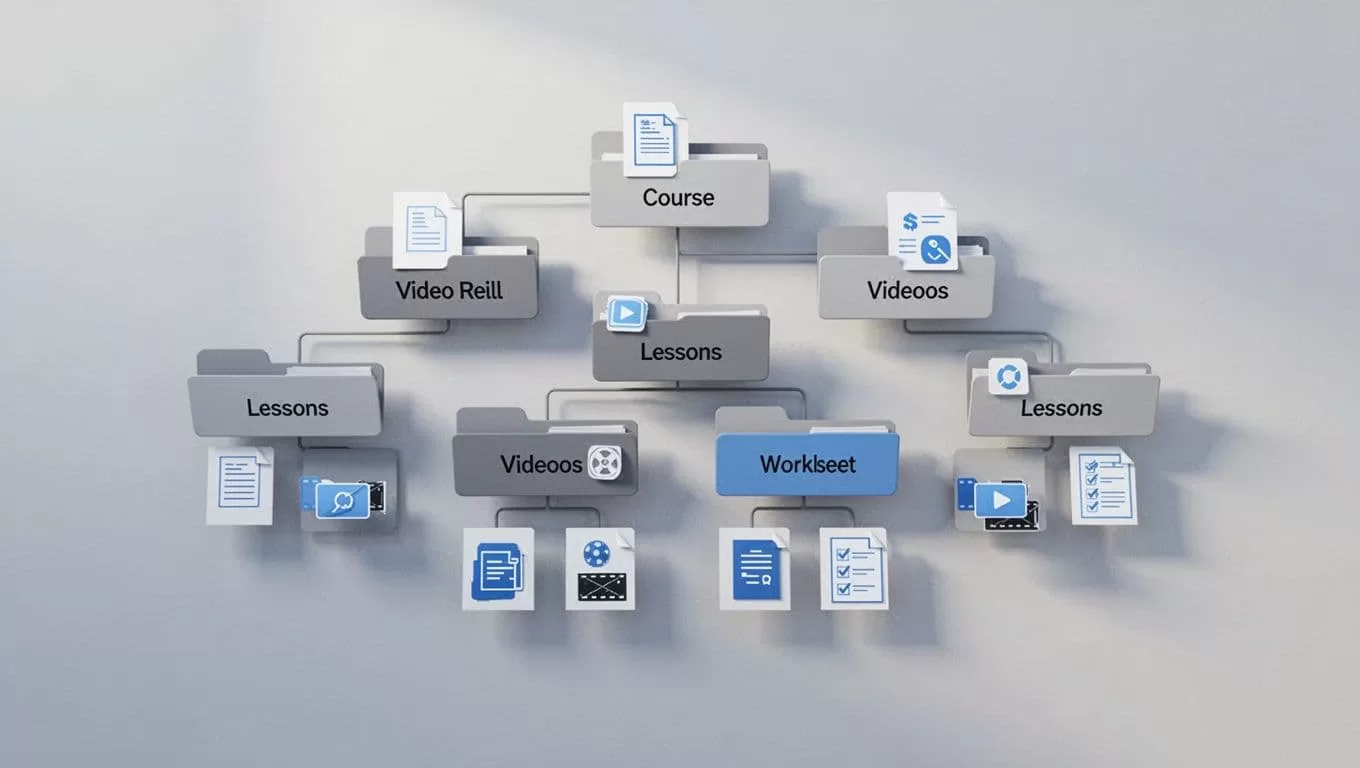
This tree shows how I nest modules. Files sit ready for upload. It takes 10 minutes upfront. Saves hours fixing chaos.
Back up locally too. Copy the whole course folder to cloud drive. Skool lacks one-click exports. You download manually if you migrate. Do it now.
Step-by-Step: Upload Process in Skool Classroom
Skool’s Classroom tab handles uploads clean. I log in on desktop first. Mobile works, but screens cramp.
Click Classroom from top menu. Pick your course or hit “+ New Course.” Name it. Add a photo. Set to draft. That hides it from members.
Next, build modules. “+ Add Folder” for “Module 1.” Inside, “+ Add” for lessons. Drag your PDF right into the lesson box. It attaches below text or video spots.
Videos go native. Click “Add Video.” Upload MP4s direct. No extra hosting. They process quick in 2026 updates. Embed Vimeo if private. Skip public YouTube. Those links leak easy.
Add images or links same way. Hit save. Preview scrolls like members see it.
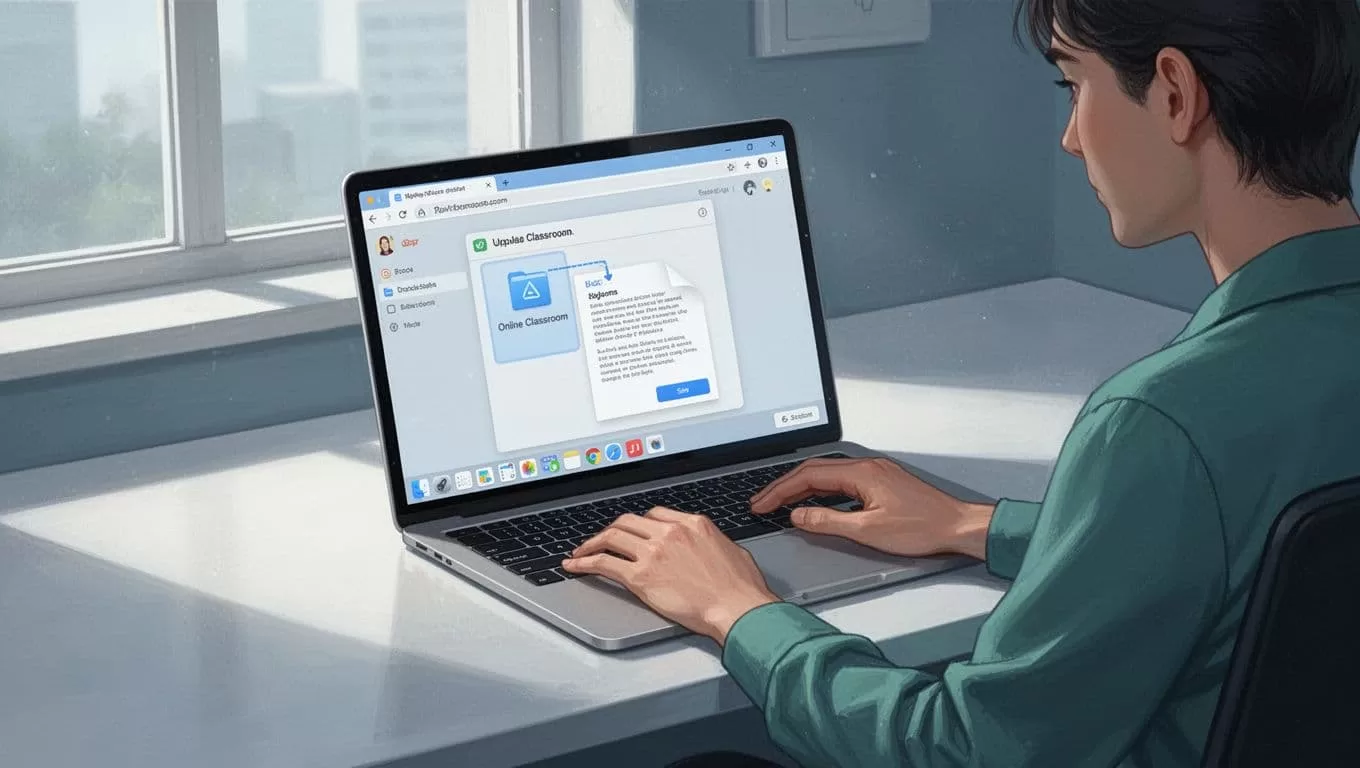
Drag and drop feels that simple. I test on my second account every time.
Limits stay generous. Unlimited courses. 200 pages max per one. Files load offline for members. They download worksheets easy.
If your group grows, check launching a Skool community for scaling tips. It pairs well here.
Set Permissions Before You Publish
Permissions lock your work tight. Skool ties access to membership. Paying folks unlock courses auto.
Toggle draft mode green. It fades the course icon. Members can’t peek. I flip to published only after tests.
Test as a member. Log out. Use incognito. Join with a dummy account. Scroll lessons. Download files. If it works, go live.
Group settings control invites. Approve members manual. Or open with tiers. Pro plan adds custom URLs and analytics. Both keep files login-walled.
No public shares by default. External embeds stay your risk. Use unlisted Vimeo. Native uploads stay safest.
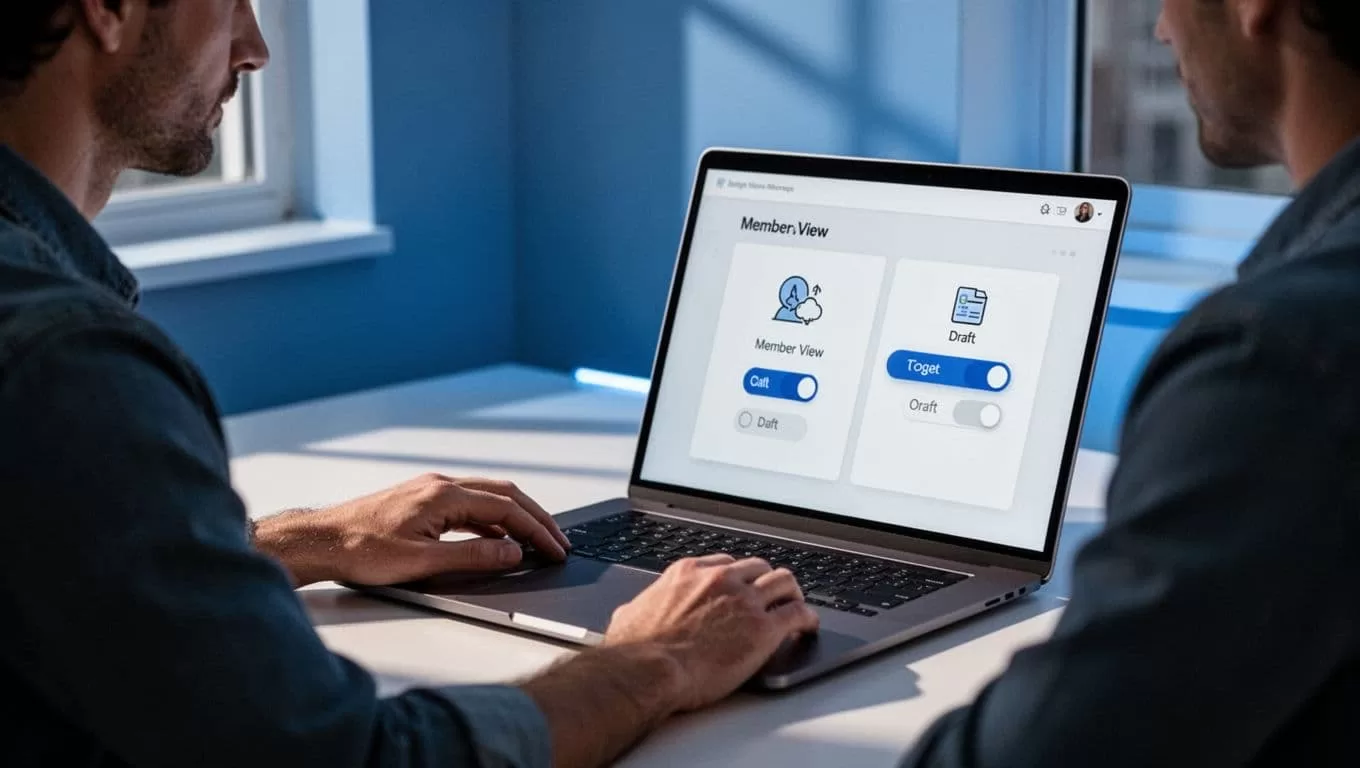
That side view catches my routine. Toggle. Test. Publish.
2026 keeps this solid. No leak reports. Still, double-check before big launches.
Extra Habits That Block Leaks
Clean names prevent mix-ups. No “final_final.pdf.” Members spot fakes less.
Folder sync matches Skool. Modules first. Lessons nest inside. Progress bars fill as they go.
Rules help. Post “No screenshots” in welcome. Use leaderboards for fun. Calendar for lives. Less share urge.
Backups matter. Download videos manual. Copy text to Google Docs. Skool migration needs this.
Avoid URL pastes. Attachments stay private. Test mobile too. Half your crowd browses there.
These steps cut risks. Your resources stay yours.
Key Takeaways for Secure Skool Courses
Secure uploads start with folders and names. I organize, drag into lessons, toggle drafts, and test views. That chain protects Skool course resources from leaks.
Members trust locked content. They stick around. Revenue follows.
You have the steps now. Pick one course. Apply today. Watch engagement climb.

