Practical Guide to Send Money to Nepal Using Remitly
When you support family or fund commitments abroad, moving funds across borders requires a reliable digital channel. You need a clear process that protects your capital, tracks your transfer, and avoids unexpected fees. Remitly provides a d...
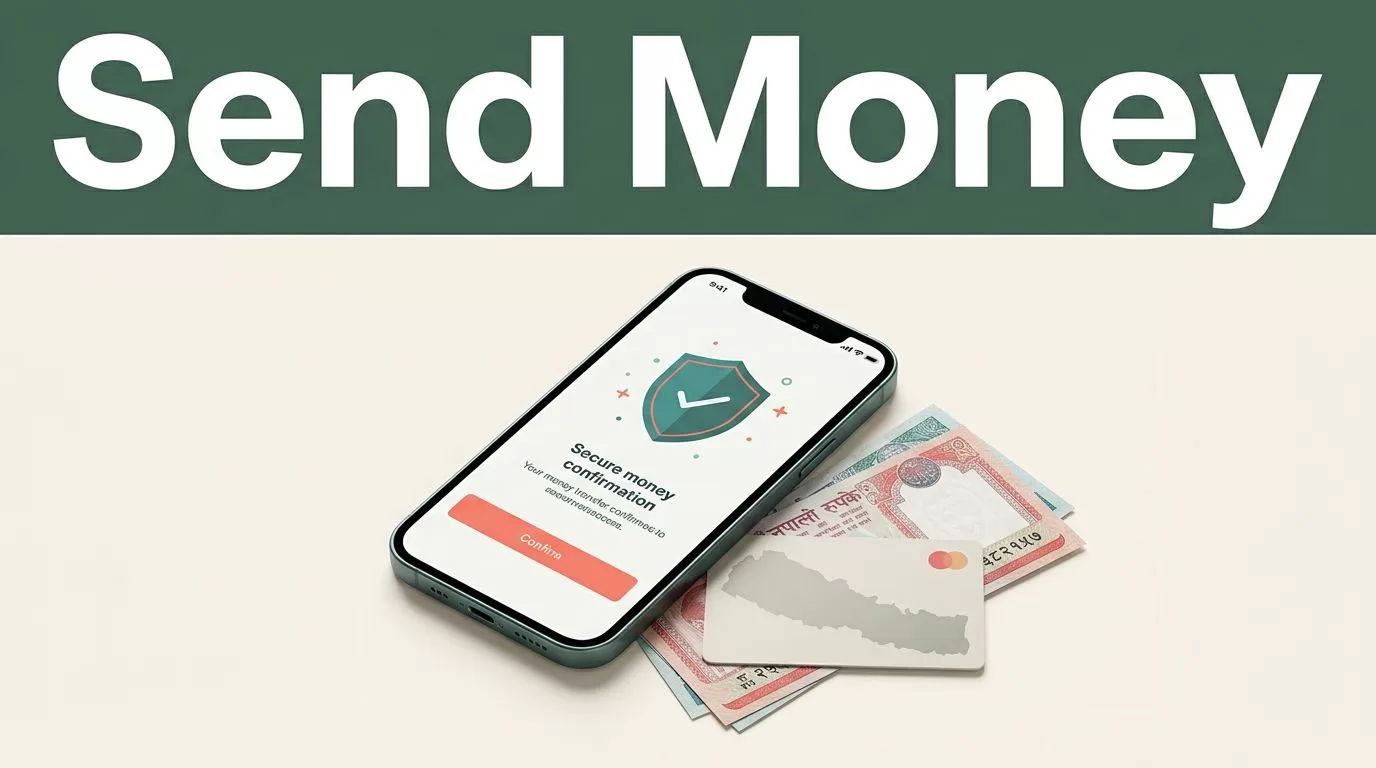
When you support family or fund commitments abroad, moving funds across borders requires a reliable digital channel. You need a clear process that protects your capital, tracks your transfer, and avoids unexpected fees. Remitly provides a dedicated platform for international remittances, letting you send money to Nepal directly from your mobile device or computer browser.
Whether you are paying for education expenses, household support, or personal projects, understanding how to configure your transfer ensures your recipient gets the correct amount on time. You must evaluate exchange rates, fees, delivery speeds, and recipient requirements before confirming any transaction. To see current digital transfer options, review the Remitly international portal.
Key Takeaways
- Select the correct delivery method based on whether your recipient needs an instant mobile wallet credit, direct bank deposit, or physical cash pickup.
- Verify all recipient details meticulously, including full legal names and account numbers, to prevent processing delays or transfer rejections.
- Review live exchange rates and fees on the Remitly app or website before sending, as pricing varies by funding source and speed tier.
- Track your transaction status in real time through the mobile application to monitor every stage of the delivery pipeline.
Setting Up Your Remitly Account and Profile
Getting started with a mobile transfer application takes a few minutes of setup on your phone or computer. You download the software from your device app store, create an account using your email address, and verify your identity with government-issued identification. This verification step is mandatory for compliance and anti-money laundering regulations across international financial corridors.
Once your profile is active, you select Nepal as your destination country and enter the amount you want to transfer. Remitly prompts you to choose between different speed tiers and payment sources. You can fund your transfer using a debit card, credit card, bank account, or digital wallets like Apple Pay, depending on your home country. For mobile setup instructions and device compatibility, you can check the Remitly iOS app guide or explore the Remitly Android app details.

Supported Delivery Options and Recipient Requirements
Remitly supports three primary delivery methods when you send money to Nepal. Each option requires specific recipient details to ensure successful routing through local banking and payout networks. You must collect accurate information from your recipient before initiating the transfer.
| Delivery Method | Required Recipient Information | Typical Processing Focus |
|---|---|---|
| Bank Deposit | Bank name, branch details, account type, and account number | Direct credit to local bank accounts in NPR |
| Mobile Wallet | Registered mobile wallet provider and phone number | Instant digital credit to mobile money apps |
| Cash Pickup | Recipient’s full legal name and contact phone number | Physical cash collection at authorized payout agents |
For bank deposits, you need the exact bank name and account number without typos. For mobile wallet transfers, the phone number must match the mobile account registered by your recipient. For cash pickups, ensure the legal name on the transfer matches your recipient’s government-issued ID card exactly.
Calculating Total Transfer Costs and Exchange Rates
International remittances involve two distinct cost factors that impact the final amount your recipient receives in Nepalese Rupees. First, the platform charges a transfer fee based on your chosen sending speed, payment method, and transfer volume. Faster options like Express transfers funded by debit cards often carry different fee structures than Economy transfers funded by bank accounts. Second, providers apply an exchange rate markup above the mid-market rate when converting your base currency into local funds.
You should always examine the live quote screen before confirming your transaction, because currency markets fluctuate constantly throughout the day. Never assume past rates or fees apply to your current transfer. Check the Remitly app or website immediately before hitting send to lock in the exact quote.
Tracking Your Transfer and Ensuring Security
After you submit your transfer, monitoring its progress removes uncertainty from the process. Remitly provides a tracking feature inside the mobile application and web dashboard. You can view status updates at each stage, from initial funding verification to final delivery confirmation.
Protect your transfer by following basic operational security rules. Never share your account login credentials, verification codes, or transaction tracking numbers with unverified third parties. If you encounter any unexpected processing delays, contact Remitly customer support directly through the official app interface to resolve compliance or routing questions.
Conclusion
Moving funds internationally requires careful attention to detail, accurate recipient data, and active rate comparisons. By selecting the appropriate delivery method, verifying identification documents, and tracking your transaction in real time, you eliminate friction and ensure your money arrives safely. Open your Remitly application today, review live quotes for your specific transfer corridor, and complete your remittance with confidence.
