Master Signature Status Tracking With Automated Workflows
Waiting on client signatures drains time from your sales operations team. When contracts sit in limbo without a clear update, your deals stall out completely. You can fix this bottleneck by building an automated tracking process. Twin.so le...
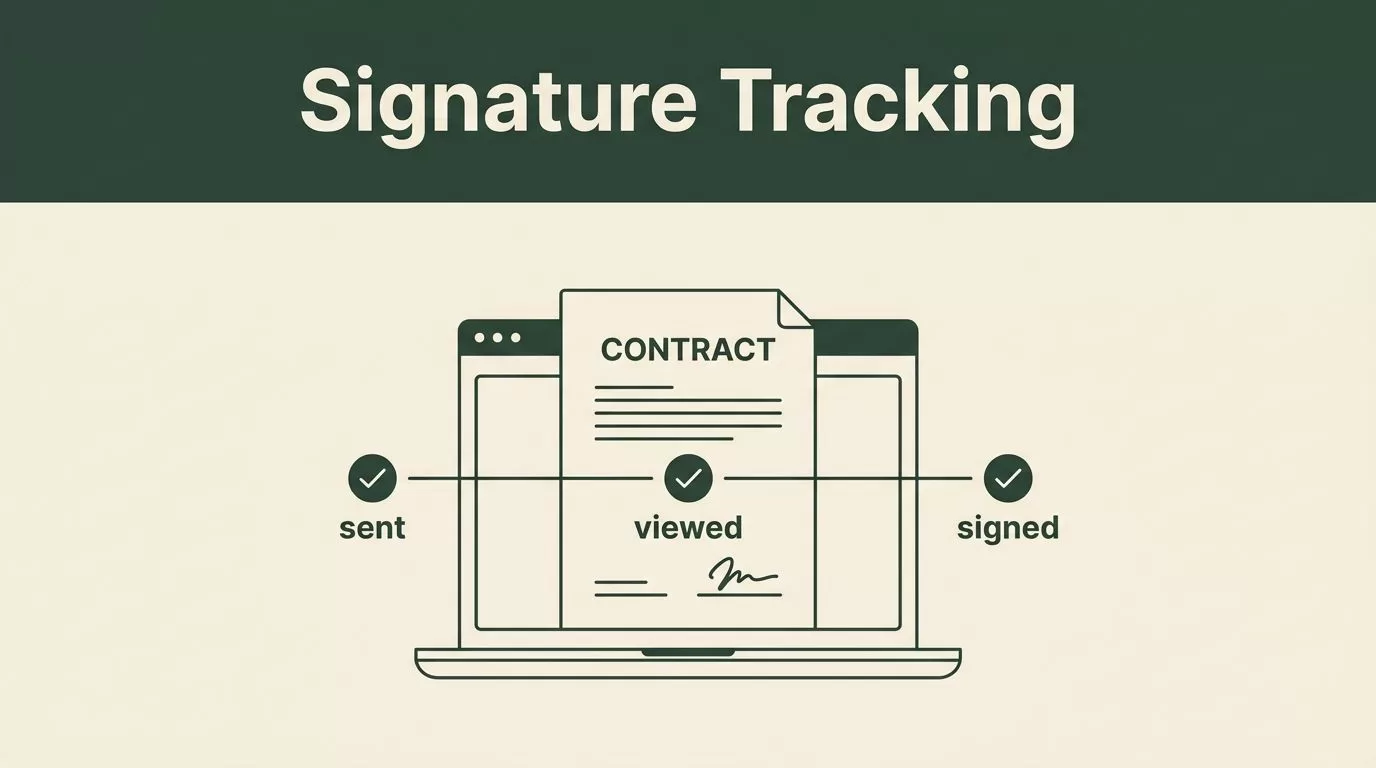
Waiting on client signatures drains time from your sales operations team. When contracts sit in limbo without a clear update, your deals stall out completely. You can fix this bottleneck by building an automated tracking process.
Twin.so lets sales teams and business owners set up autonomous agents to monitor agreements and verify document states without manual tab-switching. This post covers how you can configure automated signature status tracking to eliminate follow-up friction and close deals faster.
Key Takeaways
- Automating document checks replaces tedious manual follow-ups with instant status updates across your apps.
- Connecting signing platforms like Documenso or Adobe Acrobat with workflow tools keeps your deal pipeline moving.
- Tracking recipient actions in real time prevents deals from getting stuck in administrative limbo.
- Setting up alert triggers ensures your account executives know the exact moment a client views or signs a contract.
Automating Document Progress Without Manual Checks
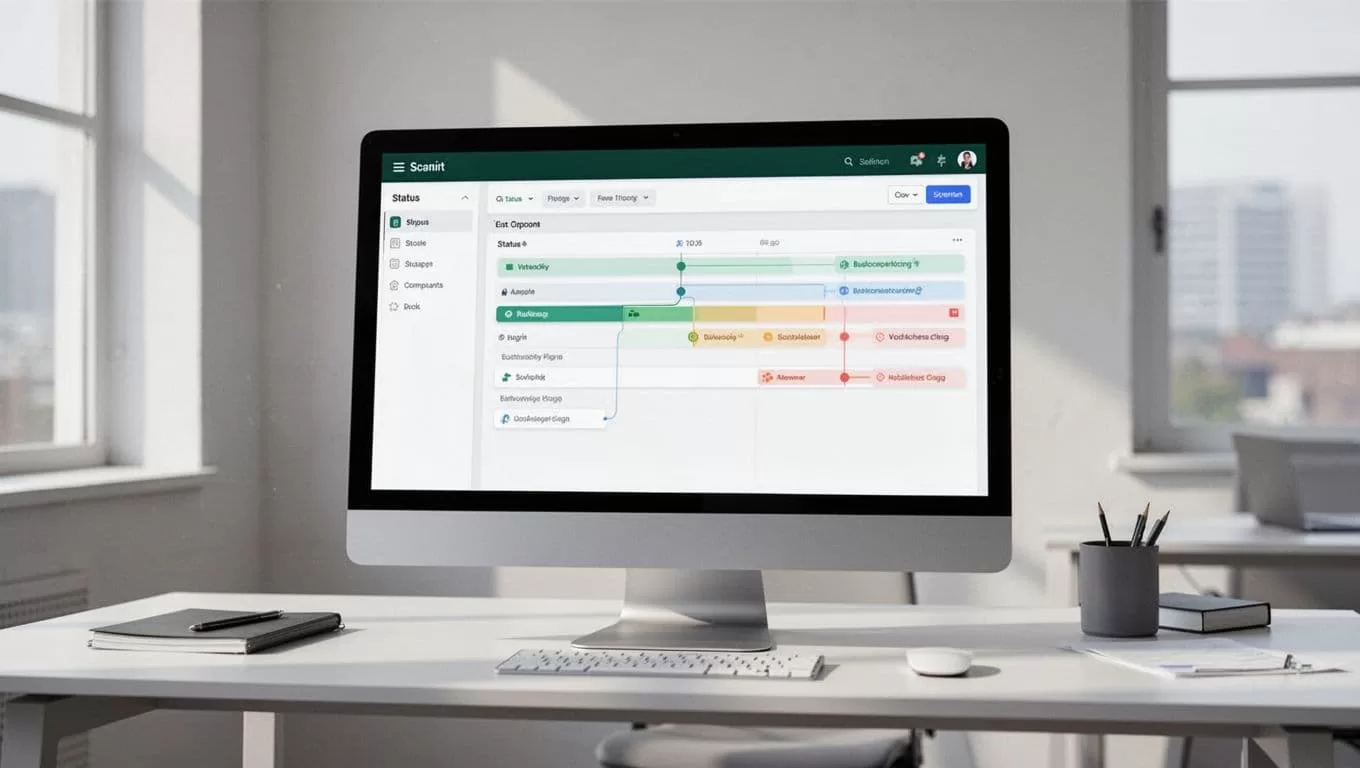
Manual contract tracking relies on human memory and repetitive spreadsheet updates. Your team checks email inboxes, opens e-signature tabs, and pastes status notes into customer relationship management tools. That manual routine wastes hours every week.
When you use autonomous workflow agents, you remove human error from the pipeline. You connect your document repository to your communication channels so updates happen instantly.
For a broader perspective on managing agreement lifecycles, review the best practices detailed in G2’s contract management software guide. That context helps you evaluate how automated status tracking fits into your broader document stack.
Setting Up Your Autonomous Agent Infrastructure
Before tracking document states, you need to configure your workspace correctly. Twin.so operates as an autonomous agent platform that executes multi-step workflows across your business applications.
You start by defining the trigger event. In a typical contract workflow, the trigger is document creation or dispatch. You then specify the target app where the status should live, whether that is a project board or a messaging channel.
| Workflow Step | Action Taken | Target System |
|---|---|---|
| Trigger | Contract Dispatched | E-Signature Platform |
| Execution | Monitor Recipient Activity | Autonomous Agent |
| Notification | Log Status Update | CRM or Slack Board |
You configure the agent to poll your signing tool or listen for incoming webhooks. Once the agent detects a change in recipient activity, it pushes the new state directly to your dashboard. This eliminates the need for manual status checks entirely.
Building Real-Time Alert Triggers
Knowing when a client opens your contract changes how your sales team handles follow-up calls. If a prospect views an agreement three times in one afternoon, your account executive should reach out immediately.
You build these triggers by connecting your signing tool events to an automation agent. When an event fires, the agent parses the payload and routes a notification to the right person.
- Viewed state triggers: Sends an internal chat ping when a recipient opens the agreement link for the first time.
- Signed state triggers: Updates your pipeline stage automatically and notifies customer success managers to begin onboarding.
- Pending reminder triggers: Flags stagnant agreements that have remained unsigned for more than three business days.
These automated triggers turn a passive document archive into an active sales signal. Your team stops guessing where a deal stands and starts acting on real-time intelligence.
Handling Edge Cases and Stalled Agreements
Even with automated alerts, some contracts stall out in the signing queue. A recipient might miss an email or hit an unexpected technical roadblock. Your tracking workflow needs to account for these delays without requiring manual intervention from your operations staff.
You configure your workflow agents to monitor document aging metrics. If a file remains in a pending state past a defined threshold, the agent initiates a secondary action. That action might be sending a polite reminder email or flagging the account owner in your internal workspace.
To understand how complete contract visibility prevents stalled deals from slipping through the cracks, watch the practical deployment walkthrough in the contract automation video tutorial. That demonstration highlights how automated monitoring keeps complex approval chains moving forward.
Measuring the Impact on Sales Velocity
Tracking contract progress automatically shortens your overall sales cycle. When account executives spend zero minutes hunting for document statuses, they spend more time talking to qualified buyers.
You measure success by tracking time-to-signature metrics before and after deployment. Most teams see an immediate drop in administrative overhead within the first month.
You also eliminate awkward follow-ups where your team asks if a client received a contract they actually misplaced or deleted. Every participant operates with clear, verifiable visibility into the agreement lifecycle from start to finish.
Conclusion
Automating your signature workflows removes the guesswork from document management. You replace manual tab-switching with autonomous agents that monitor progress and update your team in real time.
Deploy these tracking workflows today to keep your deals moving and eliminate administrative drag across your sales operations.
