How I Build a Simple CRM in Airtable That Gets Used
Most small teams don’t need a heavy CRM on day one. I need a place where names, deals, and follow-ups live together, and Airtable fits that job well. The real trick is restraint. A simple Airtable CRM works when each table has one job...

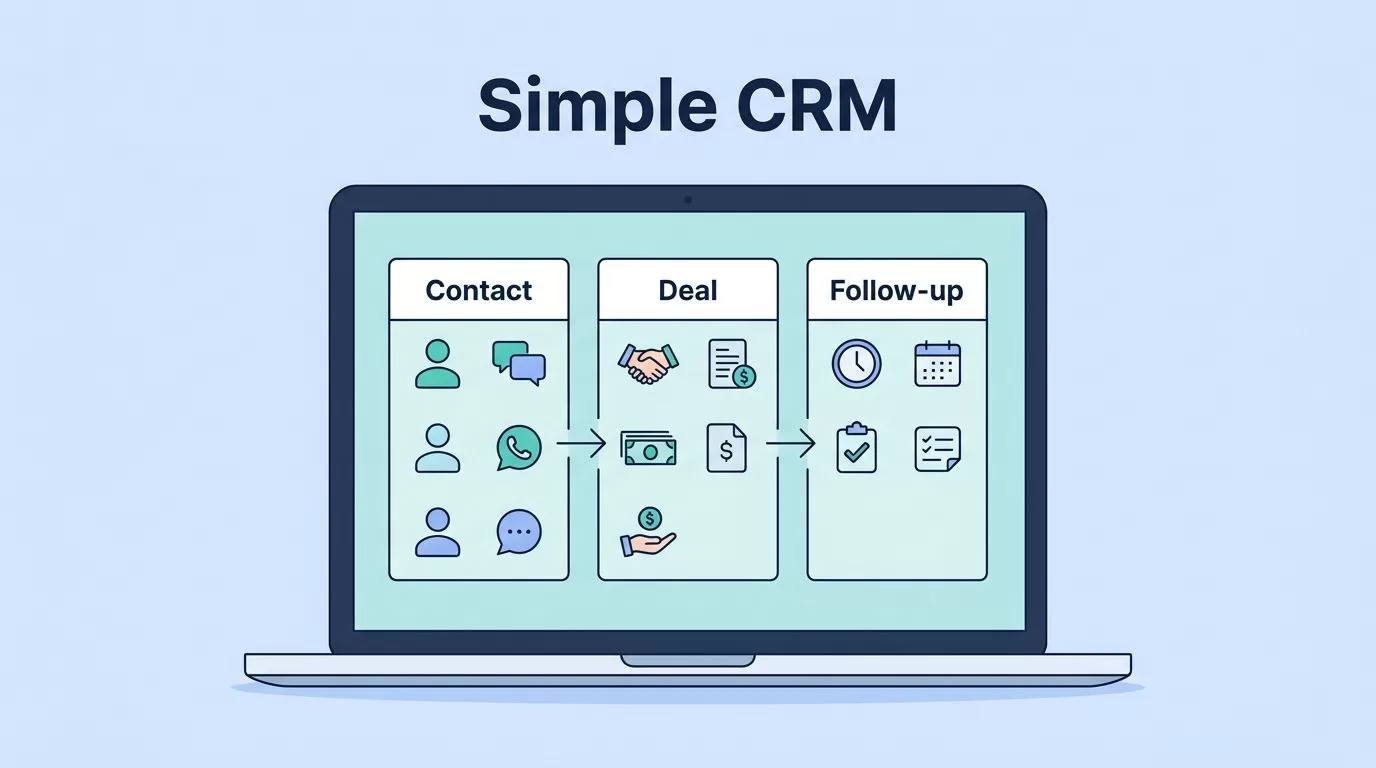
Most small teams don’t need a heavy CRM on day one. I need a place where names, deals, and follow-ups live together, and Airtable fits that job well.
The real trick is restraint. A simple Airtable CRM works when each table has one job, each field earns its place, and the views hide the noise I don’t need.
Start with one real workflow, not every edge case
I begin by writing down the path a lead takes in my business. That usually looks like contact -> deal -> follow-up -> close. I don’t plan for every odd situation on day one, because that turns a clean base into a junk drawer.


I name the base after the job it does, such as “Sales CRM” or “Client Tracker”. Then I keep the first pass small and easy to understand.
- I create one base from scratch instead of starting with a crowded template.
- I add only the tables I need for the current workflow.
- I load a few real records, not sample data.
- I test one full lead from first contact to closed deal.
That last step matters. A CRM looks good on a blank screen, but it only proves itself when I use it on a real client. If I can move one record through the whole process, the base is headed in the right direction.
If I want a second opinion on the setup, I like this 2026 Airtable CRM walkthrough. It follows the same basic idea, keep the first version small and useful.
Use the few tables a real CRM needs
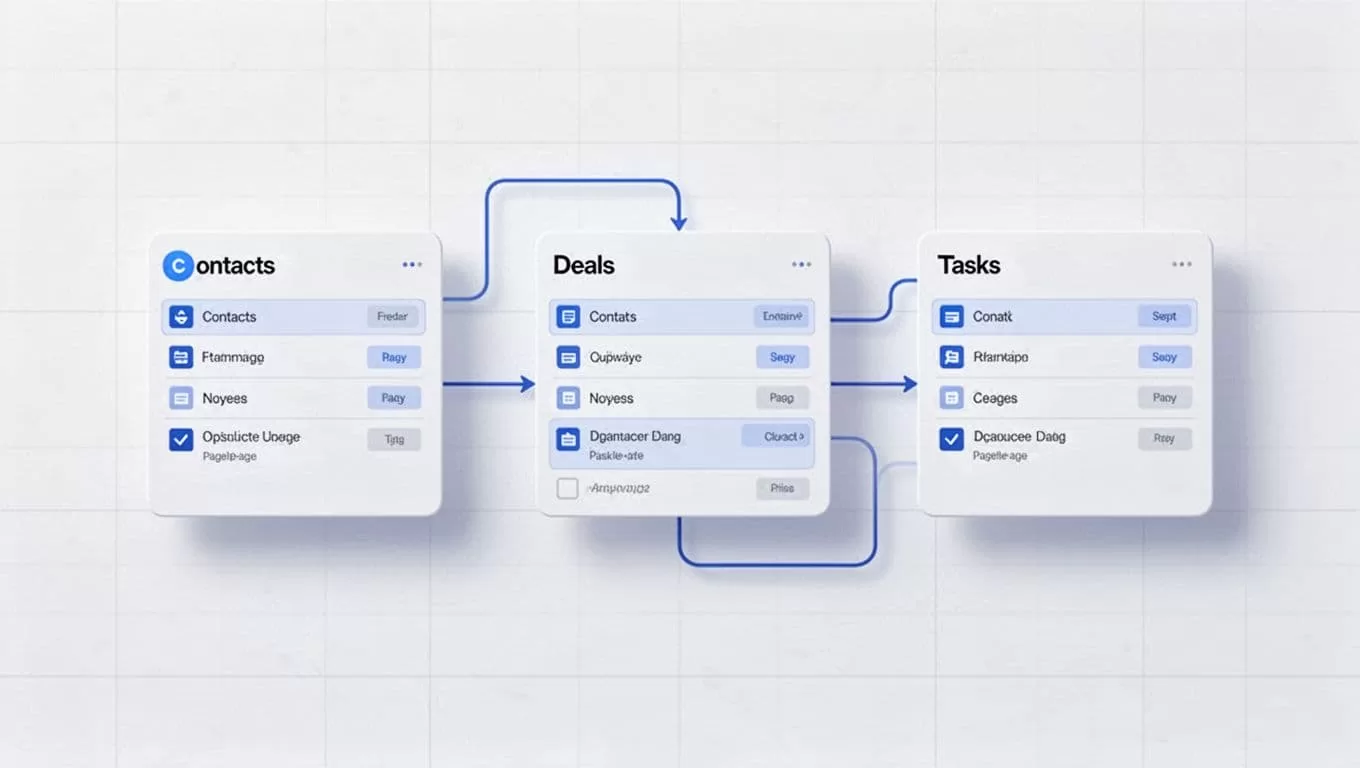
Linked records are the glue in Airtable. They let one table point to another, so I don’t repeat the same company name in five places. That keeps my data cleaner, and it also makes reports easier later.
Here is the structure I use most often:
| Table | What it holds | Starter fields |
|---|---|---|
| Contacts | People I talk to | First Name, Last Name, Email, Phone, Company, Owner, Status |
| Companies | The businesses behind those contacts | Company Name, Website, Industry, Size, Main Contact |
| Deals | Open opportunities | Deal Name, Stage, Value, Close Date, Contact, Company, Next Step |
| Tasks | Follow-up work | Task, Due Date, Priority, Assignee, Linked Deal, Status |
I keep the field names plain. “Next Step” is better than a vague label that only I understand. “Owner” is better than “Person Responsible.” Clear names save time every time I open the base.
If I need call notes, I add an Activities table later. That table can store date, type, notes, and a link back to the contact or deal. I don’t start there unless I know I’ll use it.
If a field doesn’t help me find, sort, assign, or follow up, I leave it out.
That rule keeps the CRM light. It also stops me from building a mini database that nobody wants to update.
Turn the base into a workspace, not a spreadsheet
In 2026, Airtable works best when I treat it like a workspace. I use Views for different jobs, Interfaces for the clean front end, and Automations for repeat tasks. Airtable’s own What’s new page is where I check current feature names, and Airtable AI shows how the product is adding AI tools.
For day-to-day use, I build a few simple views:
- A Kanban view for deal stages.
- A Calendar view for follow-ups.
- A filtered grid for each rep or owner.
- A form for new leads, so data comes in clean.
Then I build one Interface for the team. That way, they see a simple dashboard instead of the raw tables. I can hide extra columns, show a pipeline board, and keep the main screen focused on action.
I hide the backend in Interfaces and give people one place to work.
Automations are where Airtable starts to feel alive. When a deal moves to “Proposal”, I can create a task. When a lead form is submitted, I can assign the record to the right owner. When a deal closes, I can send a Slack note or email reminder. Those small rules save me from doing the same work twice.
I use AI with care. It helps with notes, summaries, and cleanup, but I still check the final result. For a CRM, that balance matters more than flash.
Keep the CRM easy to trust
A CRM breaks down when the names, stages, and owners get messy. So I stick to a few naming rules from the start. I use singular table names, short field names, and one clear stage list.
I also keep the stages simple. For example, “New Lead”, “Qualified”, “Proposal”, “Closed Won”, and “Closed Lost” cover most small sales flows. If I need more detail later, I add it only after the team asks for it.
My weekly cleanup is short:
- I archive closed deals.
- I check for duplicate contacts.
- I update stale follow-up dates.
- I review anything still stuck in one stage.
That routine keeps the base honest. It also makes my reports more useful, because the numbers reflect real work.
Airtable is a good CRM base when I respect its limits. I don’t try to copy a giant enterprise system on day one. I build the smallest version that can survive a busy week.
The best Airtable CRM is the one I can open fast, update without thinking, and trust when I need the next follow-up.

