How I Make SOP Videos for Repeated Team Tasks
Repeated questions drain a team faster than most people admit. I started making SOP videos when I noticed the same steps coming up again and again, from report pulls to handoffs and tool updates. A short recording solves that better than an...

Repeated questions drain a team faster than most people admit. I started making SOP videos when I noticed the same steps coming up again and again, from report pulls to handoffs and tool updates.
A short recording solves that better than another long message thread. It gives people the exact click path, the right order, and a clear example they can replay later.
I still write SOPs for rules and edge cases. However, for repeat work, video often teaches faster and sticks longer. Here’s how I build them so they stay useful instead of becoming another forgotten file.
Why SOP videos cut repeat work
I use SOP videos when a task gets asked about more than twice. That usually means the process is common, but the memory is weak.
Written SOPs are great for policies, names, and exceptions. Video is better when the work lives on a screen. A teammate can watch me move through the steps, hear the reasoning, and pause at the exact moment they get stuck.
That matters most during onboarding. New hires don’t want a wall of text when they’re trying to close their first task. They want a clear path. A video gives them that path without a live call every time.
If a task changes hands often, video saves more time than a polished memo.
I also like the point made in how teams create standard operating procedures using video. The best part is simple. Teams already know how to do the work, they just need a cleaner way to capture it.
My recording setup and file system

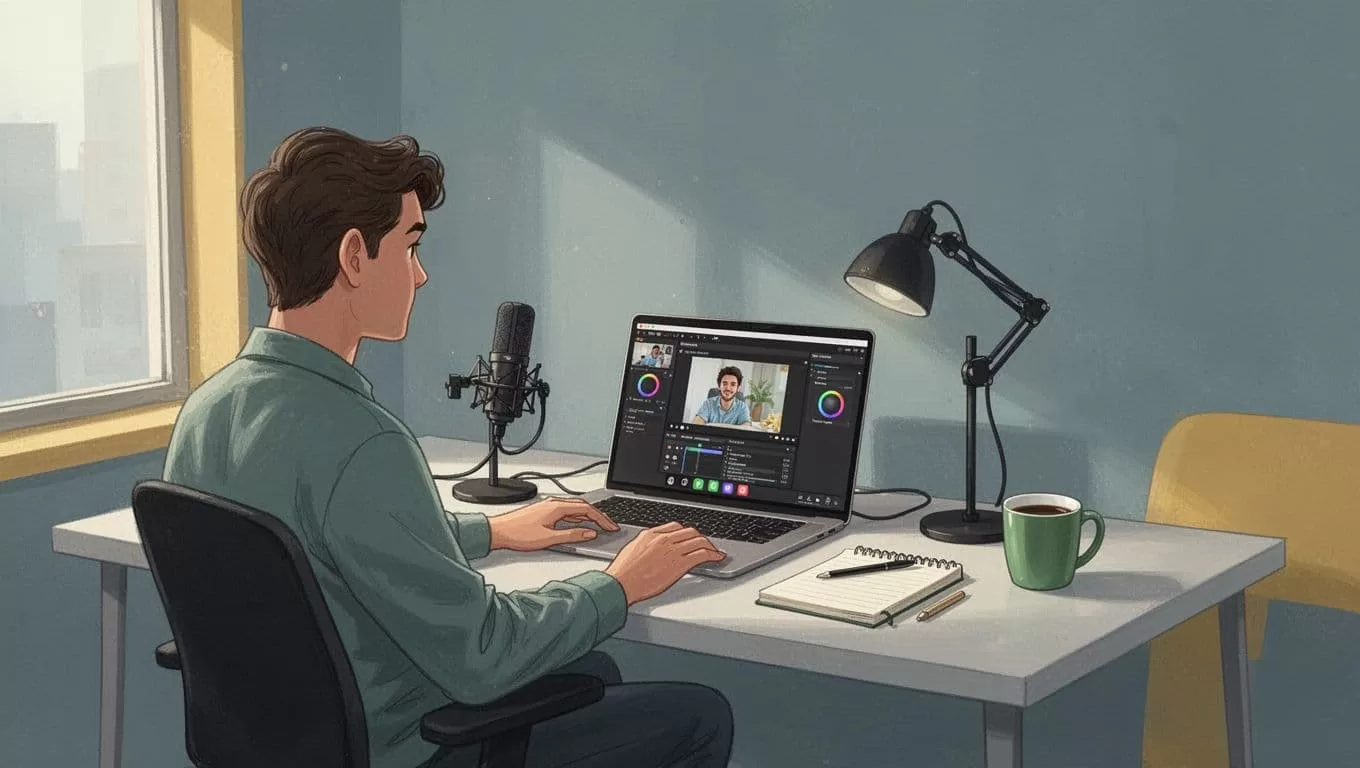
Before I record anything, I set up a simple workspace. I want the process to feel calm, because rushed recording leads to messy SOPs.
I keep my files in Google Workspace shared drives for small teams. That gives me one place for raw recordings, edited clips, transcripts, and the final version. I do not want SOPs scattered across someone’s desktop.
The tools I reach for fall into four groups:
- Screen recorder: I use this for click-heavy tasks, browser workflows, and software walkthroughs.
- Light editor: I trim dead time, fix mistakes, and cut the intro down.
- Transcript or captions tool: I use this so the video is searchable and easier to skim.
- Shared storage: I keep final files in one team folder with a clear name and date.
I do not need fancy gear for most SOP videos. Clean audio and a steady pace matter more than a perfect setup. A basic microphone and a quiet room are usually enough.
My step-by-step workflow for SOP videos
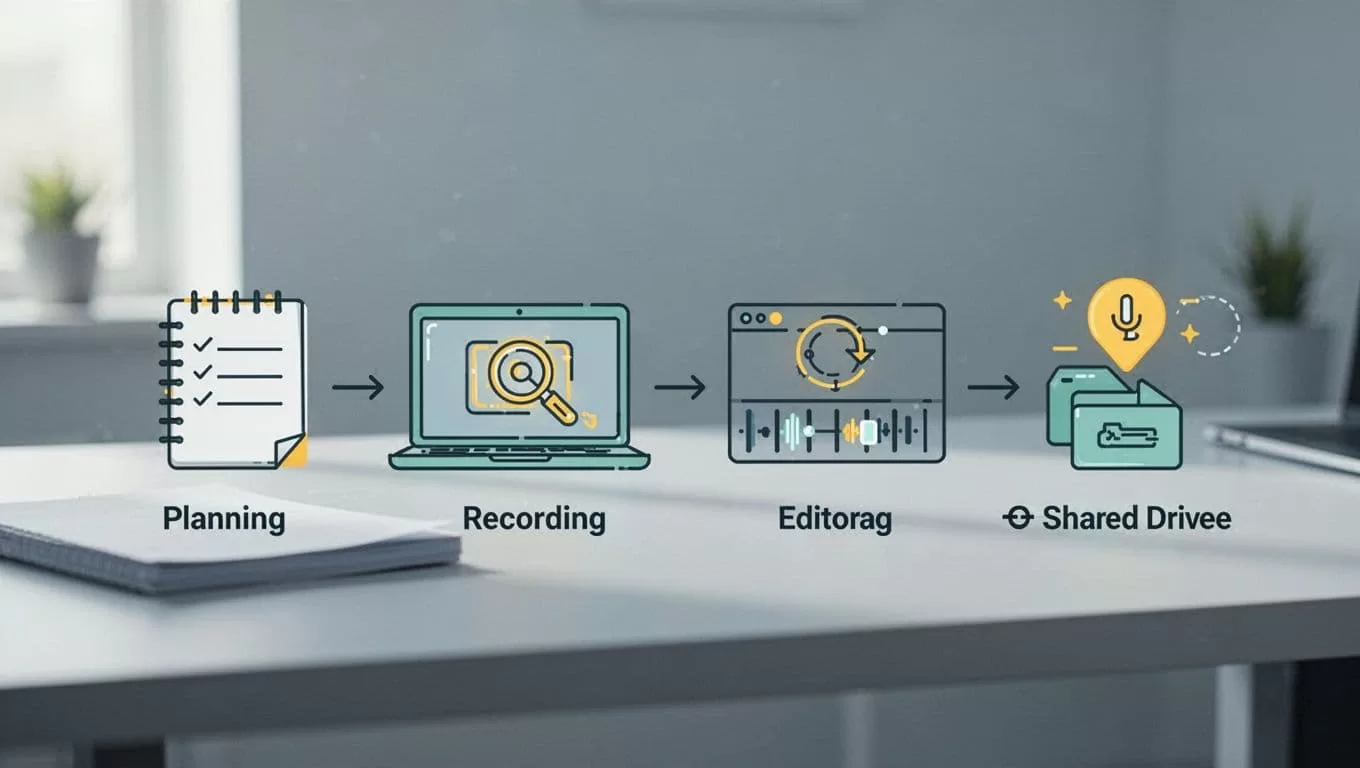
I keep the workflow short on purpose. The faster I can create the first version, the more likely I am to document the next task too. ProcessReel’s guide to creating SOPs fast captures that same idea well.
-
I pick one repeated task.
I do not record a whole department process in one take. I choose one job with one outcome, like “update a CRM field” or “send a client report.”
-
I write a tiny outline.
I only need three parts, the trigger, the steps, and the result. That keeps me from rambling once the recording starts.
-
I record the task live.
I talk through what I’m doing in plain language. If I make a mistake, I pause and start again. Clean takes save time later.
-
I trim it down.
Most SOP videos should stay short. I aim for 2 to 5 minutes. If the video runs longer, I split the process into two parts.
-
I add a label and date.
I include the task name, the owner, and the last updated date. That makes future edits much easier.
-
I store it where the team already works.
The video should sit next to the task, not in a hidden folder no one checks.
I also keep the tone practical. No background music. No long intro. No filler. People want the steps, not a performance.
How I keep videos short, searchable, and easy to update
Raw video alone is not enough. I like SOPX’s explanation of using video you already have for SOPs, because it makes the same point I’ve learned the hard way. A recording becomes useful when people can find it, scan it, and trust that it still matches the process.
| Situation | Best format | Why I use it |
|---|---|---|
| A screen-heavy task | Video first | It shows the exact clicks and order |
| A rule or policy | Written SOP first | People need precise wording |
| A process with exceptions | Both together | Video shows the flow, text covers the edge cases |
| A task new hires ask about often | Short video plus checklist | It cuts repeat questions and speeds onboarding |
The main lesson is simple. Video teaches motion, text protects detail. I use both when the task matters enough to need a backup.
I also make small updates instead of big rewrites. If a button moves, I re-record that section. If a policy changes, I edit the written note next to the video. That keeps the library current without turning maintenance into a project.
I use the same habit in recruitment software workflows, because repeat steps break down in the same way across teams. Once one process is clear, the next one gets easier to document.
What keeps these videos useful is discipline. One task, one recording, one place to find it.
The goal isn’t to build a film library. It’s to create a team memory that doesn’t disappear when someone is out sick, busy, or gone. When I do that well, repeat questions drop, onboarding gets smoother, and the team stops reinventing the same wheel.

