Make Stripe Billing Analytics Clearer with Baremetrics
Stripe gives me the money trail, but it doesn’t always give me the story behind it. When I’m trying to explain why revenue moved, I don’t want to hunt through exports or stitch together half a dozen reports. That’s w...
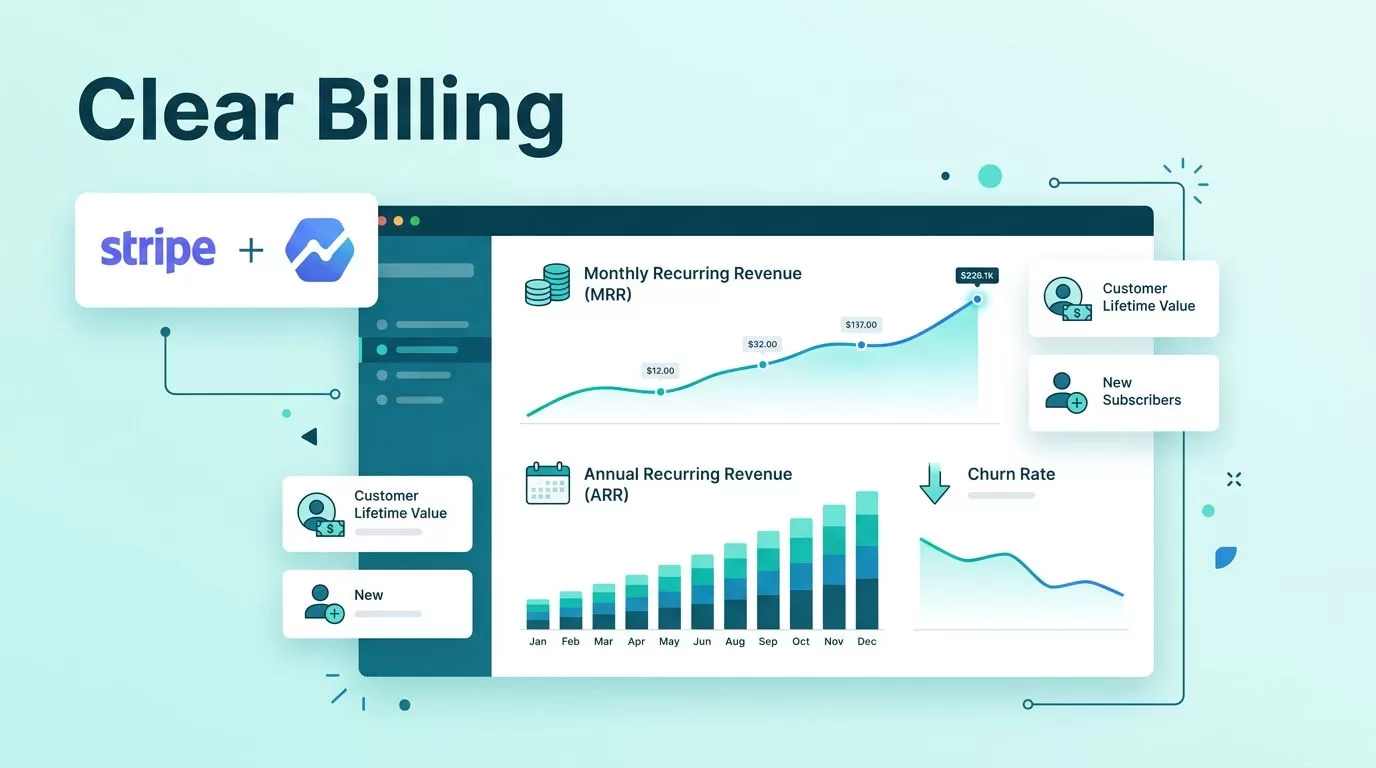
Stripe gives me the money trail, but it doesn’t always give me the story behind it. When I’m trying to explain why revenue moved, I don’t want to hunt through exports or stitch together half a dozen reports.
That’s why I treat Stripe billing analytics as a decision tool, not a monthly report. Baremetrics helps me turn raw subscription data into something I can read fast, share with my team, and act on before the next billing cycle starts.
Turning Stripe Data Into Actionable Intelligence
I start with the basics, because the basics are where most billing reviews go wrong. Stripe is excellent at processing payments, and Stripe’s subscription analytics docs show the core metrics, but I still need a cleaner layer if I want to make weekly decisions without exporting everything into a spreadsheet.
That’s where Baremetrics fits. On its Stripe analytics page, I get a view built for subscription work, not just payment history. I can watch MRR, ARR, LTV, churn, and growth in one place, then break the data down by plan, customer type, or billing pattern.
I usually begin by checking whether the story is new revenue, expansion, churn, or failed charges. If MRR dips, I want to know whether acquisition slowed or existing customers left. If growth looks flat, I want to know whether upgrades are hiding behind weak new sales. That kind of clarity saves time in every review.
I also like to set up a repeatable view early. My own setup process starts with how I connect Stripe to Baremetrics, because a messy setup makes every chart feel suspect later. Once the data is in place, I shape the dashboard around the few numbers I actually use in meetings.
If I’m building a team view, I keep it simple. One screen for revenue movement, one for churn, and one for recovery. Then I add filters so I can answer a plan question without opening another tab. That’s the real value of a strong analytics layer. It turns billing noise into a working map.

Reading Churn Before It Spreads
Churn is a leak, and leaks are easier to fix when I catch them early. If I only watch the monthly churn total, I miss the first crack. A single plan can start slipping long before the aggregate number looks bad.
Baremetrics gives me cancellation insights and customer timelines, so I can see who left, when they left, and what happened before the cancellation. That matters because the reason is rarely random. Sometimes a plan is too small for the job. Sometimes onboarding failed. Sometimes the product promise and the real usage never lined up.
If I only watch total churn, I miss the plan that is leaking first.
I like to segment churn by plan and billing type. Monthly starter plans often behave very differently from annual or higher-value accounts. When I see one tier dropping faster than the others, I know where to look. It might be pricing. It might be support. It might be a feature gap that hurts only one customer group.
This is also where custom views help. I keep my churn view close to my weekly review flow, and I use customizing your subscription metrics view as a reference when I want the dashboard to match the way my team talks about revenue. A good dashboard should answer questions without making me translate the numbers first.
A simple example helps. If trial-to-paid conversion looks healthy but cancellations spike after the second invoice, I stop blaming acquisition. The problem is post-sale. I then check what customers bought, what they used, and whether they got enough value before the renewal date.
That approach gives me a better playbook. I can tighten onboarding, adjust pricing language, or fix a feature gap before churn becomes a habit.

Recovering Failed Payments Without Guesswork
Failed payments are easy to brush aside because they look temporary. In practice, they can hide a big chunk of recoverable revenue. A payment failure is often a card problem, not a customer problem, and Baremetrics helps me tell the difference.
I watch dunning and payment recovery closely because they change the shape of churn. If a failed card gets retried, recovered, and renewed, that money should not show up in my head as lost. Baremetrics gives me a clearer view of how much revenue comes back automatically, so I can judge whether my recovery process is doing real work.
I also use customer history and timelines here. When I can see repeated failed charges, I can separate a one-off issue from a pattern. For example, if a chunk of self-serve customers fails on the same day each month, I look at card expiration timing, retry rules, and reminder flow. If enterprise accounts recover faster than smaller accounts, I know the message or timing may need different treatment.
The goal is simple. I want fewer false exits. That means I care about recovery rate, not just failure rate. I also want to know whether the customer renewed after a nudge or stayed silent after several retries. Those details tell me whether the recovery flow is doing enough.
This is also where I keep an eye on how Baremetrics fits into the wider stack. When I want a broader check on product fit and reporting depth, I revisit Baremetrics platform capabilities. That helps me confirm whether the tool still matches the way my finance and growth teams work.
Failed payments look small until I add them up across a month.
If I get this part right, I protect revenue I already earned. That is cleaner than trying to replace it with new sales.
Seeing Plan-Level Trends and Expansion Revenue
Once churn and recovery are under control, I move to plan-level analysis. This is where Baremetrics becomes more than a billing monitor. It becomes a lens for expansion.
I use customer segmentation to see which plans grow, which plans stall, and which plans quietly upgrade over time. That view matters because the average revenue number can hide a lot. A starter plan may look healthy on its own, but it might produce weak retention and little expansion. A mid-tier plan may look expensive, yet bring the strongest lifetime value.
That is why I care about revenue forecasting too. If the forecast shows a flat quarter, I don’t assume the whole business is weak. I ask whether the problem is new customer volume, upgrade velocity, or renewal timing. Sometimes the answer is right there in the plan mix.
Trial insights help me spot another pattern. If trials are opening but not converting, I look at where people drop off. If they convert but stay on the lowest plan too long, I look at activation and upgrade prompts. In both cases, the same dashboard can show me where the revenue path slows down.
I also keep an eye on expansion revenue inside each account timeline. When an account upgrades after a usage jump, that tells me the product is creating more value. When many accounts expand after the same milestone, I know there’s a common trigger worth reinforcing in the product or the email flow.
For teams that want a clearer operational view, Baremetrics dashboard setup is useful because it shows how I shape the numbers around real decisions. I do not want every metric on the screen. I want the few that point to the next move.

Conclusion
When I optimize Stripe billing analytics with Baremetrics, I stop treating revenue data like a monthly puzzle. I start reading it as a live signal. That shift helps me catch churn earlier, recover more failed payments, and see which plans are driving expansion.
What matters most is clarity. Once I can trust the dashboard, I can make sharper decisions about pricing, retention, and growth without second-guessing the numbers.
If Stripe is the engine, Baremetrics is the instrument panel I actually want in front of me.
