Fast Stripe Skool Integration: My 2026 Setup Guide
You run a Skool community. Members join. But payments? They stall because Stripe setup feels like a puzzle. I fix that fast. In minutes, I connect Stripe Skool integration and watch funds flow. Skool handles payments through Stripe Express....
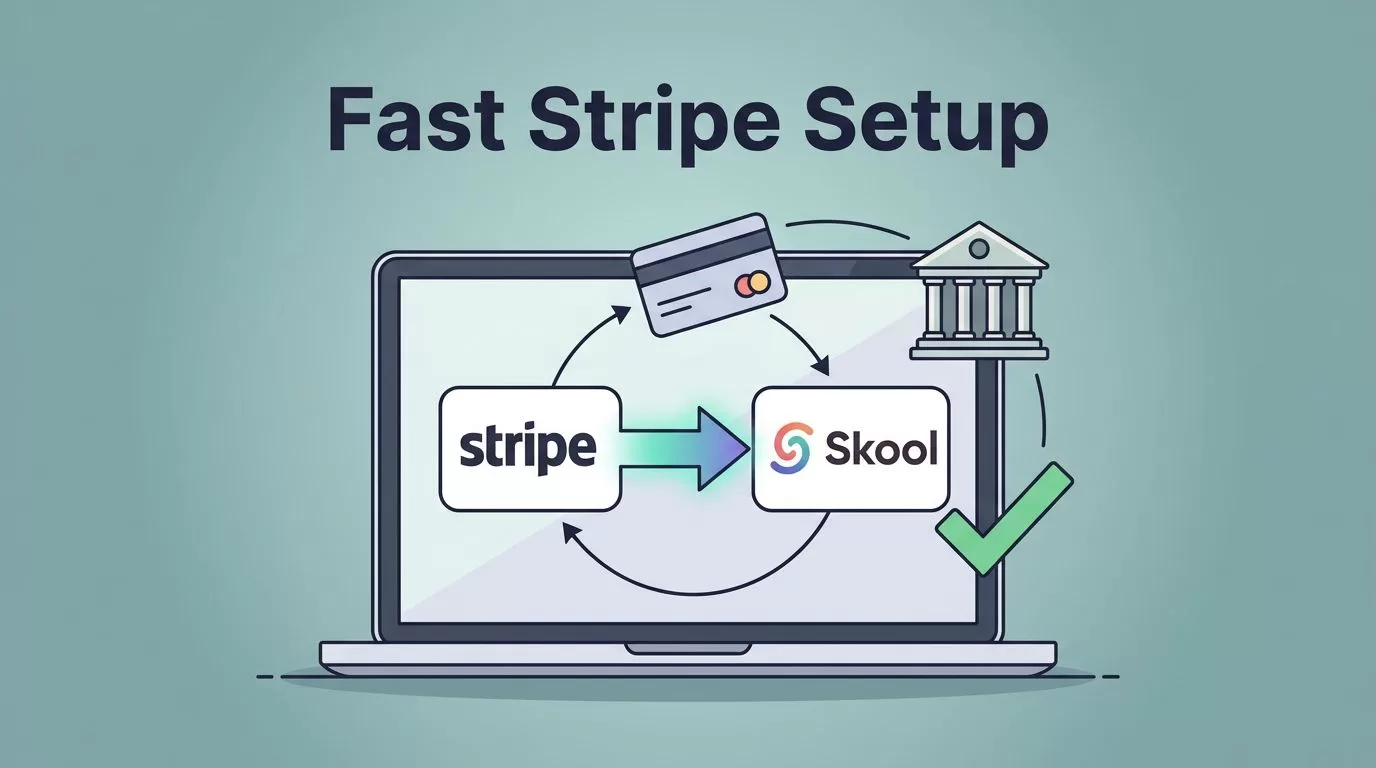
You run a Skool community. Members join. But payments? They stall because Stripe setup feels like a puzzle. I fix that fast. In minutes, I connect Stripe Skool integration and watch funds flow.
Skool handles payments through Stripe Express. It’s simple. No extra tools. Payouts hit my bank weekly. Creators and coaches use this to charge for memberships or courses without headaches.
I walk you through it now. Follow these steps. Your community monetizes today.
Prerequisites for Smooth Stripe Setup
I check basics first. Skool needs an active group. Free or paid plan works. Hobby costs $9 monthly. Pro runs $99. Both support payments.
You need a bank account. Local works best. US users add routing and account numbers. Stripe Express verifies it. Business details matter too. EIN or SSN. Address. ID upload if prompted.
Regional rules apply. Stripe supports 40+ countries. Check Skool’s payments FAQ for your spot. Taxes? Skool collects sales tax where required. You report income.
I skip Zapier or Pabbly. Native works. No fees beyond Skool’s cut. Pro plan drops platform fees to zero. Just Stripe’s 2.9% plus 30 cents.
Test mode helps. Toggle it on. Practice charges without real money.
Setting Up Your Skool Group
I log into Skool. Dashboard loads clean. Groups tab shows my community. Click settings. Payments section sits ready.

Payouts gear icon calls me. Country selector drops down. Pick yours. Continue button glows. Stripe Express onboarding starts.
This isn’t your old Stripe. Skool builds a new one. Links straight to your bank. I enter details. Name. Birthdate. Business type. Sole trader or company.
Bank screen follows. Sort code. Account number. Confirm. Submit seals it.
Skool’s subscription setup guide matches this flow. Last update: January 2026. No big changes since.
I link this to Skool monthly fees setup in my other posts. It auto-charges members clean.
Connecting Stripe Express Step by Step
Steps stay tight. I follow order. Miss one, delays hit.
First, settings gear in payouts. Country choice. Continue.
Stripe screen pops. Business info fills fast. Legal name. Address. Tax ID.
ID verify comes next. Passport or driver’s license. Upload snaps it.
Bank connect seals the deal. Routing number. Account. Double-check digits.
Success page shows. Connected badge greens up. Now add prices.
Pricing tab waits. Add price button. Monthly? $49. Annual? $490. Lifetime? $999. One-time courses too.
Save. Description adds value. “Access weekly coaching calls and resources.”
Test mode flips on. Ready for trial runs.
I finish in 10 minutes. Coffee stays hot.
Verifying Your Stripe Skool Integration
Verification locks it in. Dashboard updates. Green checks mark each step.
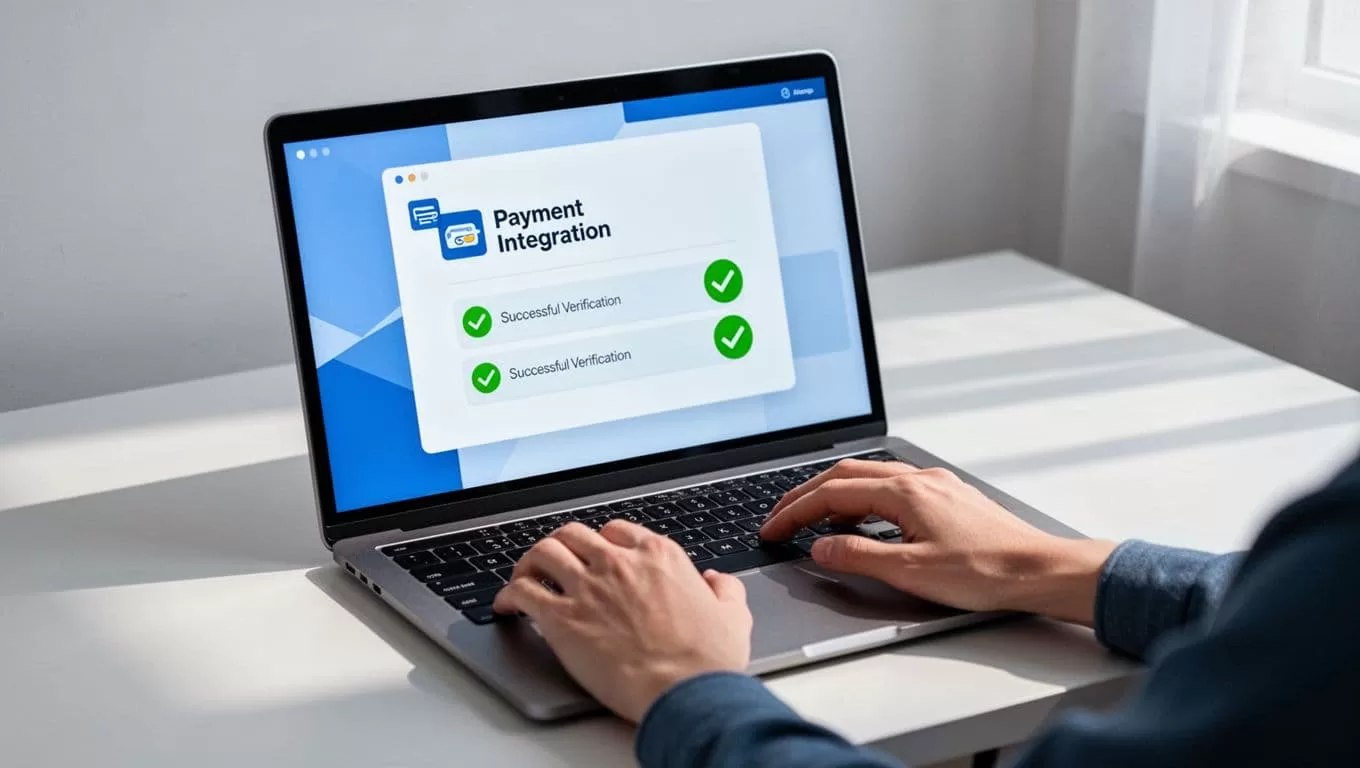
Stripe dashboard links separate. Log in via Skool. See connected account. Balances. Transactions.
May 2026 rules tightened. Company accounts needed fresh docs by May 1. Stripe emails prompts. I upload once. Auto-complies.
Payout schedule sets. Wednesdays roll funds. Minimum $1 hits bank.
Members see checkout smooth. Card fields load. No redirects.
I check Skool community guide for full launch tips after this.
Testing Payments Before Launch
Test mode prevents live flops. I toggle it. Fake card: 4242 4242 4242 4242. Any future expiry. Zero CVC.
Join flow runs. Price page hits. Card enters. Submit.
Success email drops. Member dashboard unlocks. Refund tests too. Settings allow it.
Toggle live. Real card tests small. $1 charge. Confirm receipt.
Analytics track it. Revenue tab counts. Members list shows payers.
Common pitfall: Wrong bank country. Funds bounce. Fix by reconnecting.
I launch after three tests. Confidence builds.
Handling Payouts and Subscriptions
Payouts clock Wednesdays. Stripe batches them. Bank deposit follows next day.

Subscriptions recur automatic. Skool charges cards. Failed? Retries kick in. Email notifies.
Refunds process easy. Member requests. Dashboard approves. Full or partial.
Taxes auto-collect. US sales tax where due. View in Stripe reports.
Best practice: Set tiers. Free teaser. Paid core. Annual discounts pull long-term cash.
Payout holds rare. Disputes pause them. Resolve fast.
I review retaining paying members in Skool for churn tips.
Expect 2.9% fees under $900. Pro plan saves more.
Common Errors and Fixes
Errors pop. I fix quick.
Bank reject? Wrong routing. Re-enter. Contact bank.
Verification fail? Docs expire. Fresh upload.
No payouts? Hold active. Check disputes. Wait seven days.
Card declines? Test mode lingers. Toggle live.
International? Local bank speeds it. Cross-border works via Stripe Treasury.
Stripe emails clues. Skool support chats fast.
Skool’s payout instructions list more.
Conclusion
Stripe Skool integration runs payments smooth. I set it once. Funds flow weekly. Communities grow.
You gain control. Subscriptions stick. Refunds handle easy. No tool stack.
Start now. Your bank thanks you Wednesday.
