Telecom teams don’t need another dashboard. They need fewer manual handoffs between network events, customer requests, billing records, and field work. Telecom automation becomes useful when it closes those handoffs, not when it only produces another alert.
Twin.so can give operations leaders a structured way to model repeatable work, assign actions, and keep exceptions visible. It doesn’t need to replace every OSS or BSS platform. It needs to coordinate the work those systems leave between teams.
Why Telecom Automation Needs a Workflow Layer
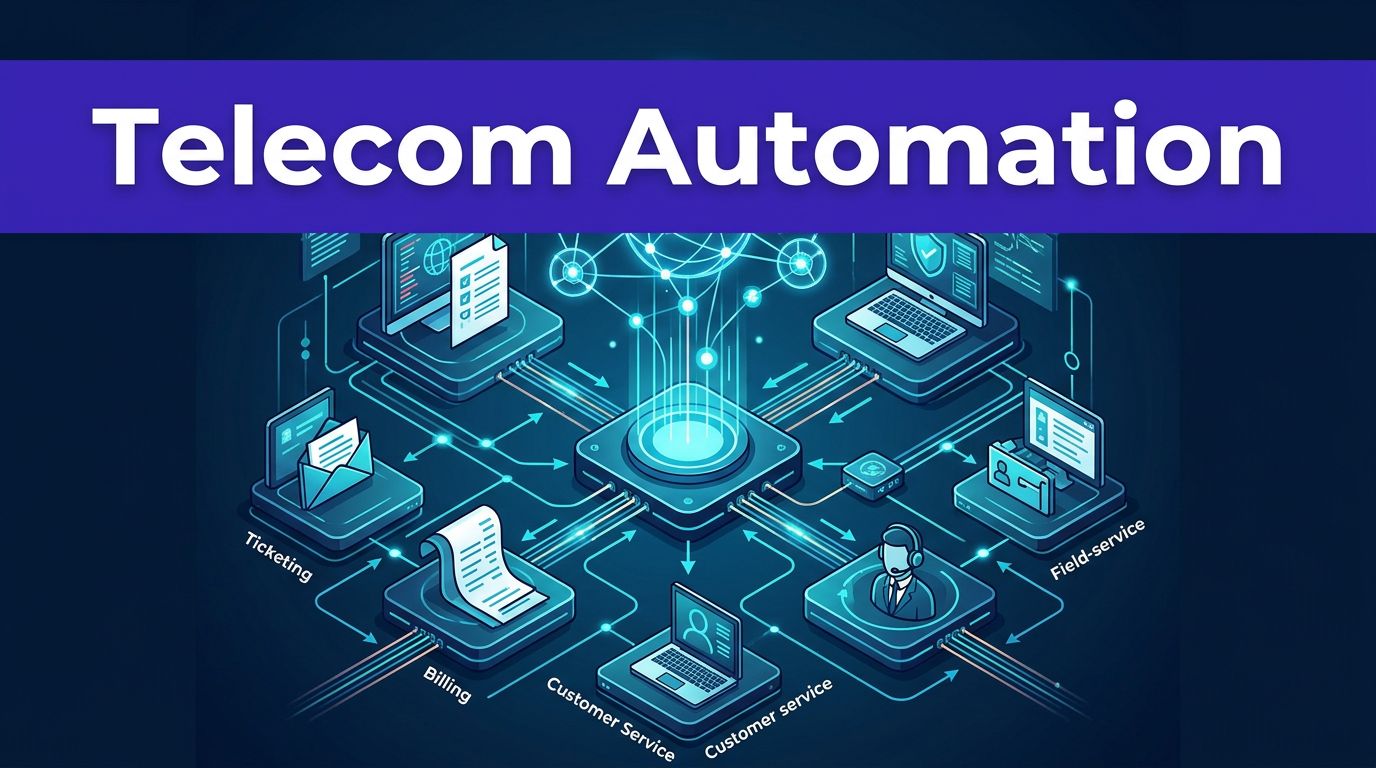
Telecom operations depend on several systems at once. Network monitoring detects an issue. Inventory stores asset data. CRM records the customer relationship. Billing tracks charges. Ticketing and workforce tools manage follow-up work.
The problem is rarely a lack of data. The problem is what happens next.
A network alert may require a ticket, an impact check, a customer notification, an engineer assignment, and a resolution update. If each step depends on a person copying information between systems, the process slows down and errors increase.
Scripts can handle narrow tasks. They don’t always handle changing conditions, approval requirements, or incomplete records. A workflow layer adds the missing coordination. It defines the trigger, checks the required data, applies the decision rules, and routes the result to the correct system or employee.
Telecom operators already use dedicated workflow products for parts of this process. For example, TimelyBill’s telecom workflow software focuses on no-code process maps for telecommunications businesses. A platform such as Twin.so can be assessed in the same operating context, as a way to organize business actions around existing systems.

A useful workflow has three paths:
- The normal path handles predictable work without manual intervention.
- The approval path sends sensitive actions to an authorized employee.
- The exception path stops the process when data is missing or a rule fails.
That structure matters. Automation should reduce repetitive work without hiding decisions that still require human judgment.
How Twin.so Supports Telecom Automation
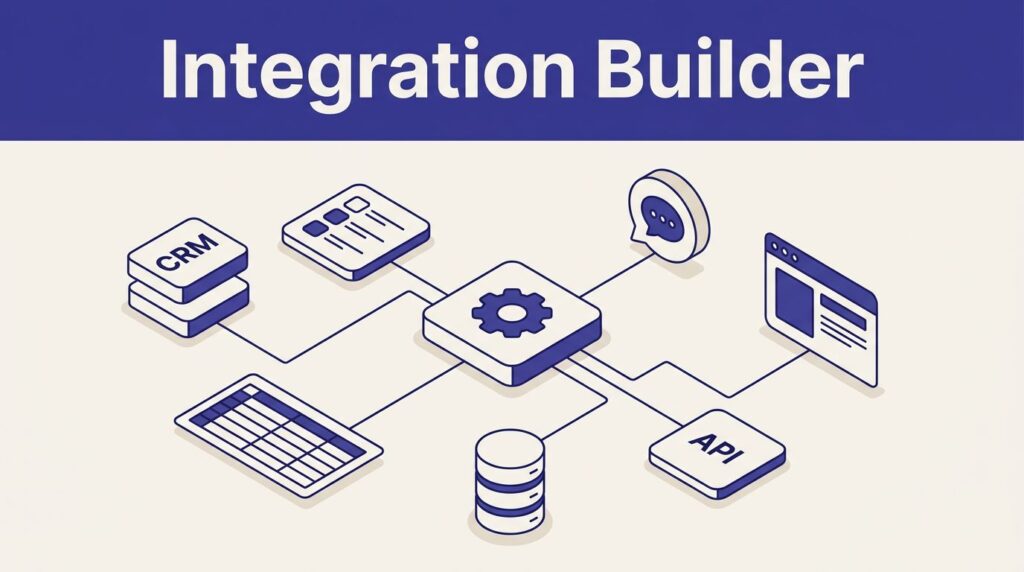
Treat Twin.so as a workflow coordination layer, not as a replacement for every telecom platform. Amdocs and Netcracker may continue to manage BSS and OSS functions. ServiceNow may manage IT service workflows. UiPath or Blue Prism may handle desktop-based tasks. Cisco NSO or Itential may support network infrastructure automation.
Twin.so has a clearer role when it connects the steps around those systems. The exact role depends on its available connectors, APIs, permissions, data-handling controls, and workflow features. Confirm those capabilities before committing to production use.
Model the full process, not one task
Start with a workflow that has a clear trigger and measurable outcome. A service activation process is a better starting point than a broad goal such as “automate network operations.”
Document the current process in plain language:
- A completed order enters the queue.
- The system checks service availability and customer details.
- The workflow confirms required approvals.
- Provisioning work is sent to the appropriate system.
- The result is recorded in the order and ticket records.
- Failed actions move to an exception queue.
Twin.so can then be evaluated against each step. Can it receive the trigger? Can it access the required data? Can it call the approved action? Can it return a reliable status? Can it stop safely when a condition fails?
Keep human approvals in the design
Not every telecom action should run without review. A customer credit adjustment, mass service change, network configuration update, or high-impact outage notice may require approval.
Set approval points before you build the workflow. Define who can approve an action, what information they need, and what happens if they reject it. This prevents automation from turning unclear ownership into a faster version of the same problem.
Telecom CRM platforms also show how broad these workflows can become. Creatio’s telecom automation offering includes sales automation, order fulfillment, and customer process management. That range is a useful reminder to map the complete business process instead of automating a single handoff in isolation.
Start With High-Value Telecom Workflows
The first automation should remove repeated manual decisions. It should also have a reliable source of input and a clear owner.
Use these workflows as starting points.
- Service qualification and order handoff can check address data, plan eligibility, required documents, and installation conditions before sending the order to fulfillment. Missing information should return to the sales or service queue with a clear reason.
- Provisioning exception management can monitor failed activation steps, collect the error details, create or update a ticket, and route the case to the correct network team. The workflow should avoid repeated retries when the same condition keeps failing.
- Customer onboarding can confirm identity checks, contract status, equipment requirements, and installation appointments. The process can send approved updates while keeping unresolved cases with an employee.
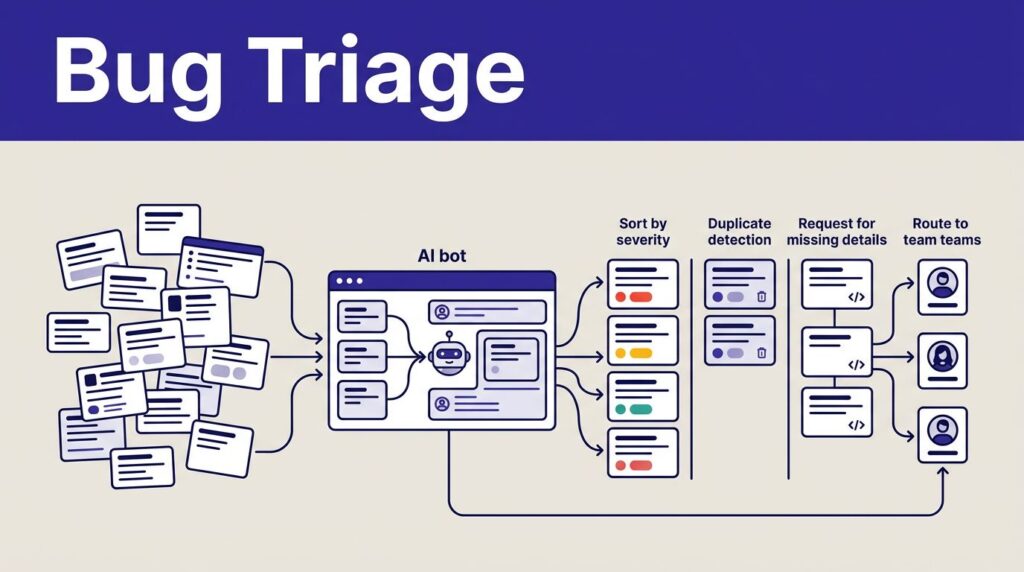
- Network incident triage can combine an alert with asset data, customer impact, location, and recent changes. The workflow can set severity, open a case, notify the assigned group, and escalate when response time passes a defined threshold.
- Field service closeout can check technician notes, photos, test results, and equipment changes before closing the job. If a required item is missing, Twin.so can return the work to the technician or supervisor rather than closing an incomplete record.
Geographic network data adds another layer to deployment work. IQGeo’s geospatial task automation software connects tasks to a network model for telecom and utility work. When reviewing Twin.so, check whether it can work with the location, asset, and task data your field process already uses.
Customer communications are another possible area. A workflow can classify a request, gather account context, and route it to a service path. AI tools are also being evaluated for replacing parts of legacy IVR systems, as shown in this overview of AI automation tools for telecom IVR. Keep the first release narrow. Automate routing and information gathering before attempting unsupervised customer resolutions.
A Practical Twin.so Deployment Plan
1. Choose one process with a hard business boundary
Select a workflow that starts and ends in systems you control. Good candidates have high volume, repeated steps, and visible delays.
Avoid starting with a process that spans every department. A narrow activation, provisioning, or incident workflow gives the team a manageable test.
2. Map the current process before changing it
Record each input, decision, system update, approval, and failure condition. Include the manual work that people perform outside the official process.
This step exposes hidden dependencies. An employee may be checking a spreadsheet, sending an email, or looking up a network asset before taking the next action. Those steps must be documented before they can be automated.
3. Define the data contract
List the fields Twin.so needs at each stage. Include customer identifiers, order status, service address, asset ID, ticket number, priority, and approval state where applicable.
Set rules for missing or conflicting data. A workflow should not guess when two systems show different service statuses. It should stop, record the conflict, and send the case to an owner.
4. Build the normal path and exception path together
Do not postpone exception handling. It often determines whether the process can run safely in production.
Create test cases for failed API calls, duplicate orders, expired approvals, missing customer information, unavailable equipment, and repeated network errors. Assign each failure to a team with a response target.
5. Roll out in controlled stages
Start with observation or approval mode. Let the workflow identify the next action while employees confirm the result. Then automate low-risk steps and keep high-impact actions behind approval gates.
Track changes between versions. Keep a rollback procedure. Give operations staff a way to report incorrect routing or missing context without bypassing the workflow.
Before deployment, review Twin.so’s access model and integration support with your technical teams. If you need an external planning discussion, you can Book A Call to review the workflow scope and implementation requirements.
Control Access and Measure Results
Telecom workflows handle customer data, service details, billing information, and network records. Access should follow the least-privilege model. Each workflow should use only the data and actions required for its task.
Require clear ownership for credentials, approvals, workflow changes, and exception queues. Keep audit records for automated decisions and system updates. Review retention requirements before sending customer or network data into any automation environment.
Security review should happen before a pilot, not after a production incident. Ask how data is stored, how access is restricted, how activity is logged, and how administrators can disable a workflow. Confirm the answers with your security and compliance teams.
Measure the process before automation. Then compare results after the workflow runs under controlled conditions.
| Metric | What to measure |
|---|---|
| Order cycle time | Time between order creation and completion |
| Manual touches | Number of employee actions per case |
| Exception rate | Share of cases that leave the normal path |
| Provisioning rework | Activations that require correction or repetition |
| SLA adherence | Cases completed within the required service window |
| Cost per case | Labor and system cost for each completed workflow |

Use network automation platform reviews to compare adjacent tools, but don’t select a platform by category name alone. A network automation product, an RPA tool, and a workflow coordination platform solve different parts of the operating model.
The strongest business case usually comes from fewer manual touches, faster exception handling, and more consistent service delivery. Revenue claims should come later unless the workflow directly affects order completion or customer retention.
Conclusion
Telecom automation works when it connects real operational steps. Twin.so can fit that role when your team uses it to model repeatable workflows, coordinate existing systems, and route exceptions to the right people.
Start with one process, define its data and approval rules, and measure the baseline before changing it. Keep OSS, BSS, network, CRM, and workforce systems in their proper roles.
The goal isn’t to automate every decision. The goal is to remove avoidable manual work while keeping important decisions controlled, visible, and accountable.