How Twin.so Can Automate Trademark Monitoring
Trademark monitoring gets difficult when filings increase across multiple jurisdictions, classes, and brand variations. Manual searches miss updates, create duplicate work, and leave legal teams with inconsistent records. Twin.so can automa...

Trademark monitoring gets difficult when filings increase across multiple jurisdictions, classes, and brand variations. Manual searches miss updates, create duplicate work, and leave legal teams with inconsistent records.
Twin.so can automate parts of this process through browser and API workflows. It can collect filing data, compare records against defined rules, and send alerts to email, Slack, or Google Sheets. It doesn’t replace a dedicated trademark watch service or attorney review. It gives your team a repeatable operating layer around the monitoring process.
What Twin.so Can and Cannot Do for Trademark Monitoring
As of August 2026, Twin.so’s public use cases focus on business automation, competitor monitoring, and price tracking. Its documented workflows allow users to define what to watch, set an update schedule, and receive alerts when meaningful changes occur.
Twin.so doesn’t publicly document a dedicated trademark database, trademark watch product, or legal filing alert service. That distinction matters. Trademark records include legal status, applicant details, classes, filing dates, publication events, and opposition deadlines. A generic monitoring agent can’t determine the legal significance of every record without clear data rules and human review.
The practical use is to treat Twin.so as an automation layer, not as the legal decision-maker. A controlled workflow can:
- Open an official registry or approved monitoring source.
- Retrieve new filings and status changes.
- Extract important fields into a structured record.
- Compare names, owners, classes, and jurisdictions.
- Send potential matches to a review channel.
- Store the original source and timestamp for later verification.
This structure follows the same operating pattern Twin.so uses for competitor and price monitoring. You define the watch list, identify meaningful changes, select a schedule, and route results to a system your team already uses.
An automated alert identifies a record for review. It doesn’t establish infringement, likelihood of confusion, or the correct legal response.

How to Monitor Trademark Filings Automatically With Twin.so
Start with the source. For United States filings, use the USPTO’s official trademark records as the source of record. For international coverage, identify the relevant national or regional office, or use a specialist provider that aggregates filings across multiple offices.
Source selection affects the quality of every alert. A page that updates once a month won’t support a workflow that claims to provide daily monitoring. A source that hides key fields behind manual searches may also require more browser actions and produce less reliable records.
Define the filing fields you need
Don’t ask an automation agent to “find similar trademarks.” That instruction is too broad. Define the fields the workflow must capture:
- Mark name and any available design or stylized description.
- Applicant or owner name.
- Filing number and filing date.
- Jurisdiction and classification details.
- Goods or services description.
- Current status and recent status change.
- Source URL and collection timestamp.
Store each value separately. A structured record makes it easier to filter results, correct mistakes, and compare a new filing with an existing portfolio. It also gives attorneys the evidence they need to verify the underlying record.
Set similarity rules around business risk
Exact-name matches are easy to identify. The harder cases involve similar spelling, pronunciation, meaning, or commercial use.
Your workflow should separate high-confidence matches from weaker results. For example, an identical mark in the same jurisdiction and related class may require immediate review. A similar word in an unrelated class may belong in a lower-priority queue.
Include owner and goods or services data in the comparison. A name-only rule creates excessive noise. A rule that combines the mark, classification, applicant, and jurisdiction gives reviewers a more useful starting point.
Build a Reviewable Alert Workflow
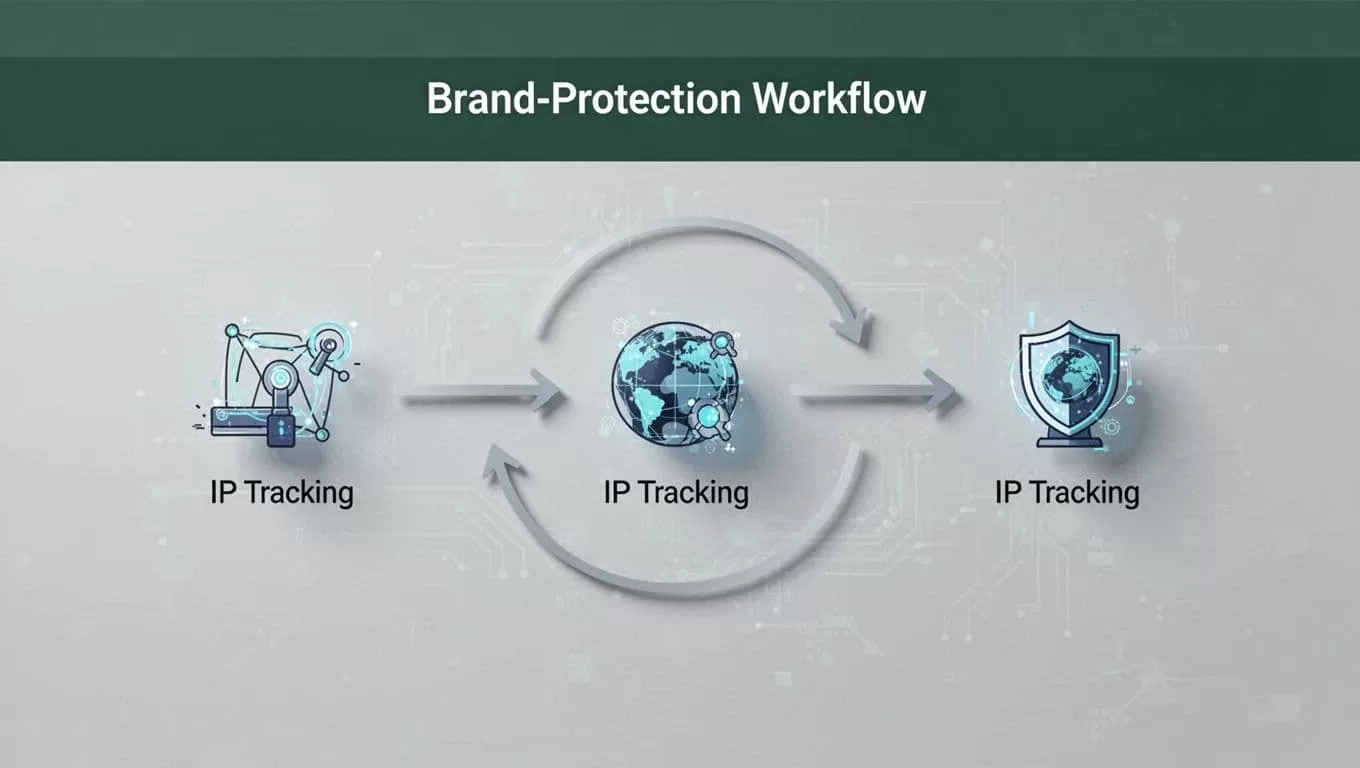
The workflow should move information through clear stages. Keep collection, comparison, alerting, and legal review separate.
- Collect the record. Twin.so retrieves the filing or status update from the approved source.
- Validate the result. The workflow checks that the page belongs to the correct jurisdiction, includes the expected fields, and represents a new or changed record.
- Normalize the data. Store names, dates, classes, status values, and URLs in separate fields. Keep the original record unchanged.
- Apply match rules. Compare the filing against approved marks, watch terms, owner names, and relevant classes.
- Route the alert. Send high-priority results to the legal team. Send lower-confidence results to a review sheet or secondary queue.
- Record the decision. Store whether the result was relevant, dismissed, escalated, or sent to outside counsel.
A useful alert contains enough information to support the next action. Include the mark, applicant, jurisdiction, filing number, similarity reason, source link, and collection time. Avoid alerts that only say “possible match found.”
The reviewer should be able to open the source record and confirm the result without rebuilding the search manually. That requirement reduces wasted time and creates a defensible record of what the system found.
Automated alerts support trademark monitoring, but they don’t replace legal advice. A qualified trademark attorney should review potential conflicts, assess priority and relatedness, evaluate opposition or enforcement options, and advise on deadlines.
Configure Twin.so With Restricted Access
A trademark workflow may need browser access to registry pages, a data source account, and an alert destination. Give the agent only the permissions required for those tasks.
Use a restricted account when possible. Don’t connect a workspace that contains unrelated client files, financial information, or confidential case material. If the source supports an API, use the API instead of browser automation. APIs usually provide more stable fields and fewer page-navigation failures.
Twin.so’s documented monitoring patterns support scheduled checks and alert delivery through channels such as email, Slack, and Google Sheets. Select the channel based on the review process. Email may fit a small legal team. Slack may work for rapid triage. Google Sheets may be better for a shared review queue.
Set a realistic schedule. Daily checks may fit active U.S. filing watch lists. Weekly checks may be enough for lower-risk marks or jurisdictions with slower publication cycles. Don’t create hourly alerts if the source only changes once per day.
Add failure handling before you activate the workflow. The system should stop when:
- The source page is unavailable.
- Multifactor authentication blocks access.
- The expected filing fields are missing.
- The page returns a duplicate or old record.
- The workflow cannot identify the jurisdiction or reporting period.
The failure message should name the source, failed step, time, and affected workflow. “Task failed” doesn’t give an operator enough information to fix the issue.
Know When to Add Specialist Trademark Software
Twin.so can reduce browser work, but it shouldn’t carry every trademark function. A specialist system may provide broader office coverage, similarity analysis, docket management, watch reports, and deadline tracking.
For example, Alt Legal’s trademark docketing software is built for intellectual property portfolio management and connects with more than 180 IP offices according to its product information. A directory from the Legal Technology Hub’s trademark management section can help teams compare docketing and portfolio tools.
Use specialist software when your team needs validated office data, built-in legal deadlines, evidence packages, or a formal docket. Use Twin.so when you need to connect a source to internal systems, automate repetitive browser steps, or route information into an existing operational process.
The two approaches can work together. A specialist platform can hold the legal record. Twin.so can collect related information, notify stakeholders, or move approved data into a working queue.
Run a Controlled Twin.so Pilot
Don’t begin with every mark and jurisdiction. Start with one brand, one source, and one alert destination.
- Record the existing manual process. Note where staff search, copy data, compare results, and send updates.
- Select a small set of known marks. Include one exact match, one similar mark, and one irrelevant result for testing.
- Define the required fields and match rules. Write them in plain language before building the agent.
- Run the workflow beside the manual process. Compare the records, missed filings, duplicates, and false positives.
- Review every alert with a trademark professional. Change the rules when the workflow produces noise or misses useful context.
- Expand only after the source, alerts, and audit trail perform consistently.
Keep the source record attached to every result. Store the workflow name, run time, source URL, filing number, alert status, and reviewer decision. This record makes troubleshooting easier and gives the legal team a clear history of each monitoring event.
Start a Twin.so pilot with a narrow watch list and a restricted account. Test the workflow against known records before expanding coverage.
Conclusion
Trademark monitoring works best when collection and legal judgment remain separate. Twin.so can automate repetitive browser or API tasks, structure filing data, and route potential matches to the right people.
It doesn’t replace an official registry, specialist watch service, or trademark attorney. Use it to reduce manual searching and create a consistent review queue. A small, well-audited pilot gives you a safer path to broader automated filing monitoring.
