Build Twin.so web datasets faster
Most web data projects don’t fail because the data is unavailable. They fail because collecting it takes too much engineering time. If you need Twin.so web datasets, you can describe the task, set the fields you need, and let a browse...

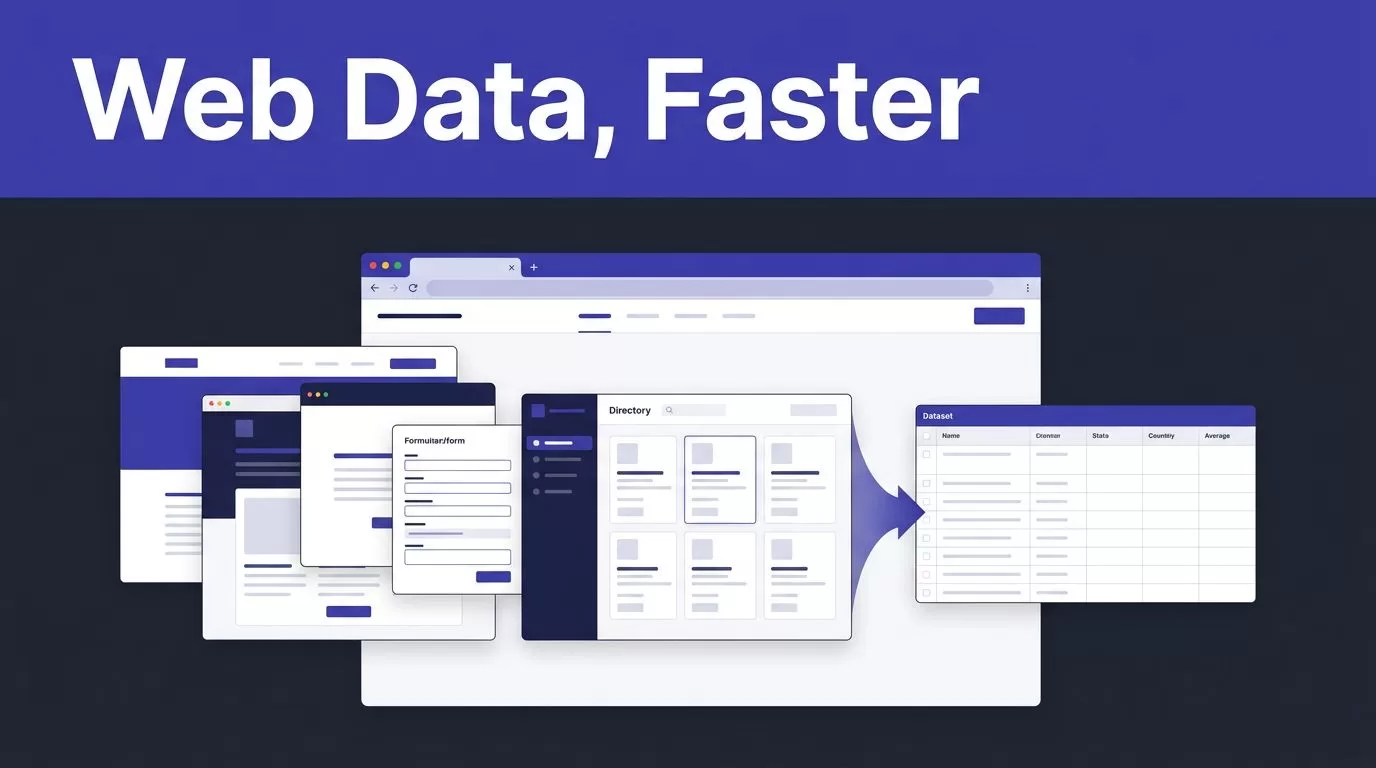
Most web data projects don’t fail because the data is unavailable. They fail because collecting it takes too much engineering time.
If you need Twin.so web datasets, you can describe the task, set the fields you need, and let a browser agent handle pages, forms, dashboards, and directories. Twin combines API-based workflows with browser automation, so you aren’t limited to websites with public APIs.
The result depends on your instructions, source permissions, and data checks. Start with a clear dataset design, then build the extraction workflow around it.
How Twin.so web datasets work in practice
Twin.so positions itself as a no-code AI agent platform for web scraping and data extraction. Its documented capabilities include web scrapers, browser agents, web research, integrations, time triggers, and webhooks.
The platform has two useful operating modes.
API-connected workflows
API integrations are the cleaner option when a source exposes the data you need. An API usually provides predictable fields, defined authentication, and more stable request behavior than a web page.
Use this route when you need to move information between known systems. For example, a workflow can collect a record, enrich it, and write the result into a spreadsheet, CRM, or internal database.
This approach reduces the amount of page interpretation required. It also makes the output easier to validate.
Browser-based extraction
The browser agent handles websites that don’t expose a useful API. Twin’s web agent documentation describes browser actions such as logging in, clicking, filling forms, reading pages, and handling multi-step flows.
That matters when the data sits behind a portal, search form, directory, or dashboard. A traditional scraper often expects a stable HTML structure. A browser agent can follow the actions a human would take, then extract the requested fields.
Twin’s product materials also describe workflows for login-protected pages, pagination, dynamic content, and recurring data collection. Those capabilities don’t remove the need for testing. They reduce the amount of custom browser code you need to write.
A practical Twin.so dataset workflow
Treat the first run as a data pipeline test, not a finished production system. Define the output before you ask an agent to collect anything.

For repeatable Twin.so web datasets, use this sequence:
- Define the schema first. List the fields, field types, required values, and acceptable empty states. A lead dataset might need company name, website, location, contact page, source URL, and capture date.
- Choose the source and access method. Decide whether the workflow should use an API or a browser. Record whether the source is public, requires an account, or contains personal information.
- Write the task in plain language. State where the agent should go, what it should search, which pages it should inspect, and which fields it should return. Include rules for pagination and missing values.
- Run a small sample. Test a few pages before collecting hundreds of records. Check field accuracy, duplicate handling, page selection, and the agent’s behavior when a result is empty.
- Send the data to its destination. Twin describes structured outputs for spreadsheets, documents, and CRMs. Connect the result to the system your team already uses instead of creating a second manual database.
- Schedule only after validation. Time triggers and webhooks can support recurring workflows, but automation should follow a successful sample run. Set a review process for failed runs and changed page layouts.
The instruction needs to be precise. “Collect product data” leaves too many decisions open. “Open each product page, return the title, brand, current listed price, availability, product URL, and capture date, then skip pages without a product record” gives the agent a defined job.
If the workflow also supports recruiting or sales operations, you can Book A Call to discuss the process.
Use cases that justify web dataset automation
Twin is most useful when the data is repetitive, the browsing path has several steps, and a custom scraper would take longer than the project justifies.
Lead research
A growth team can collect business records from public directories, map listings, industry databases, or company websites. The workflow can capture firmographic fields, service categories, locations, contact pages, and source URLs.
Twin’s examples include Google Maps lead collection and CRM routing. Keep the output focused on business data that your team is allowed to collect and use. Add a review step before outreach.
Contact discovery needs extra care. A page may list a general business address, a named employee, or no contact details at all. Set separate fields for each case instead of forcing every result into one column.
Competitor monitoring
Competitor pages change often. A recurring browser workflow can check pricing pages, product catalogs, feature pages, job boards, or public announcements.
The useful output is a dated change record, not a new copy of the entire website every day. Store the page URL, capture date, observed value, and a comparison status. Your analyst can then review actual changes instead of scanning raw pages.
E-commerce catalog collection
Retail and marketplace pages often use filters, pagination, variant selectors, and dynamic content. A browser agent can follow those paths when a simple page request misses important records.
Define the catalog fields before running the workflow. Common fields include product name, brand, category, listed price, currency, availability, rating, review count, variant, and product URL.
Prices need context. Store the capture time and distinguish a sale price from a regular price when the page exposes both. Don’t treat a blank price as zero.
Market research
Researchers can collect public listings, job postings, company descriptions, regulatory records, or category-level product data. The workflow can produce an initial dataset for trend analysis and comparison.
The agent should not replace source review. It can gather records quickly, but analysts still need to inspect sampling bias, duplicate entities, regional gaps, and changing definitions.
Make the output usable, not merely large
A large dataset can still be unusable. The extraction needs a stable structure and a clear quality process.
Twin.so web datasets should include enough context for another person to verify each record. At minimum, store the source URL and capture date with the extracted fields.
Use consistent rules for:
- Empty values, such as
null, “not listed,” or a blank cell - Currency and number formatting
- Country, state, and city names
- Product categories and company types
- Duplicate records across pages
- URLs with tracking parameters
- Dates and time zones
A source URL gives your team a way to check an unexpected value. A capture date shows whether a price, job listing, or competitor claim is current.
Deduplicate using a stable key whenever possible. A product URL may work for a catalog. A company domain may work for lead research. Names alone are weaker because different businesses can share the same name.
Validate a sample after every major workflow change. Check whether the agent selected the right page, extracted the right value, and preserved the expected format. A workflow that returns rows is not automatically a workflow that returns correct rows.
A successful extraction run proves that the agent found data. It doesn’t prove that every field is accurate.
Security, compliance, and tool selection
Authenticated scraping needs stricter controls than public-page collection. Use an approved account, limit access to the required sites, and keep credentials out of task instructions and shared documents.
Twin’s browser workflows are designed to operate websites without APIs, including login-based flows. Read the current web agent guidance before connecting a private portal. Confirm how credentials are stored, who can run the agent, and where extracted data is sent.
Your team also needs permission to collect and use the information. Follow the source’s terms, privacy requirements, contractual limits, and applicable laws. Don’t bypass access controls, paywalls, or anti-bot measures. Avoid collecting personal data unless the project has a documented reason and handling process.
The right tool depends on the workflow:
| Approach | Best fit | Main trade-off |
|---|---|---|
| Twin browser agent | Multi-step pages, forms, dashboards, and no-API sources | Requires clear instructions and run monitoring |
| Custom scraper | Stable schemas, high volume, and an engineering-owned pipeline | Needs code, maintenance, and failure handling |
| Browser extension | One-off extraction from simple public tables | Limited for recurring and authenticated workflows |
| Cloud scraping platform | Scheduled collection with dedicated infrastructure | Usually requires more configuration |
For a quick public-page task, an extension such as Instant Data Scraper may be enough. It uses page structure to identify relevant data and supports quick exports.
For larger engineering-managed systems, review how web scraping tools compare and whether a platform such as Web Scraper Cloud fits your requirements for infrastructure, scheduling, and scale.
Twin is a strong fit when the main cost is workflow construction. Custom code remains the better choice when you need tight control over request behavior, schema enforcement, testing, and long-running volume.
Build datasets around decisions
Twin.so web datasets are useful when they connect directly to a business decision. Lead records should support qualification. Competitor data should show changes. Catalog data should support pricing or assortment analysis. Market research should answer a defined question.
Start with five to ten records. Inspect the output. Fix the instructions and schema before increasing volume. Add source URLs, timestamps, duplicate checks, and a human review rule.
The fastest workflow isn’t the one that collects the most rows. It’s the one that produces records your team can trust and use without rebuilding the pipeline by hand.
Conclusion
Twin.so web datasets can reduce the work required to collect structured information from public and authenticated websites. The platform’s browser agent is most useful for multi-step workflows that don’t fit a basic API call or one-off browser extension.
Define the schema, test a small sample, control access, and validate every recurring run. With those controls in place, Twin can turn repeated web research into a dataset your team can actually use.

